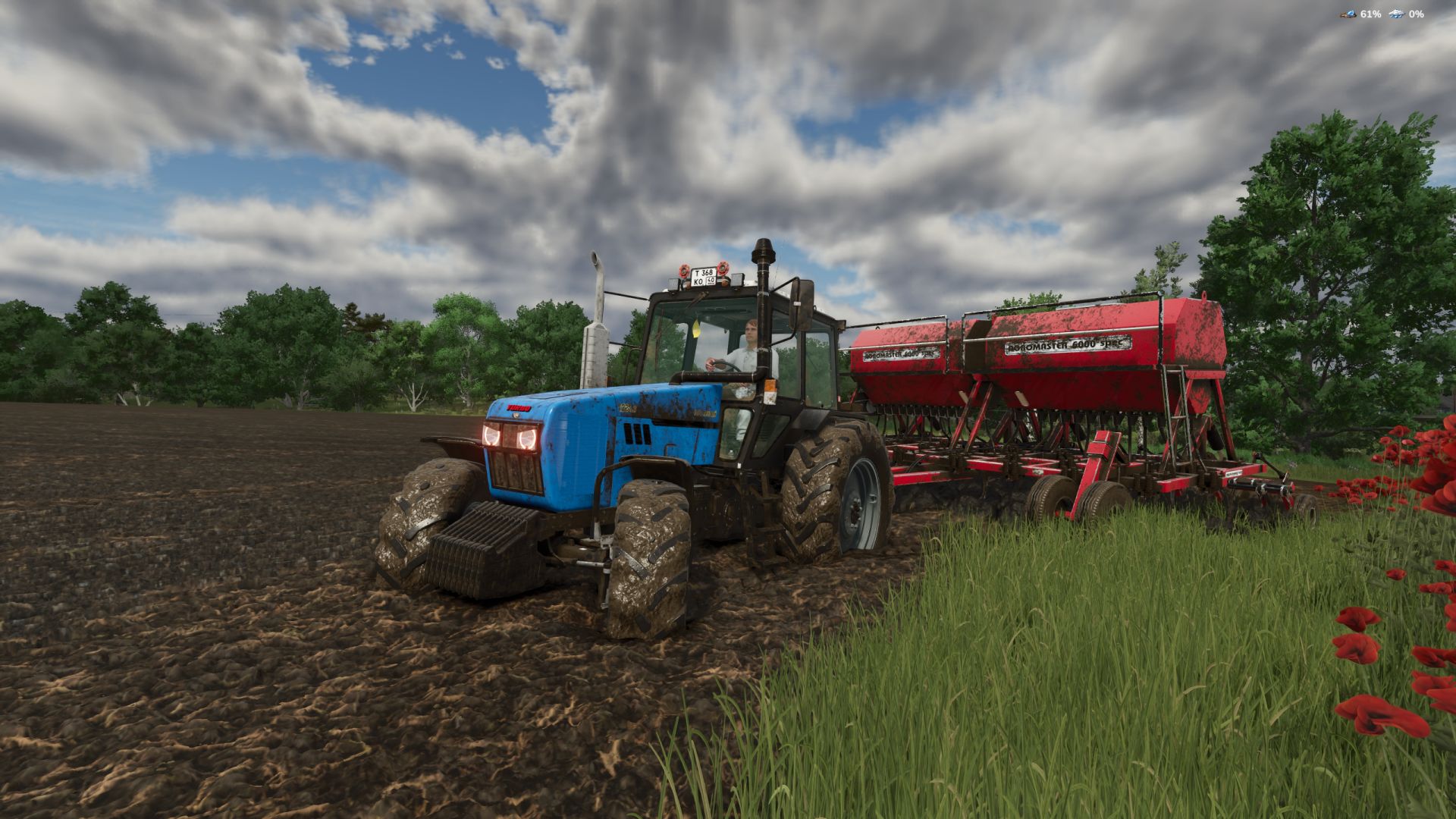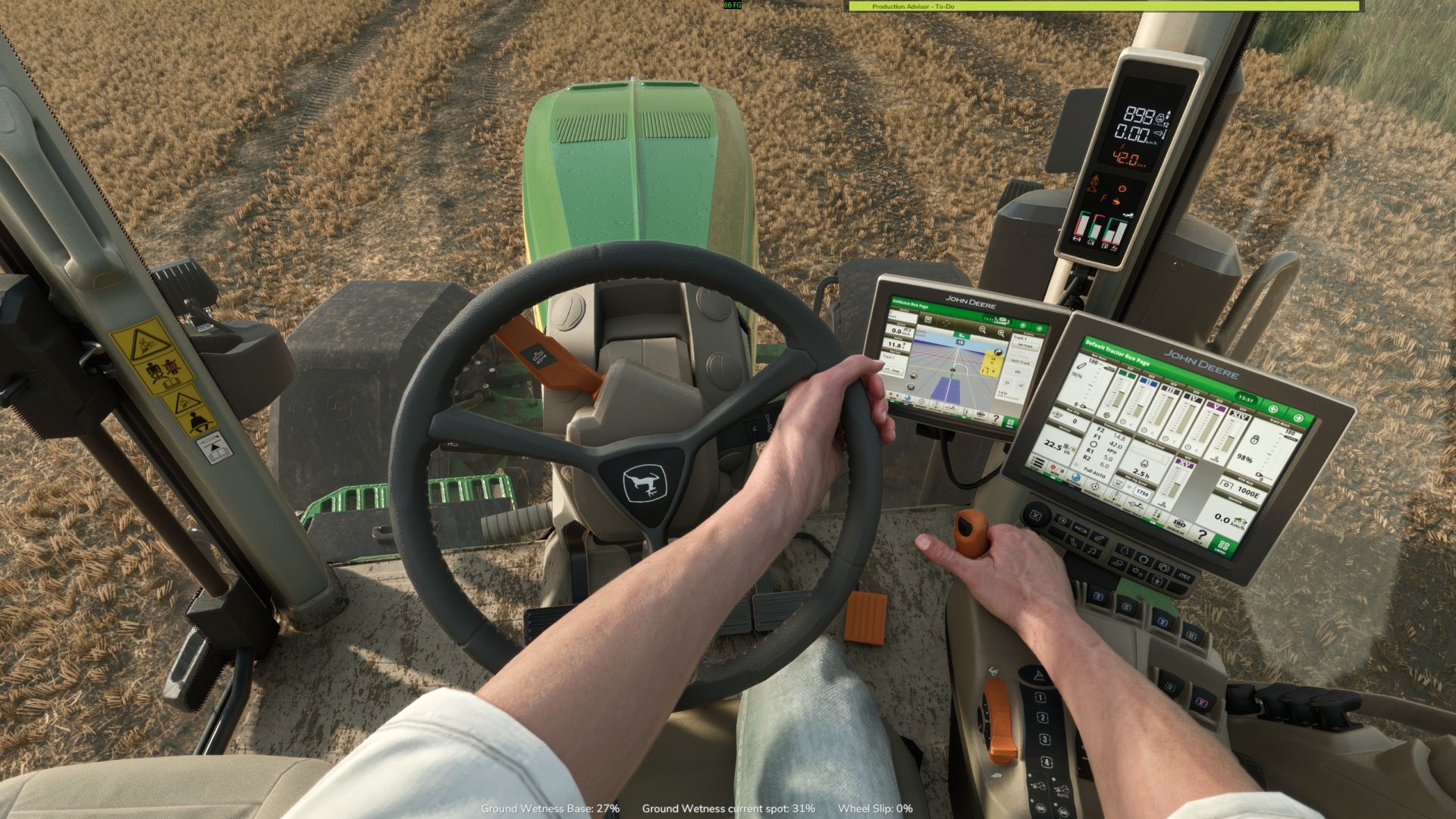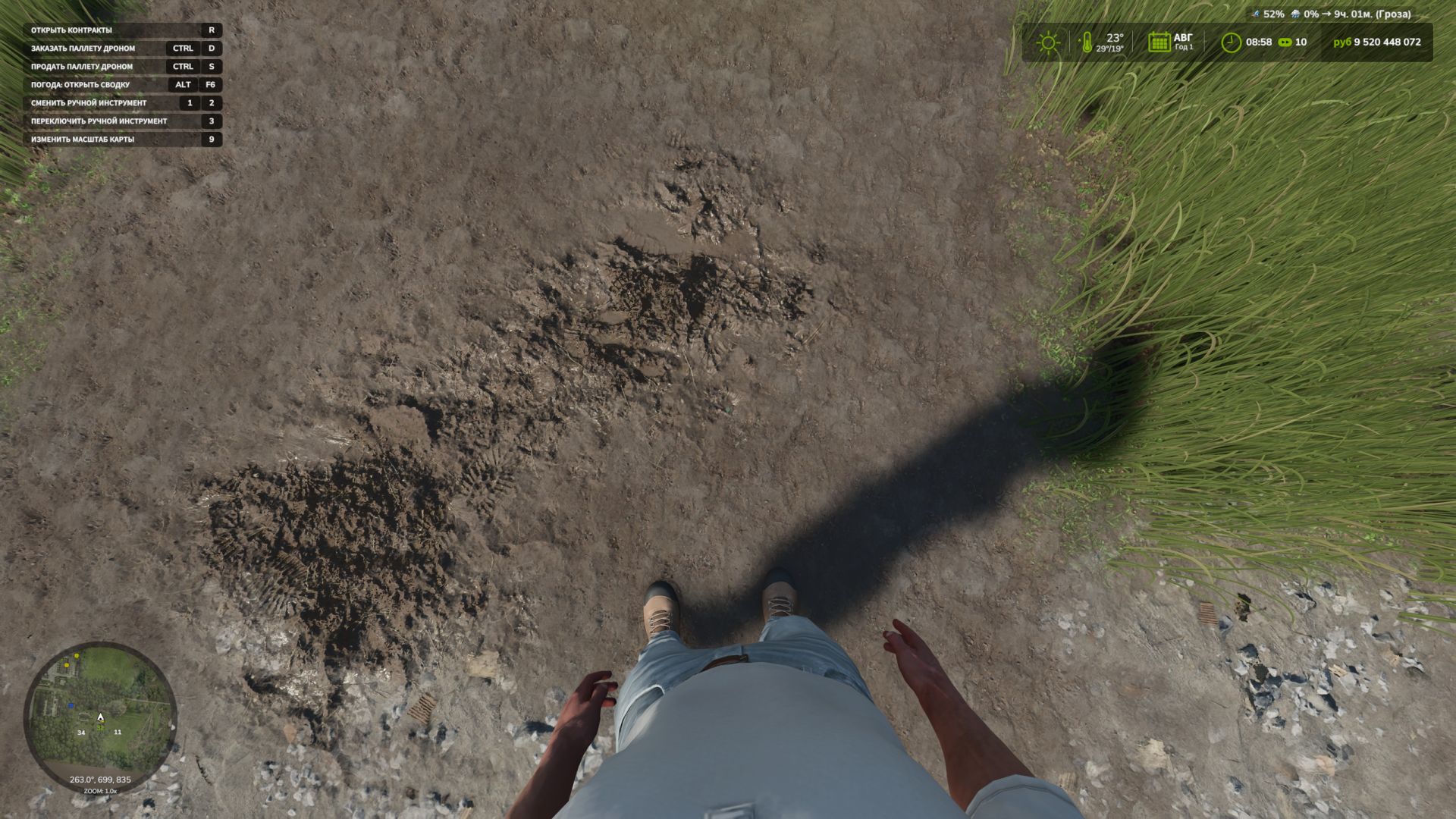
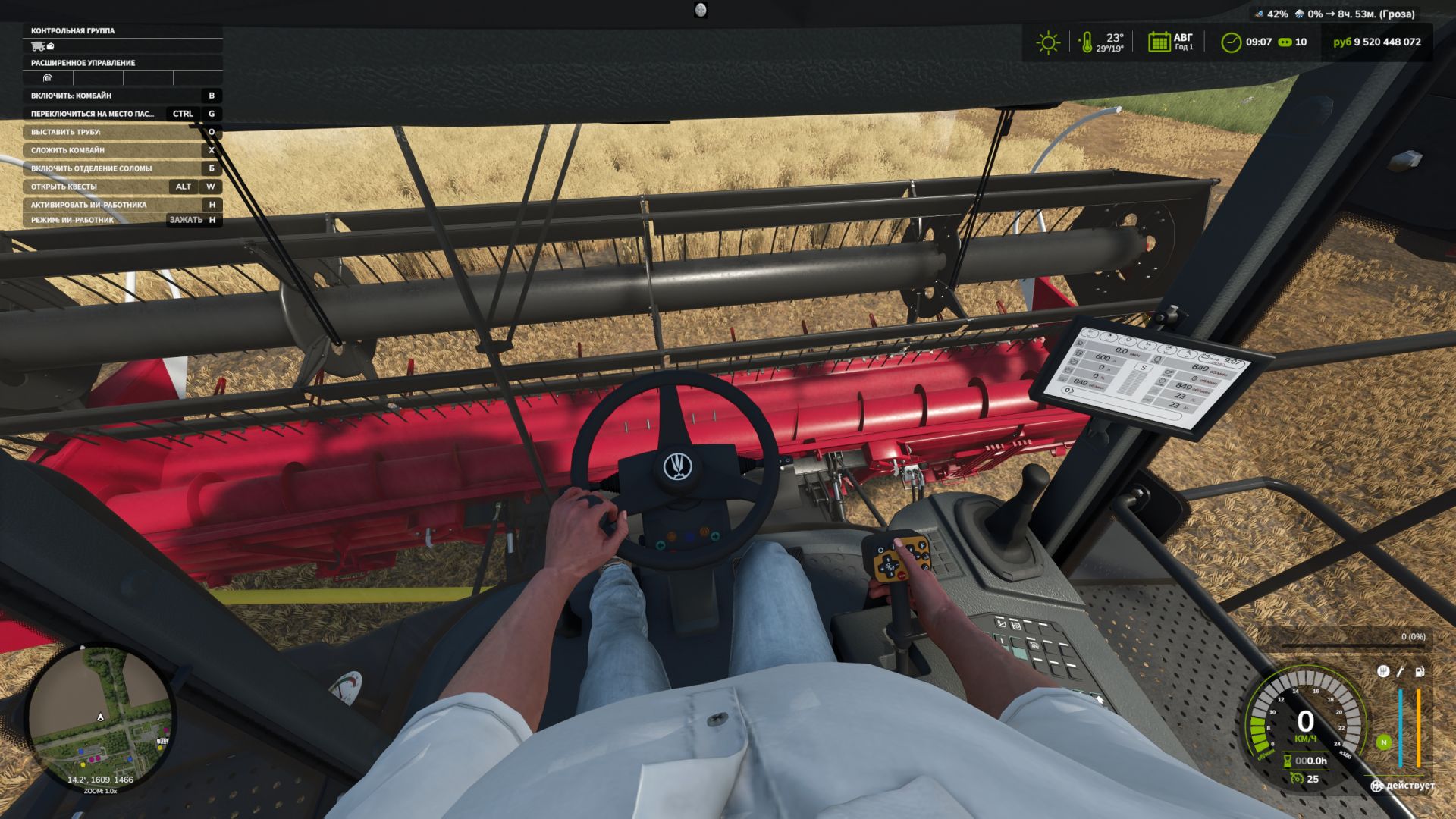
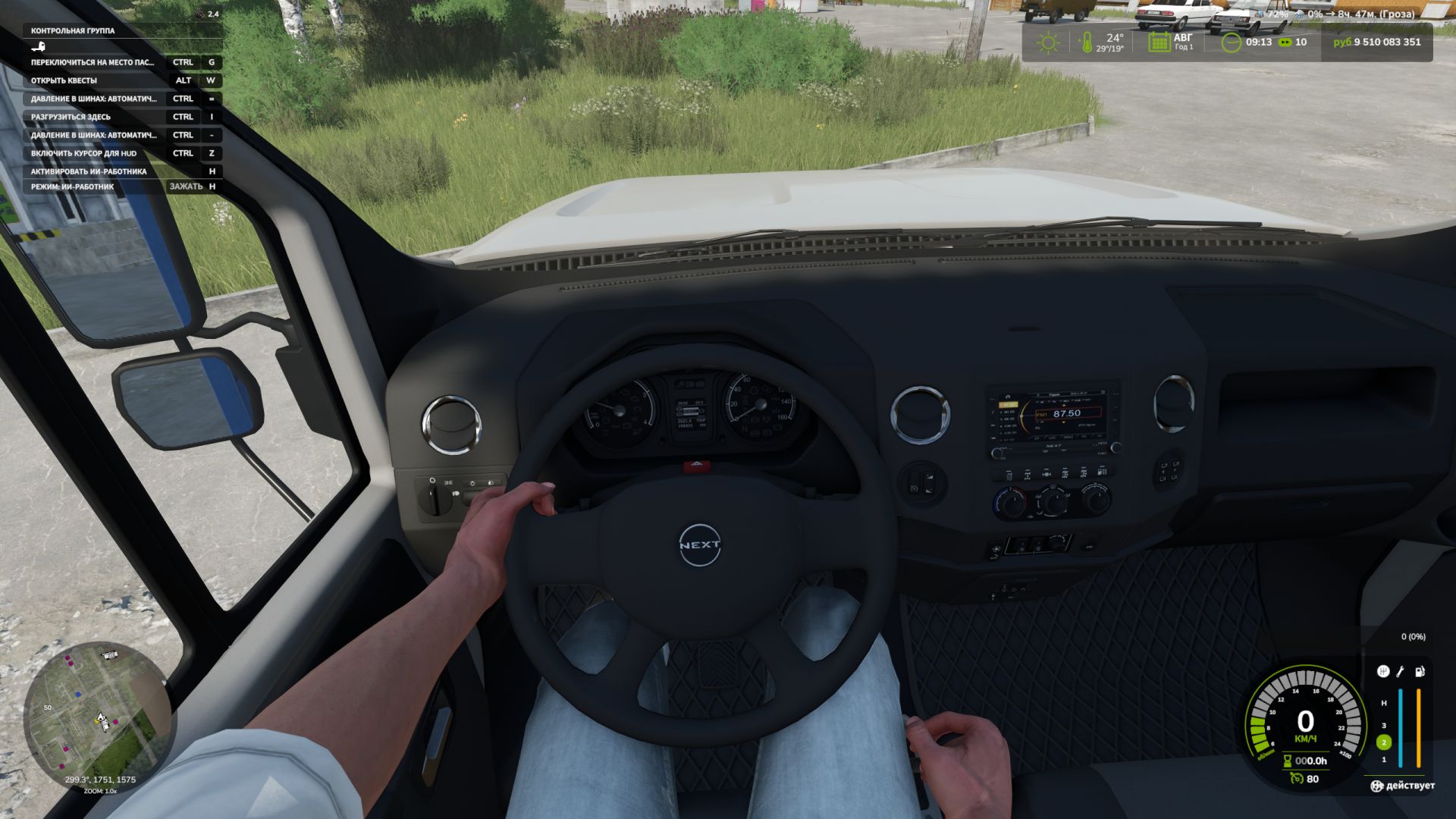

First-Person Player Body adds a "full" character display in first-person mode in Farming Simulator 25.
Now, when looking down, the player can see their animated body, legs and arms, while the character's movements are correctly displayed along with the camera. The head remains behind the camera so it does not obstruct the view, but it still contributes to the formation of the shadow.
The mod also improves the first-person view inside vehicles. When using the interior camera, the default seated driver model is displayed. The camera can follow the eye animation and the movements of the seated character.
The mod settings include:
* On foot
- Player body visibility.
- Camera side-to-side movement.
* In vehicles
- Driver body visibility.
- Camera position — default or eye level.
- Camera following the driver's animation.
- Adaptation to Beam Eye Tracker can be enabled or disabled in the settings.
- New hand-over-hand steering setting, enabled in the settings.
- Added new settings for the mod:
-- Save FOV
-- Set the steering wheel rotation angle in the cab to 150 degrees for all vehicles. (This prevents the hands from twisting.)
-- By pressing RCTRL + R, you can set the steering angle for each vehicle separately.
- Added new settings options. Enable or disable FOV control and enable or disable FOV reset after exiting the vehicle
- Minor fixes
- Added interior cabin zoom or FOV. Adjust with the mouse wheel, press the mouse wheel to reset. (Not tested with other mods that work with FOV; to avoid problems, I recommend not using them.)
- Various minor fixes
- Fixed an issue causing the camera to reset after applying the game mechanics using characterTargetNodeModifier to vehicles.
- Added the ability to move forward and backward using LAlt + Up Arrow (forward) and Down Arrow (backward)
- Fixed an error when saving
- Added compatibility with the FS25_CabView mod
- The default camera position setting in vehicles has been changed to "Eye level" (those who have already used the mod will keep their own settings)
- You can now adjust the height of the character's fifth point while sitting in a vehicle, thereby lowering or raising the bone; the skeleton depends on where the character's buttocks are located. (The controls can be assigned in the settings; by default, RCTRL + the up and down arrow keys on the keyboard)
- Translations have been moved to separate files
- French, German, Polish and Czech translations have been added