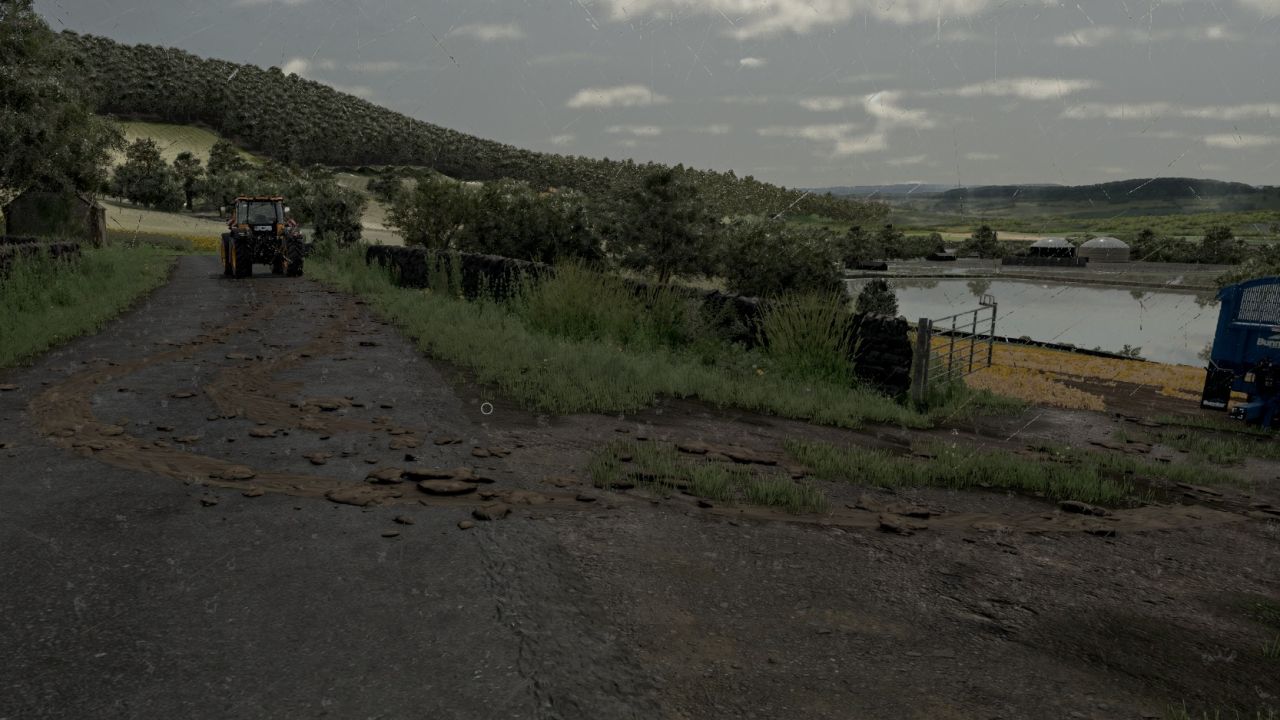

MUD ON THE ROAD
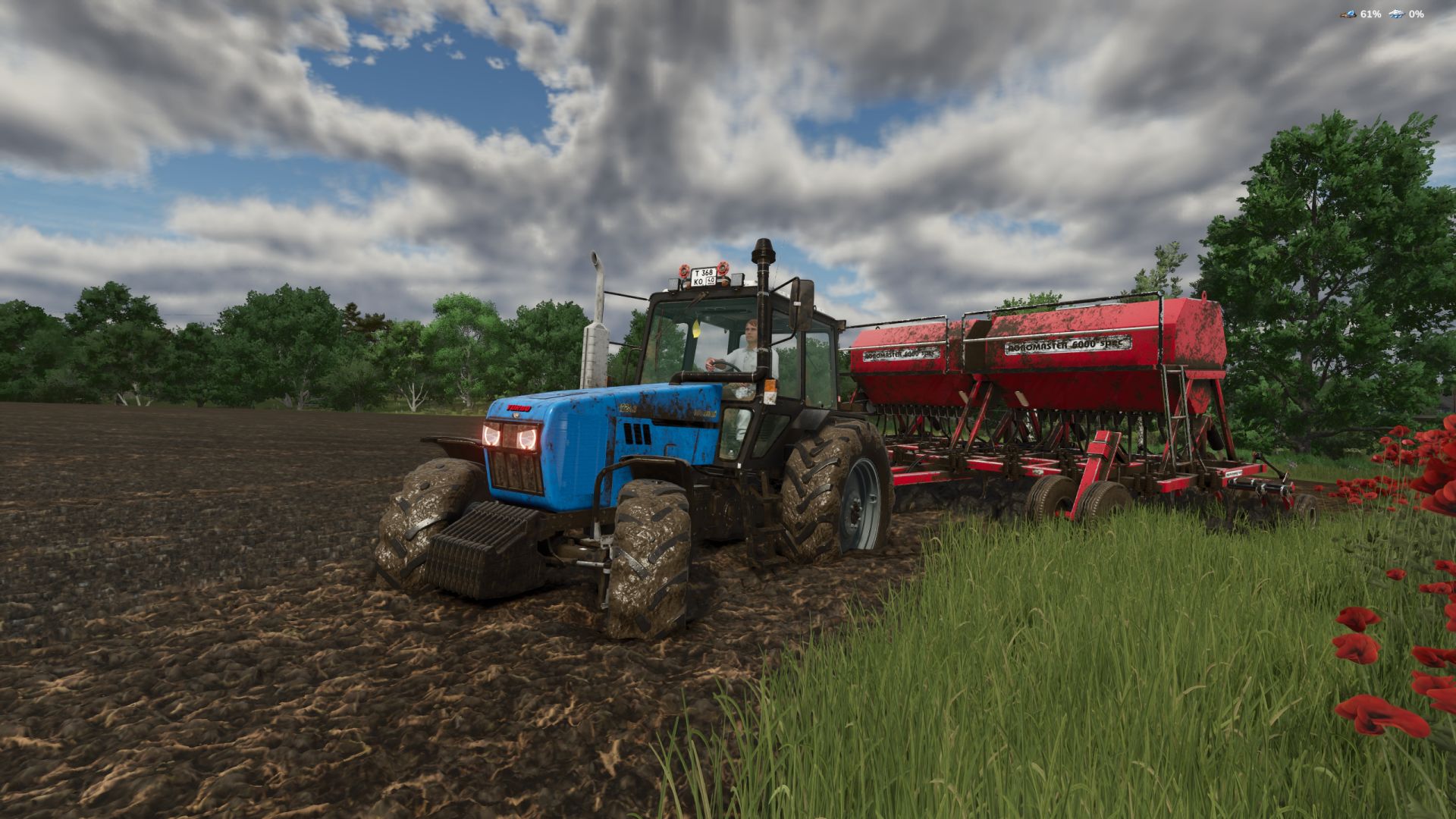
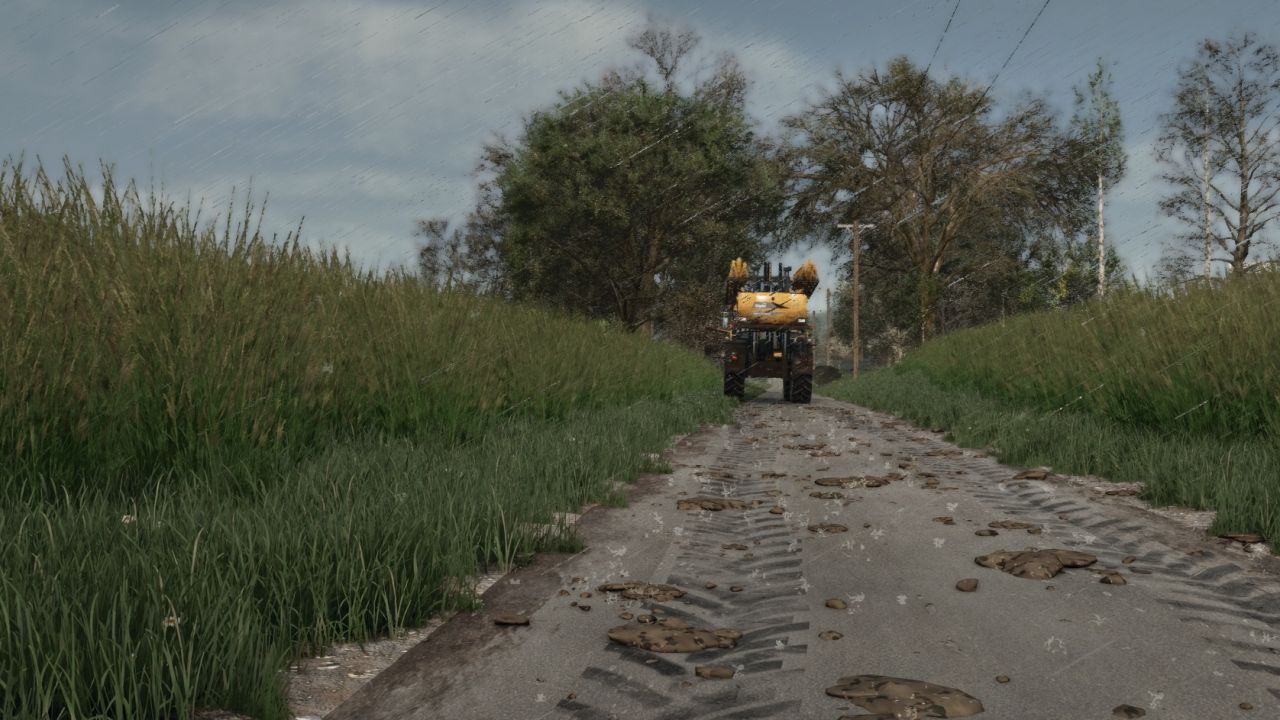
- Tyres only drop mud when there is real mud on them - the mud the game shows on your tyres after field work. Clean or washed tyres leave nothing.
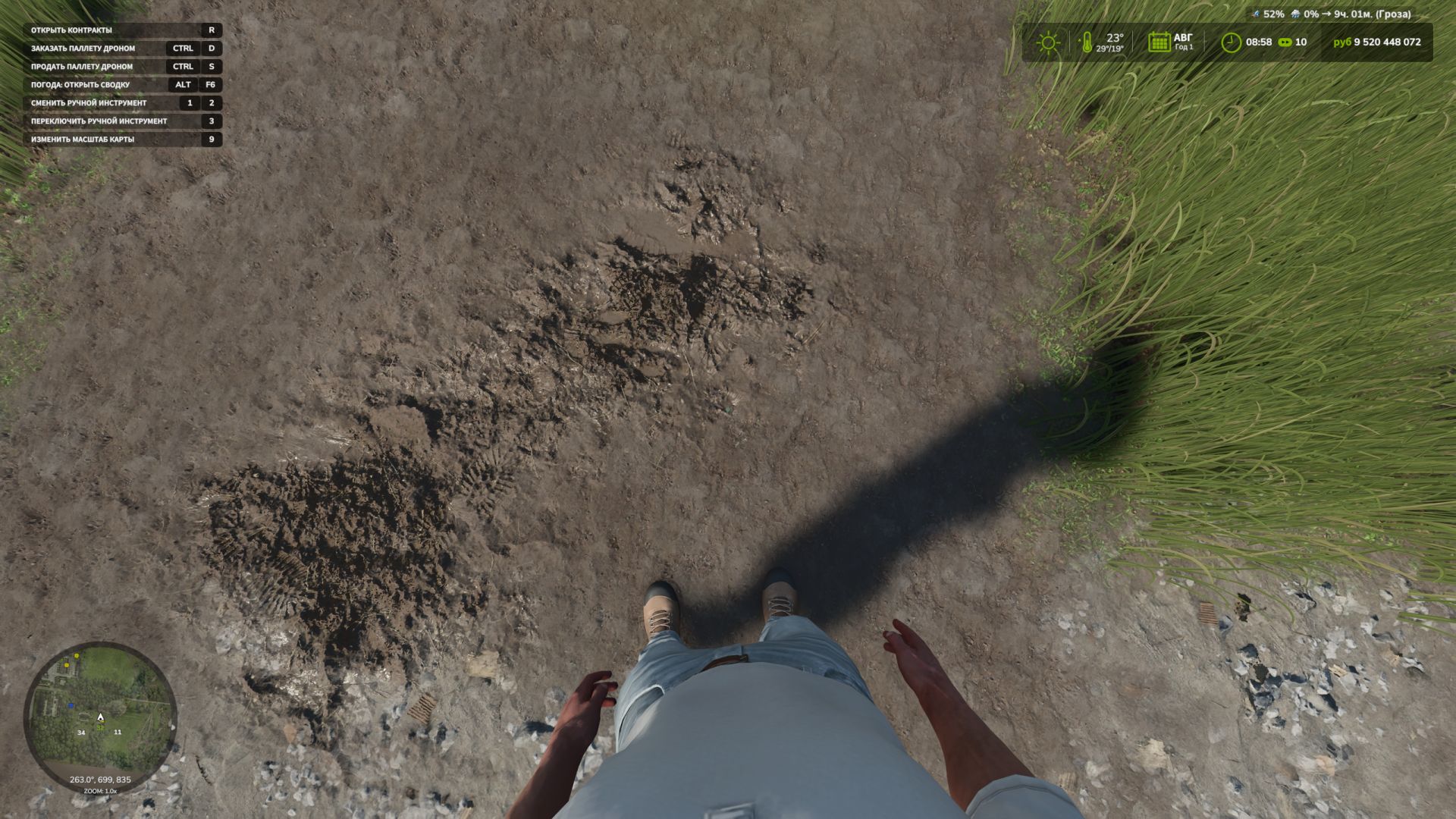
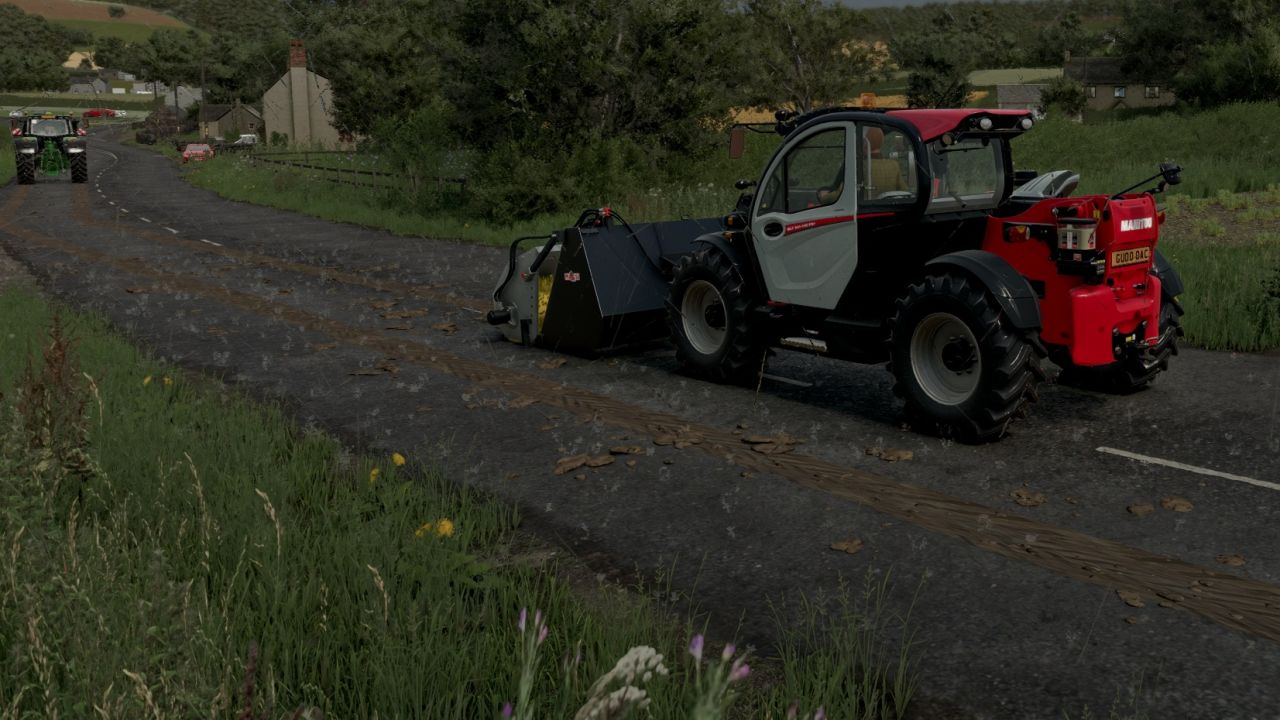
- On roads, yards and tracks muddy tyres leave tyre-print smears and throw off clods. Faster driving flings clods further across the road.
- The tyres shed their mud as they go, so the tyres clean up as the trail fades over a few hundred metres.
- Smears bend with the wheels through corners.
- Mud builds up: driving over old mud freshens and thickens it, and new layers go on top.
- Works for every vehicle and trailer with wheels, including AI helpers.
CLEANING UP
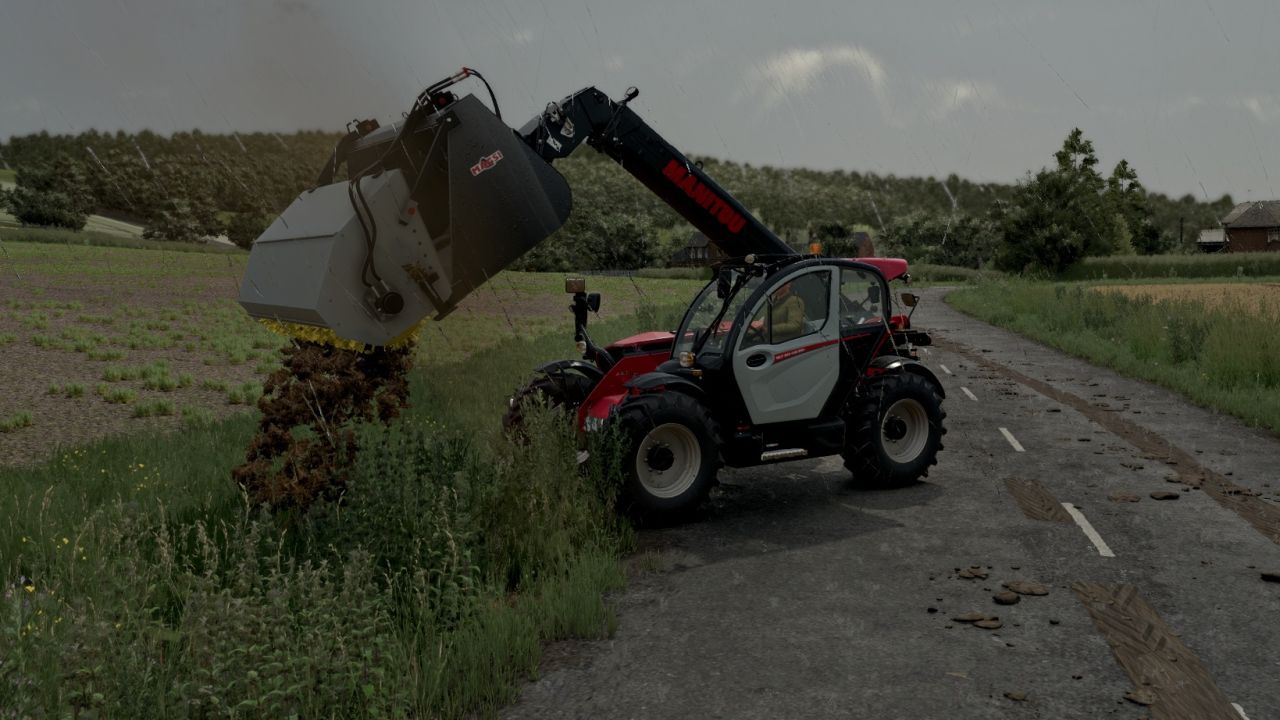
-Universal Bucket with Brush: a telehandler bucket with a Cherry-style road brush. It has a galvanised hood, black arms, yellow poly bristles and a hydraulic motor. Shop: Telehandler tools, £5,000.
- Rain washes mud off the road: heavy rain clears it in about 5 in-game hours, light rain in around half a day.
- In dry weather mud dries and turns pale, and is gone after about three in-game days.
- Sweepers clean it up: any sweeper brush that is turned on removes the mud it passes over.
- Scrape it up with a bucket: put a loader, telehandler or wheel loader bucket down with its lip on the road and push forward. The mud goes into the bucket (as manure in the base game, or as mud/dirt/soil if another mod adds that fill type).
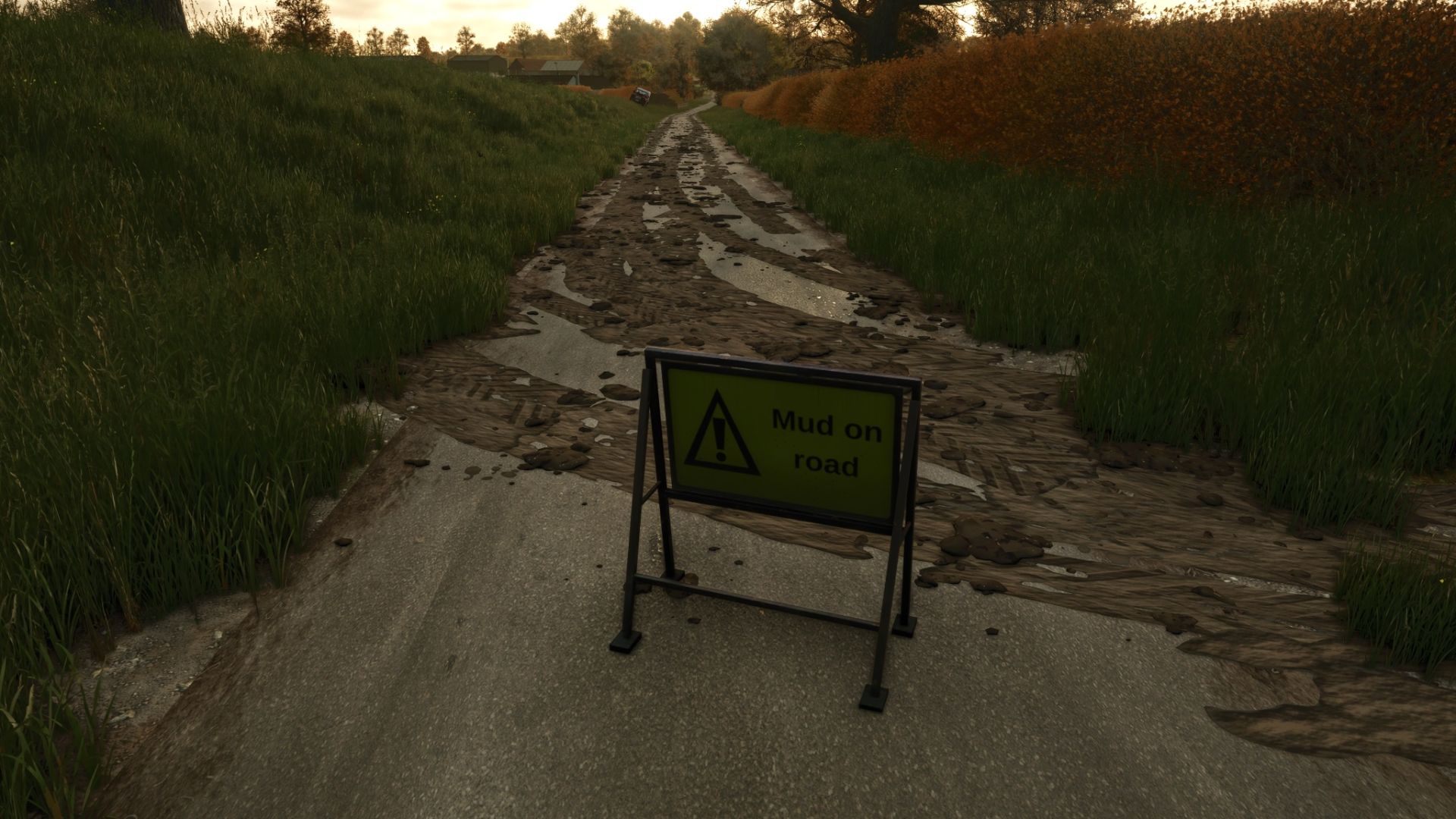
MUD ON ROAD SIGN
- A small A-frame "Mud on road" warning sign in the UK road-sign style.
- Shop: Decorations. Price: 25.
GOOD TO KNOW
- Mud is saved with your savegame.
- Multiplayer: the mud is purely visual and worked out on each PC, so it adds no network traffic.
- Settings: modSettings/FS25_MudOnRoad.xml is created on first start. Change how long mud lasts, how far it is carried, how many clods are thrown, the maximum amount of mud on the map and more.
-Multiplayer now supported
Console commands (press ~):
- mudOnRoadLoadTyres - covers your tyres in mud (for testing, single player or host)
- mudOnRoadClear - cleans every road
- mudOnRoadInfo - shows how much mud is lying around
- mudOnRoadToggle - turns mud dropping on or off
- mudOnRoadBucketInfo - shows why your bucket is or isn't scraping mud
New: Mud On Road options in the game menu
Settings → Game → Mud On Road now has these options:
-Tyre print trails (on by default)
-Switch it off to have only clods of mud on the road, without the tyre print trails or the streaks of mud across the lane.
-Clods still come from muddy tyres as before, and still fade, wash away, show on the map and count for fines.
-Mud already on the road stays until it’s cleaned up or fades. Only new mud follows the setting.
-Fines for mud on public roads (on by default)
-Mud your farm leaves on a public road for hours brings a warning, then fines until it’s cleaned up.
-A Mud On Road sign nearby stops them. Switch the option off for no fines at all.
-Vehicles spread mud (off by default)
-Clean vehicles driving through mud pick some up and spread it further along the road, and traffic squashes clods and carries them off.
Your choices are saved, and only the host can change them in multiplayer. All options are in English, German and French.
New: Mud on the map
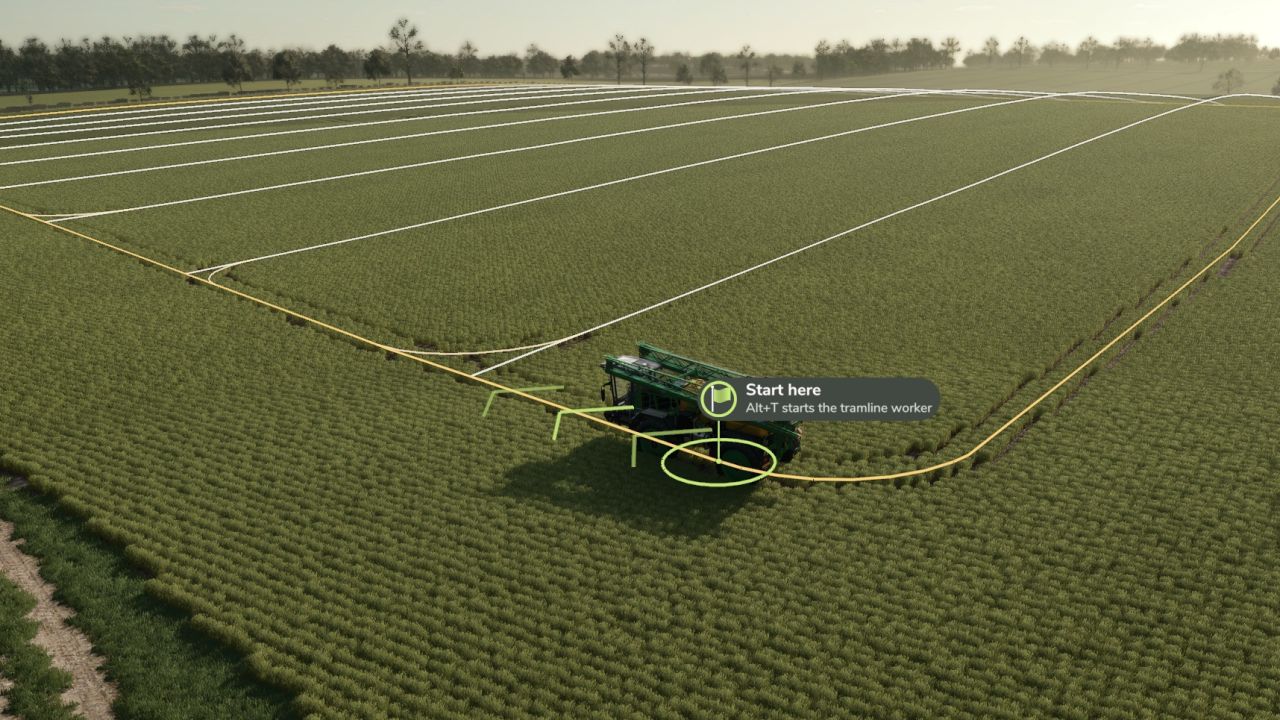
Mud on the roads shows on the PDA map and mini map as red dashed lines that follow the mud along the road.
Only mud on proper roads (tarmac, concrete) is shown, not mud on field-edge tracks or grass.
Hover over a dash to see how much mud is there and whether it could get you fined.
The lines update as mud is swept, scraped or washed away.
They’re under the map filter “Other”. Turn them on or off with the new console command mudOnRoadMap.
New: “Vehicles spread mud” option
Find it under Settings → Game → Mud On Road. It’s off by default.
When it’s on, clean vehicles driving through mud on the road pick some up and spread it further along, and traffic squashes clods and carries them off.
Your choice is saved. In multiplayer only the host can change it.
Settings file
New settings mapMarkers, mapSpacing (metres between dashes, default 8) and mapRoadsOnly.
Other
All the new texts are in English, German and French.
NEW: Bucket Brush
-Universal Bucket with Brush: a telehandler bucket with a Cherry-style road brush. It has a galvanised hood, black arms, yellow poly bristles and a hydraulic motor. Shop: Telehandler tools, £5,000.
-Turn it on like any implement. It sweeps the mud on the road into the bucket, driving forwards or backwards. A full bucket leaves the mud on the road.
-Mud sprays off the bristles into the bucket, with a real brushing sound while the brush is on the road.
-Tip the bucket and the brush swings clear under its own weight, then drops back into place.
-Choose the fitting in the shop: universal hooks, JCB Q-Fit, Manitou, Merlo, Euro (Claas, Kramer, Weidemann) or tractor front loader. Hydraulic hoses connect to the telehandler.
Changed
-Removed: clean vehicles no longer pick up and spread mud, and traffic no longer squashes clods.
-New: clean vehicles that drive through mud pick some up and spread it further down the road. Traffic also squashes clods and carries them off.
-New: muddier work leaves muddier roads.
Ploughed and cultivated ground, root crops (sugar beet, potatoes, carrots, parsnips, onions) and wet weather leave more mud.
Stubble, direct drilling and dry days leave less.
-New: dried mud looks wet again when the ground gets wet, then dries back to pale.
-New: fines for leaving heavy mud on public roads.
First you get a warning. If the mud is still there, your farm is fined at each check, up to 2,000.
-Mud within 200 m of a Mud On Road sign never counts, and nor does mud on your own land.
Turn fines off with mudOnRoadFines or in the settings file.
-New: soil colours brown (standard), dark (peat / fen), chalk (pale chalky soil) and red (red clay). Set them per savegame with mudOnRoadSoil followed by the colour, for example mudOnRoadSoil red. Mud already on the road changes colour too.
-New console commands: mudOnRoadSoil and mudOnRoadFines. mudOnRoadInfo now also shows how much of your mud counts towards a fine.
-Removed: the experimental sticking mud.
-Fixed: in multiplayer, mud sent while a player is joining can no longer stop the game loading.
Settings file updated. Old settings files are replaced with the new defaults on first start.
Multiplayer: mud is now synced from the server, so every player sees the same mud on the roads.
Players who join a server later now see all the mud that is already on the roads.
Sweeping, bucket scraping, rain washing and drying out are now the same for every player.
New: on wet worked fields, mud flicks up off the tyres.
New: parts near the wheels get muddier during wet field work.
Settings file updated. Old settings files are replaced with the new defaults.
Tyre marks
- Tyre marks are now one continuous trail instead of patchy prints.
- Prints have torn, overlapping ends, so the trail looks natural rather than blocky.
- Darker, more realistic mud colour.
- Smears stay on smooth roads, yards and flat painted tracks. Grass verges, gateways, gravel and uneven ground get lumps of mud only, so smears no longer look like planks on rough ground.
When mud appears
- Mud only comes off vehicles that have just left a worked field (ploughed, cultivated, sown etc.). Grass fields don't count, and muddy vehicles driving out of the yard no longer leave mud.
- The trail stops 600 m after the field, or sooner once the tyres are clean.
Lumps
- Around twice as many lumps are thrown off the tyres, and more crumbs sit in the tyre prints.
Settings
- New options: maxTrailDistance (trail length after the field), smearsOnTerrain (smears on all ground), hardGroundSmears (smears on hard painted ground) and flatTolerance (how flat painted ground must be for smears).
- The settings file is reset to the new defaults on first start.