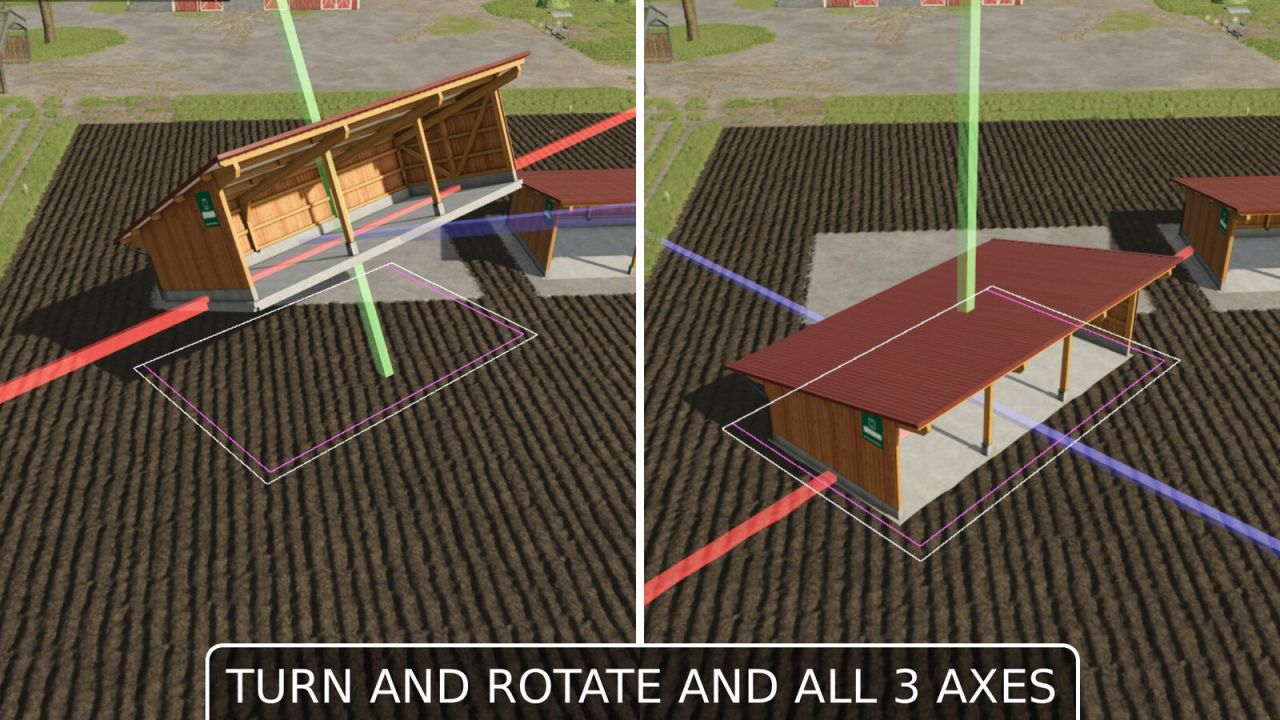

This mod allows you to reposition placed objects. It supports movement along all three axes (X, Y, Z) as well as rotation around all three axes.
Usage:
- Open the construction screen (default: Shift+P)
- Click on the placed object
- Select the Move button
- Left-click on one of the 3 displayed axes (green, blue, red) and move the mouse => Move the object along the selected axis
- Right-click on one of the 3 axes and move the mouse => Change the object’s rotation around that axis
- Confirm the change by clicking on the placeable object again or pressing the Escape key; a final confirmation prompt will appear
- During editing, you can also reject or undo the change by pressing Escape
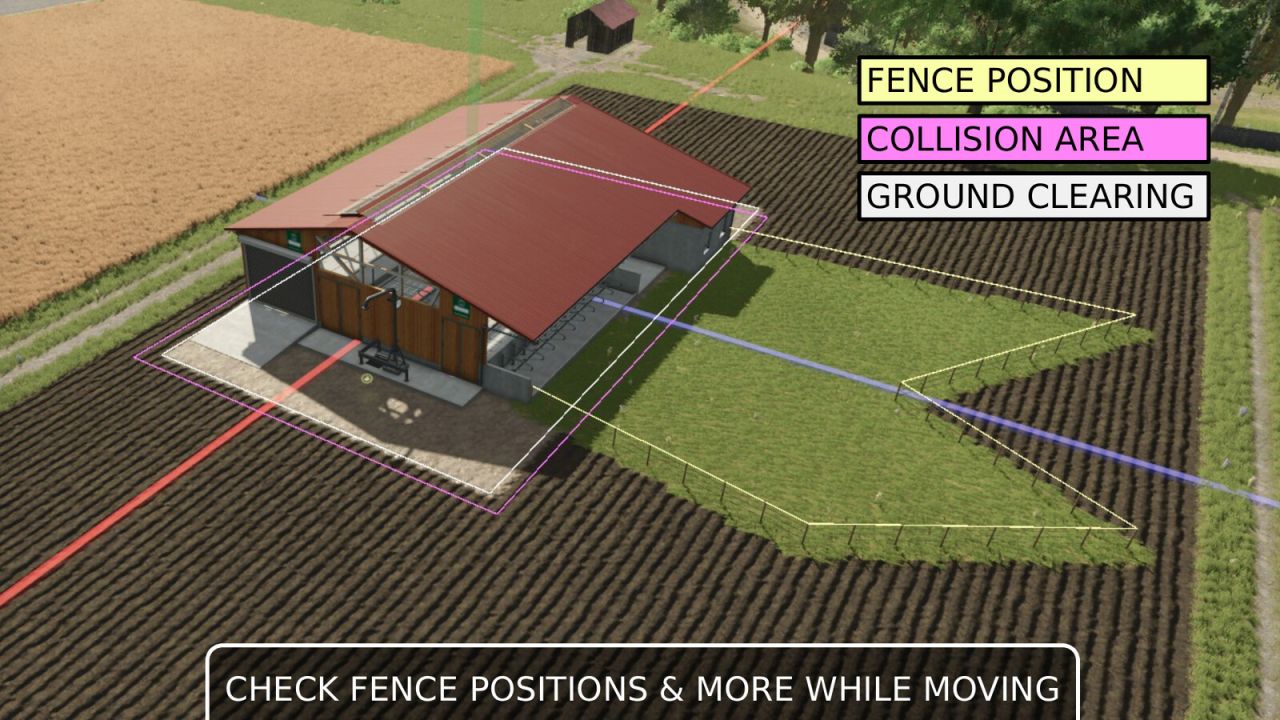
When guides are enabled (default), the following markings are displayed:
- White line frame: Leveling and texturing area
- Pink line frame: Collision area (not available in free mode)
- Yellow line frame: Fence path (only when moving)
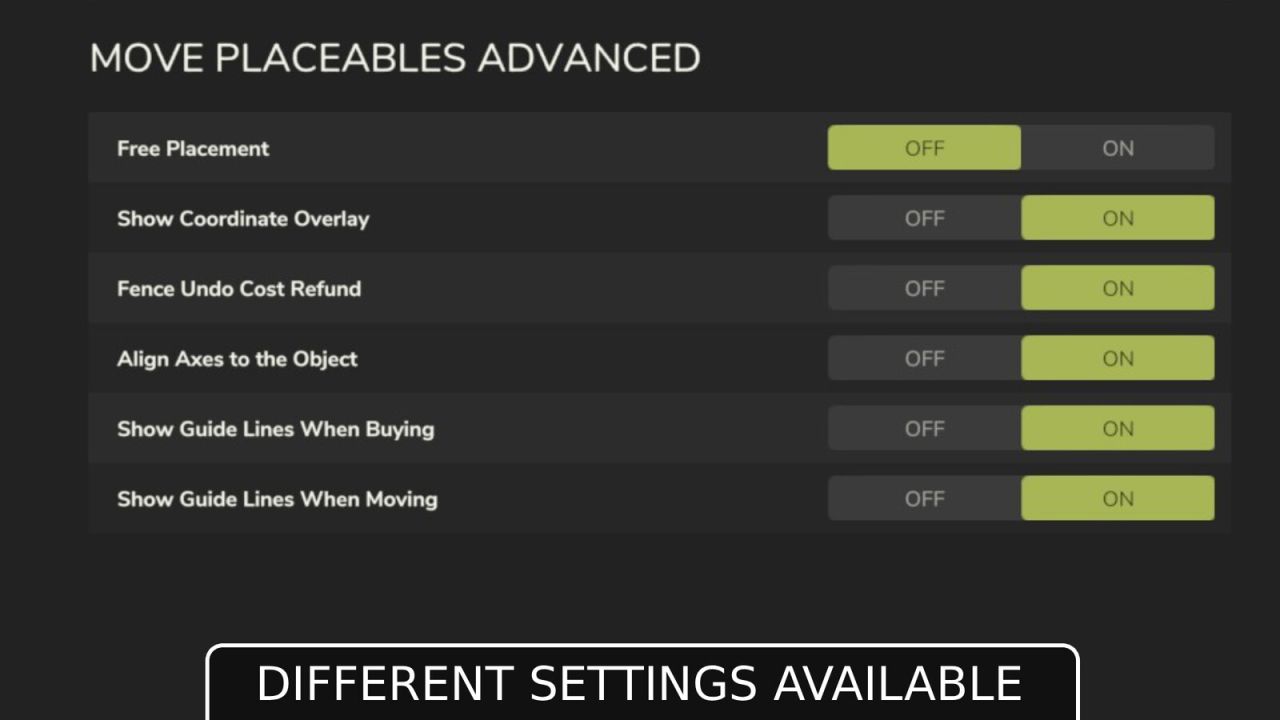
Settings for the mod are located under General Settings in the menu:
- Free Movement: When enabled, moving objects incurs no cost.
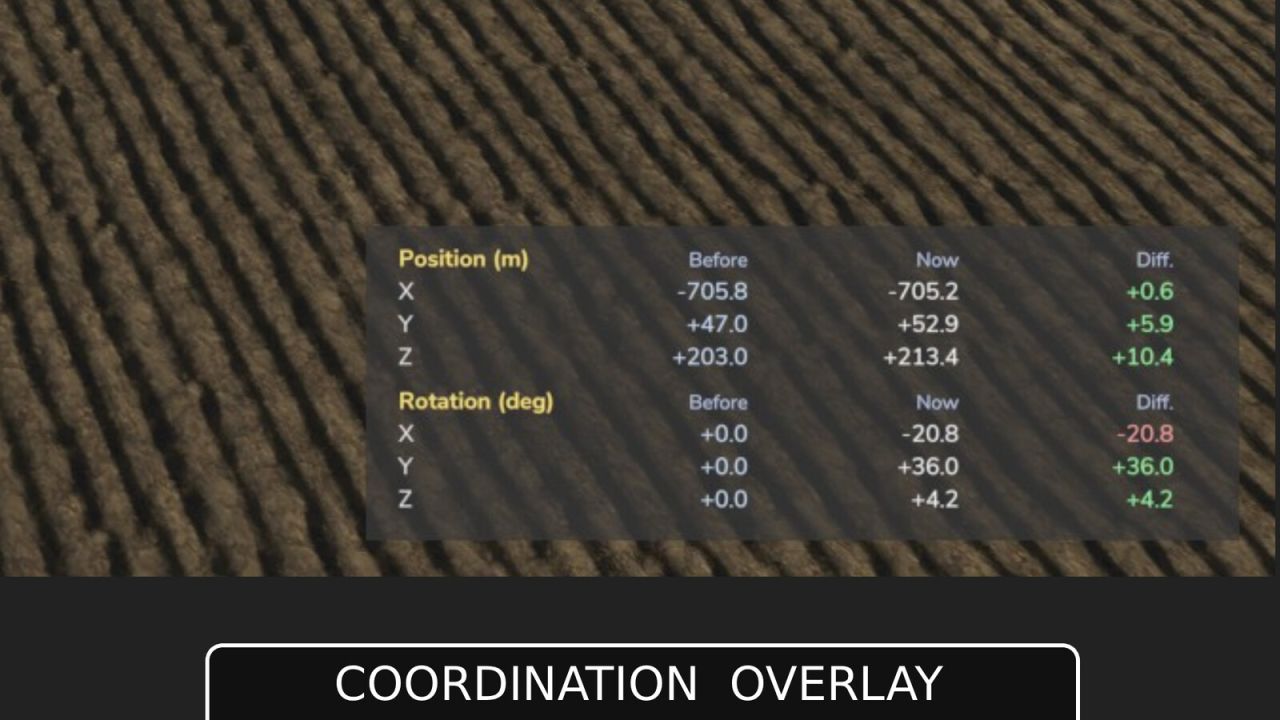
- Show Coordinate Overlay: Displays the start and current coordinates (position and rotation) as an overlay when moving.
- Fence Undo Cost Refund: When enabled, undoing the last husbandry fence segment refunds its cost.
- Align Axes to the Object: When enabled, the move gizmo aligns to the object's own axes by default instead of world axes.
- Show Guide Lines When Buying: Shows colored guide lines while buying/placing an object (collision area, ground clearing area).
- Show Guide Lines When Moving: Shows colored guide lines while moving an object (collision area, ground clearing area).
ATTENTION! This mod is a complete remake of the mod "Rearrange Placeables" by Helfer B (myself).
The new mod is not compatible with the old mod but replaces it.
All functions have been revised and optimized to provide a better user experience.
If you are using the mod "FS25_RearrangePlaceables.zip", you must delete it first in order to use the new perfect version "Move Placeables Advanced".
- Removed the “Fence Gate Fix” since Giants has since fixed this in the base game
- Corrected the colors of the gizmo axes (Thanks and apologies, nilBrain)
- NEW: Display of collision detection areas (non-free mode) when purchasing new placeables and moving them, indicated by white lines
- NEW: Display of ground adjustment areas (leveling, texturing) when purchasing new placeables and moving them, indicated by pink lines
- NEW: Options to show or hide guide lines when buying/moving placeables
- Added an option to specify whether the axis shift aligns with the object's axes or with the world axes
-> Default: Object axes, previously world axes (check last Screenshot)
# New Features
- When moving animal barns, pasture fences are now also moved, indicated by yellow lines
- Fences automatically adjust to the new ground level when moved
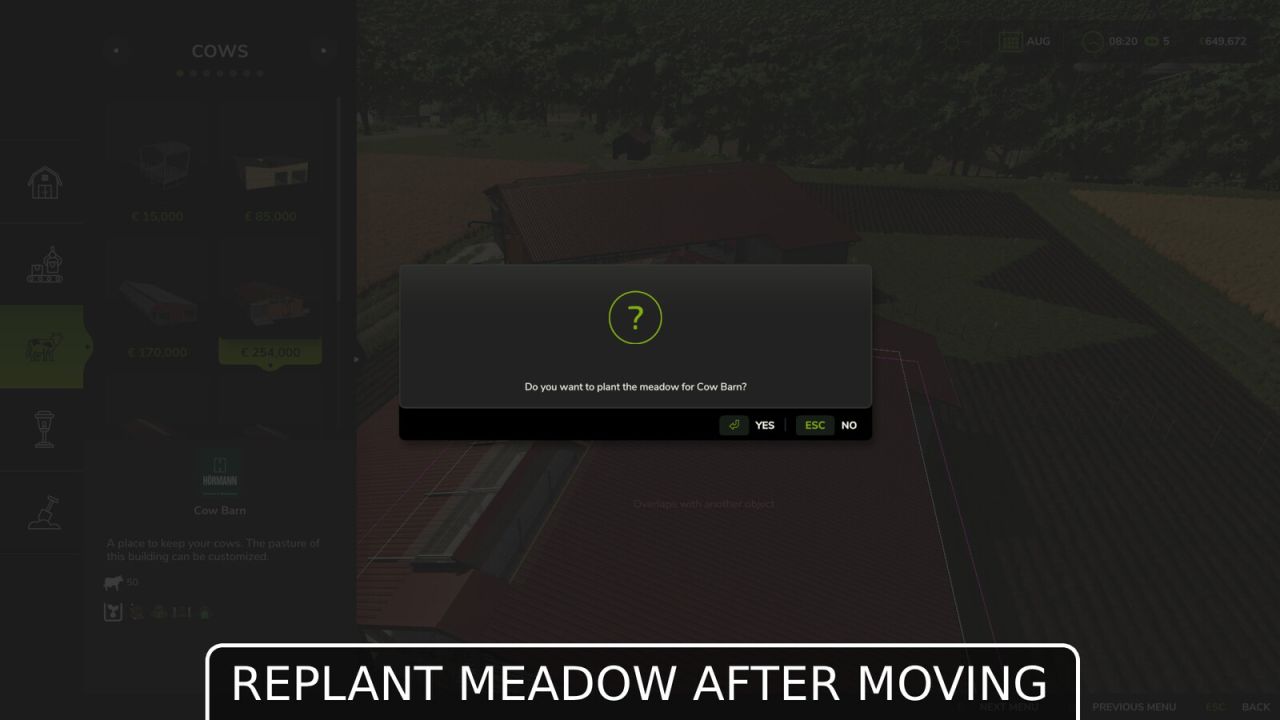
- After moving an animal pen, you are asked whether a (new) pasture should be created within the fenced area
- Map hotspots and teleport points for production facilities/animal pens/etc. are now also correctly moved and updated
- Refund for barn/fence construction: Undoing the last element now also refunds the cost of that element (discovered and requested by DerElky)
-> Configurable in the game settings (menu), default: enabled
# Bug Fixes
- Fixed collision areas when moving placeables & immediate release of previous collision areas
- Fixed synchronization issues in multiplayer for pastures, fences, and animal displays
- Pre-placed map placeables that are moved are now saved at the new position and loaded correctly with the save game (separate XML in the save game)
- Multiplayer
# Base Game Bug Fixes (Starting with Game Version 1.18)
- In rare cases, fence gates float or sink into the ground after loading a save file
-> All fence gates are repositioned at startup and adjusted to the terrain height (reported and requested by [WF] T4xs)