
Mining Layers Final Free Version
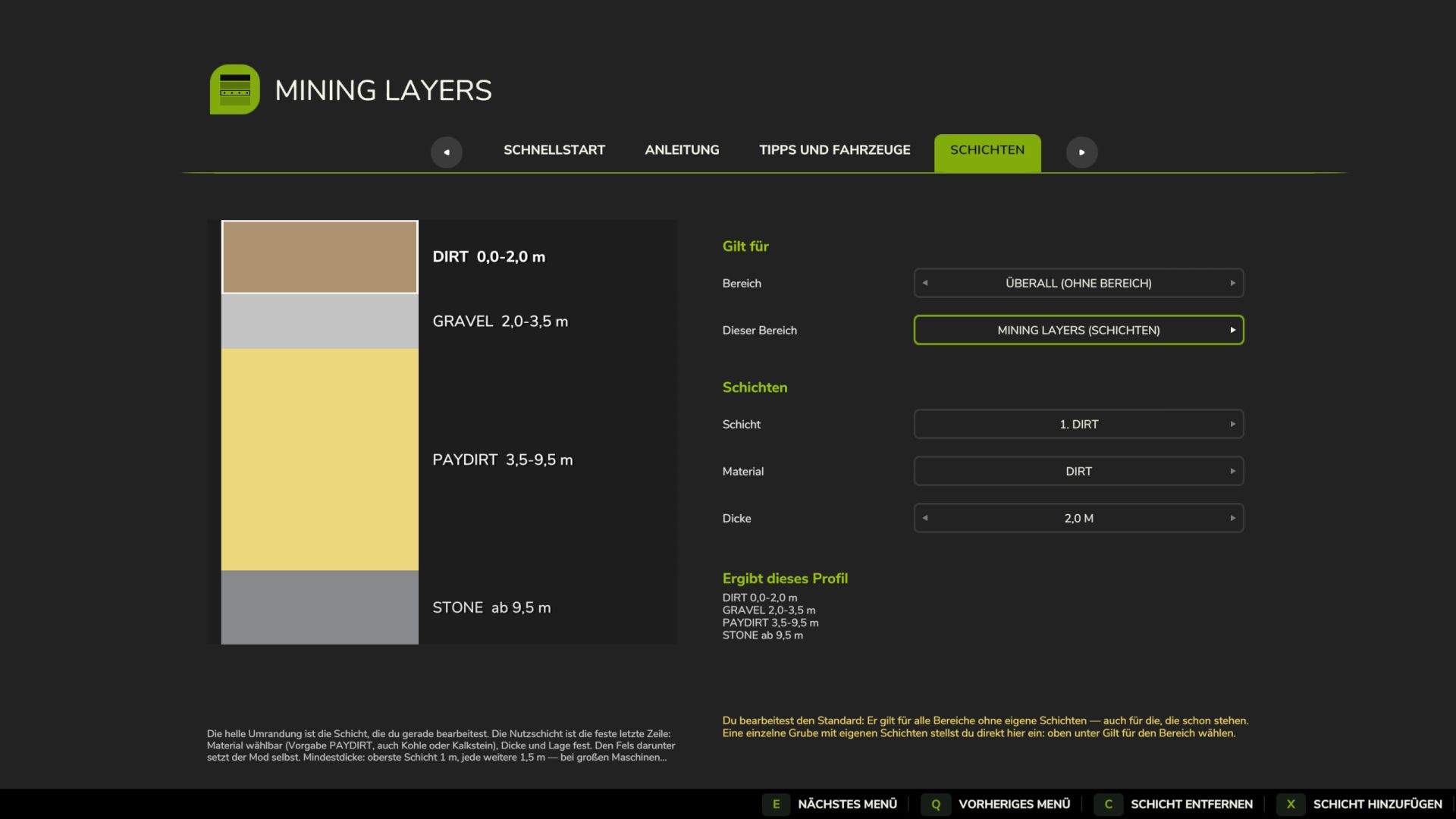
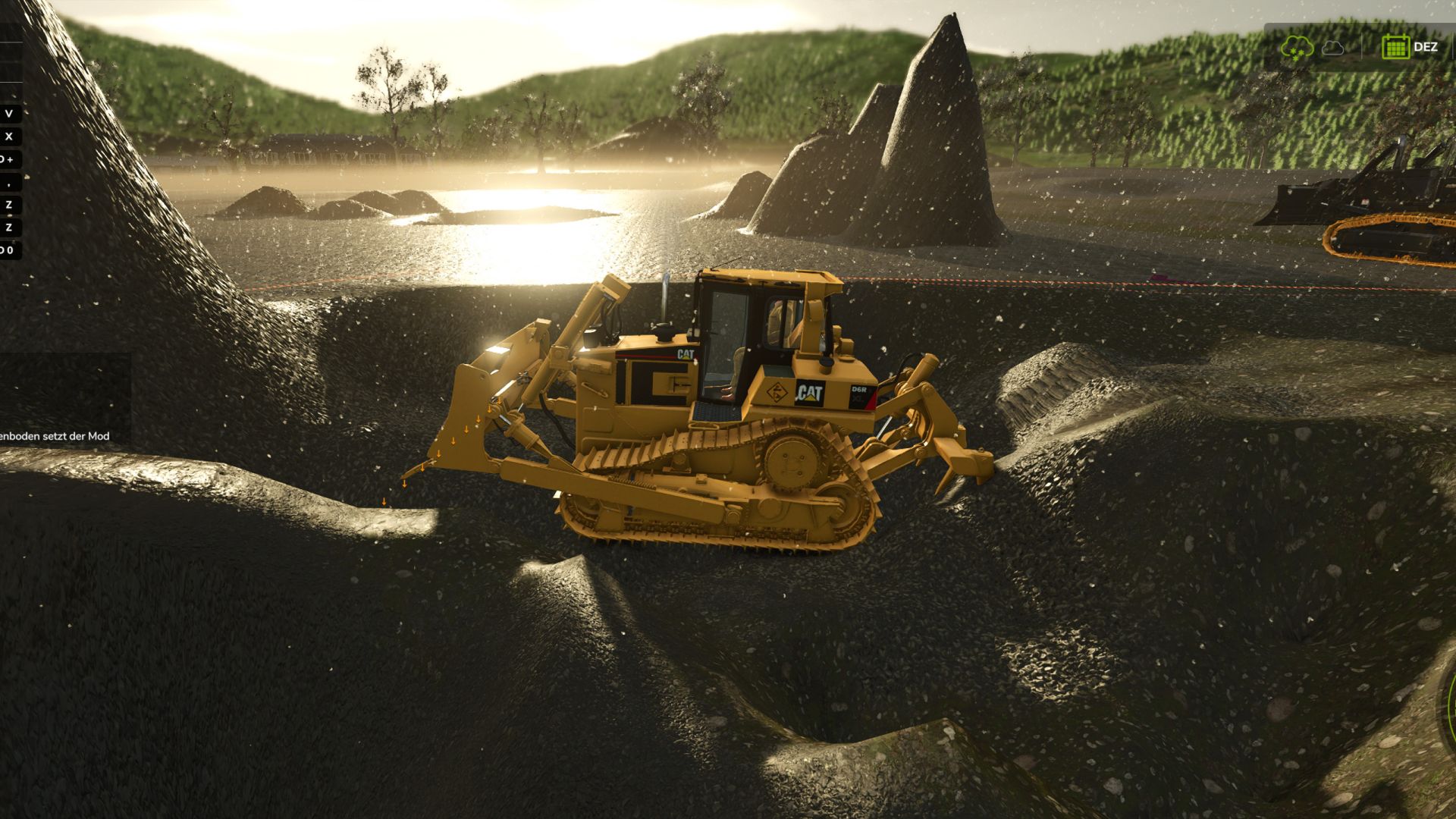
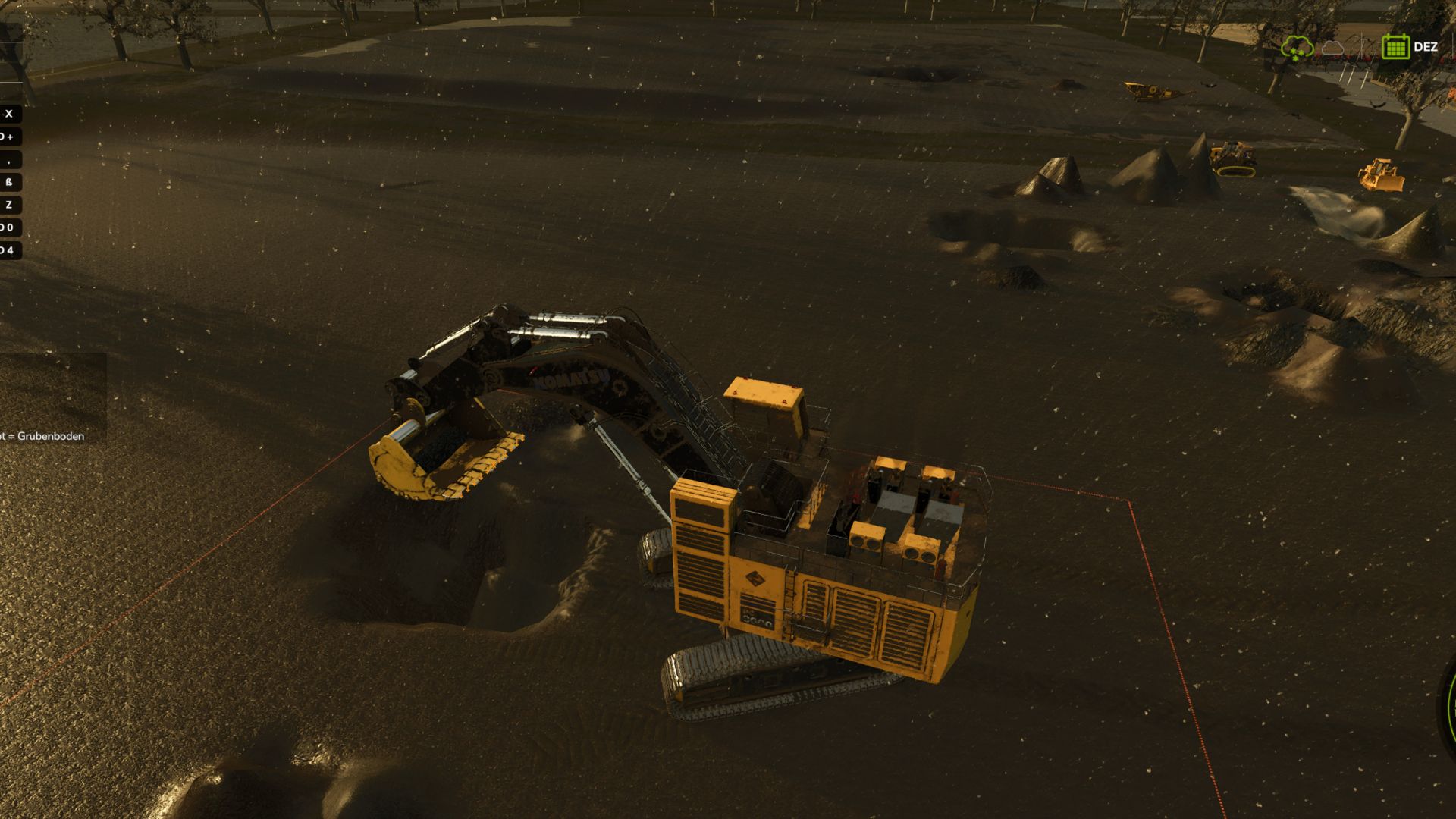
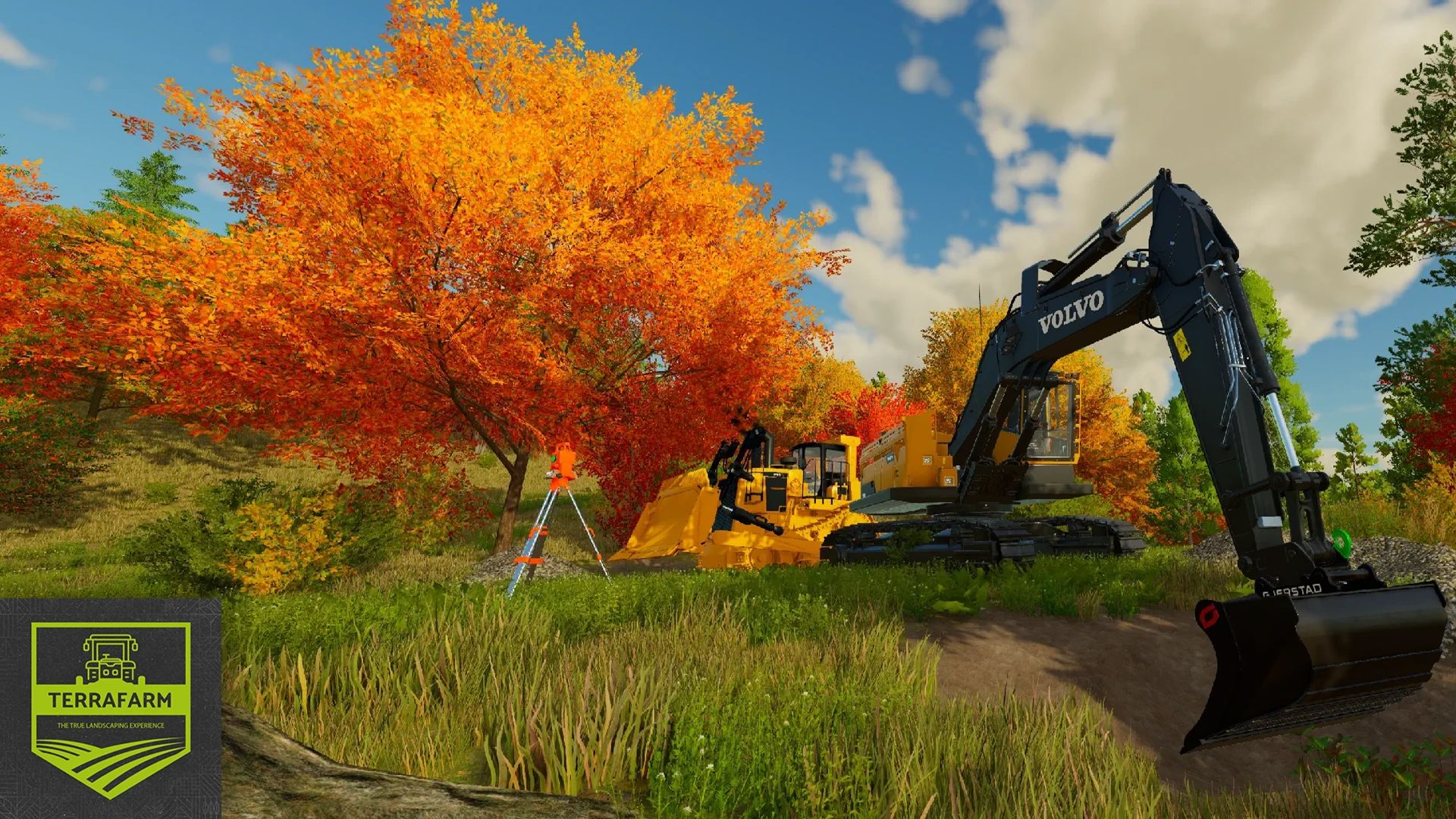
Build your own gravel pit, coal mine, or limestone quarry in FS25—experience authentic mining gameplay: what ends up in your bucket depends on how deep you dig. First topsoil, then gravel, then the seam, and finally bedrock at the bottom. Works on any map without requiring map editing.
No specific area needs to be drawn. On the layers page, select the "Everywhere (no area)" target, save, and dig—the layers will then apply across the entire map. A manually drawn TerraFarm area takes precedence wherever you assign one. Areas that are disabled or manually assigned a specific material do not receive layers, ensuring construction sites and pipe trenches remain clean.
The target height acts as a tool: whether it's a level surface at ground height, a berm halfway up the pit wall, or a ramp with a fixed slope, the dozer maintains that line. The mod never lowers a height level you have set yourself. An on-screen indicator tells you exactly where it intersects the bottom-most layer.
DOWNLOAD AT FSMODWORKS.COM
Mining Layers is free and will remain free. You need a free account and a free download key. The key costs nothing—it simply links a copy to an account, making it possible to track re-uploads. Create an account, download the zip and key files, place them in the correct folders, and start digging.
New version, new key: The key verification system was overhauled in version 1.7.2.0, so keys from 1.6.x no longer work. A new key is available for free in your account. You can leave the old key file where it is; it won't cause any issues.
1.7.2.0 IS THE FINAL FREE VERSION
It will remain available, stay free, and continue to function exactly as it is. There simply won't be any further free updates. The journey continues in Mining Layers V2 Director's Cut—available for members: https://fsmodworks.com/de/membership
New in version 1.7.2.0: the excavator rollback prevention feature. Previously, freshly dug material would roll back if the bucket was emptied too close to the edge. Now it stays put—activating at 30 cm above ground level (excavator buckets only); this can be disabled if you prefer the old behavior.
IN-GAME FEATURES
- In-menu layer editor: define materials, depths, and sequence per map or per area—create your own geology in minutes
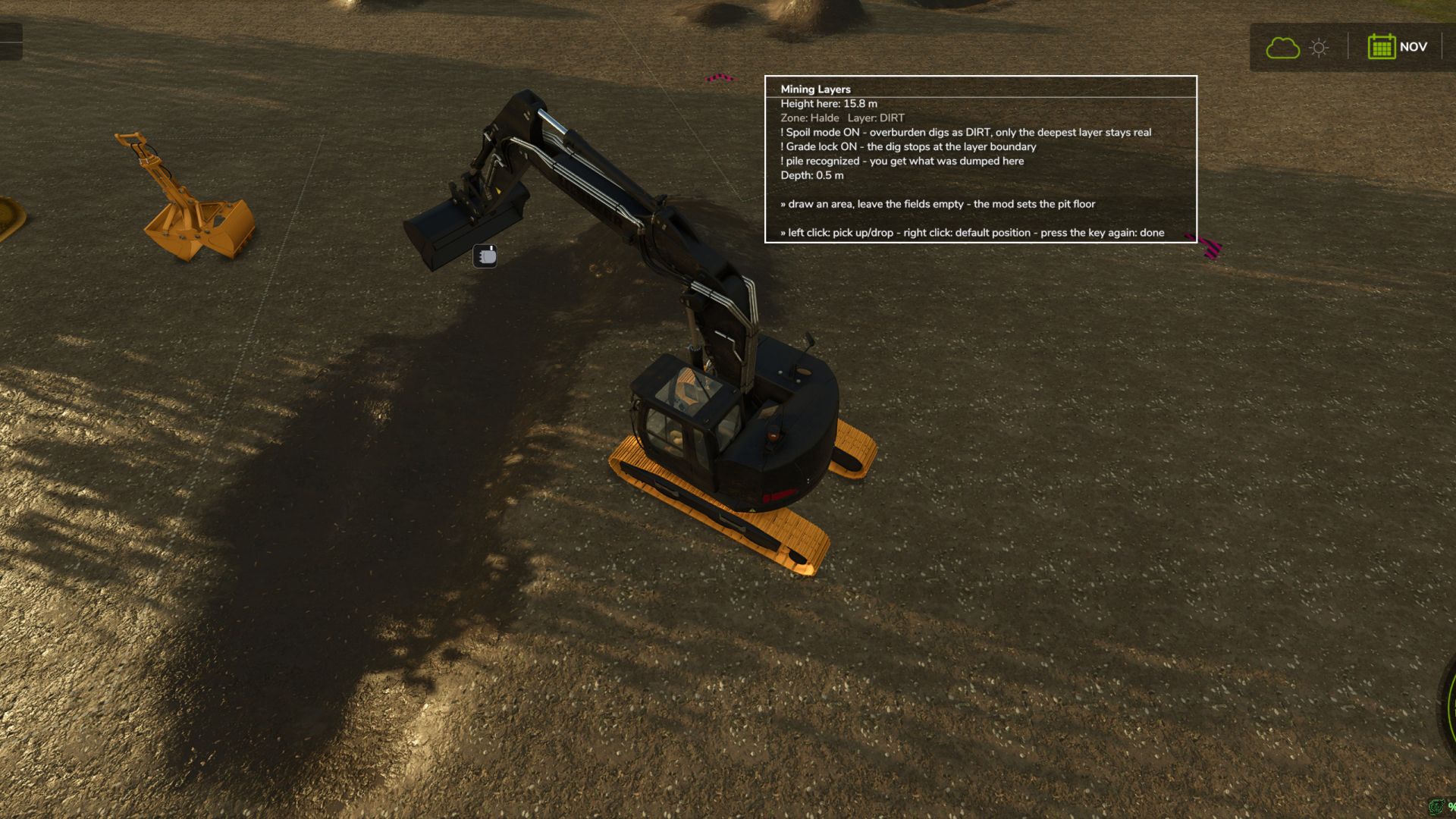
- On-screen depth display: shows current layer, digging depth, target elevation (manual or automatic), and warnings
- Overburden mode: as long as another layer lies beneath the current one, the excavator digs the material of your choice; the seam and pit floor remain authentic
- Layer lock: one pass, one material. The lock targets a point 5 cm below the boundary to prevent the bucket from switching materials mid-pass
- Piles with memory: dumped material retains its original type—no "gravel-to-paydirt" exploits
- Water protection: prevents digging below the water line unless you manually set the elevation
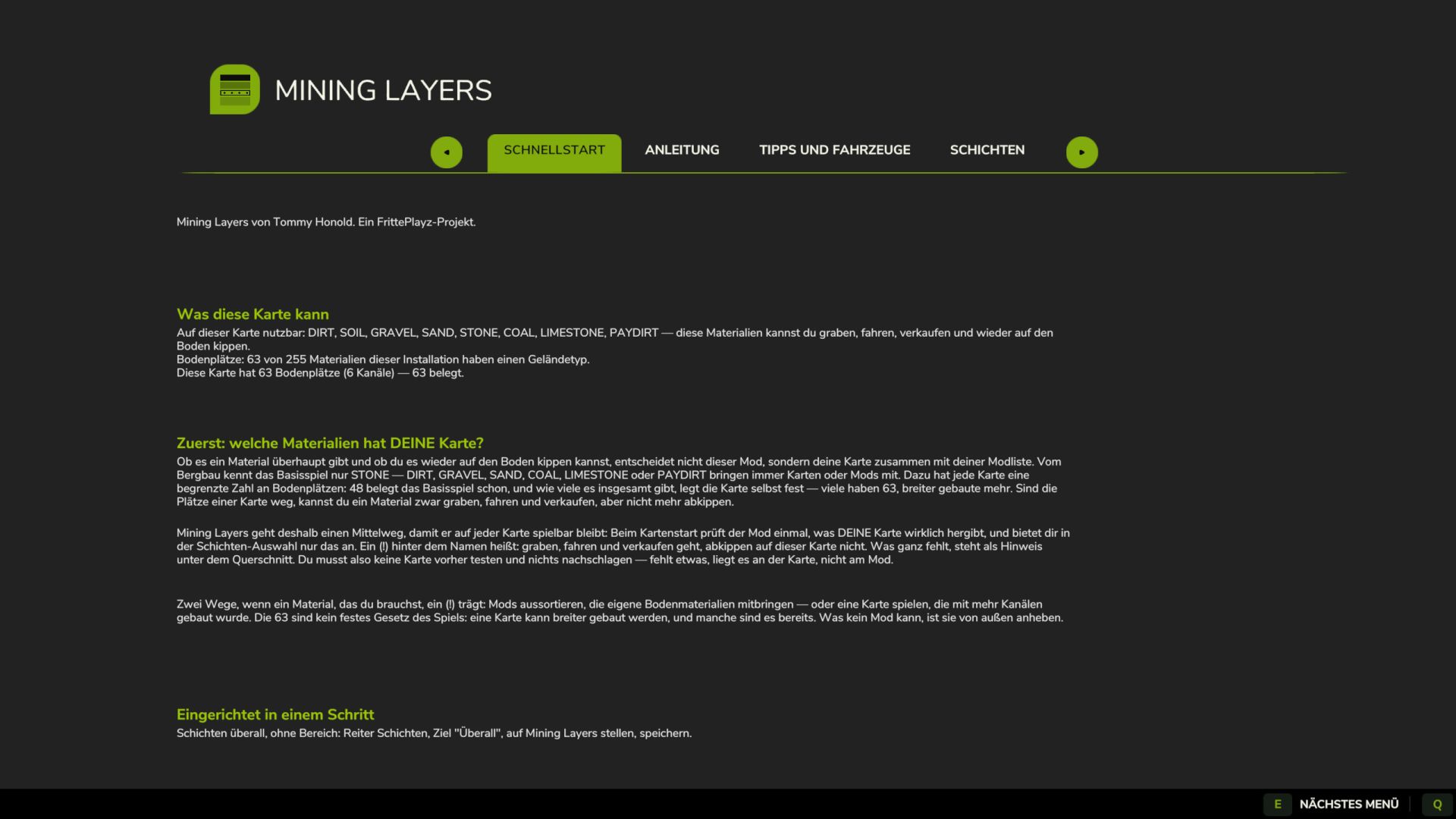
- Startup report with real map data: total/occupied soil slots and channel width. Full slots are the reason why a material might be diggable and sellable but cannot be dumped back onto the ground
- Eight languages (EN, DE, FR, PL, IT, PT, BR, ES) with an in-game manual
- 29-minute video tutorial with subtitles in seven languages
REQUIREMENTS
TerraFarm by scfmod (available only on GitHub; the folder must be named `FS25_0_TerraFarm`) and at least one machine with a TerraFarm configuration. PC/Mac only (script mod).
Tip for clean extraction: make each layer at least 1.5 m thick. The editor enforces a 1 m clearance above and 1.5 m below—though with large machines like the PC 8000, digging is noticeably better at 2 m per pass.
A FrittePlayz project.
1.7.2.0 (10.09.2026)
- Excavator rollback prevention: freshly dug soil no longer falls back when the bucket is emptied too close to the edge. From 30 cm above the ground, excavator buckets only, can be disabled.
- Key check reworked. A Download Key from 1.6.x no longer works with this version — a new one is available free of charge in your account at fsmodworks.com. The old key file may remain in place.
- Quality fixes from the review round on September 8.
- Final version of the free Mining Layers. It will remain available and free, but there will be no more free updates. Development continues with Mining Layers V2 Director's Cut, for members.
1.6.5.0 (31.08.2026)
- Spanish, complete: all 177 entries. The in-game manual, layer editor and every message are in Spanish. This brings the mod to eight languages.
1.6.4.0 (28.08.2026)
- The Download Key is required. Mining Layers remains free — the key is available free of charge with an account at fsmodworks.com: place the .xml in the mods folder and restart. Without a valid key, the mod remains inactive and reports this in the log.
1.6.3.0 (26.08.2026)
- Layer lock fixed: a bucket no longer changes material at the layer boundary. The lock now targets 5 cm below the boundary — one pass, one material, and the next pass reliably takes the next layer.
- Overburden mode no longer digs the ore seam as overburden.
- Both mode switches are now permanently visible.
1.6.1.0 (25.08.2026)
- Overburden mode: as long as another layer remains below a layer, it is dug as the material of your choice. The ore seam and pit floor remain genuine.
- Material names in the elevation display now use their material color.
- The sponsor sign at the pit edge has been removed, suggested by TacticalOreo (RGC).
1.6.0.0 (16.08.2026)
- Layers without a drawn area: set the target to “Everywhere”, save, and dig. Previously, a TerraFarm polygon first had to be drawn and assigned to the machine — the most common reason people thought the mod did not work.
- The target elevation is yours again: the flat, berm or ramp stays in place; the mod no longer lowers the elevation automatically.
- Slot diagnostics with the map’s actual figures: how many terrain slots it has, how many are occupied, and how wide its channel is.
- Portuguese and Brazilian Portuguese.
- Fix for the freeze when the bucket is deep in the ground.
The patch versions in between (1.6.2.x, 1.6.3.x) are listed in full in the mod’s CHANGELOG.md.
IMPORTANT FIX: 1.4.3.0 and 1.5.0.0 could freeze the game when the shovel was deep in the ground or working against a steep wall (one Lua error per frame, log +10,000 lines/s). Also affected players who had not changed anything. Fixed. If you stay on an older version: set freeDumpHeight="false" in the miningLayers.xml.
New:
Layers with no area drawn: Target "Anywhere (without area)" on the Layers page — so far the most common reason people thought the mod didn't work
Target height becomes a tool: a height you set will no longer be automatically pulled down (levelling, berms, ramps). Without a height of its own, there is automatically a pit floor beneath the deepest layer
Target height in the display: value, origin (set by you / automatic) and warning if it cuts off the bottom layer
Portuguese and Brazilian Portuguese (thanks to Alicopower) — now seven languages
Starting report with the real numbers of your card: total soil material places / occupied / channel width
Rejected terrain changes are visible: the display reports when three trains in a row have not moved any volume
29 minute video tutorial at the top of each mod page
Fixed:
Turning off a named area no longer deletes its layers
Depth display also works outside a drawn area
Water protection checks every corner of an area (previously only point 1) - a pit floor below the water line heals itself during loading, intentional flooding remains possible
No guessing about the shift before hitting the ground
Map report is no longer truncated in the menu
Various display and text errors in all seven languages
Changed:
Log is now completely English (game display and menu remain in your language) — logs move to GitHub and Discord, a common language helps everyone
New header image, FrittePlayz logo updated


 TerraFarm