
Kirikouano Menu HUD: the HUD menu with 12 tabs for Farming Simulator 25.
Open the menu in-game with LEFT ALT + M. It automatically follows the game's language: French, English, German, Polish and Italian.
THE 12 TABS
- Cheats: unlimited money and filling, no wear, flight mode, speed, strength, walk through walls.
- Vehicle: clean, repair, repaint, refuel the entire fleet, spawn any vehicle in the game.
- Farm: automatic doors, unrestricted terraforming and placement, buying and selling land, silos, factories.
- Buildings: spawn a building from the catalogue and place it precisely (3 axes, rotation, tilt).
- Animals: automatic feed, health and production at 100%, add animals, sell milk, animal losses.
- Teleport: to any field or connected player.
- Pallets: unlimited pallets and bales, with automatic loading into a trailer.
- Field: complete editor for the field's state (crop, growth, weeds, soil, lime).
- Camera: depth of field, shake, field of view, mouse speed.
- Time and weather: time speed up to 120x, time of day, weather, time skips.
- System: quick save, menu colour, movable panel, farm dashboard.
- Terraforming: brush well beyond the game's limits, with live display.
INSTALLATION
Copy the .zip file, without unpacking it, into Documents\My Games\FarmingSimulator2025\mods. Launch the game, activate the mod in your savegame, then press LEFT ALT + M.
GOOD TO KNOW
Some actions (time, weather, walk through walls) use the game's console and require the -cheats launch option. All other functions work without it.
Official website, help and file verification: https://kirikouano.github.io/kirikouano-menu-hud/
© Kirikouano. Do not redistribute or reupload without permission.
Controller and menu
Full controller navigation in shops, signs and the death panel: D-pad to move, A to confirm, B to go back.
Legend in the window. Green halo matching the menu color.
The menu no longer blocks doors, jumping or crouching.
VEHICLE tab split into sub-tabs: Maintenance, Fleet, Tools, Driving, Shop, IC.
One button for the beacon.
Complete translations in fr, en, de, pl, it. Automatic translation of notifications and signs. The language follows the game.
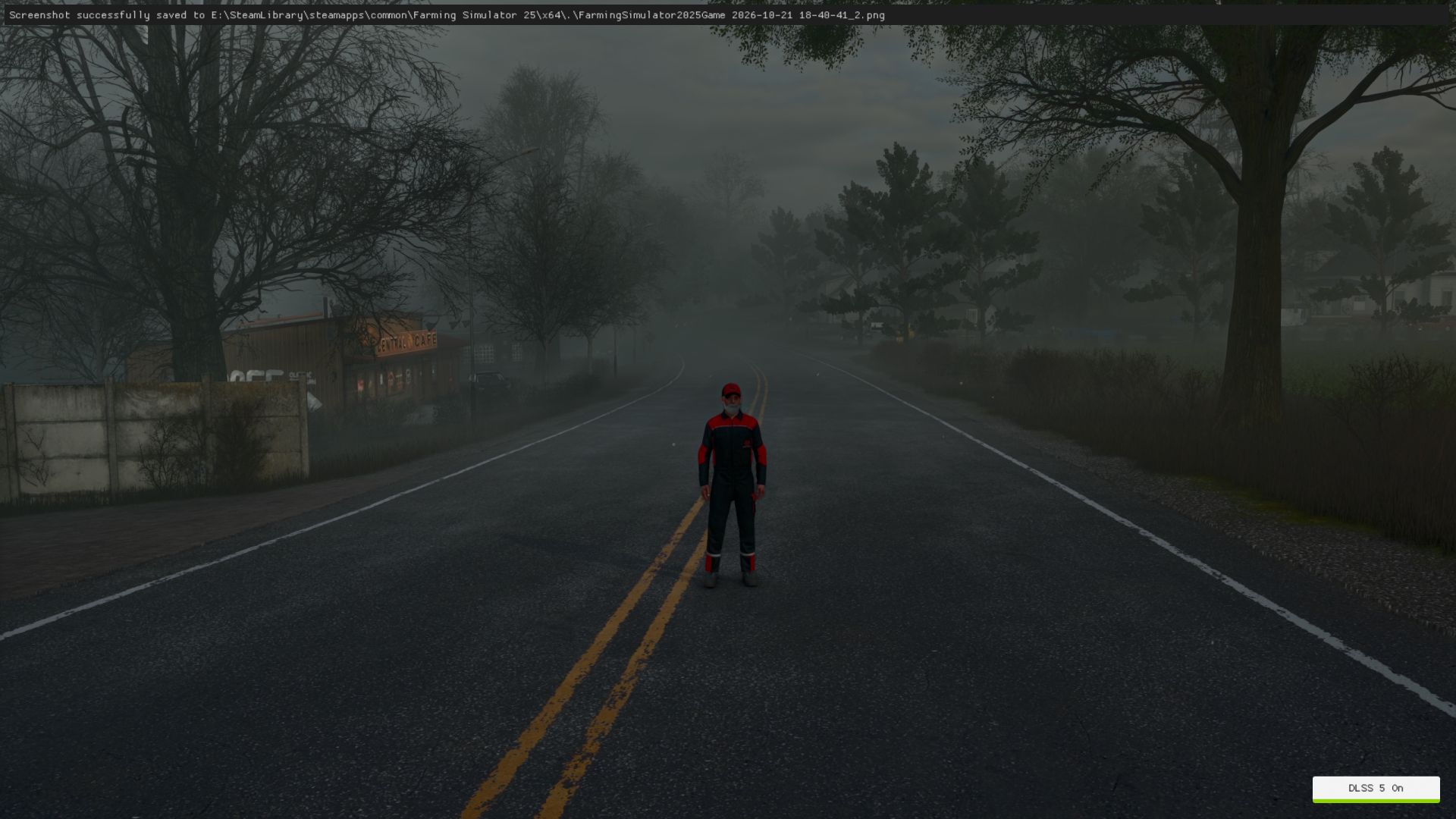
Halloween
Spider webs, swinging spider, scary sound when opening the menu.
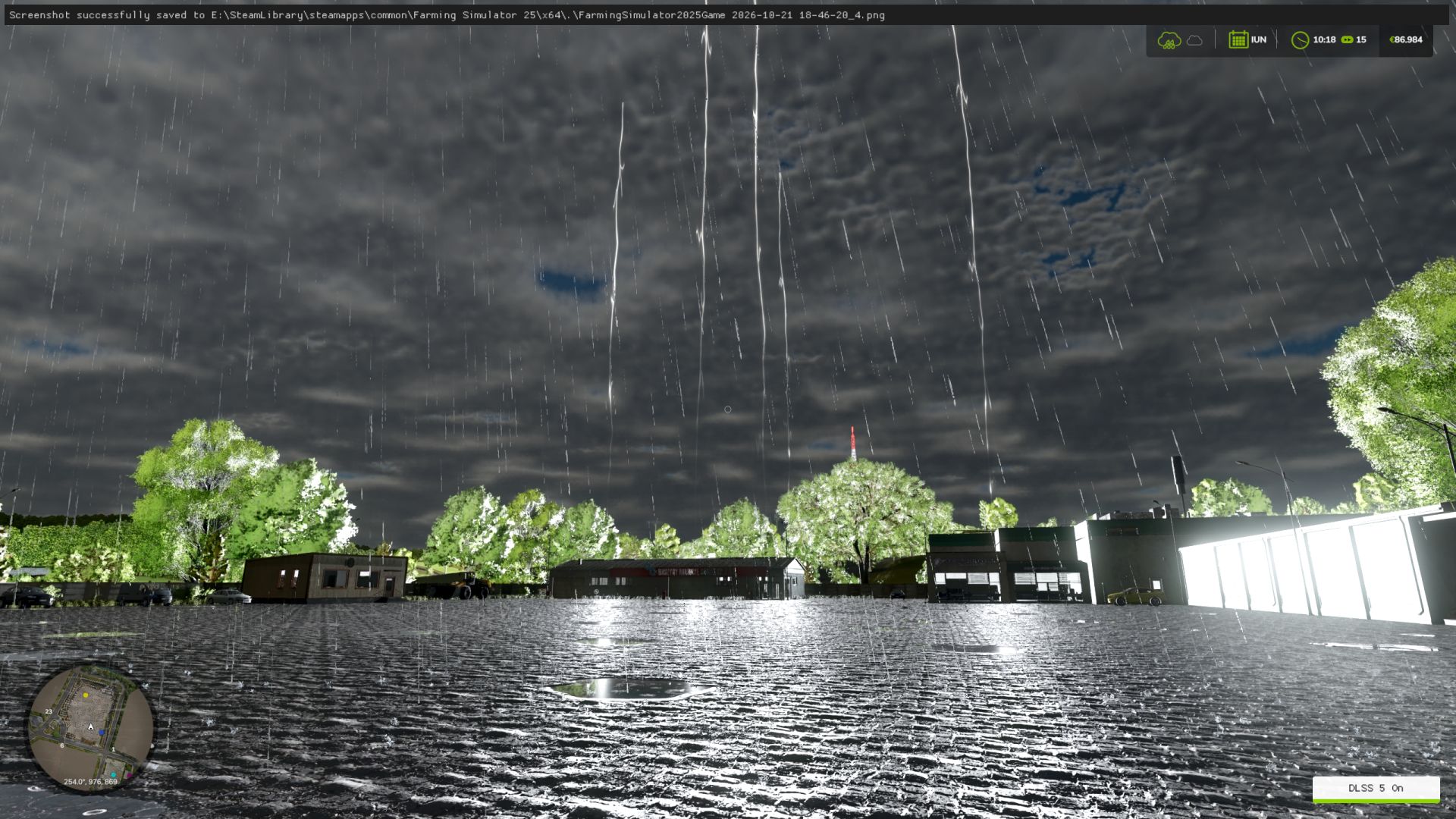
Hail, blood rain (red sky, red filter, drops on the screen).
Weather sounds: haunted rain, demonic thunder with red lightning, wolves at night.
Terror Pack: random events, from jumpscares to whispers.
Scream when teleporting.
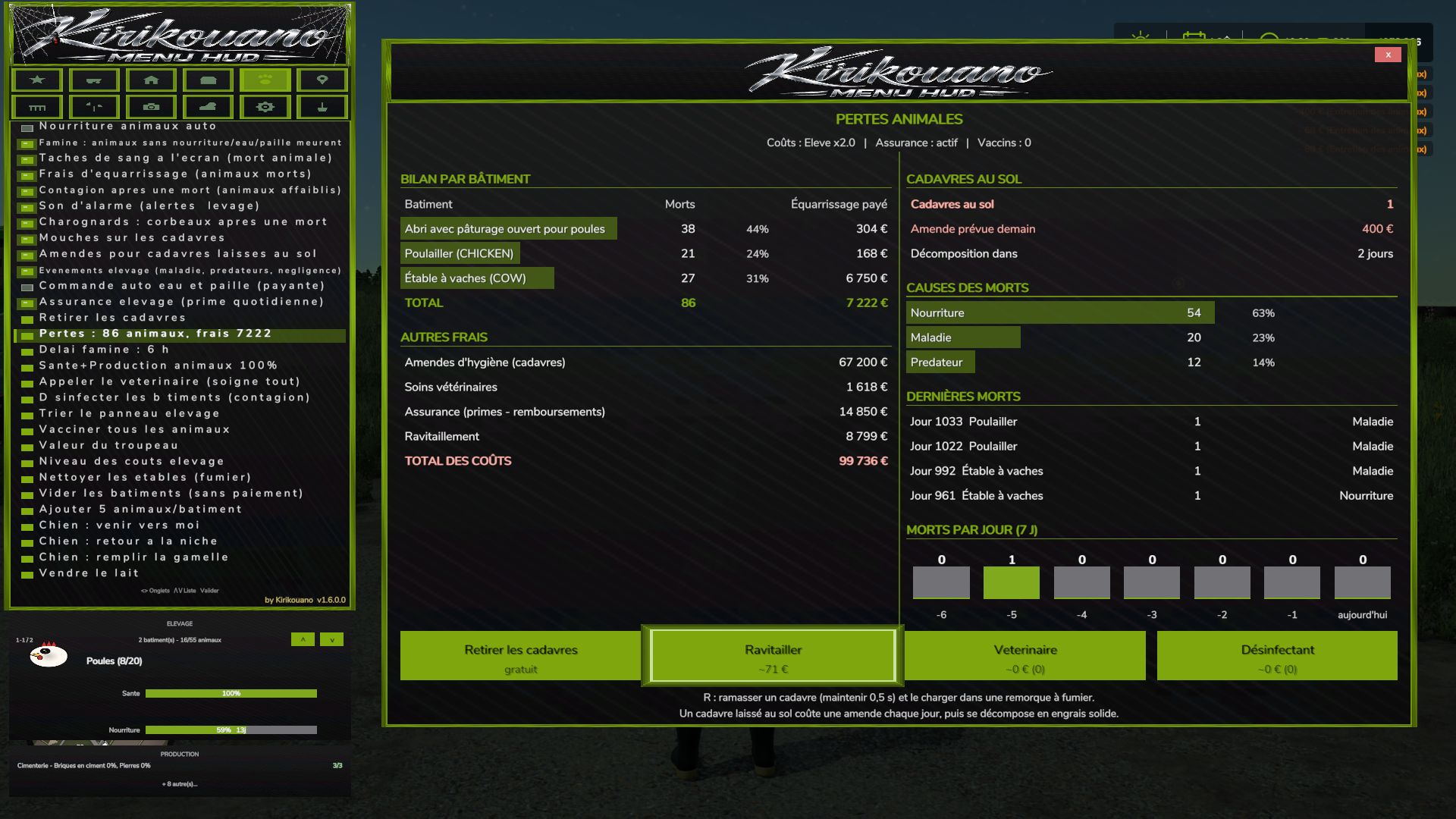
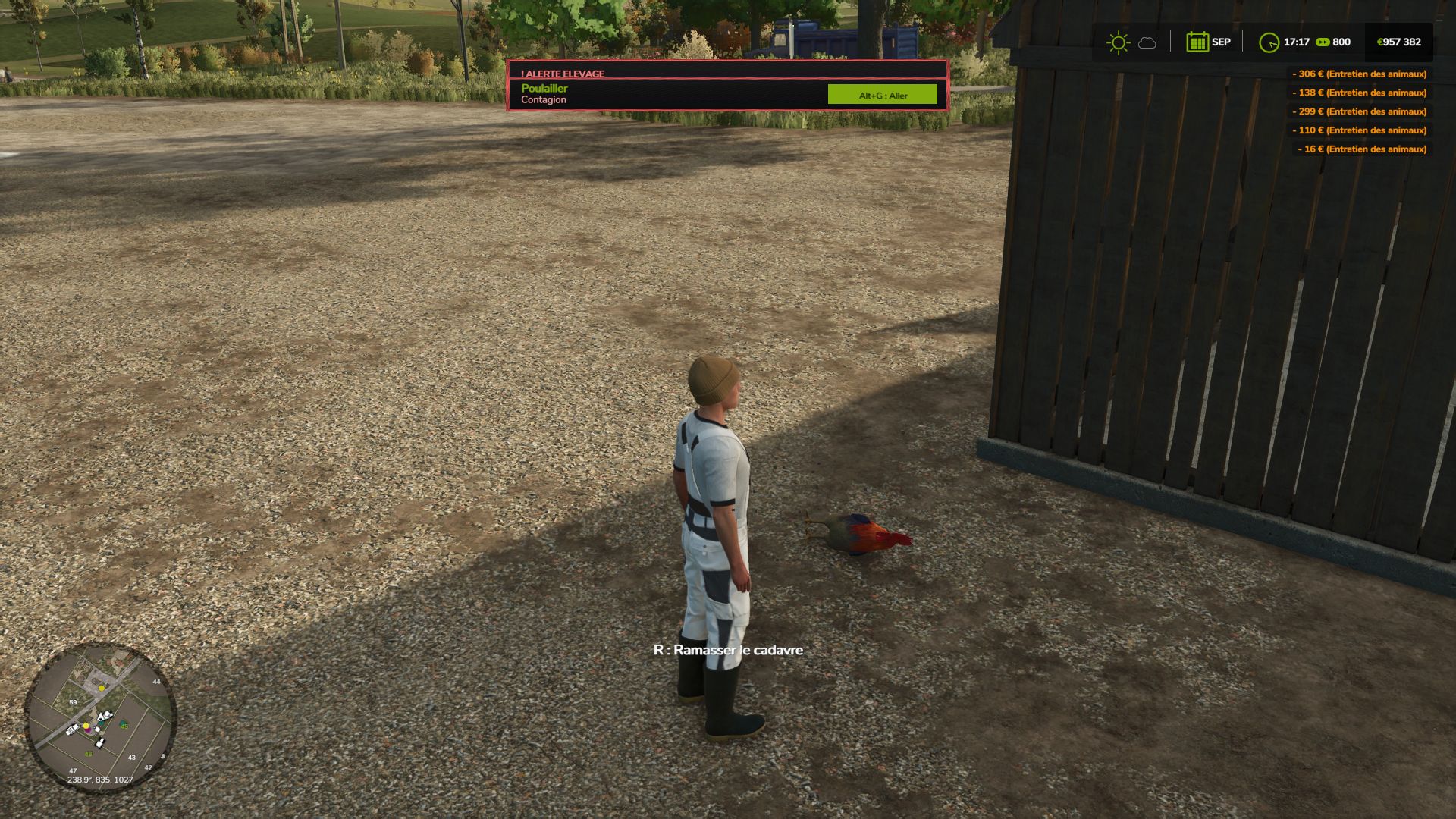
Animal deaths
Starvation: without food, water or straw, the animal dies. Prior warning, adjustable delay.
Rendering fees, livestock insurance, blood stains on the screen, death sound.
3D carcasses on the ground, according to their actual age: adult, young, baby. Flies on the carcasses, carrion crows.
Daily hygiene fine. Contagion that weakens the remaining animals.
Pickup with R (held for 0.5 s), grouped, loading into a manure trailer. Once picked up, it produces manure.
If not picked up, it decomposes into solid fertilizer placed on the ground, without filling trailers.
Loss report by building, button to clean up the manure.
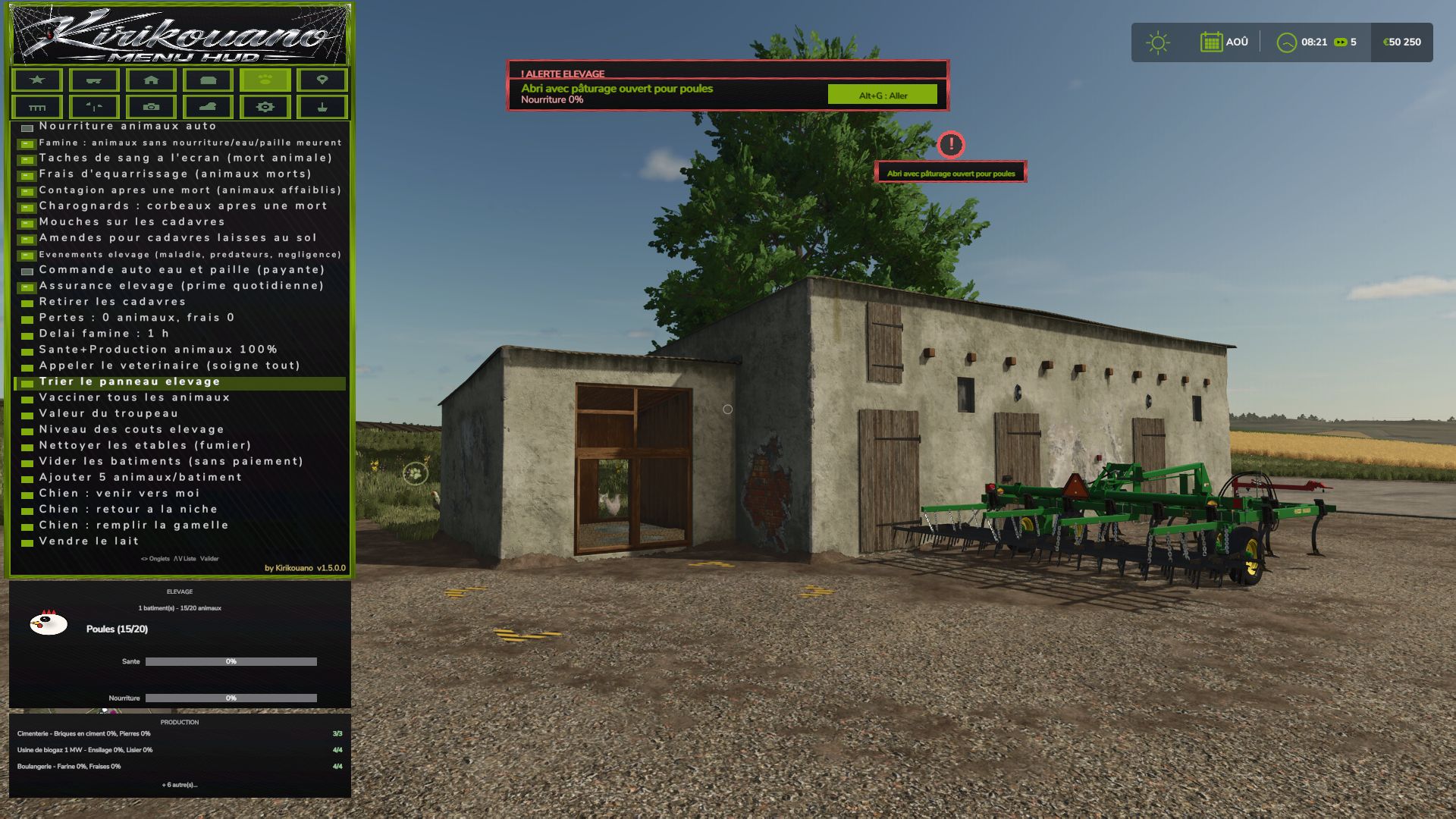
Health and alerts
Two-stage disease with a countdown before death.
Overpopulation alert and contagion alert.
Veterinarian: heals everything and clears the contagion. Estimated cost displayed.
Disinfectant: cheaper, contagion only.
Bell on every new alert, can be disabled.
Alt+G: teleport to the building under alert, even with the menu open.
Performance and reliability
List caches, protection against deleted objects.
No duplicate code or translations.
Copyright in the scripts' header.
New: tree planting («Plant a tree» button + tree type selection, FARM tab).
New: hail added to the weather.
VEHICLE tab divided into sub-tabs (Maintenance, Fleet, Tools, Driving, Shop, IC).
Beacon light: a single ON/OFF button.
Complete automatic translation (FR, EN, DE, PL, IT): menu, notifications and panels.
Language selector removed: the menu follows the game language.
Descriptions and key texts translated into Polish and Italian.
New: cargo straps, tighten/loosen all with one click (VEHICLE tab)
- Pallet/bale loading: completely redesigned custom system (physics disabled during transport, no more objects flying away)
- Loading: stacking up to 3 levels high (instead of 2)
- Loading: automatic positioning according to the actual dimensions of each attached trailer
- Loading: filter All / Pallets only / Bales only
- Loading: fixed the positioning of round and square bales (they no longer touched the ground or protruded)
- Loading: reduced empty spaces between pallets, tighter loading
- Loading: fixed overhangs at the front and rear of the trailer
- Unloading: completely redesigned, clean stacking like "farm storage"
- Unloading: choose the unloading direction (front/rear/left/right)
- Removed an old duplicate loading system that caused inconsistencies
- Vehicle teleportation: fixed articulated vehicles (tractors), which could fly away after teleportation
- Manual tool attachment: fixed several coupling bugs
- Shops (purchase/sale/pallets): double-click protection to prevent duplicate purchases/sales
- Multiplayer stability fixes and various internal adjustments
Complete interface redesign: new dark theme, decorative border, revised banner and icons
You can also make the dog move, make the dog return to its kennel, and feed it
Vehicle teleportation
• New BUILDINGS tab: spawn any building or fence from the game's entire catalog, with live photo preview of the selected object (whether in the spawn list or by browsing your already placed buildings).
• Directional cross to precisely position a building: movement, rotation, setting on the ground — with real arrow icons, rather than text.
• Deletion of a building secured by double confirmation (one click arms, a second click within 4 seconds confirms) to avoid accidental deletions.
• Successive installations of the same building or the same vehicle are now automatically spaced, to prevent them from overlapping.
• Note about fences: the game automatically merges two fences of the same model placed nearby, into a single continuous network — this is a behavior of the game itself (not something the mod can change). To have several separate fences that can be moved independently, choose a different fence model for each installation. If two fences have already merged, you must go through the game's native store to separate them again.
• New image preview of the selected fruit in the field editor (FIELD tab), with the real icons of the game.
• Menu button pressing animations, in the spirit of the game's native menus.
• New graphic palette featuring the true colors of the Farming Simulator 25 interface.
• Completely revised controller navigation: the camera and vehicle controls are no longer disturbed while the menu is open (except on the BUILDINGS tab, where the camera voluntarily remains free to properly position what you place).
• Tab switching on keyboard and controller fixed (previously only worked with mouse).
FIXES
• Fixed: a bug sometimes prevented a building from being properly deleted.
• Fixed: a crash could occur just after deleting a building.
• Fixed: the menu could get stuck on the preview of an old building without returning to the list.
• Fixed: Collision avoidance for fences/buildings did not work when placed via the game's native store (now works both from the menu and from the store).
• Fixed: some vehicles appeared as failed in the game logs when they had actually loaded successfully in-game.
• Fixed: large vehicles could fail to spawn on non-flat terrain (landing position now based on actual terrain).
• Various stability and general reliability adjustments to the menu.
Complete visual overhaul real colors sampled on the game, custom icons for tabs and animals
Vehicle repaint + new wash/repair/paint sounds
Real floating window for firm dashboard
Fixed menu movement bug (I/J/K/L)
Removed DEBUG tab (development tools, not intended for normal gaming
I added a new FIELD tab entirely in French, which replaces the game's Field Status window (previously only in English) with 12 translated settings (crop, growth stage, weeds, stones, soil type and angle, spraying, lime, plowing, rolling, stubble grinding).
I added a fleet manager (repair/clean/refuel all vehicles at once), a firm dashboard, a list of active contracts, a list of connected players in multiplayer, fast forward time (1 day/week/month), and an interface scaling setting.
I replaced the native "Set Money" window with a system fully integrated into the menu (adjustable amount + add/remove), to avoid opening an external window.
I fixed several bugs: the filling of silos which never emptied correctly, the filling of factories which remained stuck at zero, and a crash of unlimited filling on harvesters in multiplayer during active harvest.