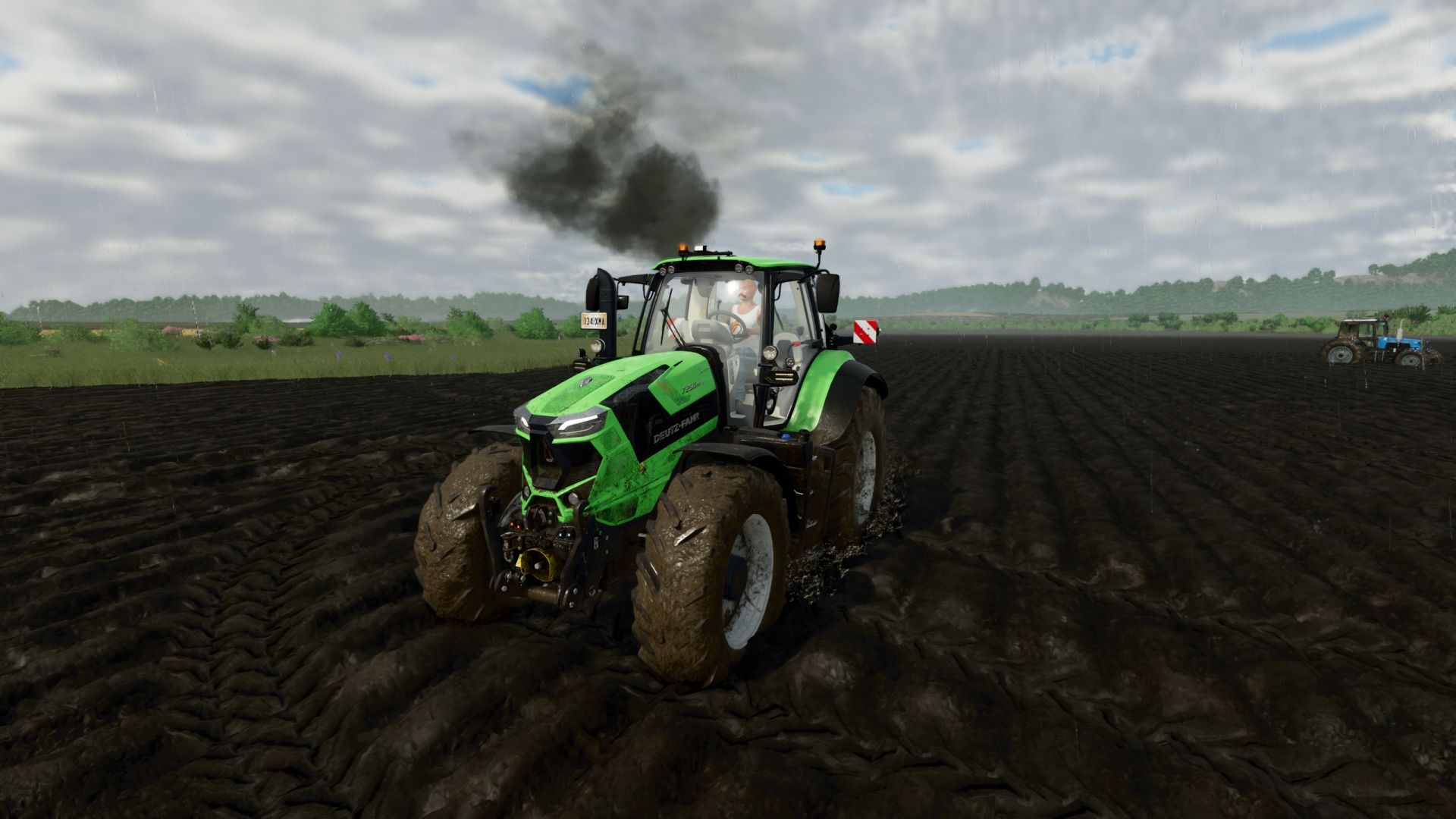

🚜 Exhaust Plus — advanced exhaust system for Farming Simulator 25
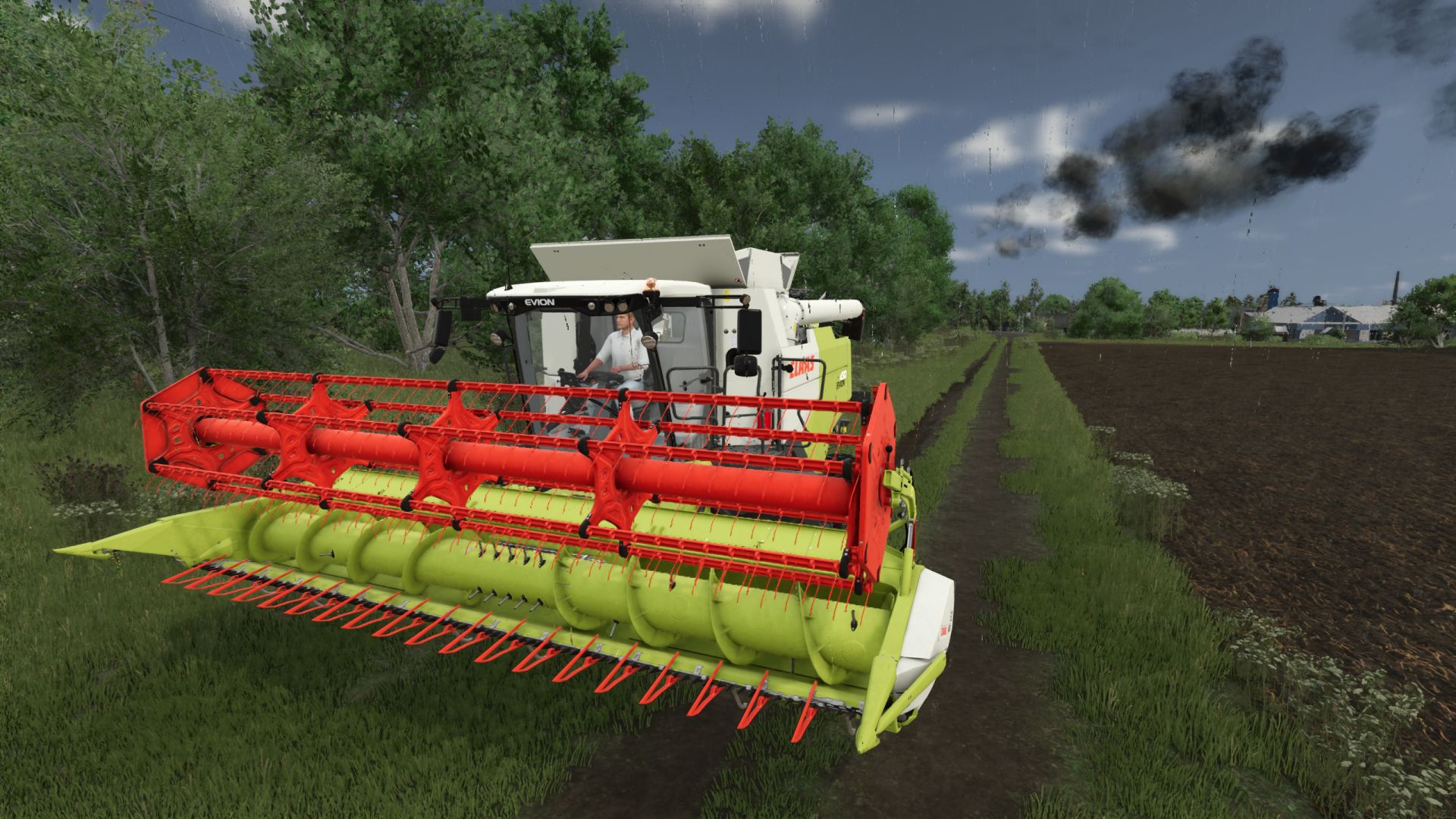
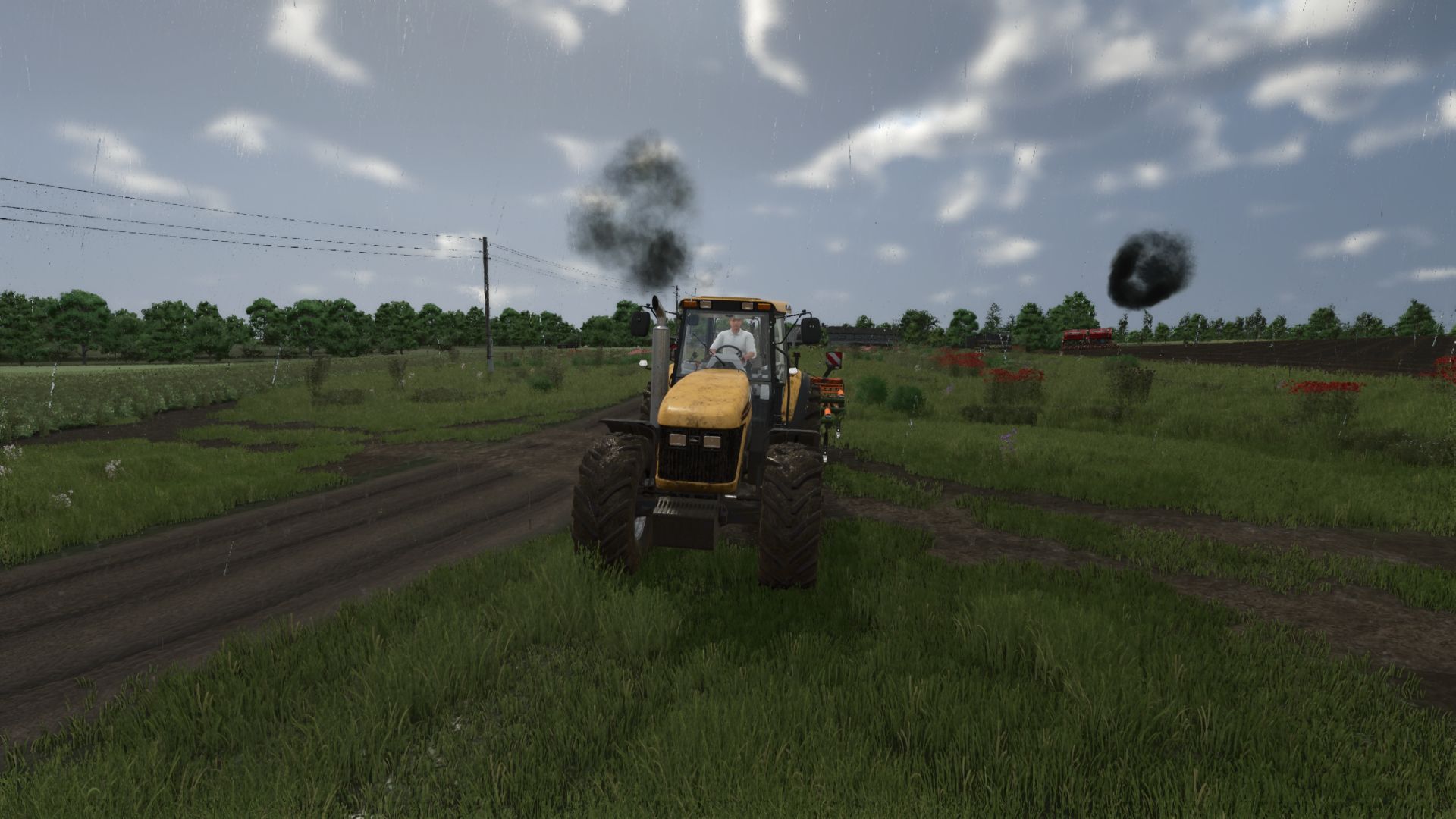
Exhaust Plus is realistic smoke that completely reworks the standard exhaust of vehicles in Farming Simulator 25.
The mod replaces the vanilla smoke with a multi-level particle system that dynamically reacts to engine load and RPM.
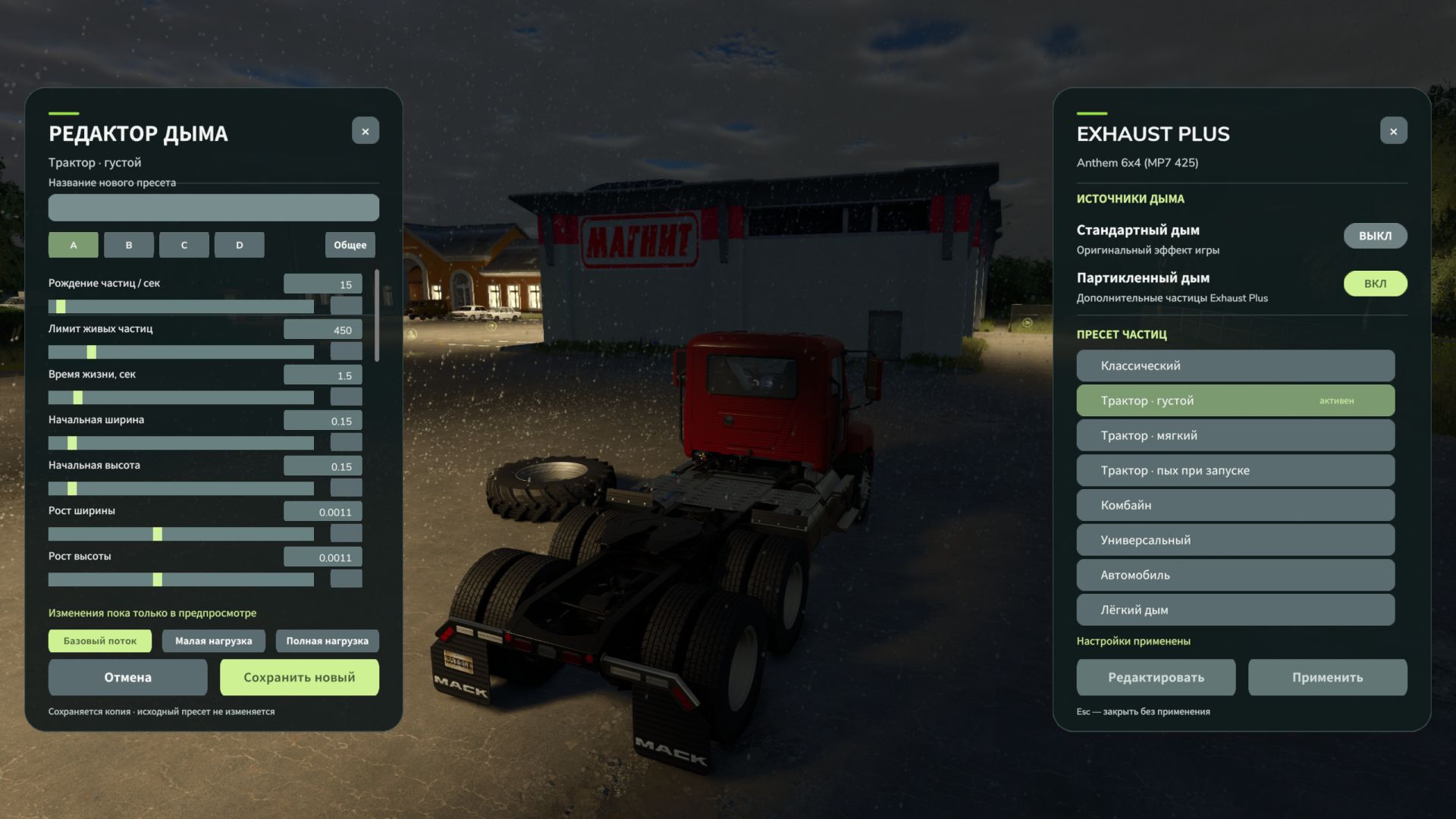
Open the panel: Right Alt + Q. The key combination can be changed in the control settings.
- Added a new exhaust settings panel (Open the panel: Right Alt + Q.)
- Standard and particle smoke can now be activated independently: you can use one effect, both, or disable smoke completely.
- Added a preset editor with sliders and numeric input. Available settings include particle density, size, lifetime, speed, color and opacity, as well as the smoke's response to engine operation.
- Added separate editing for smoke layers and the initial puff.
- Added three preview modes: basic flow, low load and full load.
- Custom presets can be saved under a custom name and deleted. The predefined presets remain unchanged.
- Created presets are saved between game sessions and are available in the general list.
- Reworked network synchronization: each machine transmits its selected preset and smoke settings to other players.
- Smoke intensity calculation has been moved to the server, including for AI-controlled vehicles.
- Improved behavior of smoke on vehicles. (previously, the minimum and maximum speeds were set strictly in the script, now they are read from the engine from the equipment)
- Slightly improved behavior of smoke under load
- Fixed an error that was in the log when switching presets on the go
- Added new LightSmoke preset
- Fixed a problem where when the Vanilla preset was turned on on a vehicle, it continued to work when the engine was turned off.
- Fixed a problem where if a vehicle had a launcher, a second smoke would come from there.
- Improved Hud line that appears when switching presets or disabling custom smoke
- Fixed a problem when smoke was coming out on two active pipes, but only one!
- Fixed client-server-client synchronization problem. (Well, sort of)
- The default keys have been replaced by left ctrl+left shift+K and ctrl+left shift+L (they can’t be reassigned themselves, the game can’t do that, this is for new users)
or you can find the file inputBinding.xml in the documents
find something like this in it and delete it (it’s easier to go to the control settings and change the keys)
<actionBinding action="BMP_EXHAUSTPLUS_VANILLA">
<binding device="KB_MOUSE_DEFAULT" input="KEY_lctrl KEY_lshift KEY_k" axisComponent="+" neutralInput="0" index="1"/>
</actionBinding>
<actionBinding action="BMP_EXHAUSTPLUS_PRESET_NEXT">
<binding device="KB_MOUSE_DEFAULT" input="KEY_lctrl KEY_lshift KEY_l" axisComponent="+" neutralInput="0" index="1"/>
</actionBinding>
- Added the ability to enable or disable Custom smoke on each vehicle. (K button, or set your own in the control)
- Added the ability to select a preset for a vehicle from existing ones. (L button, or set your own in the control)
All states are saved in a save and loaded from it.