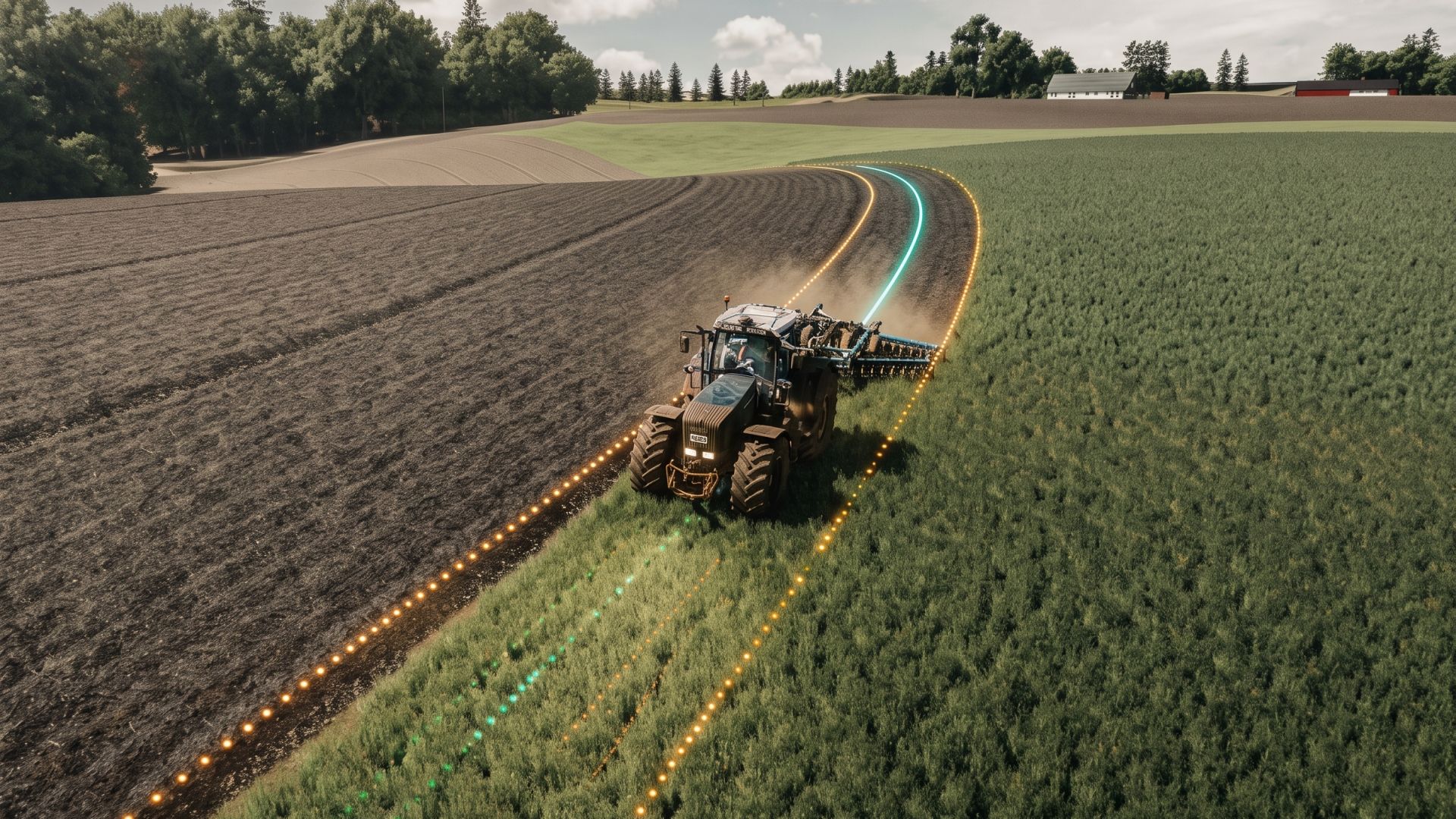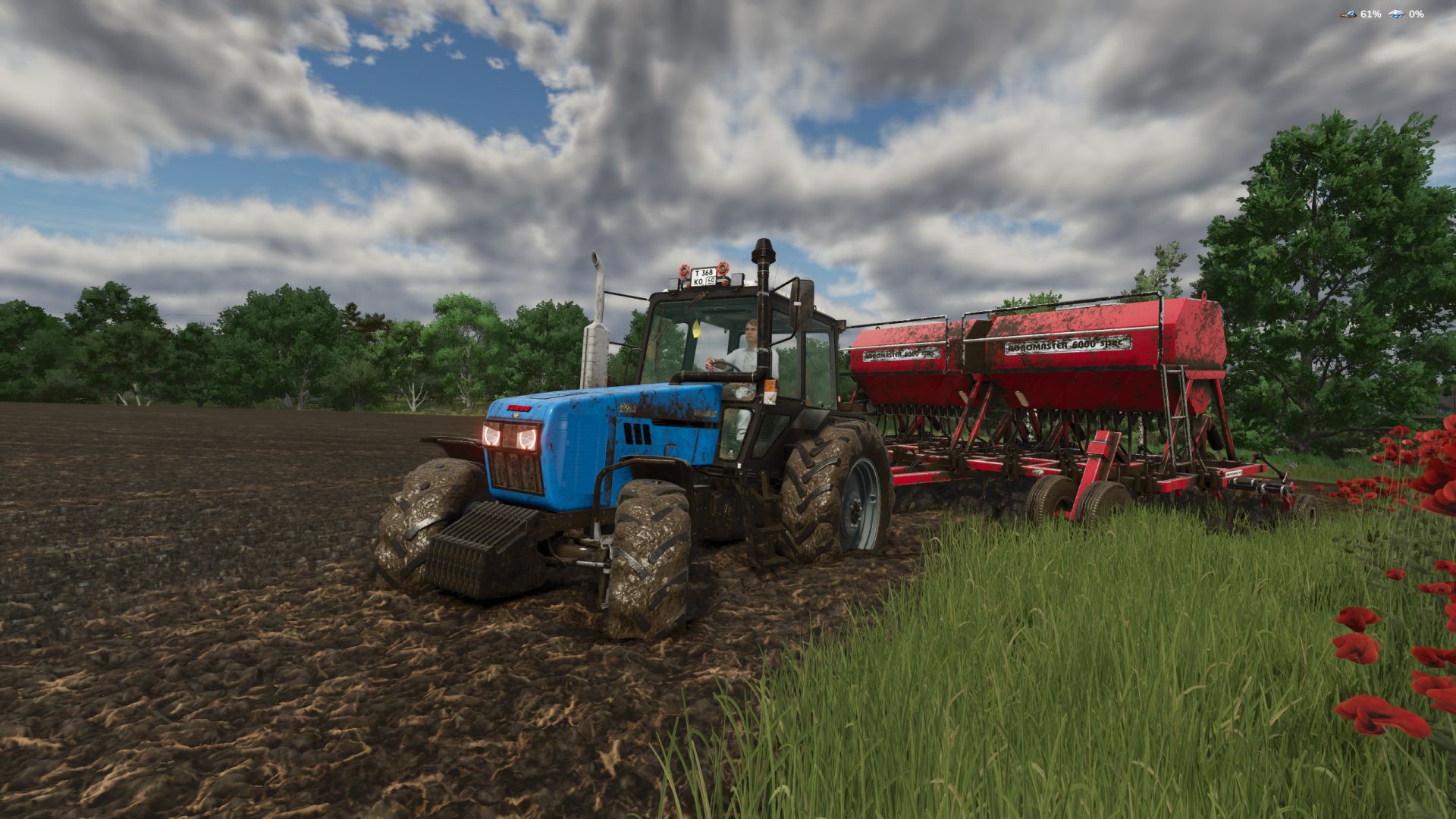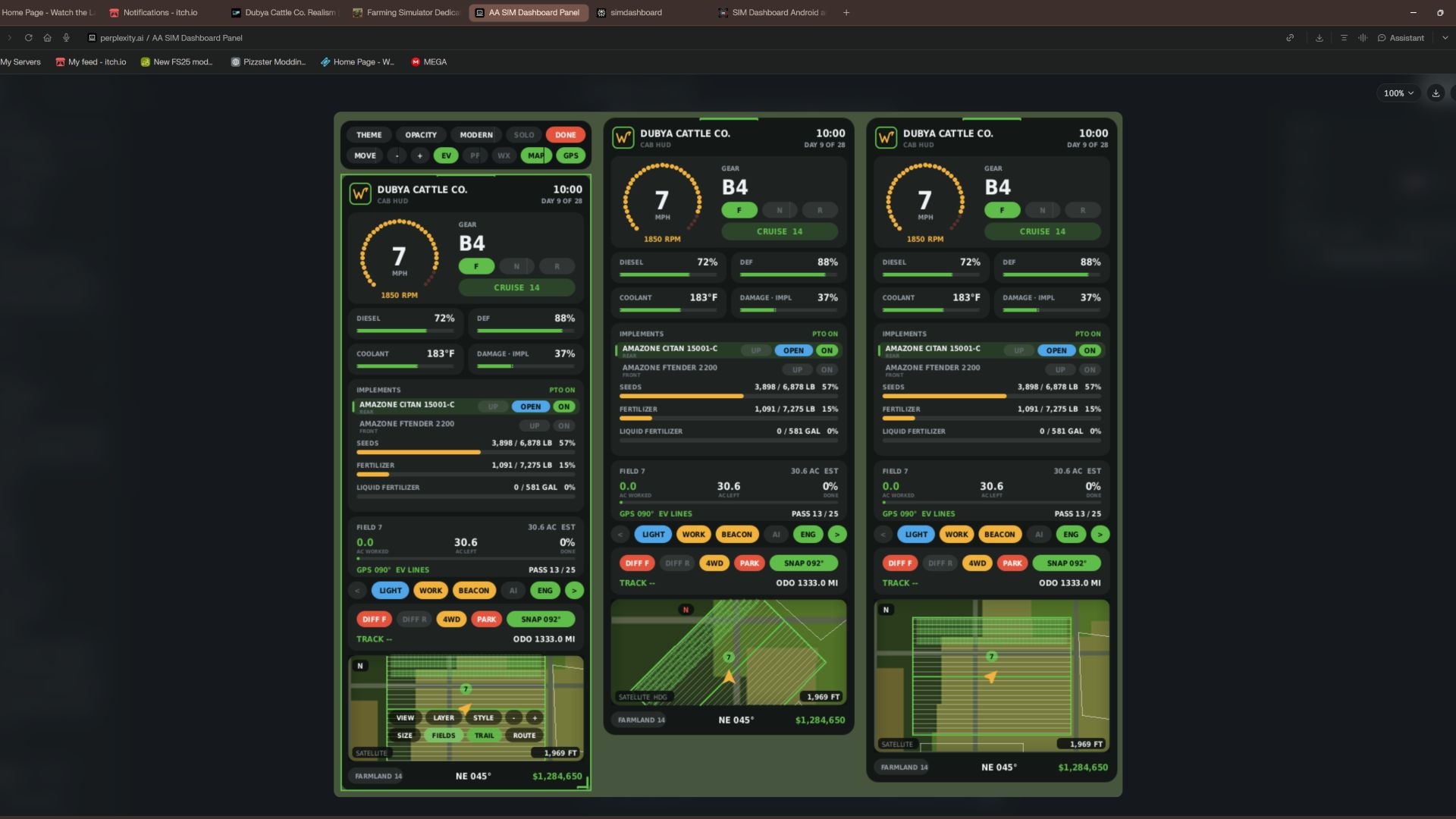

Dubya Cattle Co. Cab HUD for Farming Simulator 25
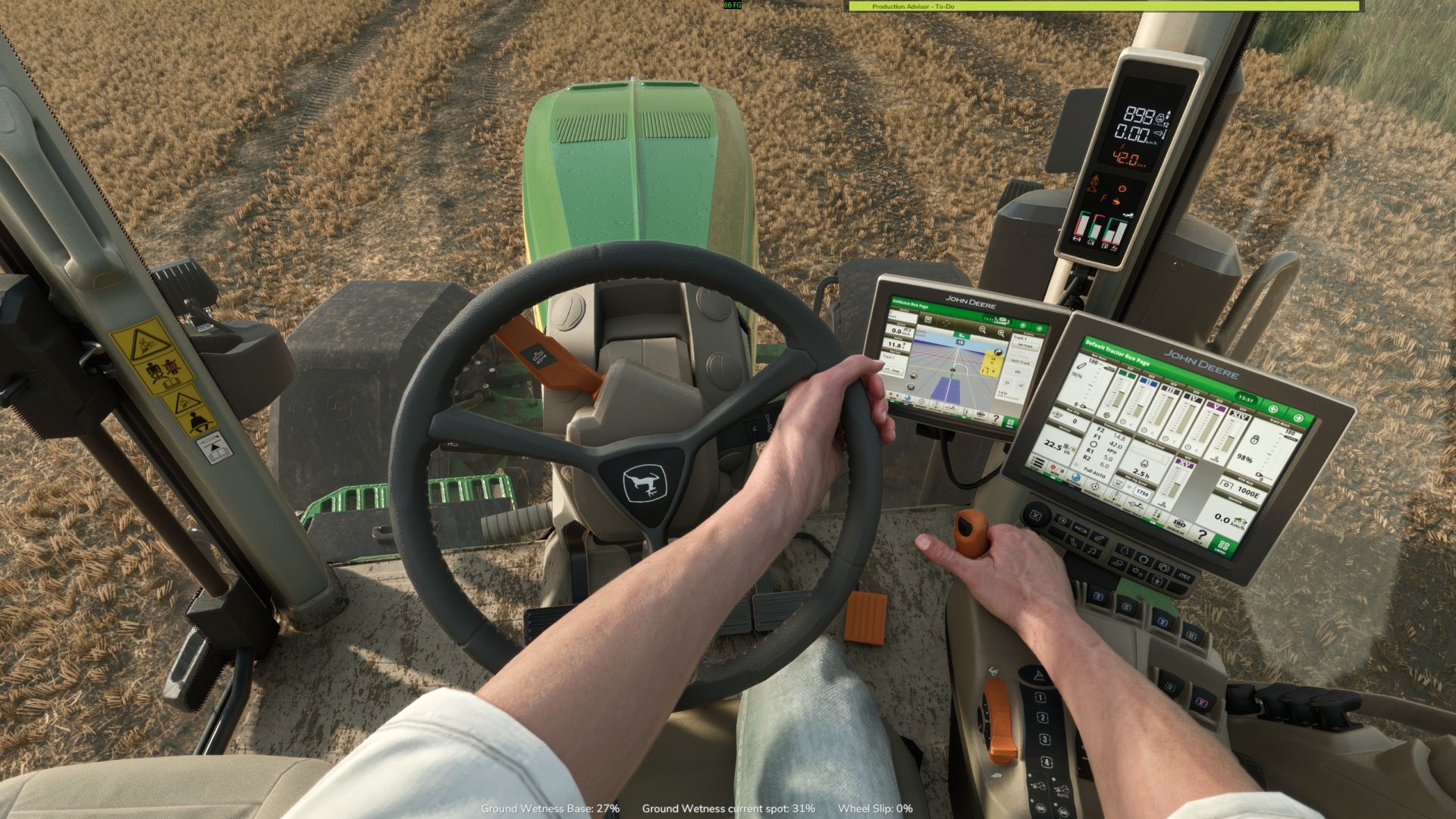
A full in-cab dashboard panel that puts everything you need while driving in one clean, movable, resizable window. Speed, engine, fuel, implements, Precision Farming data, a live mini map with field layers, and a 5-day weather forecast, all without opening a single menu.
The panel shows whenever you're in a vehicle and hides when you get out. It's client-side, so it works in single player and on multiplayer and dedicated servers, and each player sets it up their own way.
What the panel shows
Header
Dubya Cattle Co. logo
In-game day of the month and the time of day
Driving and engine
Speed (MPH) and engine RPM, with bar gauges
Direction (Forward / Neutral / Reverse), current gear, and cruise control speed
Diesel (or electric / methane), DEF level, coolant temperature in °F, and damage
Damage works like the game's repair bar: it shows the worst damage across the tractor and everything attached, labeled "DMG IMPL" when an implement is the worst one
Implements (like the game's control group HUD)
Every attached implement, including ones hooked to other implements, listed with front or rear position
The selected implement is highlighted
Each implement shows whether it's raised or lowered, folded or open (for implements that fold), and turned on
PTO on/off
Acres worked and left
Shows the field you're working, its size in acres, acres worked, acres left, and percent done, with a progress bar
In single player or when you host, it counts the exact area your implements process, so overlap isn't counted twice
On a dedicated server it estimates from working width and distance, marked EST
Each field and implement set gets its own counter, so a new job on the same field starts at zero
Fill tanks
Every tank across the tractor and implements, up to 4: for example seed and fertilizer on a seeder, or a front tank
Each tank shows its fill type, amount, capacity, and percentage with its own bar; empty tanks are named after what they hold
Bars turn amber at 20% and red at 10%
Lights and status
Indicators for turn signals, headlights, work lights, beacon, AI helper, and engine on/off
Enhanced Vehicle support (optional)
If you run the Enhanced Vehicle mod, an extra section shows:
Front and rear diff locks, 2WD / 4WD / FWD mode, and park brake
Steering snap angle, track number, work width, and headland distance
Odometer and trip meter
Precision Farming support (optional)
If Precision Farming is installed, the panel shows:
The soil type under your tractor
Sprayers and spreaders: pH or nitrogen, current and target value, application rate, and auto / manual mode (amber means you're still under target)
Seeders: seed rate, auto / manual mode, and tramline width
Combines: yield in t/ha and the percentage of yield potential
Mini map
Three views (Right Ctrl + Y): 2D north up, 2D heading up (the map turns with you and a red N shows where north is), and a live 3D chase view from above and behind the tractor
North-up map of your farm, using your map's own overview image, with an arrow showing your heading
4 zoom levels: 300 m, 600 m, 1.2 km, 2.4 km across
Field layers, using the same colors as the game's map menu, with a legend:
Field Work: plowed, cultivated, stubble tillage, seedbed
Crops: growing, ready to harvest, harvested, withered
Fertilized: fertilizer levels (replaced by PF Nitrogen when Precision Farming is installed)
Needs Work: needs lime, plowing, or rolling
Weeds: weeds and stones
Precision Farming: soil types, pH, nitrogen, yield, and seed rate
Layers refresh every 15 seconds, so fresh work shows up as you go
5 map styles: Standard, Satellite, Topo (with grid), Dark, and Night
Weather forecast
Today plus the next 4 days
Weather icon for each day (the worst weather expected during working hours)
High and low temperatures in your game's °F or °C setting
Rain, storm, hail, and snow days highlighted in amber
Footer
Farmland number, compass heading in degrees, and your farm's money
Customization
Modern layout (default): rounded cards, an arc-style RPM gauge around the speed readout, slim pill gauges and pill-shaped buttons. The original Classic layout is one key press away.
Move the panel to preset screen positions, or drag it anywhere with the mouse
Resize it with hotkeys, or drag the bottom-right corner
10 color themes plus a custom theme you can set in the settings file
Adjustable background opacity
Turn each section on or off: Enhanced Vehicle, Precision Farming, map, forecast
Solo mode hides the game's own HUD and keeps only this panel, for a clean cinematic cab view. Enhanced Vehicle's guide lines and track numbers stay visible. The game HUD comes back when you get out of the vehicle.
All settings save automatically to modSettings/FS25_DubyaHUD.xml
Controls
Every key uses Right Ctrl, and all of them can be changed in Options → Controls under "Dubya HUD".
Keys Action
Right Ctrl + H Show / hide the panel
Right Ctrl + J Move to next screen position
Right Ctrl + K Smaller
Right Ctrl + L Bigger
Right Ctrl + C Next color theme
Right Ctrl + B Background opacity
Right Ctrl + O Solo mode (hide game HUD)
Right Ctrl + E Show / hide Enhanced Vehicle info
Right Ctrl + P Show / hide Precision Farming info
Right Ctrl + F Show / hide weather forecast
Right Ctrl + M Show / hide mini map
Right Ctrl + N Map zoom
Right Ctrl + G Map layer
Right Ctrl + V Map style
Right Ctrl + U Panel layout (modern / classic)
Right Ctrl + Y Map view (2D north up / 2D heading up / 3D)
Mouse: when the cursor is showing, drag the panel's header to move it and its bottom-right corner to resize it.
Installation
Put FS25_DubyaHUD.zip in your mods folder (Documents\My Games\FarmingSimulator2025\mods). Don't unzip it, and keep the file name exactly as is.
Enable the mod when you load or create your save.
For a dedicated server, upload the same zip to the server's mods folder and enable it there.
Get in any vehicle. The panel appears automatically.
Compatibility
Works on its own. Enhanced Vehicle and Precision Farming are optional; their sections only appear when those mods are active.
Other mods' HUDs, such as AutoDrive or Courseplay, aren't hidden by solo mode.
If something isn't working, check log.txt for lines starting with "DubyaHUD".
v2.2.0.0
Aggiunte
- Livello mappa automatico: quando ci si trova su un campo, la mappa passa al livello relativo all'operazione in corso:
- Aratro, coltivatore, erpice a dischi, ripuntatore, rullo, trinciatrice, raccoglisassi o seminatrice: Lavorazione del campo (Field Work)
- Concime, fertilizzante liquido, liquame, letame o digestato: Azoto (PF Nitrogen) – (o "Fertilizzato" se non si utilizza Precision Farming)
- Calce: pH (PF pH) – (o "Intervento richiesto" se non si utilizza Precision Farming)
- Erbicida o sarchiatrice: Infestanti (Weeds)
- Mietitrebbia: Resa (PF Yield) – (o "Colture" se non si utilizza Precision Farming); falciatrice o imballatrice: Colture (Crops)
- Il sistema rileva il contenuto di irroratrici e spandiconcime in base a ciò che è presente nel serbatoio, all'ultimo prodotto utilizzato o al contenuto fornito da un serbatoio anteriore
- Un livello selezionato manualmente rimane attivo finché non cambia l'operazione o non si entra in un altro campo
- Il pulsante "AUTO" sulla mappa, in modalità interazione, consente di attivare o disattivare la selezione automatica del livello
Rimosse
- Traccia di copertura (visualizzazione, salvataggio e relativo pulsante sulla mappa); i dati delle tracce salvate in precedenza verranno ignorati
---
v2.1.0.0
Aggiunte
- Il percorso GPS utilizza il sistema GPS integrato nel gioco ("Steering Assist" / Assistenza alla guida), rendendo le linee GPS funzionali anche senza la mod "Enhanced Vehicle"
- Entrando in un campo, il veicolo attiva automaticamente l'assistenza alla guida (Steering Assist); il gioco rileva il campo, genera il percorso e visualizza le linee guida nel mondo di gioco
- La modalità di guida precedente (AI) viene ripristinata circa 8 secondi dopo aver lasciato il campo, oppure nel momento in cui si scende dal veicolo o si passa a un altro mezzo
- La mappa nell'interfaccia (HUD) mostra le linee guida del gioco, evidenziando quella attualmente in uso La scheda del campo mostra LINEA x / y
- Modalità GPS nel pulsante della barra degli strumenti GPS: AUTO, GAME, EV, OFF
- Lavoro sul campo salvato: gli acri lavorati vengono salvati per ogni partita (e per ogni server in modalità multigiocatore), ogni 30 secondi, al salvataggio del gioco e all'uscita
- I campi già lavorati, se rielaborati in un secondo momento, vengono reimpostati automaticamente per la stagione successiva
- Pulsante RESET nella scheda del campo in modalità interazione (fare doppio clic per confermare)
---
v2.0.0.0
Aggiunto
- Modalità interazione (Ctrl destro + X): cursore del mouse, la telecamera smette di seguire il mouse, interfaccia (HUD) cliccabile
- Luci, luci di lavoro, lampeggianti, indicatori di direzione e motore
- Selezione dell'attrezzatura: sollevamento/abbassamento, apertura/chiusura e accensione tramite gli appositi comandi
- Funzionalità di "Enhanced Vehicle": bloccaggio differenziali, trazione integrale (4WD), freno di stazionamento, sistema di guida assistita (snap) e contachilometri (totale/parziale)
- Pulsanti sulla mappa per visualizzazione, livelli, stile, zoom, dimensioni, contorni dei campi e percorso; la rotella del mouse consente di ingrandire la mappa
- Barra degli strumenti per gestire tema, opacità, layout, modalità singola, spostamento, ridimensionamento e visualizzazione di EV, PF, previsioni meteo, mappa e GPS
- Trascina l'intestazione per spostare l'elemento, trascina l'angolo per ridimensionarlo
- Uscita dalla modalità tramite Ctrl destro + X, pulsante "FINE" (DONE) o scendendo dal veicolo
- Percorso GPS automatico all'ingresso in un campo: segue il lato dritto più lungo del campo, con il primo passaggio posizionato a metà larghezza di lavoro verso l'interno
- Attiva le linee di tracciamento di "Enhanced Vehicle" se installato; la mappa nell'interfaccia (HUD) riflette le modifiche apportate tramite "Enhanced Vehicle"
- La scheda del campo mostra l'orientamento del percorso e il numero del passaggio
- Ctrl destro + R ricalcola il percorso
- Miglioramenti alla mappa
- Contorni e numeri dei campi, con evidenziazione del campo in cui ci si trova
- Tre dimensioni per la mappa (Ctrl destro + T)
- Visualizzazione orientata verso la direzione di marcia (heading-up): la freccia che indica il veicolo viene posizionata più in basso per offrire una visuale più ampia su ciò che sta davanti
- I contorni vengono visualizzati solo per i campi presenti nell'area inquadrata
Modificato
- Tutte le combinazioni di tasti precedenti rimangono invariate
---
v1.9.0.0
Modificato
- Utilizzo di unità di misura imperiali ovunque, indipendentemente dalle impostazioni di gioco
- Liquidi misurati in galloni - Cereali in bushel (secondo i pesi standard USDA); tutto il resto in libbre
- Velocità e velocità di crociera in miglia orarie (mph); temperatura del liquido di raffreddamento e previsioni meteo in °F
- Larghezza di lavoro, capezzagne, linee di passaggio (tramline) e scala della mappa in piedi; contachilometri totale e parziale in miglia
- Dosaggi per l'agricoltura di precisione in libbre/acro (lb/ac) o galloni/acro (gal/ac); densità di semina in libbre/acro o numero di semi/acro; azoto in libbre/acro
- Resa della mietitrebbia in bushel/acro (bu/ac) per i cereali, in libbre/acro (lb/ac) per le altre colture