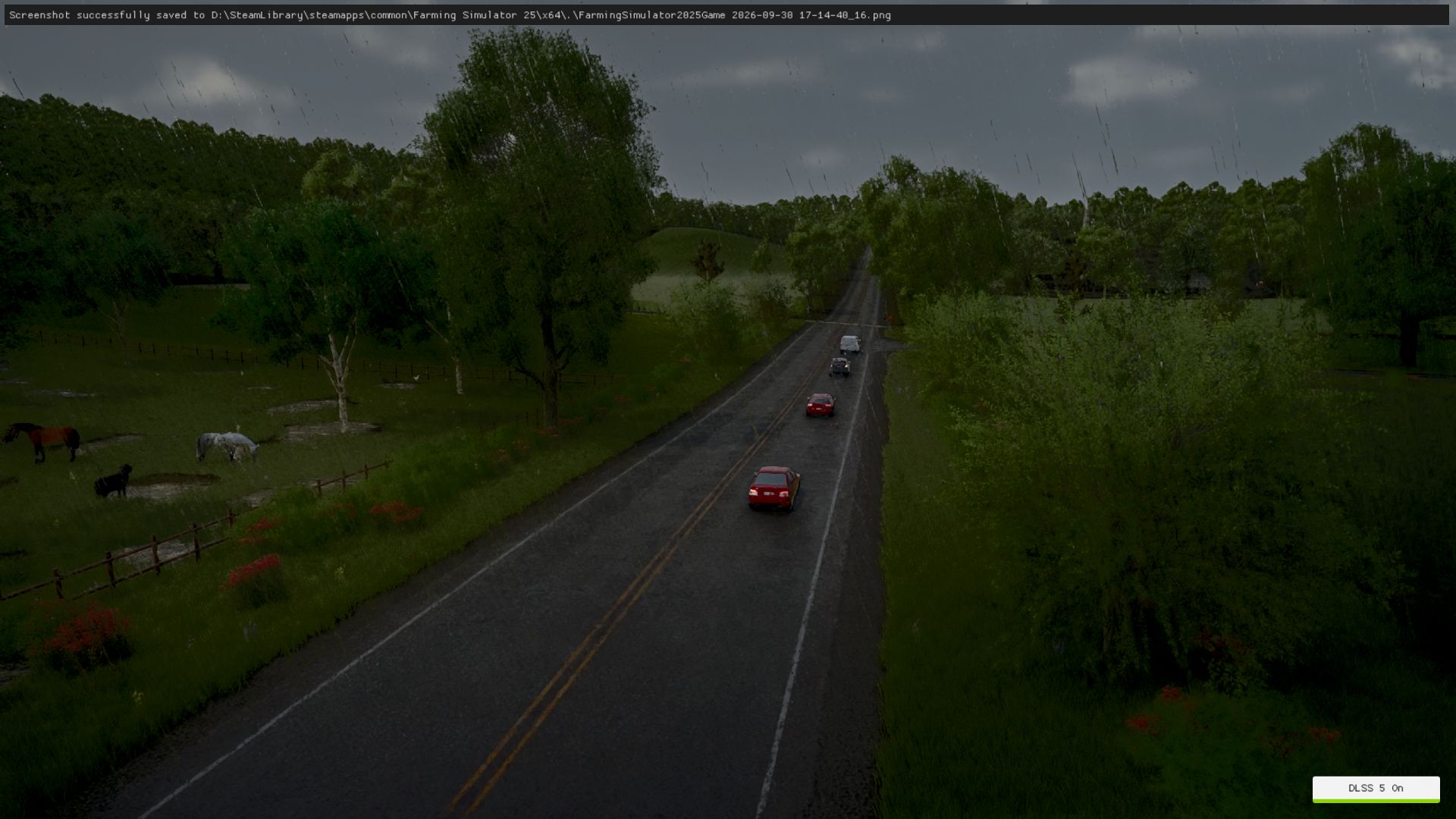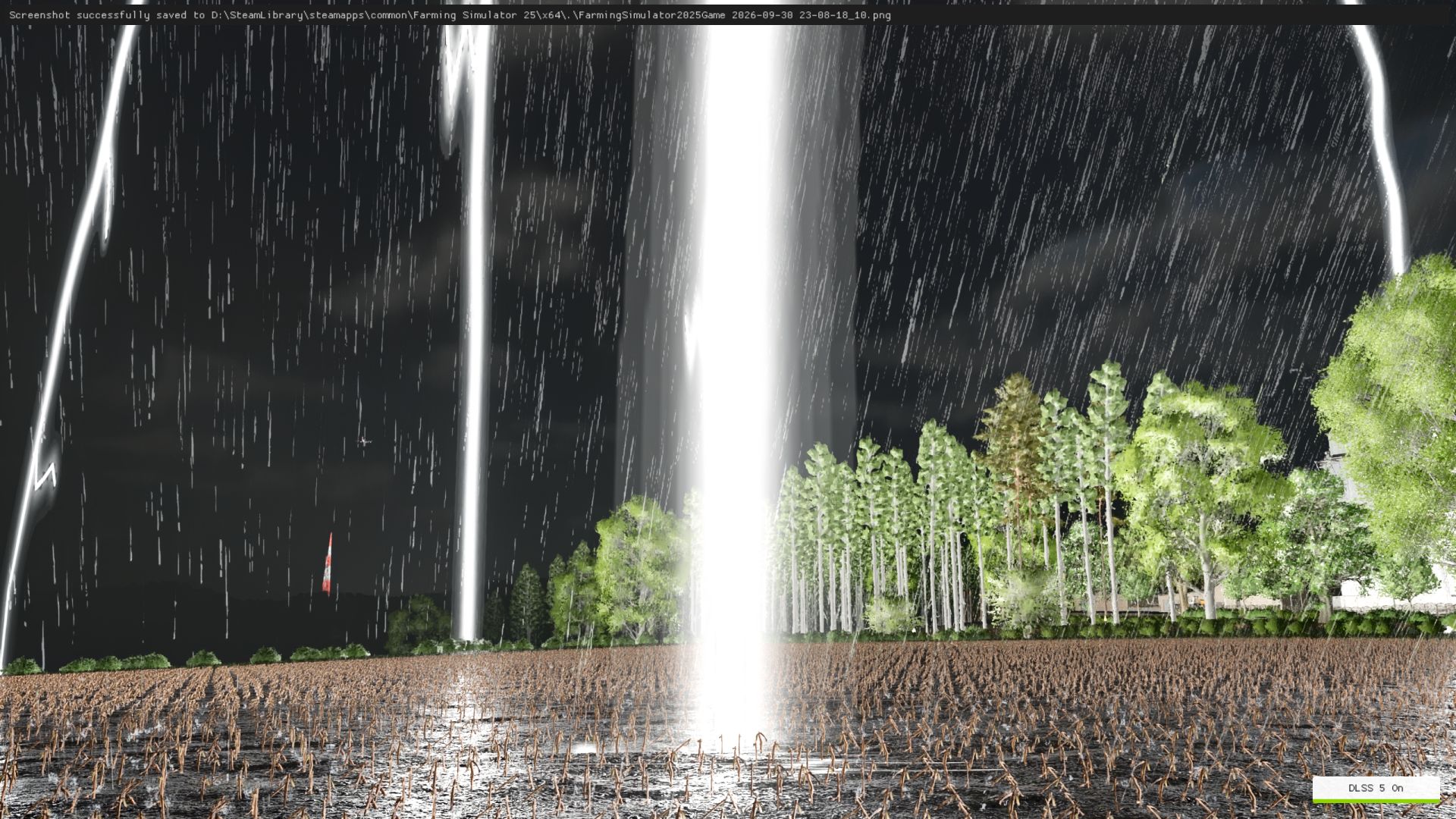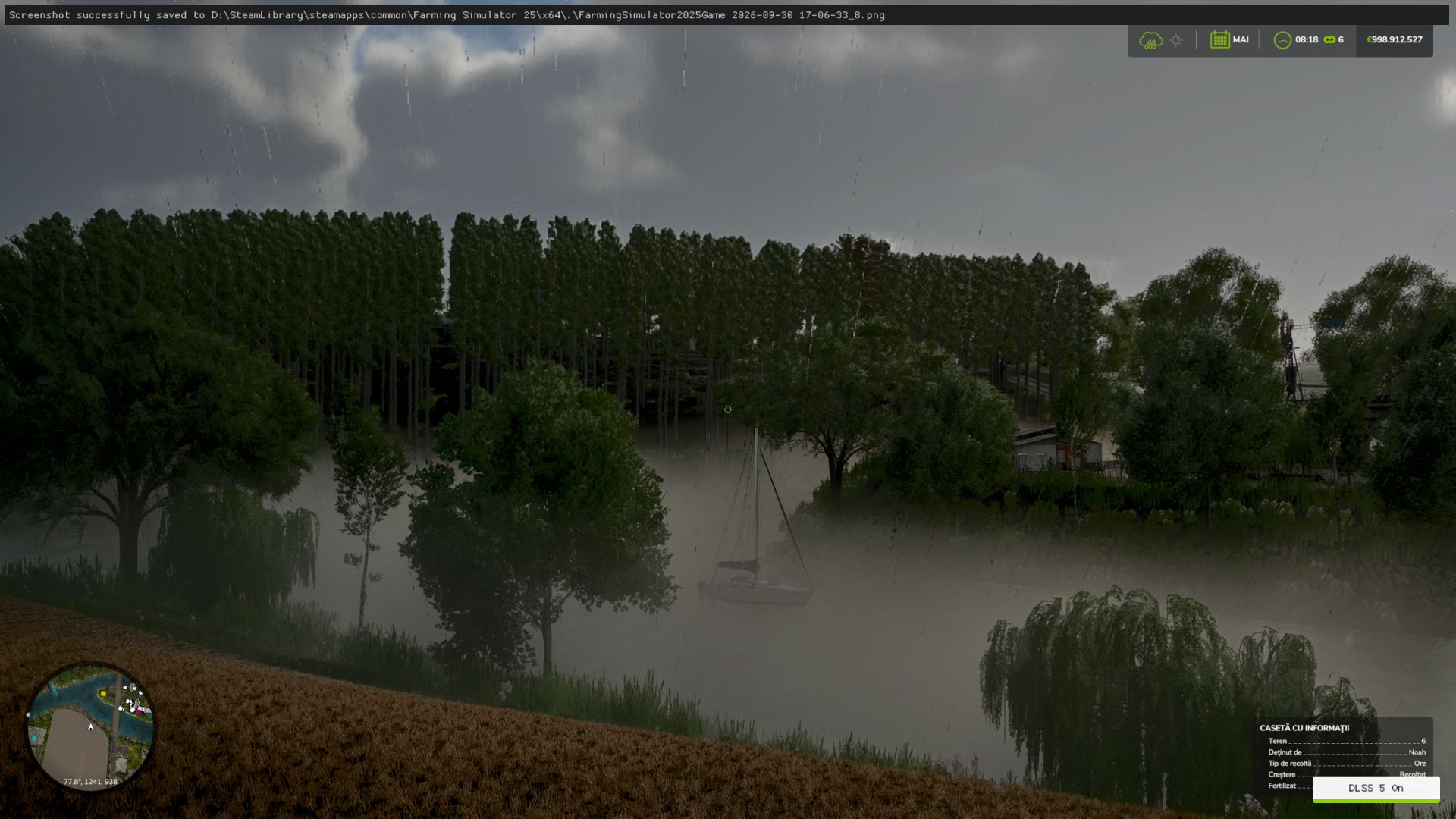

Install, tune and restore DLSS 5 in your games with one click. Native RenoDX, DLSS5-Feeder for games without DLSS, OptiScaler and multipass routes; DirectX 8/9/11/12, Vulkan, OpenGL, DirectDraw and emulators.
In-game F8 overlay, automatic backups, and a community page showing what works on your games and your graphics card.
-Easy installation: native DLSS games, or compatible non-DLSS games through DLSS5-Feeder.
-Your library: Steam, Epic, GOG, modern Xbox Game Pass folders, and manually added games/emulators.
-Search and filters: combine title, graphics API, DLSS status/version and add-ons; click counters to filter.
-Flexible layout: group by store or show everything in one list, with game artwork and light/dark themes.
-Controlled scanning: full-drive scanning is off by default. Added folders still scan normally; enable all-drive discovery or remove scan folders in Settings.
-Right-click shortcuts: open/copy folder, rescan, change cover, restore originals or hide a game.
-Backups and History: restore original files, keep installation records, and copy History/activity/install logs.
-Save diagnostics: one file with the install log, the game’s own ReShade and Feeder logs, the manifest and your driver - shown to you before it is written, and ready to attach to a report.
-In-game overlay: press F8 to open the app's own panel over the running game and move the real DLSS Neural Rendering sliders while you play. Supports the DLSS5-Feeder and RenoDX routes only, and it knows both RenoDX builds the app ships (6.5.3 and the older 4.7). Drag the grip in its bottom right corner to resize it; each game remembers its own size.
-Rendering API override: optional, per game, with Automatic as the default; detection is never overwritten.
-Custom add-ons: the Add-ons page remains available alongside the integrated installation routes.
-Multipass neural rendering: an installation route that runs the neural pass up to ten times per frame, on DX12, DX11 and 64-bit DX9 - including games with no DLSS of their own.
-Community (BETA): read what worked for other people, narrowed to the games on your PC and the graphics card in it, leave your own report, and talk it over underneath it. Opt-in, and everything you leave can be edited, deleted or withdrawn.
-Community chat: one live room for everyone using the app - screenshots, game cards, replies with mentions and reactions.