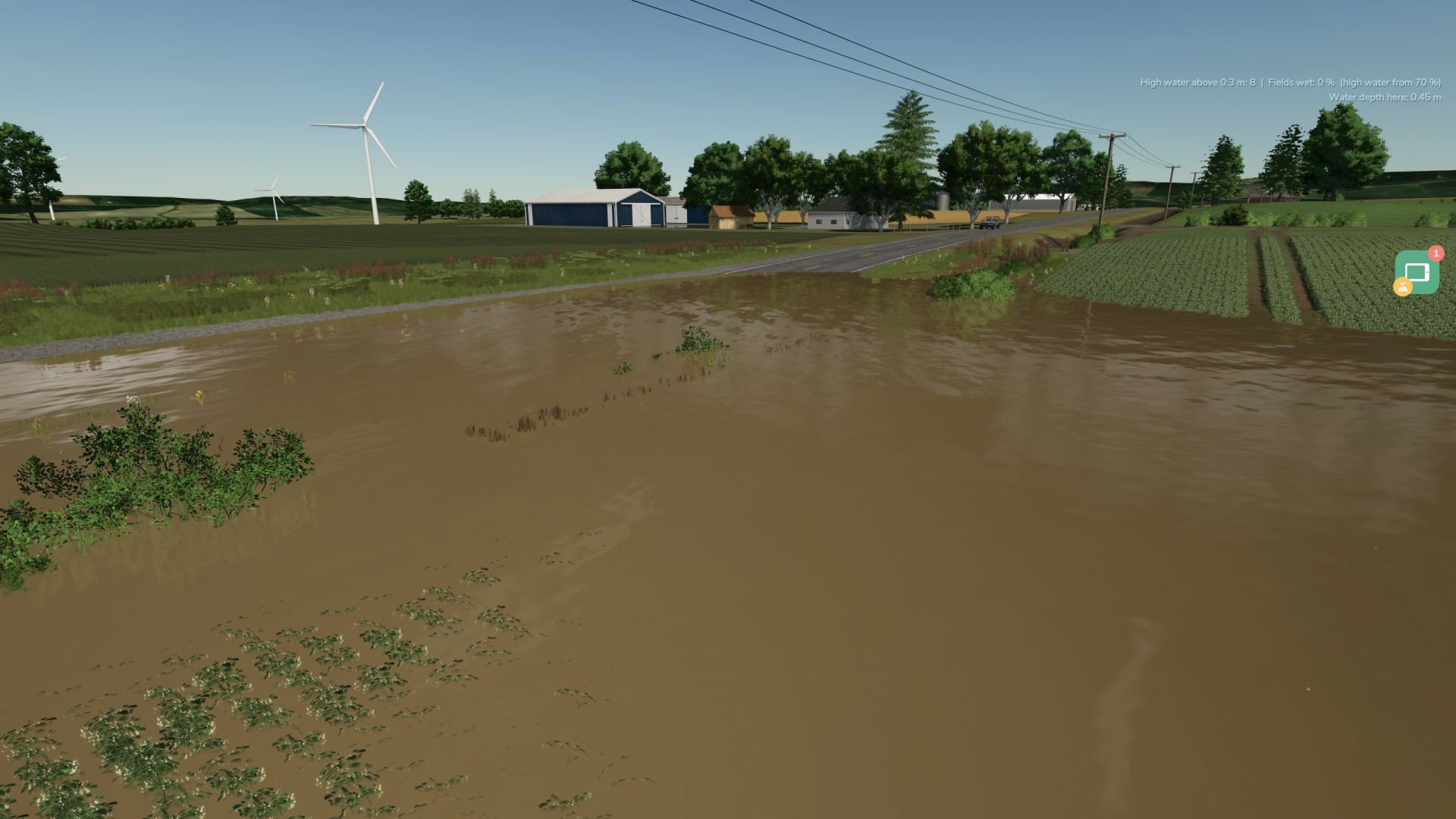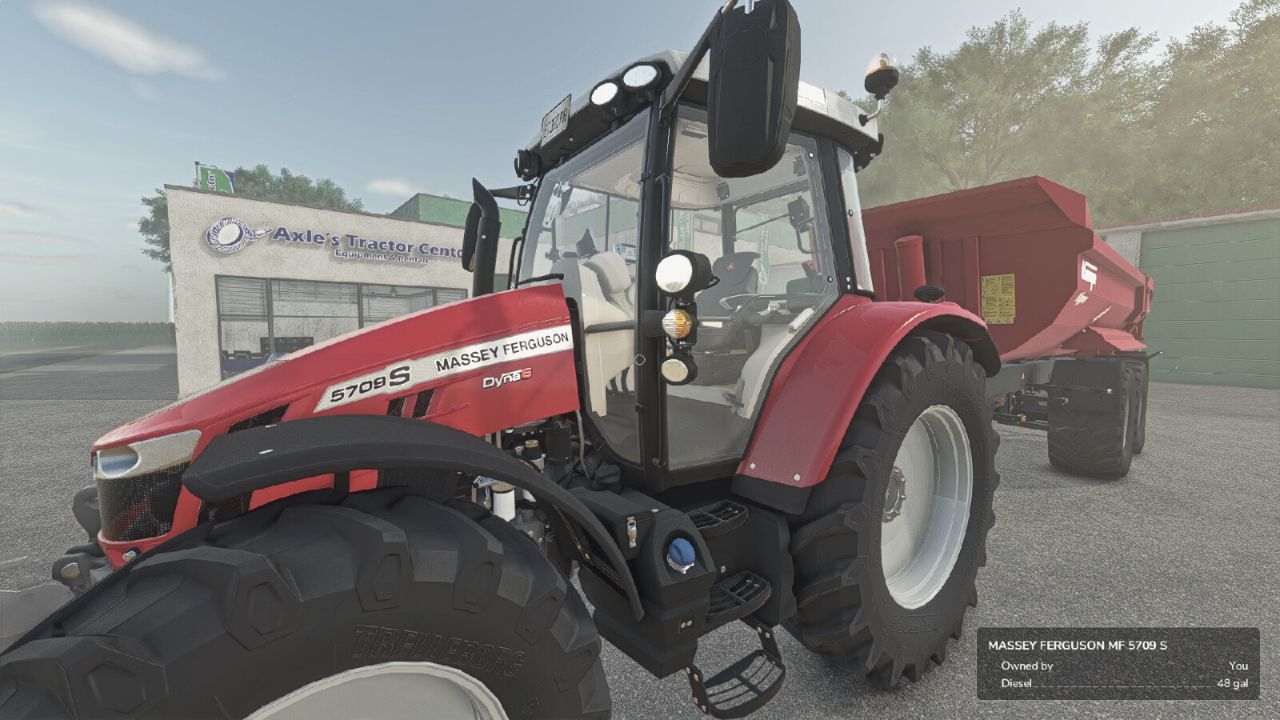
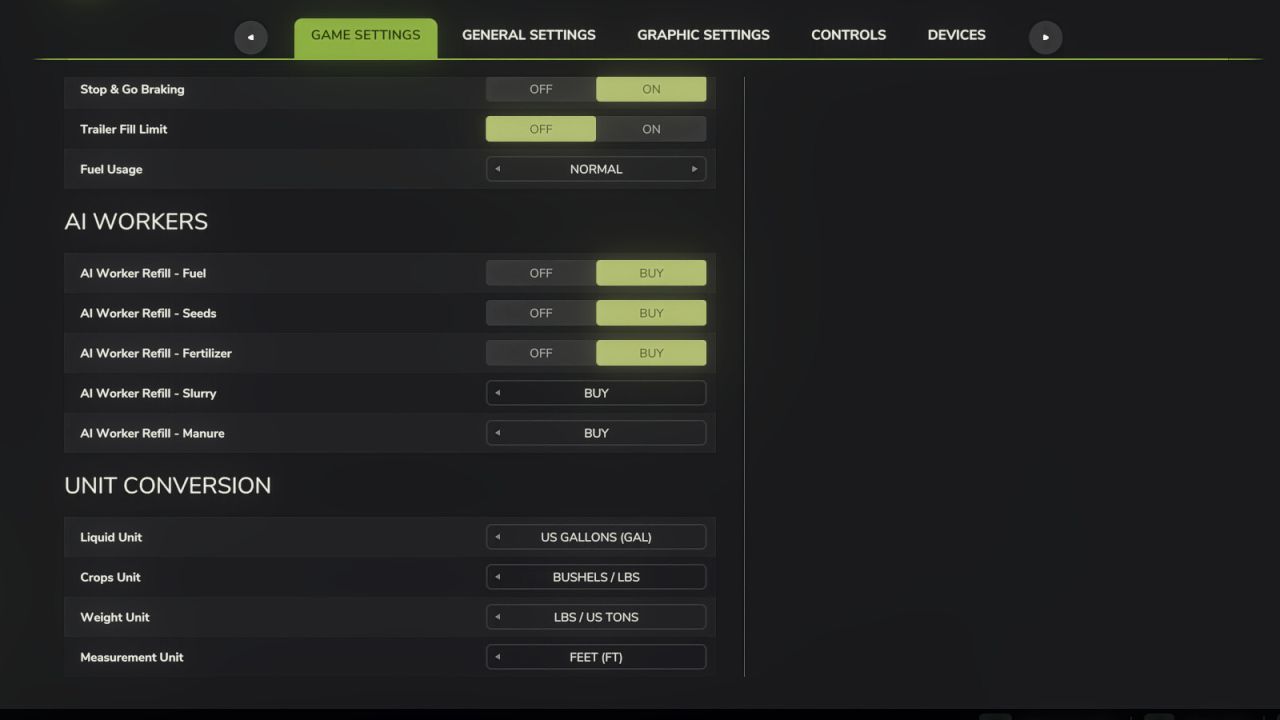
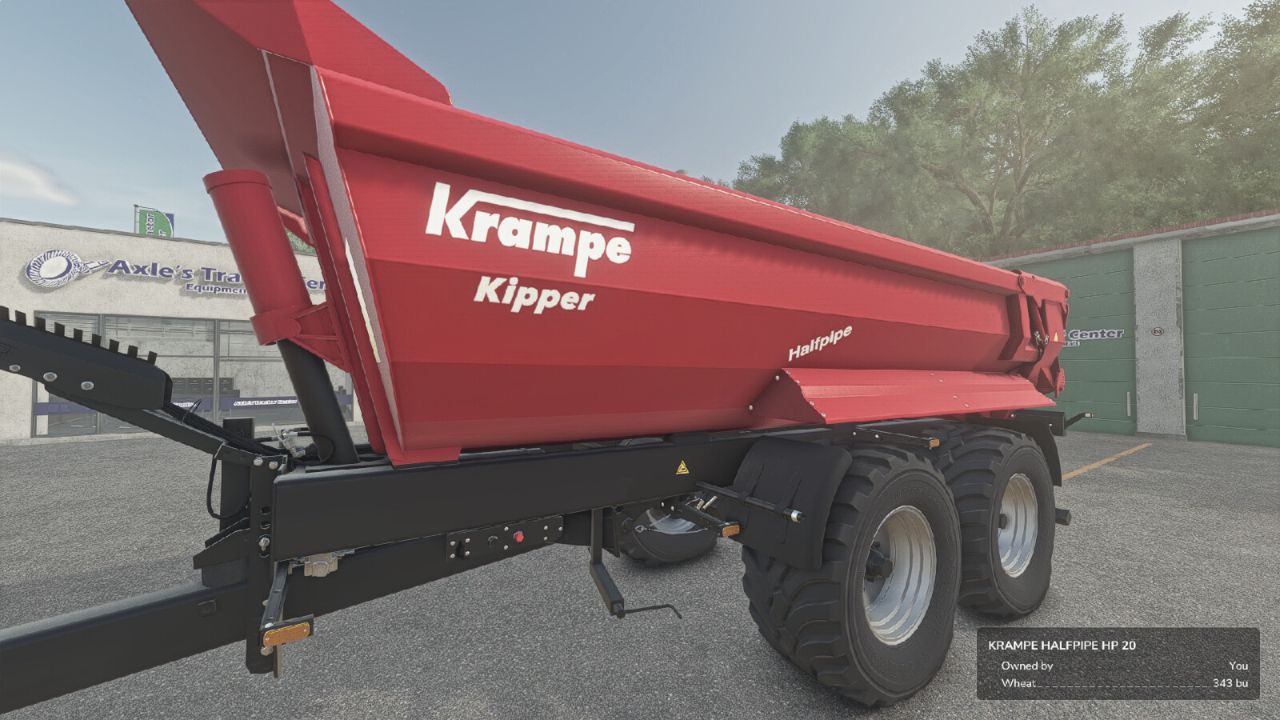

Adds a "Unit Conversion" section to the Game Settings tab in the pause menu.
Choose your preferred units for:
- Liquid: Liters or US Gallons
- Crops: Liters, Bushels (grains) or Lbs (root crops / other solids)
- Weight: Kg / Tonnes or Lbs / US Tons
- Measurement: Meters / Centimeters or Feet
Converts the shop list, vehicle configuration screen (capacity, fuel, methane, working width, bale sizes), in-game HUD fill levels, prices menu storage, and info boxes. Fill types are classified individually: grains show bushels, liquids gallons, dry bulk lbs / US tons, and bales or pallets keep their piece counts.
Settings are saved per-profile and persist between game sessions.
Does not affect in-game prices or game mechanics — display only.
- New setting "Weight Scale": choose pounds only, US tons only, or pounds switching to tons over 1 ton. Pounds only keeps feed mixing and rationing precise, where tons are too coarse.
- Large numbers now use thousands separators, so 49,600 lbs is readable at a glance.
- Fixed: bales were sometimes shown in gallons instead of a bale count.
- Fixed: total mixed ration, silage and other feed were shown in gallons instead of pounds / US tons.
- Fixed: silos and production points showed every commodity in the same unit; each fill type is now converted on its own.
- Improved: US units per commodity. Rye, spelt, buckwheat and flax now use bushels; sunflower and rice use pounds / US tons, the way they are actually traded in the USA.
- Improved: displayed weights now match the real in-game mass of the load, and crops added by map mods are converted automatically.
- Fixed: error on dedicated servers, where the mod tried to build its settings page without a user interface.
- Fixed: liquid additive tanks (silage additive, liquid seed treatment) were weighed as solids.