Search results for mt.manager

24 results
  • Farm Task Manager Display
    2 722
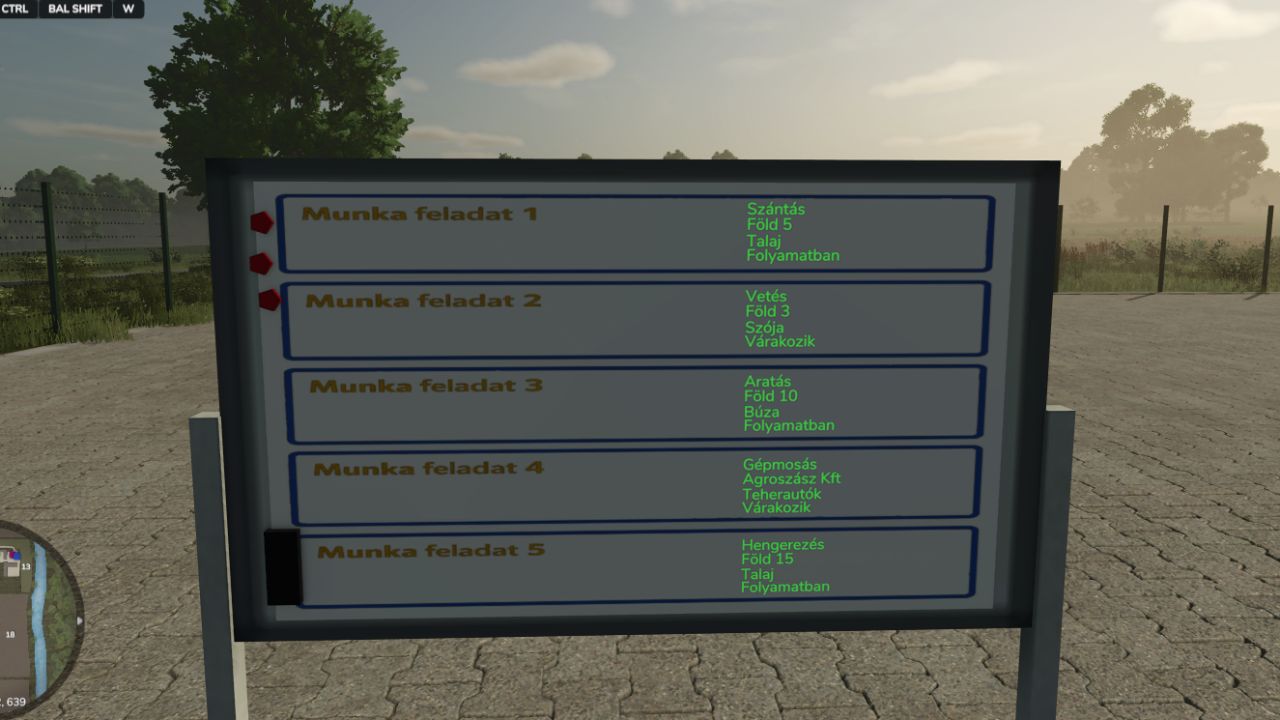
    Are you looking for a professional way to manage work tasks on your dedicated server or multiplayer farm? This mod adds a placeable Task Manager Display designed for your farm office. It allows farm managers to assign tasks, track progress, and communicate with the team efficiently—even when the admin is offline! The display features 5 separate Task Boxes, each containing 4 adjustable categories: Work Type, Owner/Field, Crop, and Status. Key Features: Dedicated Server Ready: Fully synchronized! Save games are stored externally (box.xml), so task data is persistent. Late-Join Sync: Players joining the server later will immediately see the updated tasks. No need for the admin to be online to "tell" them what to do. Smart Visibility: The display text activates automatically via a trigger when a player walks close to the board (simulating an office environment). Multi-Language Support: Fully translated into English, German, French, and Hungarian. Controls (Keyboard): Walk up to the display to activate the controls: CTRL + SHIFT + W: Cycle through the 4 categories (Work type -> Owner -> Crop -> Status). CTRL + SHIFT + E: Next value (Step forward). CTRL + SHIFT + Q: Previous value (Step backward). Perfect for Roleplay (RP) servers and large farming teams!
    Updated
  • Advanced Farm Manager
    2 856
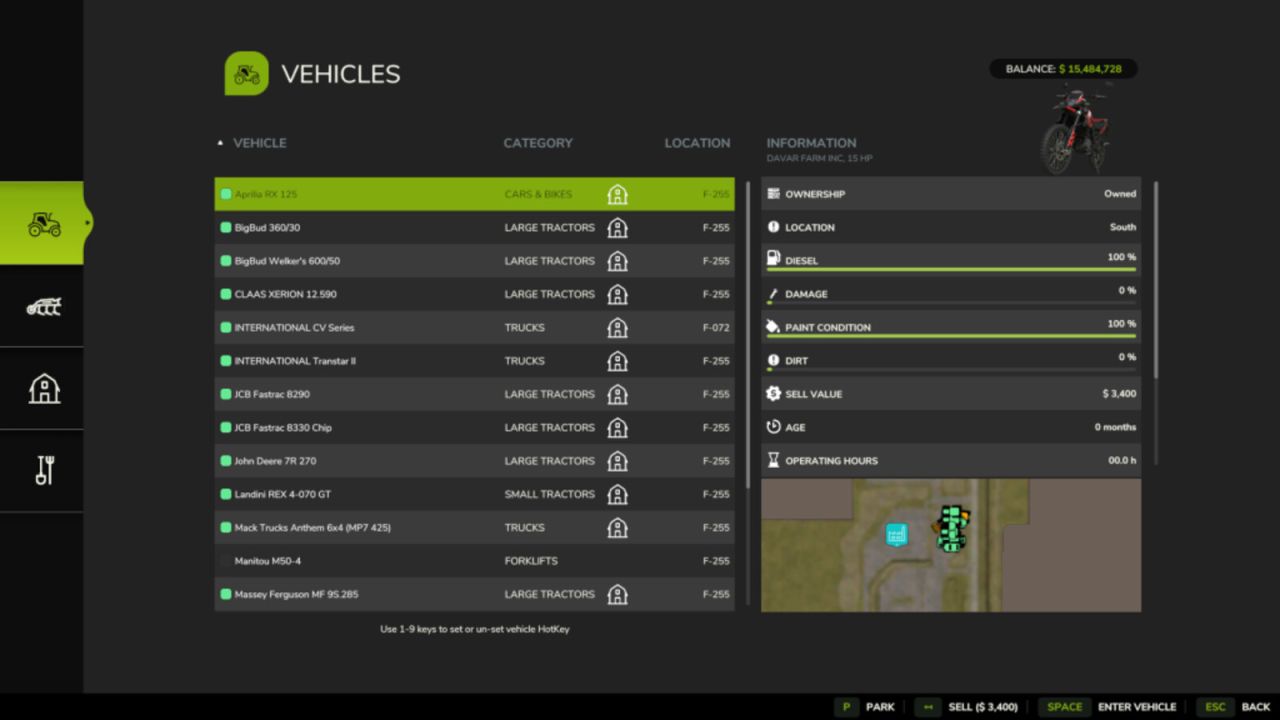
    Advanced Farm Manager is a toggle-able GUI that will allow you to quickly manage your vehicles, implements, fields, and placeables. - Jump into, park, sell, clean, repair, repaint, and refuel (diesel only) enterable vehicles. - Warp near, sell, clean, repair, and repaint implements. Never lose an implement again. - Warp near, tag, and sell placeables. - Warp directly to or tag fields (pre-defined only) - Pricing for Sales, Repair, and Repainting is the same as any mobile shop. - Pricing for cleaning is based on how dirty the vehicle or implement is. - Set hotkeys on vehicles using 1-9 keyboard or number pad keys in the menu - Set nicknames on enterable, motorized vehicles. - Set vehicle switching (tabbing) to be all enterable vehicles, or just hotkey vehicles - Parking status for vehicles is saved in single player, but local to your user session on multiplayer (it will only affect your tabbing, and not save between game session) Key Bindings: Left_Shift + Key_Slash (/) - Open Menu Mouse Button 4 - Open Menu Right_Alt + Number Pad 0 - Toggle between limited vehicle switching and all vehicle switching Right_Alt + Number Pad 1-9 - Jump to hotkey marked vehicle #
  • Rent Income Manager
    2 936
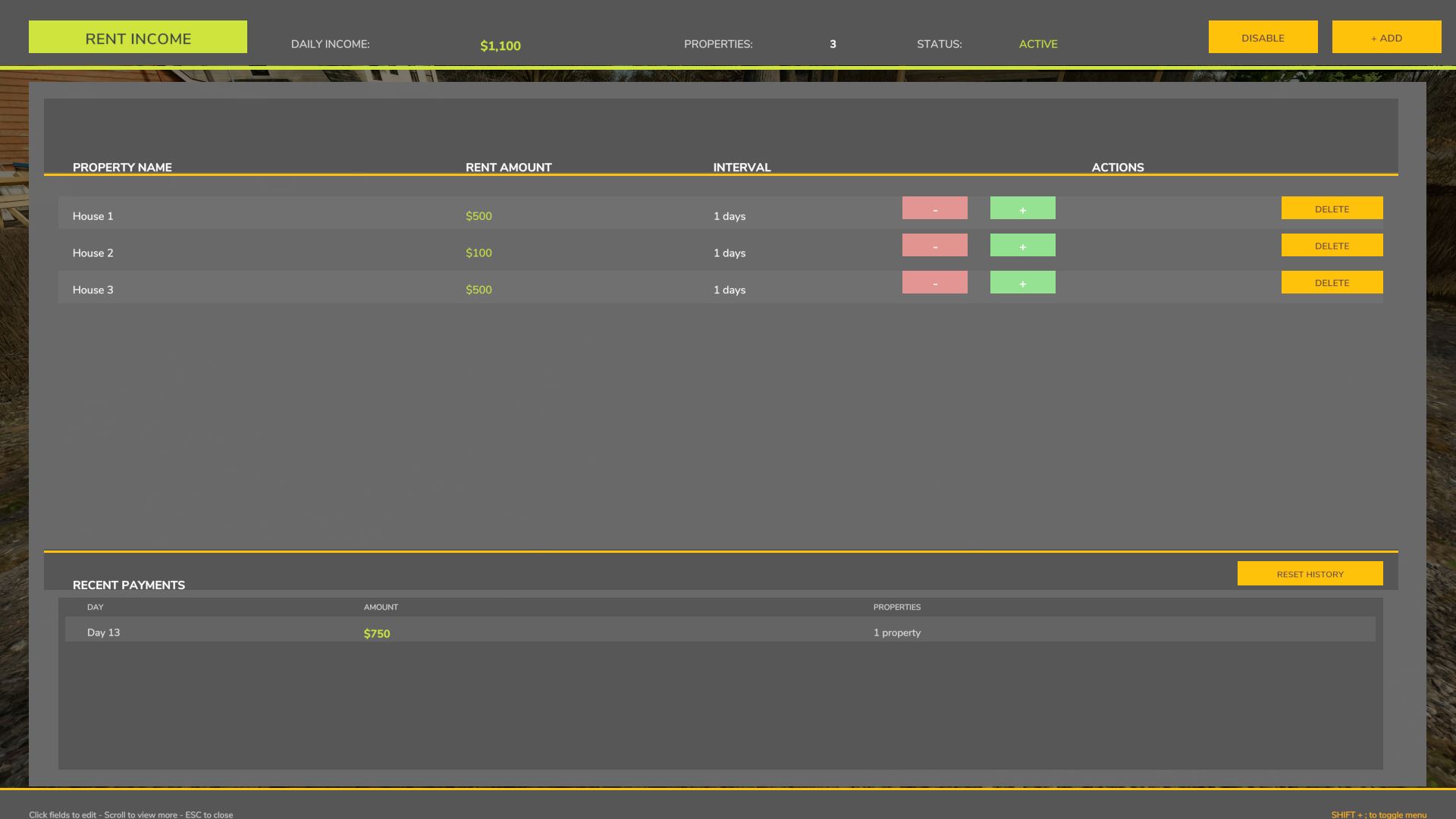
    WHAT IT DOES Generates passive income based on "homes" you create. Set custom rent amounts and payment intervals to simulate rental income while you farm. HOW IT WORKS Add properties with custom names and rent amounts Set payment intervals (1-30 days between payments) Automatic deposits at 10 AM game time when interval is reached Track your earnings in the payment history EXAMPLE Property: "Downtown Apartment" Rent: $2,500 Interval: 3 days Result: You receive $2,500 every 3 in-game days CONTROLS SHIFT ; hit those buttons at the same time to open menu, can change button layout in game controls. (opens hud menu shift+ ; ) CAN CHANGE IN MODDESC.XML aswell. (-hi- you look good today) USE CASE Perfect for players who want steady passive income. If you're running 3-day months and want "monthly" rent, just set the interval to 3 days. The mod pays you exactly when you configure it to. Simple passive income for your farm!
  • License Plate Manager
    2 647
    KingMods Logo
    Published by KingMods
    Shows a list of all owned vehicles and tools in the the license plate selection menu. Compared to FS22, the FS25 got a few changes: - You can now set a follow up license plate. Just click on a nexisting license plate to give your tool the same license plate. - You can buy a vehicle with the same license plate, but it will be marked in the list.
  • VIP Order Manager
    9 020
    KingMods Logo
    Published by KingMods
    The VIP Order Manager offers the farmer VIP orders consisting of several products to be delivered. For each product with explicit specification of the quantity to be delivered and the destination. In addition to the current VIP order, the next VIP orders to follow can also be seen. However, only the current order can be delivered. Animal orders are also generated. Please note that delivery is automatic. It is checked every hour whether animals exist with the requested age or older and whether they have at least 75% health. With CTRL right + O the current order is displayed for a few seconds. ALT right + O displays the overview of all VIP Orders. In this view, you can also cancel the current VIP Order for a fee for the partial orders that have not yet been fulfilled. With each VIP Order, the current level is increased and thus also the number of individual orders contained and the quantities to be delivered are increased and the revenues are reduced. The area owned is also taken into account in the calculation. As the level increases, more products are also taken into account. Already with FS19, I had started to develop the VIP Order Manager to represent something like campaigns. I wanted to make the game a little more interesting, by telling me what I have to grow. Multiplayer is currently not supported. I would also like to thank all the other modders whose mods have given me many ideas and solutions over the time. For any error messages or suggestions, please visit: https://github.com/Fetty42/FS25_VIPOrderManager/issues or https://forum.giants-software.com/viewtopic.php?t=208708
    Updated
  • Vehicle Manager
    5 642
    KingMods Logo
    Published by KingMods
    Create personal vehicle groups and manage them via a display box. You can customize the display box and optionally align it. - Multiplayer and singleplayer compatible - a vehicle can be in several groups - quick access to your vehicle groups - optional with subgroups - Show and hide groups (subgroups) - Order of vehicle groups customizable - VehicleInspector Mod compatiple - and much more
  • Horse Care Manager
    8 588
    KingMods Logo
    Published by KingMods
    Don't like riding horses? Or maybe you are very busy on your farm and don't have time to train your horses? This helper will do it for you :D.
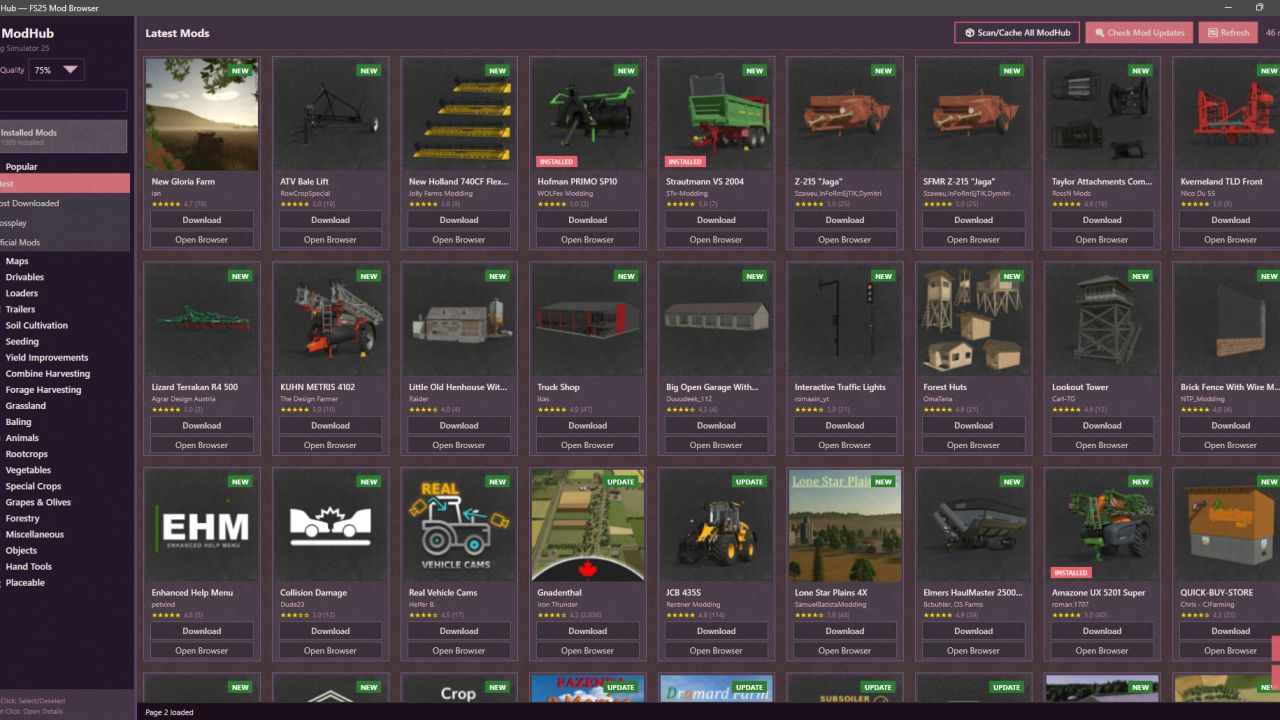
  • Mod Manager
    42 313
    KingMods Logo
    Published by KingMods
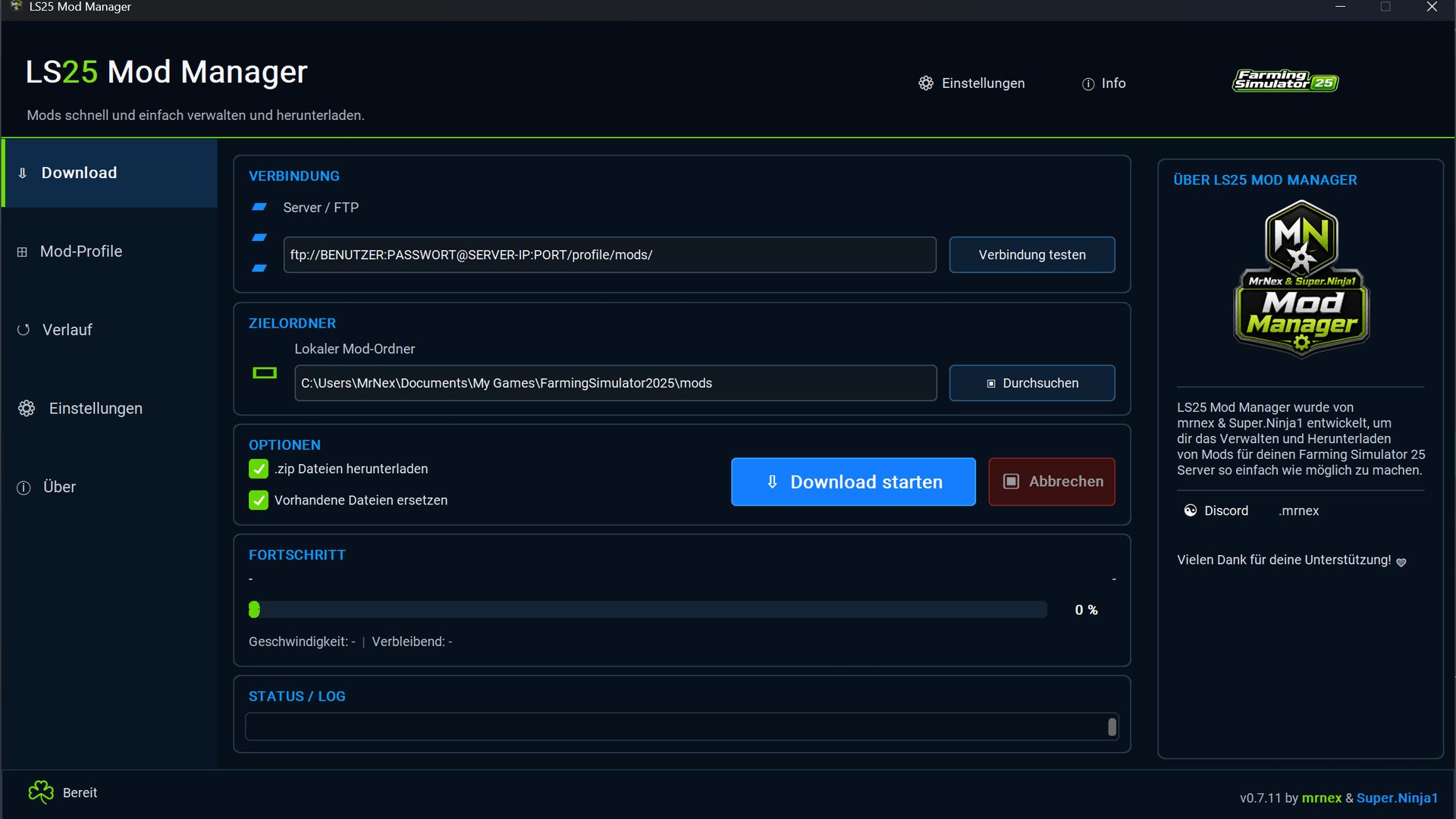
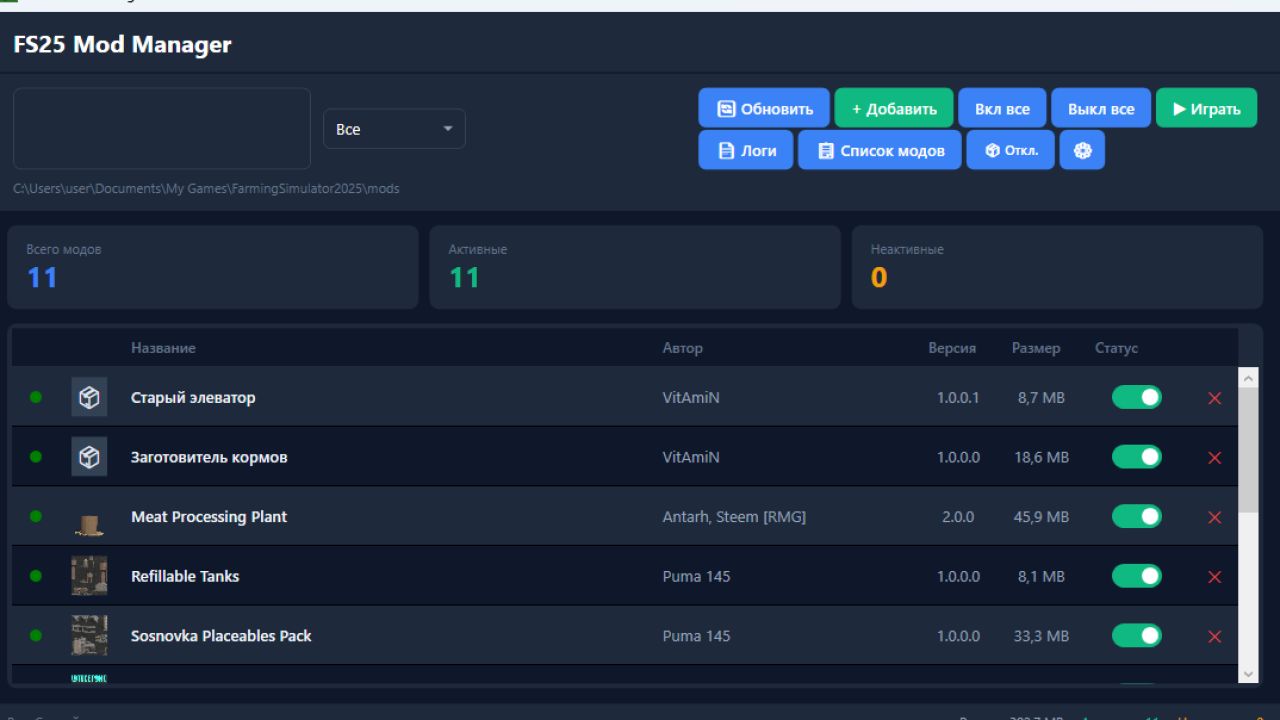
    I would like to provide you with version 3.8 of the popular ModManager program. This program will allow you to manage ALL of your mods from FS17 to 25, in a single software. Enable or disable mods, add more, etc. Angelcom successfully contacted programmer Pavlo Marchenko to allow users to continue using the program. Pavlo immediately got to work and integrated support for Farming Simulator 22 (LS22) and Farming Simulator 25 (LS25) into the program. Although the feature set has not yet been fully restored, the basic mechanism already works perfectly. If you wish, you can support the original author of the mod on PayPal: [email protected]
  • Money Manager
    23 130
    The Money Manager script allows the user to make use of the in game notifications system. This allows the user to not only add money to the farm account but also state a reason such as (Added 20,000 to the farm balance, Reason: Snow Removal). This script will send the user a notification which will appear in the upper right hand corner of the screen under the HUD. When typing in the console command you must follow this command- type addmoney then the amount and a reason afterwards. Here is an example addmoney 10,000 Harvest Income.
  • Farming Manager 25
    18 506
    The upload on other pages without my agreement is strictly forbidden and will be prosecuted! Uploading to other sites without my consent is strictly prohibited and will be prosecuted! Alpha Phase!!! Welcome to FarmingManager25, What is the FarmingManager25? FarmingManager25 is a management program for multiplayer This gives users the opportunity to manage their multiplayer game Current functions: - Order management - Administration field - Permissions system - Payroll (playing time to follow) Available languages German (More to come) How do I install it? It's best to unpack the zip file in a folder (I recommend 7-Zip. Just right-click on the file -> 7-Zip -> Unzip To... Then click on “FarmingManager25 - Setup.exe” and follow the setup instructions. As soon as the installation is complete, the launcher opens and the setup begins.
  • Skoda Kodiaq operations manager
    15 623
    🚓 New emergency vehicle for the LS25! 🚓 The Škoda Kodiaq is now available for download as an emergency vehicle with blue lights for Farming Simulator 25! This versatile SUV combines the power and flexibility of the Škoda Kodiaq with professional blue light equipment, perfect for quick operations in the country or in the city. 🔹 Realistic design – modeled on the original down to the last detail 🔹 Powerful LED blue lights - For maximum visibility and safety in all weather conditions 🔹 Versatile - Whether police, fire department or rescue service, the Kodiaq is ready! 🔹 Free download – Get your emergency vehicle for the LS25 now Upgrade your fleet and be well prepared for any mission! 🚨 Download now and get started!
  • Bale ID Manager
    7 357
    KingMods Logo
    Published by KingMods
    With the Bale ID Manager it is possible to create bales for other farms without having to join them. You need to open a GUI Menu (default Key "K"), where you can activate the function, and select the FarmID you want to create bales for. Contractor State is necessary for selecting another FarmID. The Menu also displays a Balecounter for each farm, which can be reset inidividually per Farm. Changelog 2.0.0.1 - FS22 port - Contractor status indicator in list of farm-counters - External control for stationary balers Changelog 1.0.0.1 -The filllevel of the baler can now be reset to 0, e.g. so you won't get a straw bale when you start with hay. The reset function is button in the GUI menu. -The currently active farm for which the bales are and the associated bale counter are displayed in the F1 menu. -In single player mode only the Farm1 counter, reset button, and baler empty button are active. -Problem solved that in combination with straw harvest no bale net was used -Added empty baler function -Stripped down menu with bale counter and clear baler for single player mode