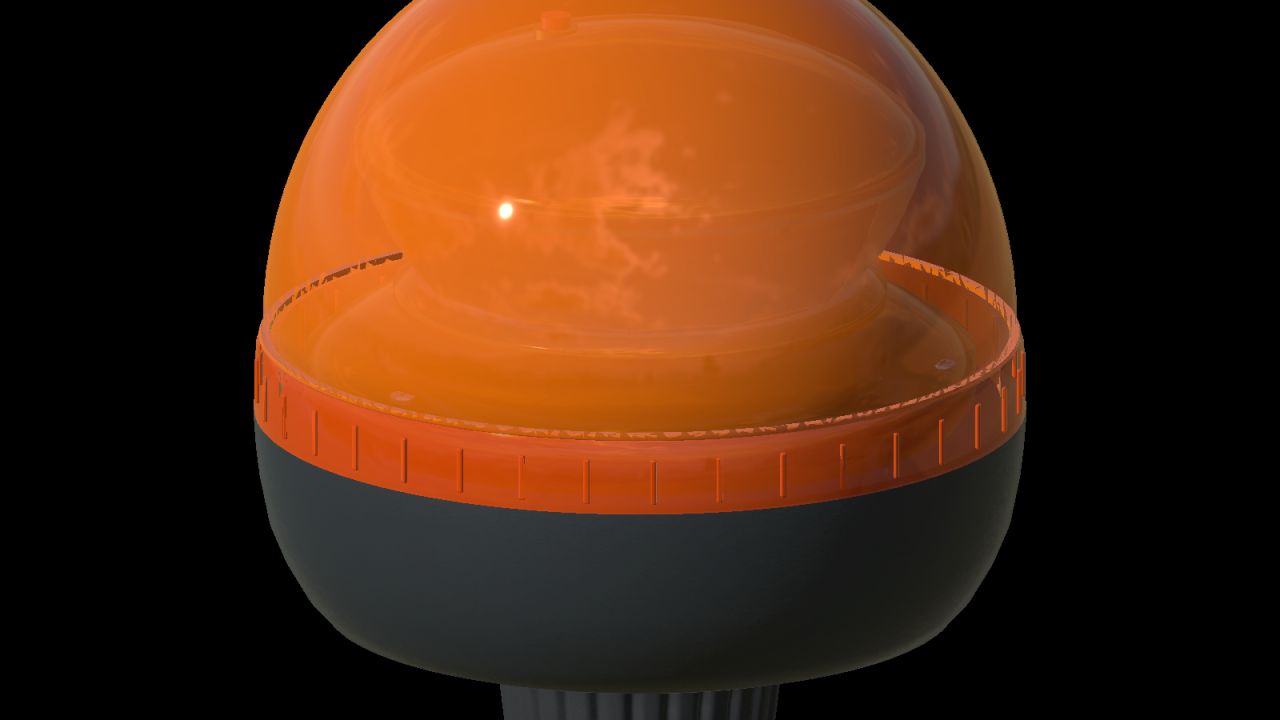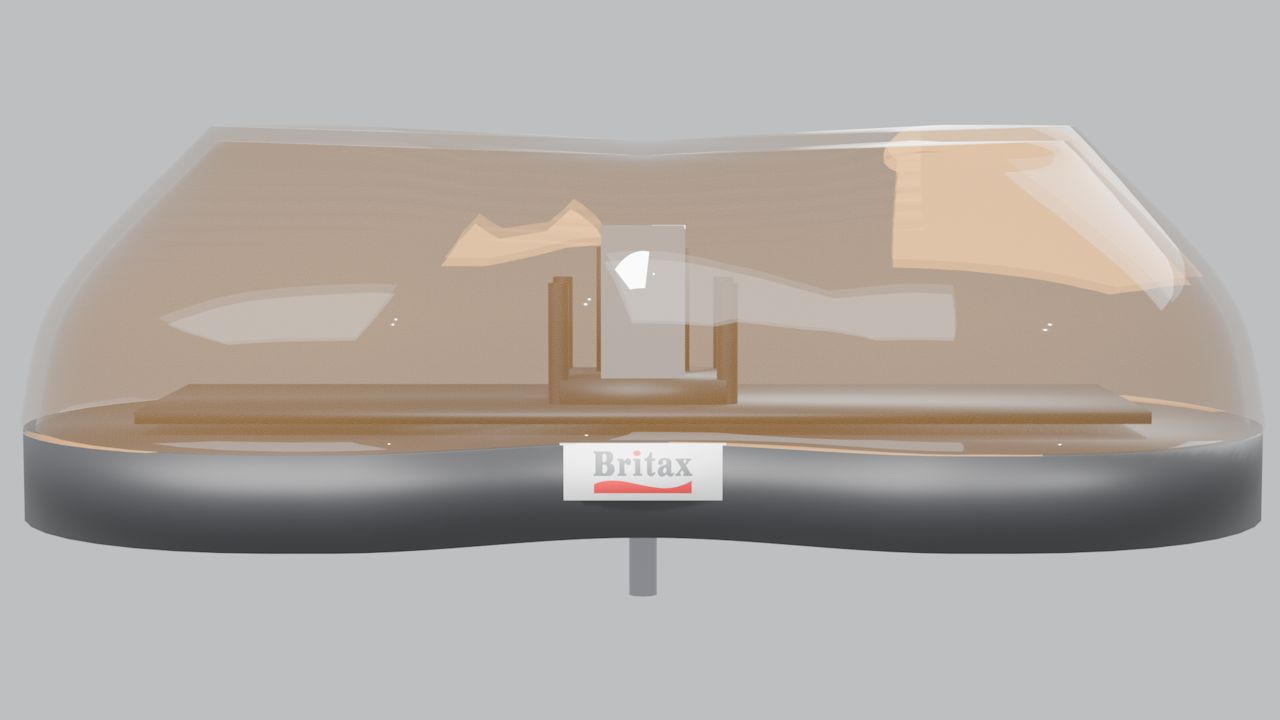
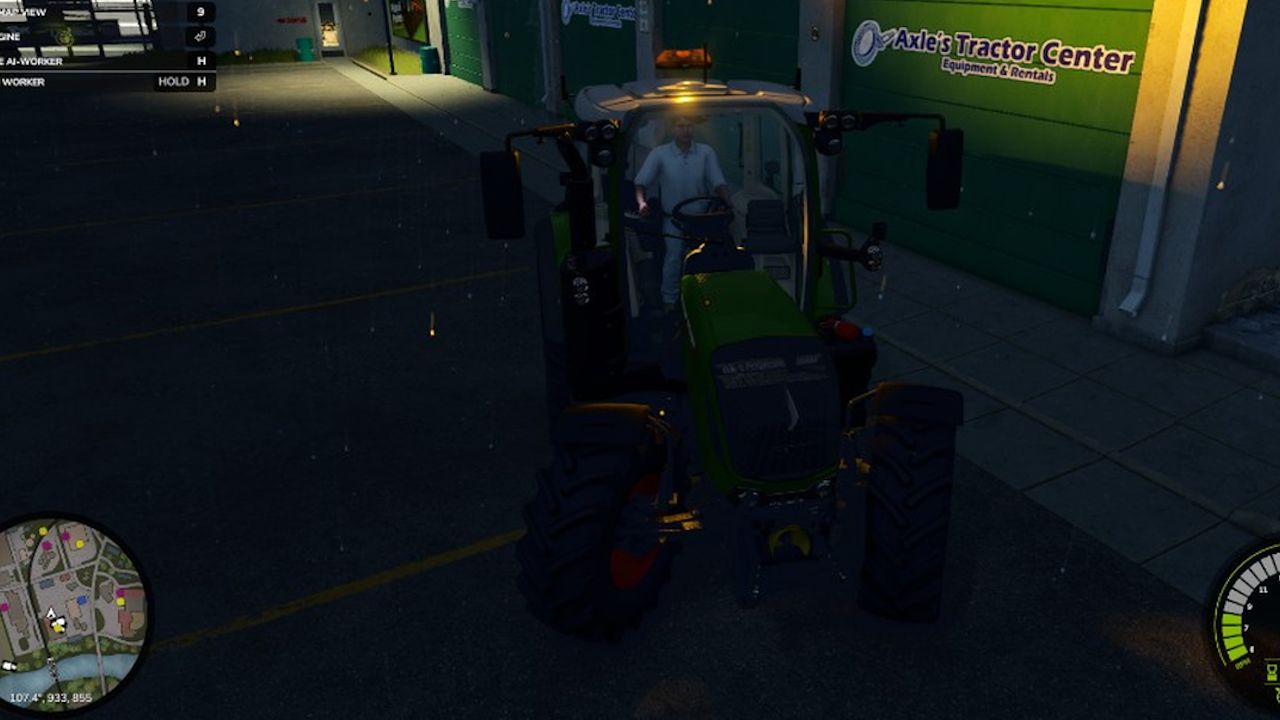

The LM Modding Britax 420 Light Bar is a compact, 420 mm mini-style amber warning lightbar designed for Farming Simulator 25 vehicle modders.
Featuring a continuous amber polycarbonate-style housing, twin chrome rotating reflectors and Britax-inspired detailing, this prefab brings a traditional rotating-beacon appearance to tractors, agricultural machinery, utility vehicles and other compatible vehicle mods.
Designed for integration into existing vehicle projects, the prefab uses Farming Simulator 25's native beacon lighting system and includes the necessary files and configuration references to assist with installation.
Features
• Compact 420 mm mini-style lightbar design
• Continuous amber housing with a clear, glass-like appearance
• Twin chrome rotating reflector dishes
• Native FS25 ROTATE beacon configuration
• Britax-inspired badge detailing
• Surface-mount design
• Dedicated DDS textures
• Vehicle XML integration snippet included
• English installation guide included (README_EN.txt)
• XML helper is in there so its easy for you !
Installation Requirements
IMPORTANT: This download is a prefab for modders, not a standalone vehicle or an in-game shop item.
Placing the ZIP file directly into your Mods folder will not make the lightbar available in-game.
Installation requires Farming Simulator 25, GIANTS Editor 10 and an editable vehicle mod compatible with the standard FS25 Lights specialization. Basic knowledge of vehicle XML configuration and Index Paths is also recommended.
Quick Installation Guide
Copy the aerolite420 folder into your vehicle mod using the following directory structure:
YOUR_MOD/beaconLights/britaxAerolite/aerolite420/
Open your vehicle in GIANTS Editor and create the required mounting structure:
aerolite420Mount
├── aerolite420RotL
└── aerolite420RotR
Merge the three beaconLight entries from vehicle_beacon_snippet.xml into your vehicle XML and update the Index Paths to match your vehicle's node structure.
Load your modified vehicle into Farming Simulator 25 and activate the warning lights using the standard beacon-light control. The default keyboard binding is Home, depending on your control configuration.
Full installation instructions are provided in README_EN.txt inside the package.
Credits
LM Modding Britax 420 Light Bar
Original model, textures, packaging and integration: LM Modding.
Product design reference: Britax 420.
Custom modelling, textures and lighting configuration by LM Modding.
This prefab uses the native Farming Simulator 25 BeaconLight system and GIANTS vehicle shaders supplied with the installed game. GIANTS Software game assets and scripts are not redistributed as part of this package.
Please credit LM Modding when sharing or modifying this work. Preserve any applicable third-party credits and clearly distinguish your modifications from the original work.
Britax is a trademark of its respective owner. This fan-made prefab is not affiliated with, endorsed by, or sponsored by Britax or GIANTS Software.
Created by LM Modding for the Farming Simulator 25 modding community.