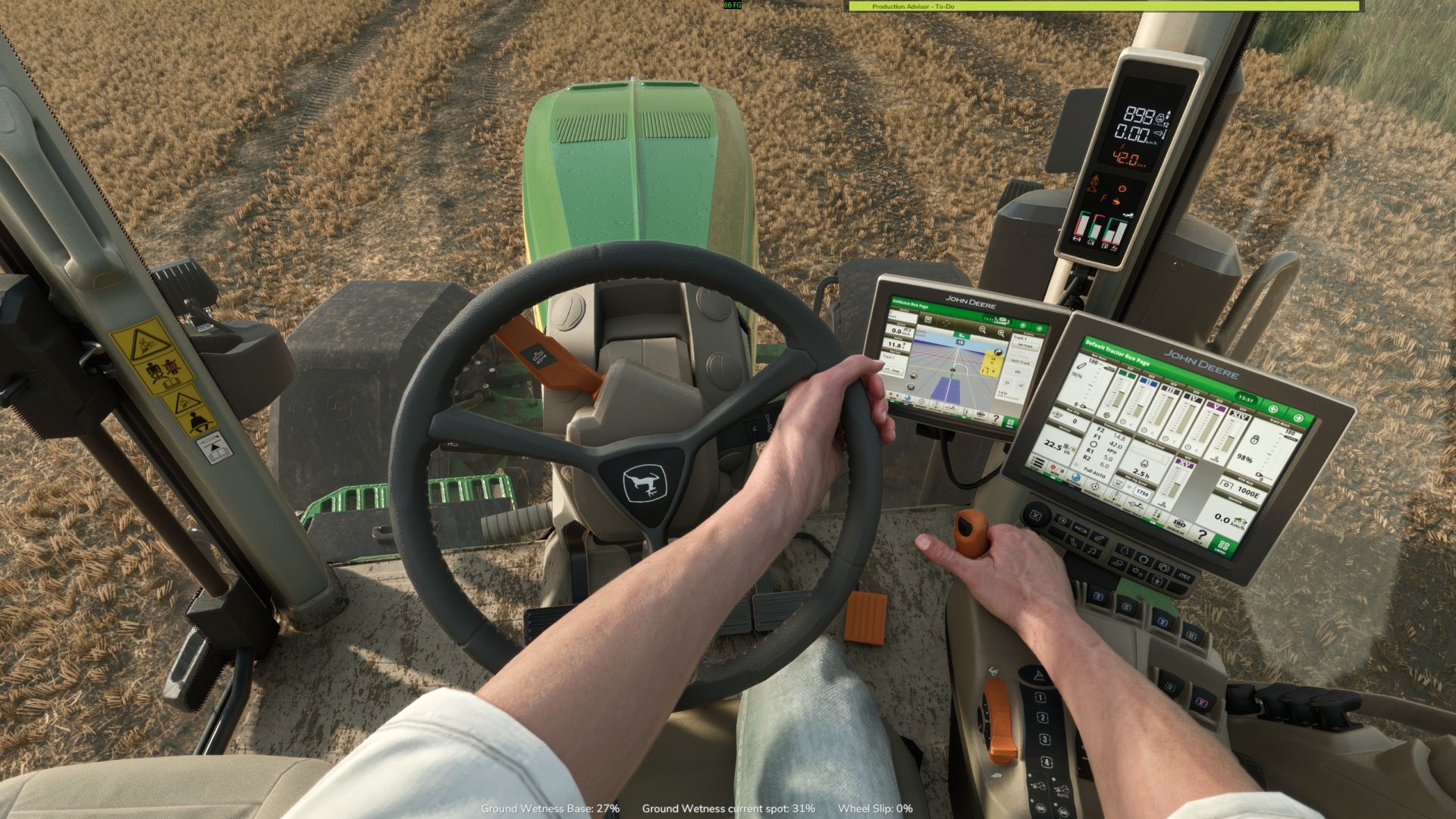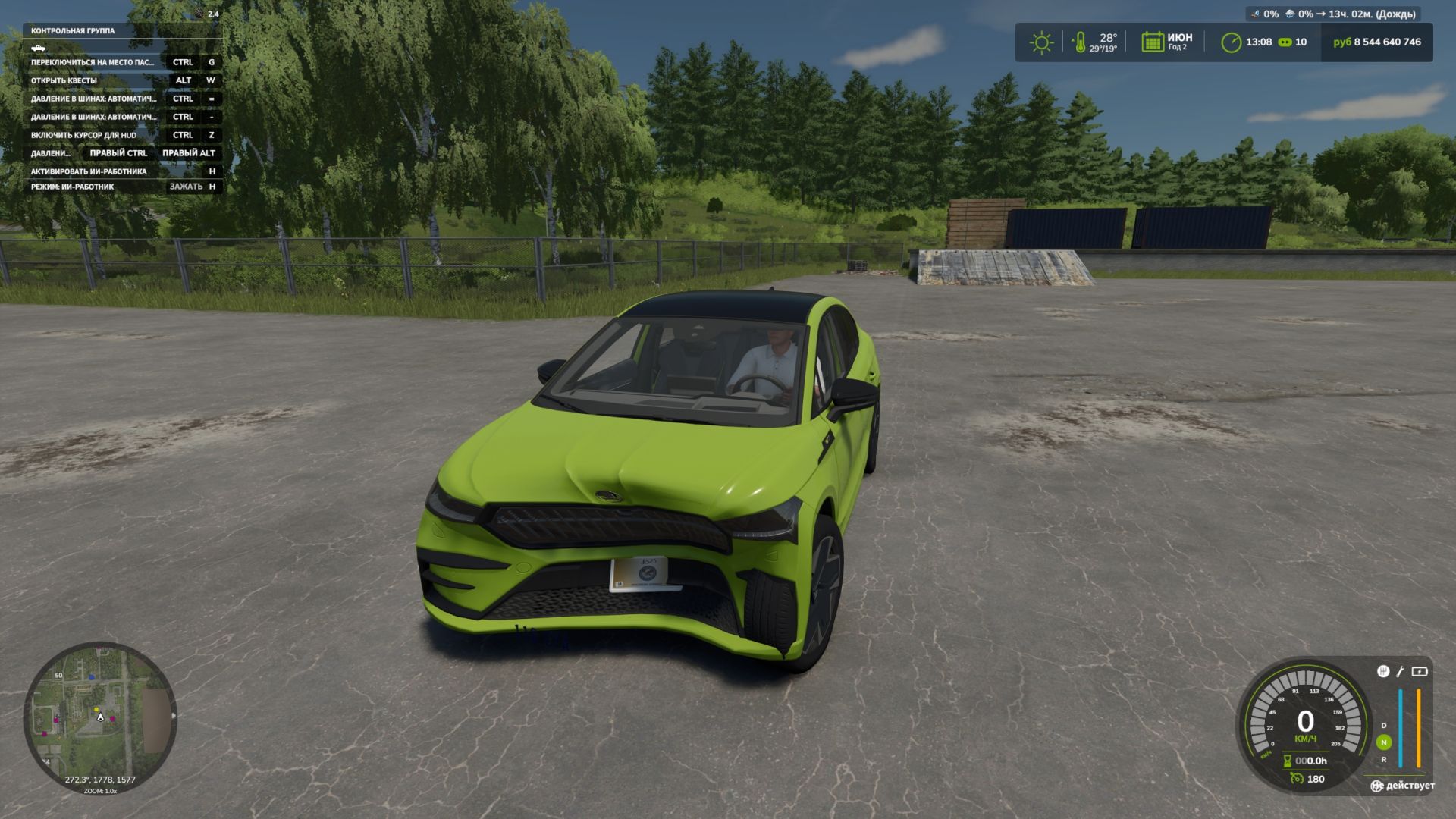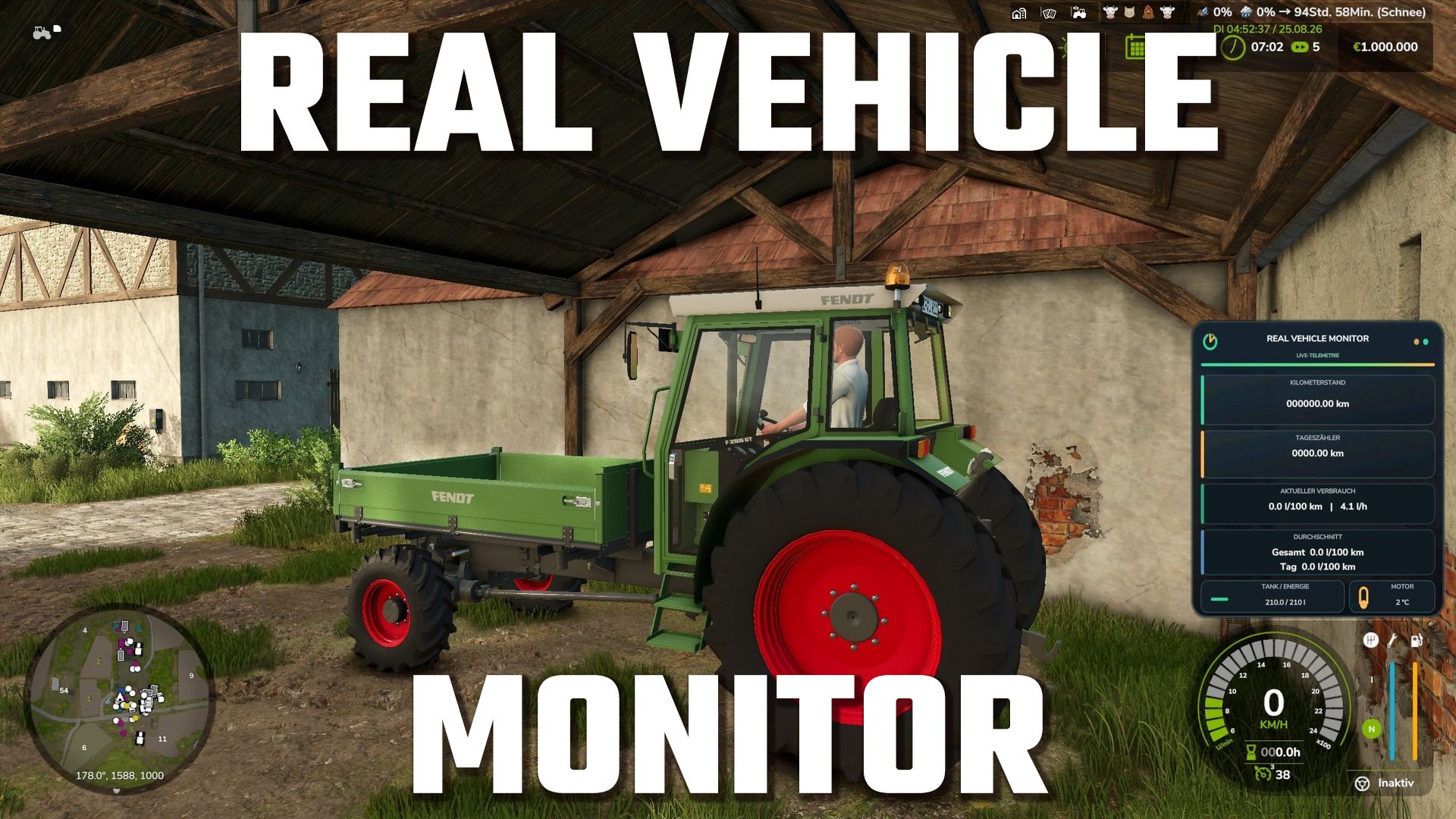

Real Vehicle Monitor expands Farming Simulator 25 with a modern and freely positionable vehicle data HUD.
Real Vehicle Monitor
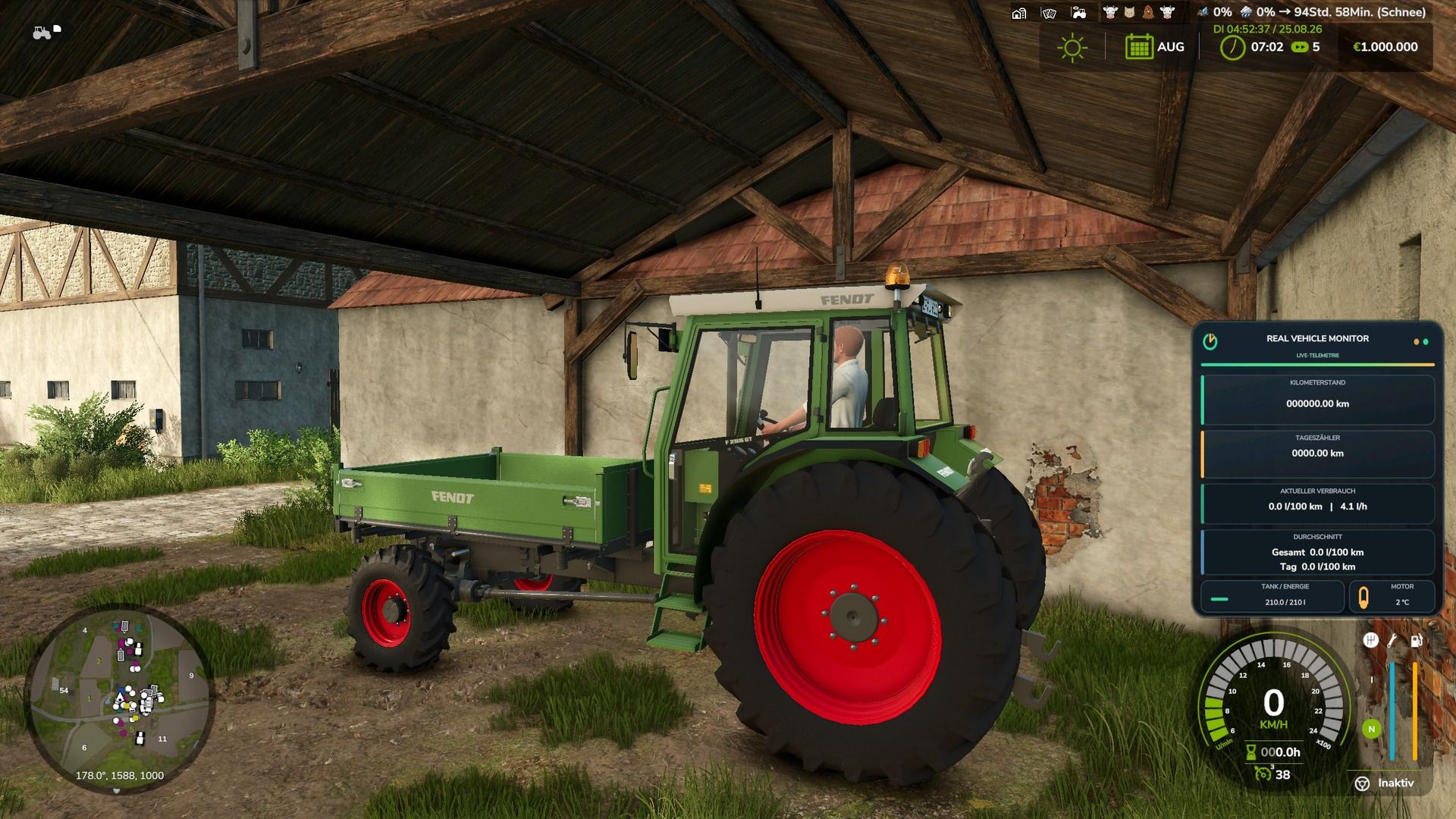
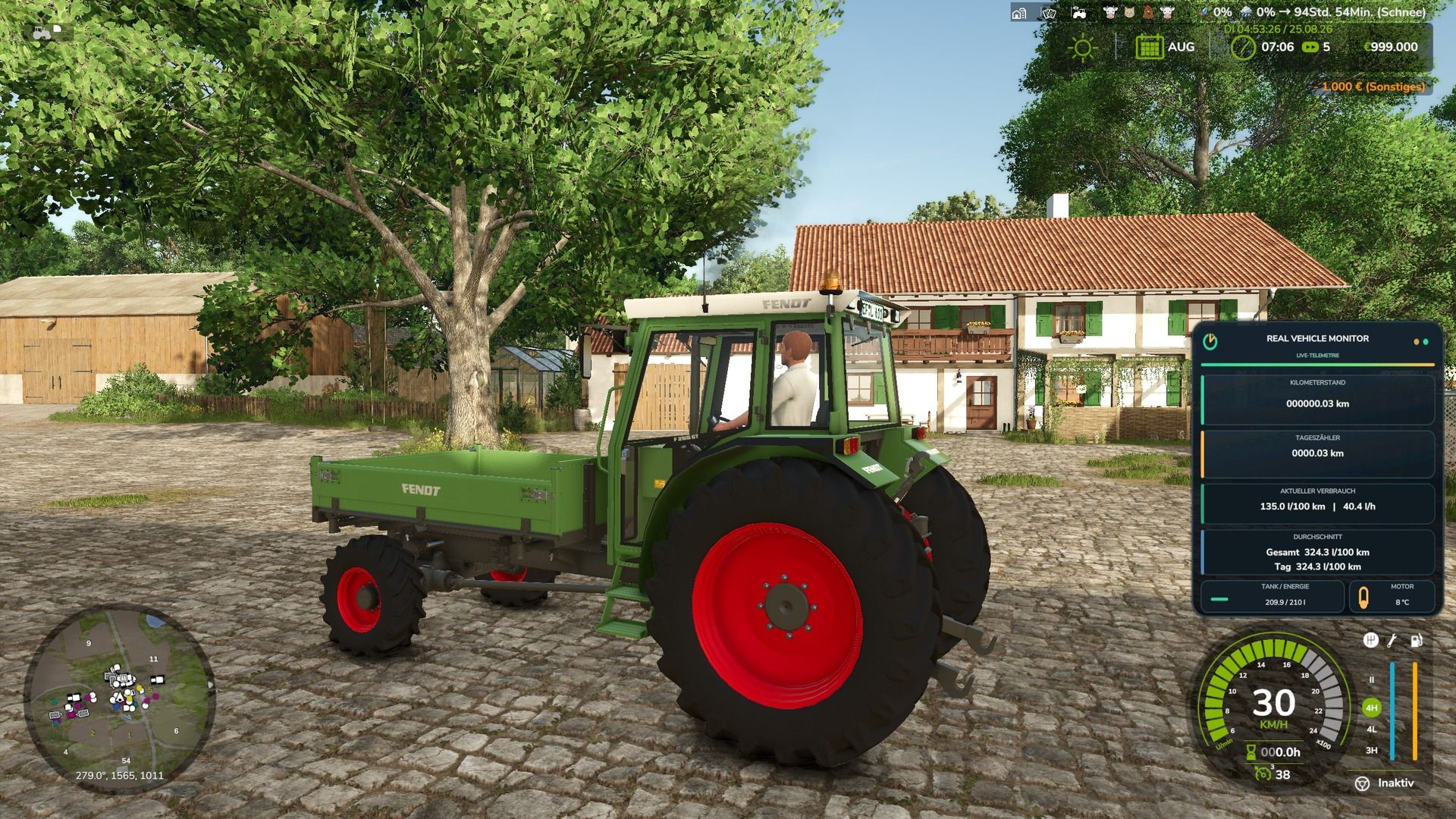
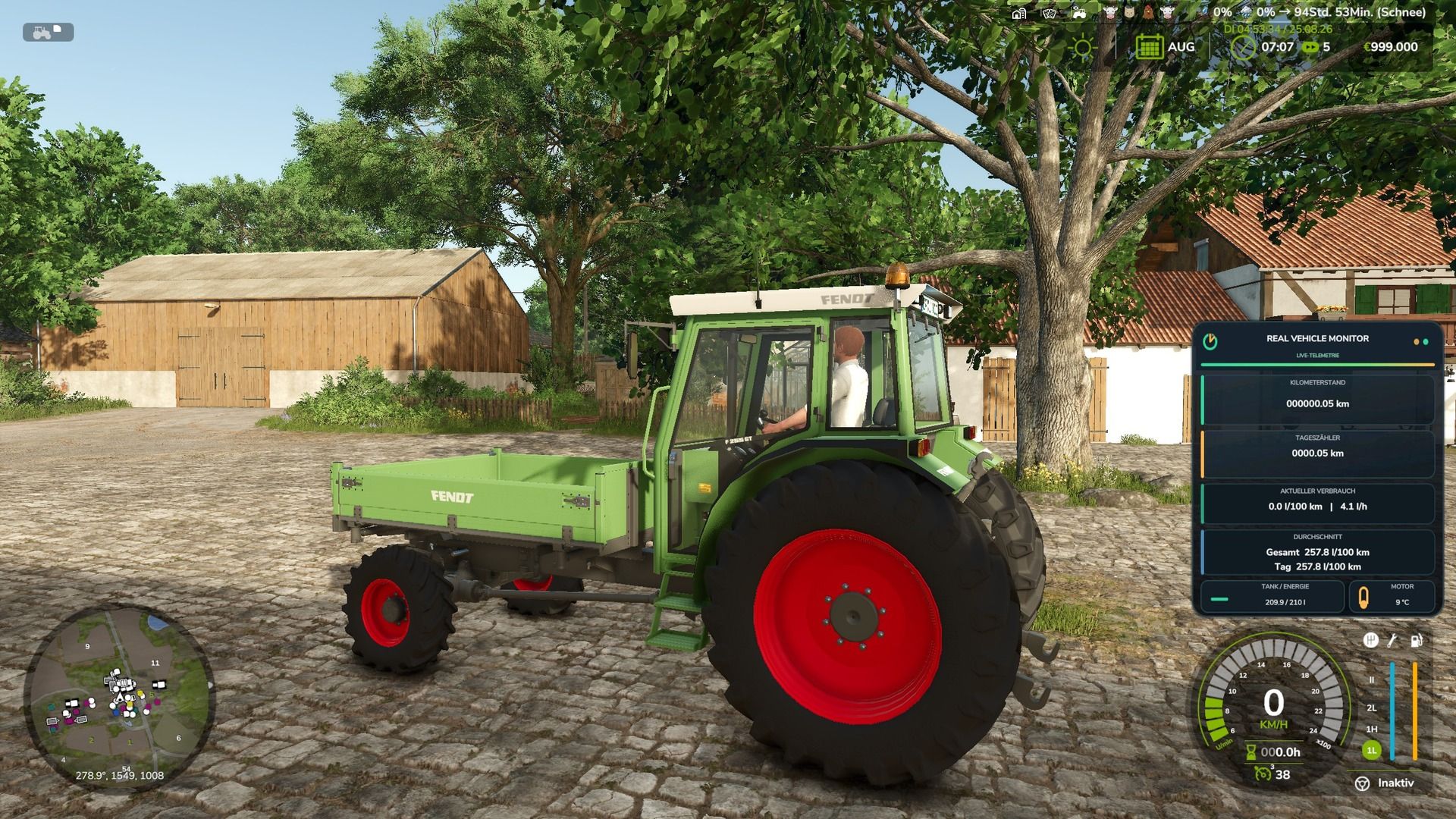
The display shows important vehicle data clearly and in real time.
Odometer reading and trip odometer are saved for each vehicle and are retained even after saving and reloading the game.
Features:
Permanently stored mileage
Resettable day counter
Current consumption per hour and per 100 kilometers
Overall and daily average
Accurate display of the tank or energy level
Realistic engine temperature with warm-up and cool-down phases
Support for diesel, electric and methane vehicles
Movable and scalable HUD
Display can be set for individual vehicles or completely deactivated.
Multiplayer and dedicated server support
Standard key layout:
Left Alt key + R: Reset day counter
Left Alt key + F: Switch average display
Left Alt key + Number pad 4/6/8/5: Move HUD
Left Ctrl key + Num Lock Plus: Change HUD size
Left Ctrl key + Num Lock Minus: Show or hide help texts
Left Alt key + V: Turn the display for the current vehicle on or off.
Left Ctrl key + left Alt key + V: Turn the HUD completely on or off.
The key bindings can be changed in the game settings.
The Real Vehicle Monitor has been extensively expanded compared to the first version.
What began as a simple display of vehicle and telemetry data has evolved into a comprehensive vehicle management system. Vehicles now require more attention regarding maintenance, temperature, technical condition, vehicle inspections, and insurance.
Multi-sided vehicle monitor
The monitor was expanded to include several areas:
Page 1: Live telemetry
Page 2: Service & Diagnostics
Page 3: Technical vehicle inspection
Page 4: Vehicle file & insurance
Easy switching between individual pages
The last used page is saved.
Maintenance and service
Vehicles now have an enhanced maintenance system.
Own maintenance intervals
Display of the remaining time until the next maintenance
Early warning of upcoming maintenance
Different maintenance and vehicle conditions
Mobile service can be called directly to the vehicle.
Realistic mobile service workflow
Integrated oil/fluid service
Maintenance work incurs costs
The vehicle must be parked correctly for certain tasks.
The engine must be switched off for certain service work.
In the case of serious technical problems, normal maintenance is no longer sufficient.
Engine damage
The engine can now actually fail if the vehicle is in sufficiently poor condition.
A critical vehicle condition can lead to engine damage.
The engine may stall during operation.
Severely damaged engines cannot simply be restarted.
Mobile service can be called for repairs.
In cases of severe damage, a replacement engine may be necessary.
As a result, the technical condition of a vehicle has a significantly greater impact than in the first version.
Engine temperature and overheating
The engine temperature also plays an important role now.
Extended monitoring of engine temperature
Different temperature conditions from cold to critical
High engine temperature can reduce engine power.
Extreme overheating can cause the engine to shut down.
An overheated engine cannot be restarted immediately.
The vehicle must first cool down sufficiently.
The cooling system is included in the vehicle diagnostics.
Overheating behavior can be adjusted.
Technical vehicle inspection
A new addition is a regular technical inspection of the vehicles.
Dedicated monitor page for vehicle inspection
Display of current test status
Display of remaining validity
A mobile vehicle inspector can be called directly to the vehicle.
The inspection is carried out on the parked vehicle.
Various possible test results:
Passed
Passed with minor defects
Failed
Dangerous deficiency
Defect report shows affected vehicle areas
A follow-up inspection is possible after the defects have been rectified.
This also makes the overall technical condition of an older or heavily used vehicle more important.
Digital vehicle file
Each vehicle has additional information in a digital vehicle file.
Own vehicle file
Multiple views within the file
Important vehicle data and conditions are managed
Maintenance information is taken into account.
Technical inspection will be taken into account
Insurance information will be taken into account.
The last used view is saved.
Car insurance
A new insurance system was integrated.
Vehicles can be insured.
Different types of insurance
Insurance status is displayed on the vehicle monitor.
Damage can be recognized as an insurance claim.
Damages can be assessed by the insurance company.
Claims can be accepted or rejected.
Deductible will be taken into account.
The vehicle's technical condition can play a role in the regulation.
Missing or invalid technical inspections can have regulatory implications.
Neglected maintenance can also have an impact on claims settlement.
Maintenance, vehicle inspection and insurance are therefore more closely intertwined.
Key assignment
The basic operation of the monitor is via:
ALT + H – Show/hide Real Vehicle Monitor
ALT + Arrow keys – Move monitor on screen
ALT + Plus / Minus – Zoom in or out on monitor
Additional buttons directly on the monitor
The buttons for the advanced functions are displayed directly on the respective page of the Real Vehicle Monitor .
These include, among others:
Switch monitor page
Call mobile service
Call vehicle inspectors
Switch vehicle file view
Change car insurance
Adjust overheating
This eliminates the need to memorize all keyboard shortcuts. The monitor directly displays which actions are available on the currently open page and which key needs to be pressed for each one.
The keys can also be customized via the normal key bindings of Farming Simulator 25 .
storage
The storage system was expanded to accommodate the new features.
The following data is stored, among other things:
Monitor position
Monitor size
Current monitor page
Selected view of the vehicle file
Maintenance conditions
Technical test data
Insurance data
Other vehicle-related conditions
This ensures that important vehicle data is retained even after saving and reloading the game.
Multiplayer and dedicated servers
The new systems were also expanded for multiplayer.
Synchronization of important vehicle states
Network functions for the mobile service
Synchronization of the technical vehicle inspection
Synchronization of insurance functions
Synchronization of overheating functions
Additional checks of multiplayer actions
Vehicle-related data is synchronized between server and players.
Translations
The language files have been expanded to include the new features.
German expanded
English expanded
French extended
New texts for maintenance and service
New texts for engine damage
New texts for overheating
New texts for the technical vehicle inspection
New texts for the vehicle file
New texts for the motor vehicle insurance system
Summary
The first version of the Real Vehicle Monitor focused primarily on displaying realistic vehicle and telemetry data.
The new version expands the mod into a comprehensive vehicle management system with:
Live telemetry – Maintenance – Mobile service – Engine damage – Engine temperature – Overheating – Technical vehicle inspection – Vehicle file – Car insurance
Vehicles are no longer just work machines with displayed operating data. Maintenance, technical condition, and vehicle handling now have significantly more importance and contribute to greater realism in Farming Simulator 25.