
🗺️ Negast - agriculture between coast & fields
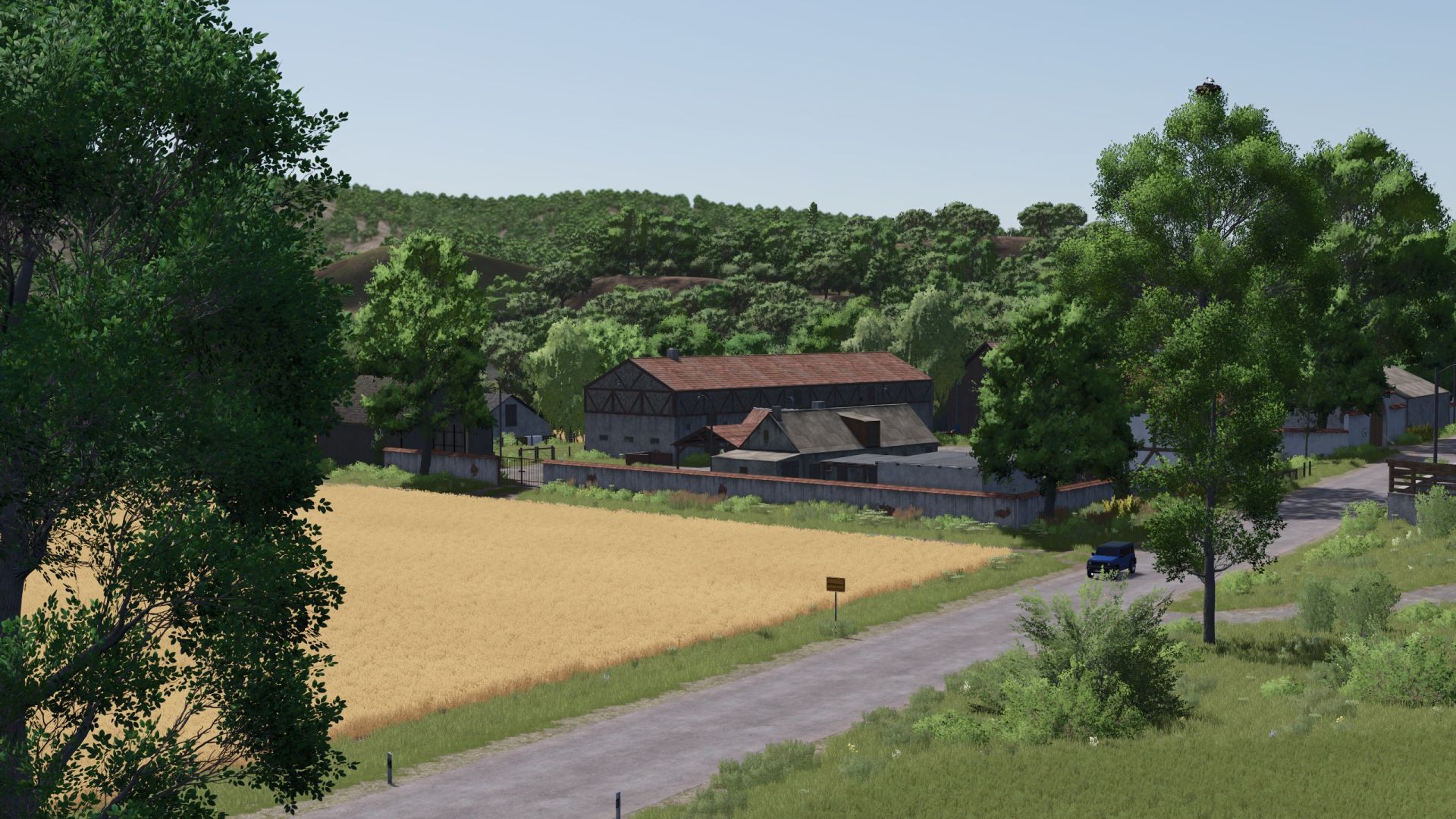
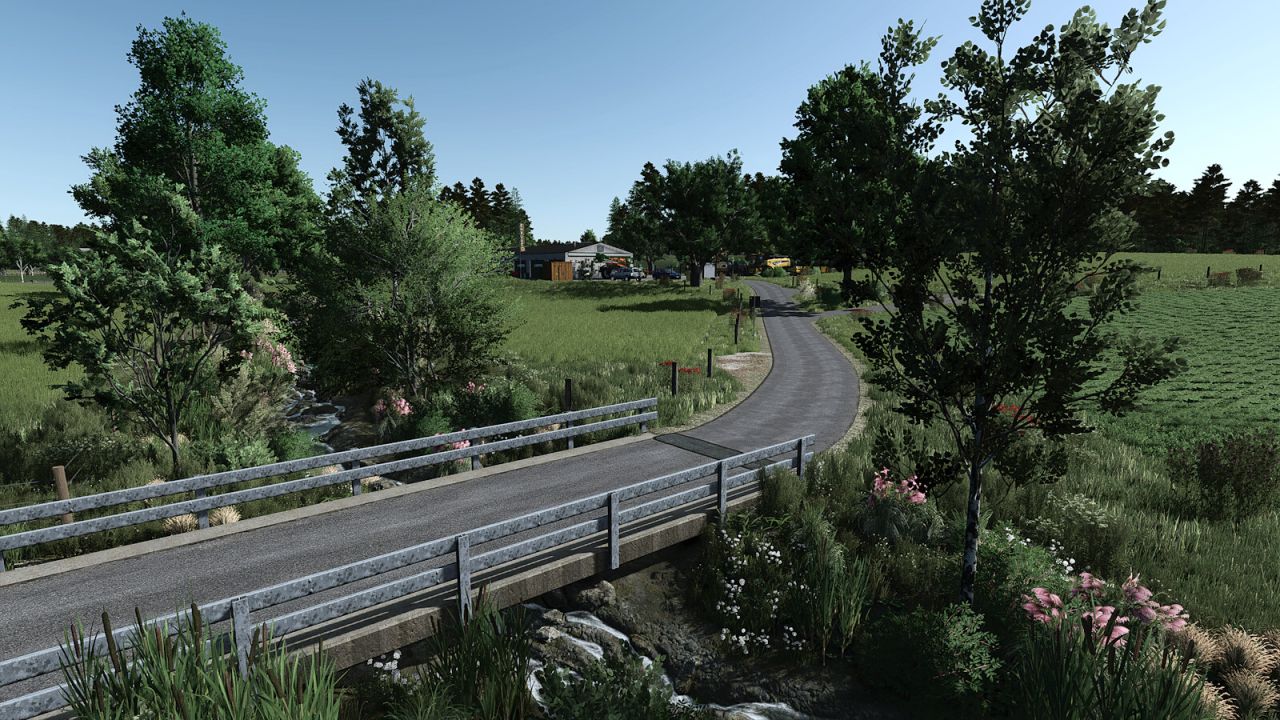
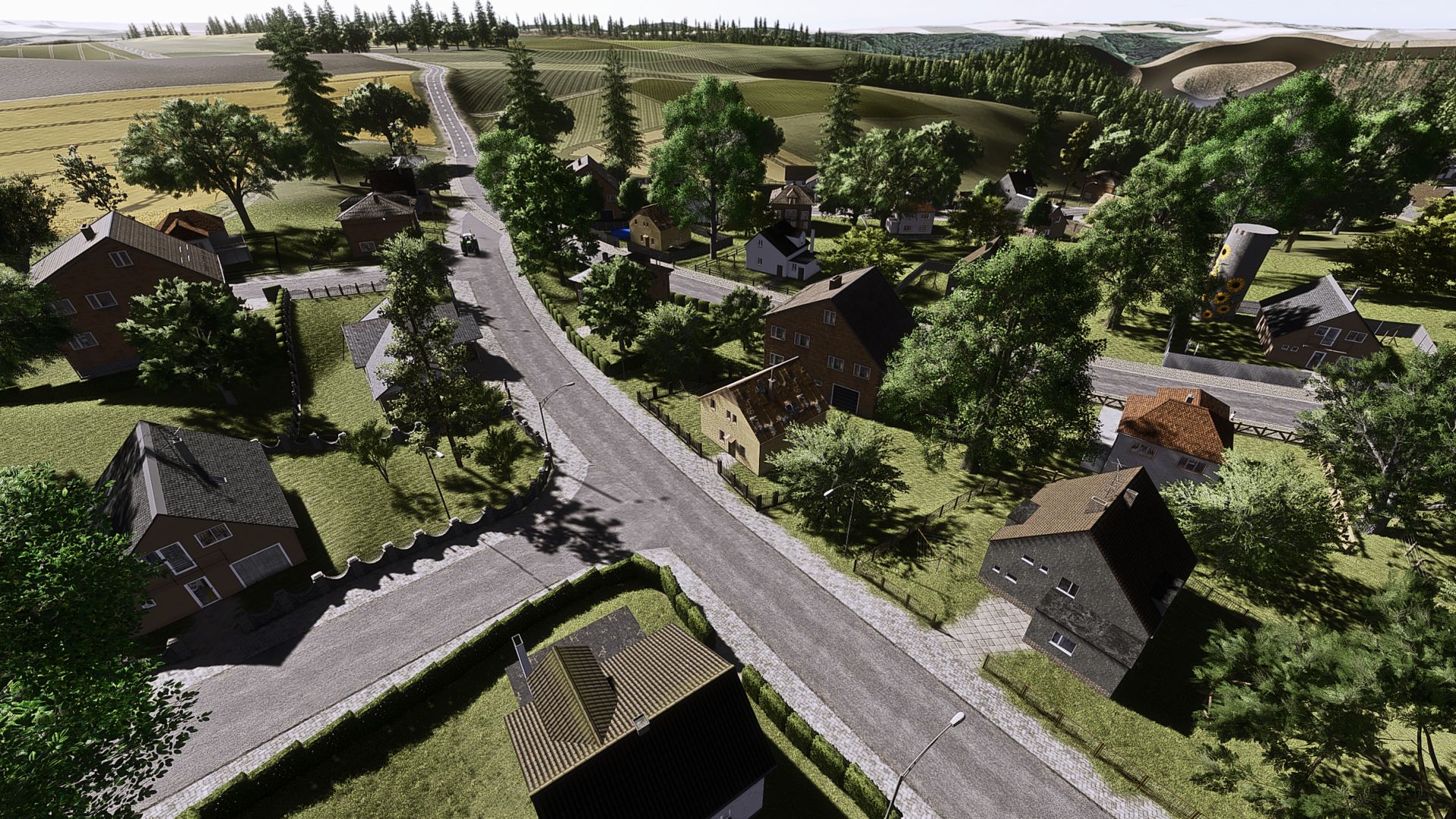
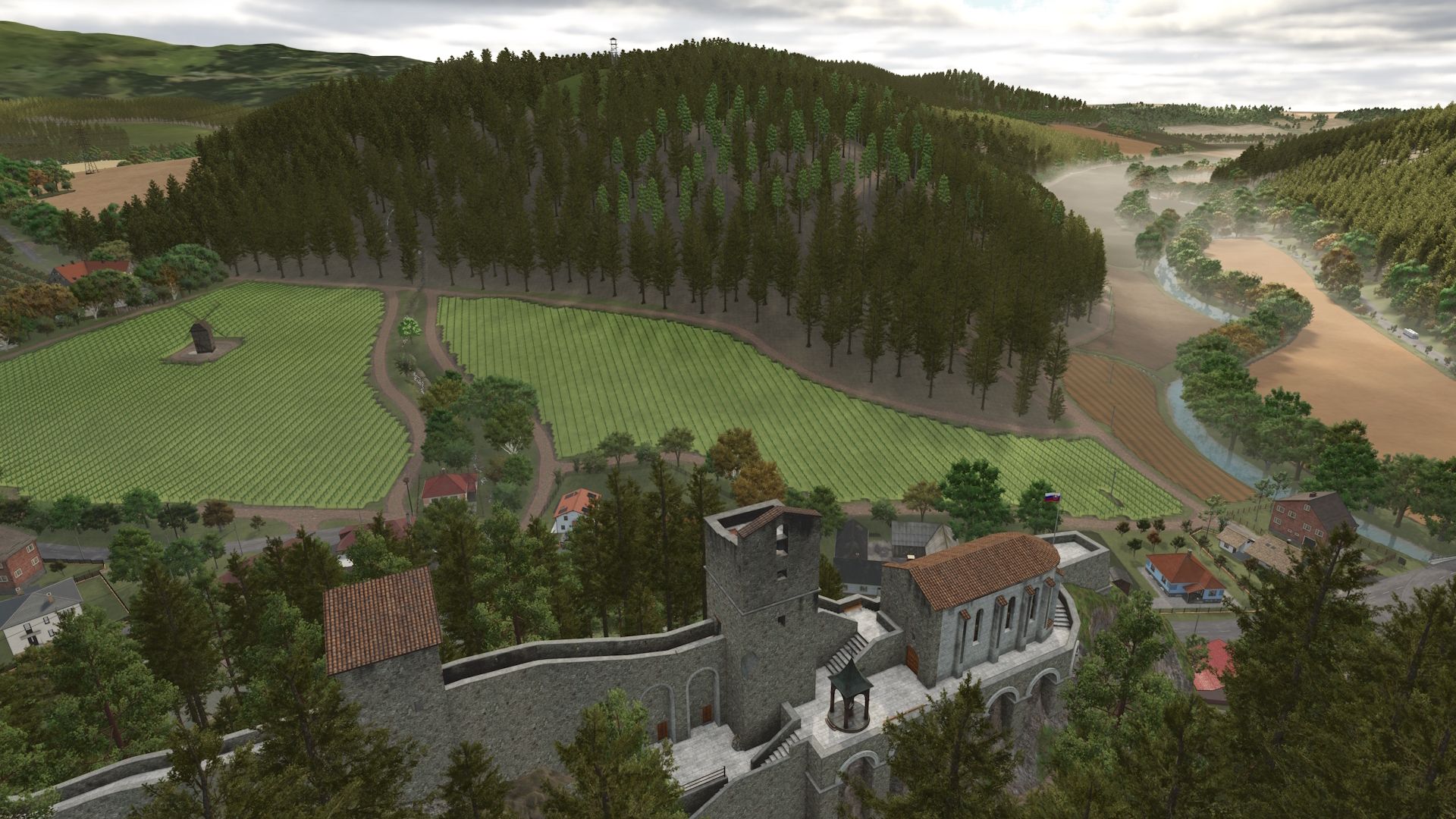
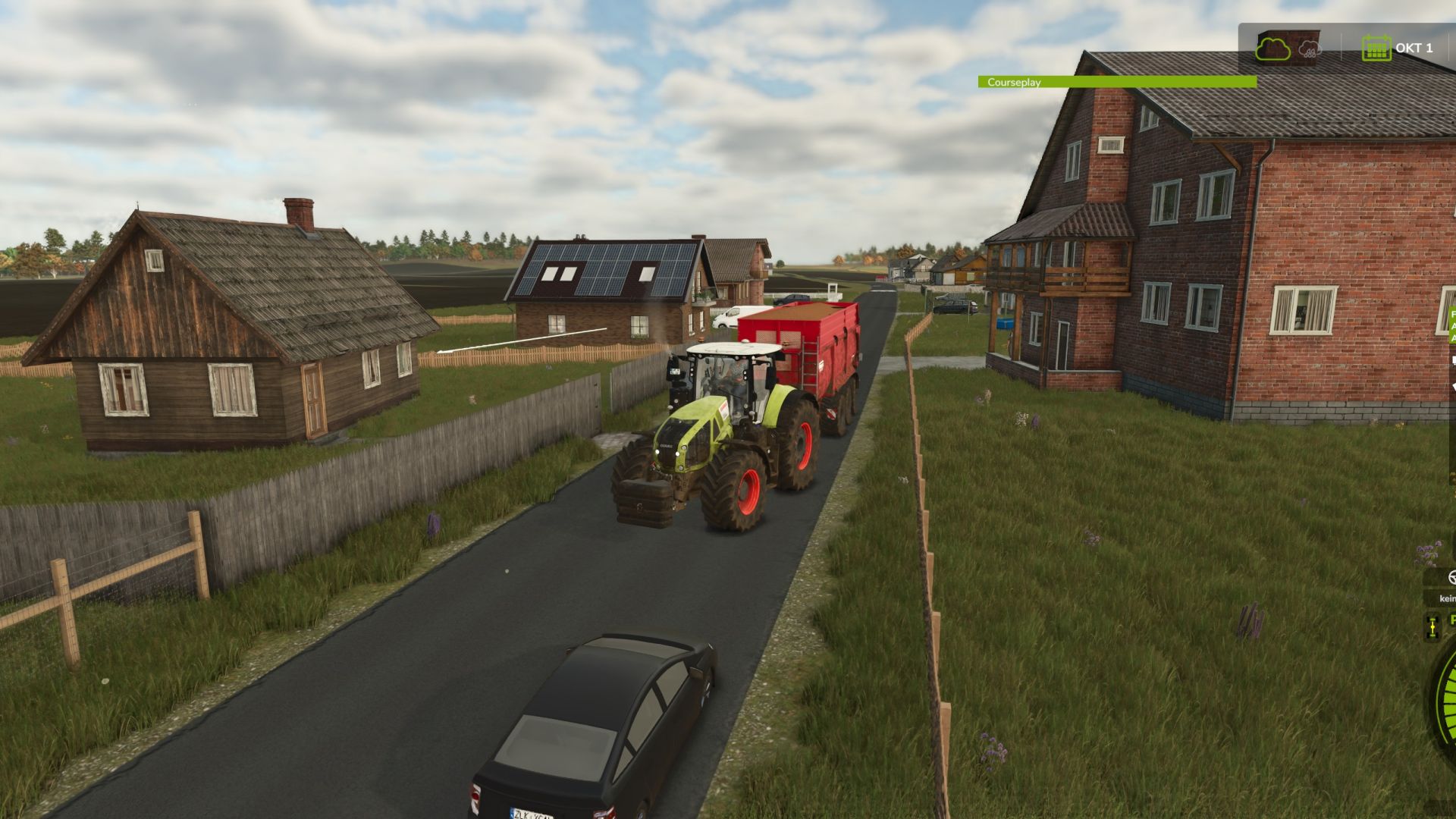
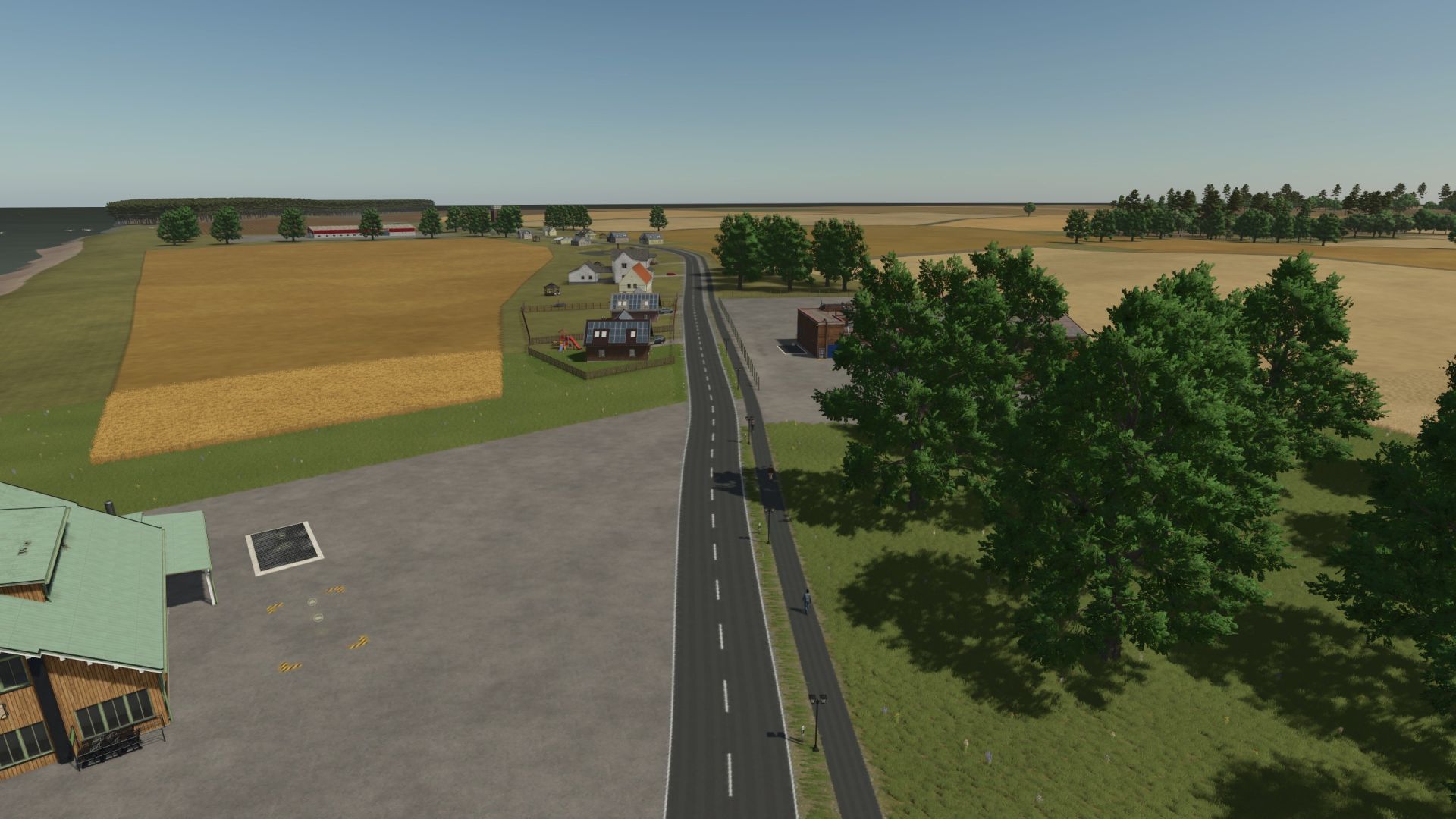
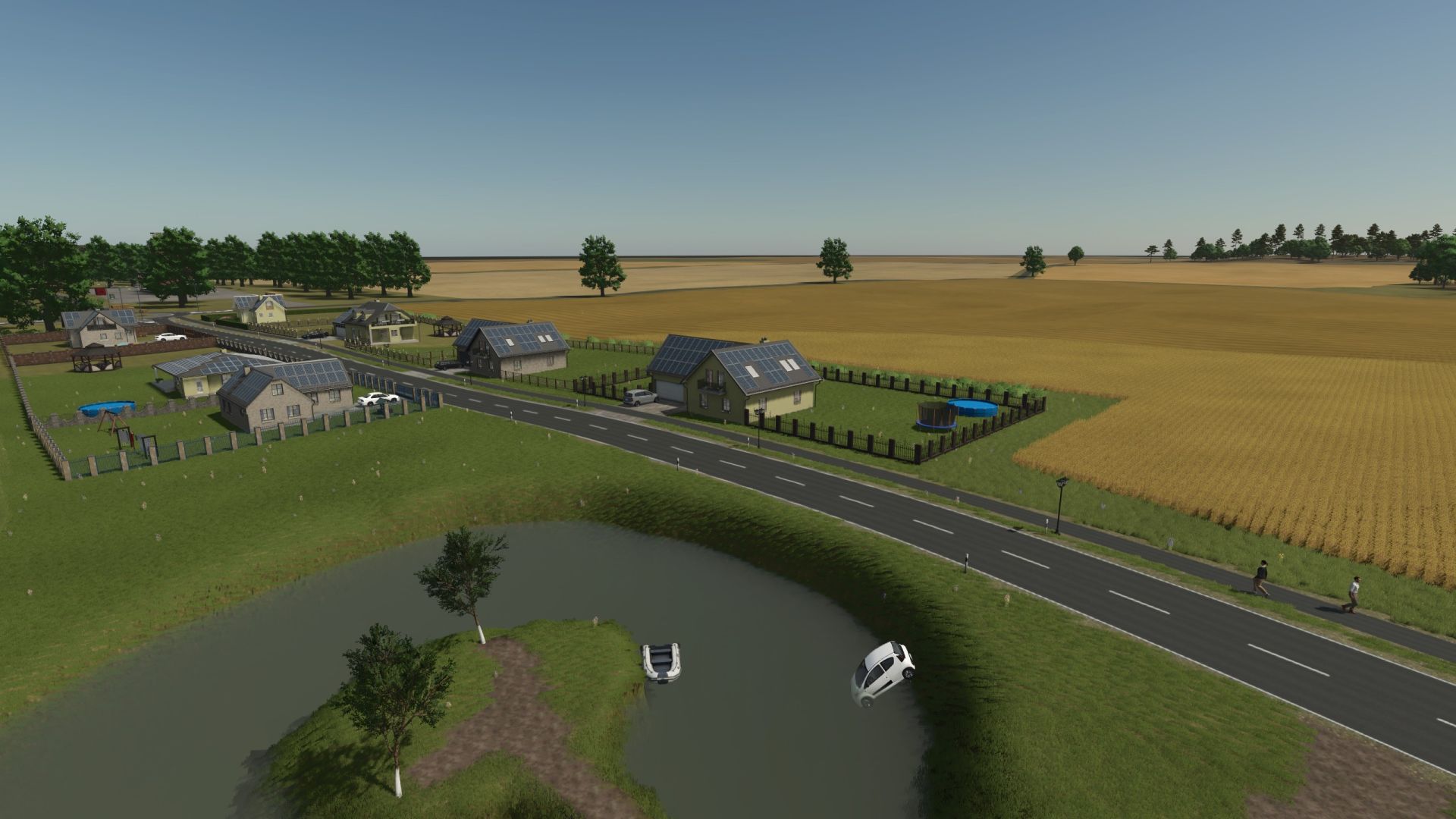
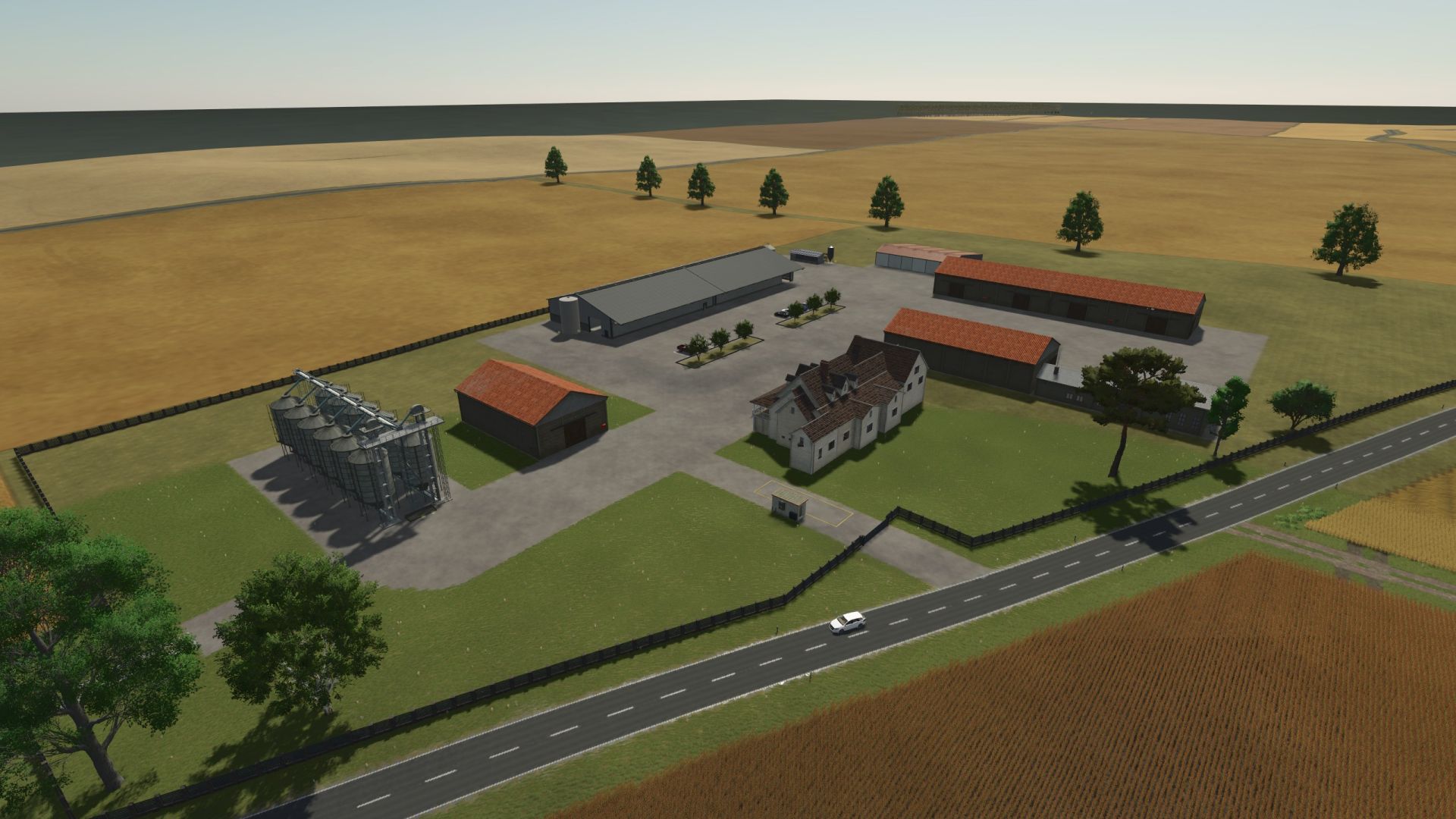
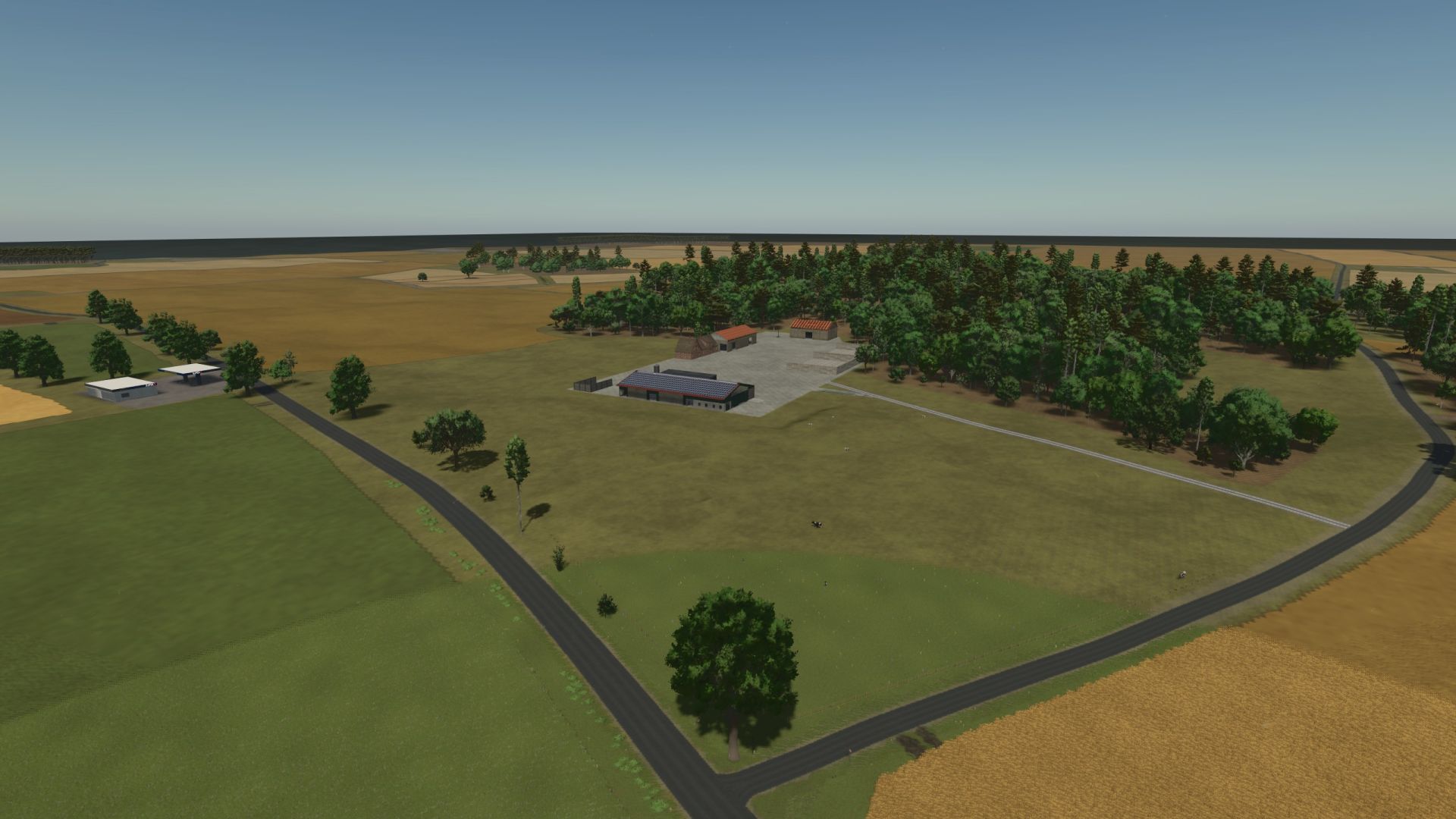
Welcome to Negast, an idyllic district of the municipality of Steinhagen in Mecklenburg-Western Pomerania, around 10 km southwest of Stralsund. The map brings you northern German agriculture in a realistic look - with wide fields, small villages, forests and tight courtyard access.
You conduct areas between Wendorf and Lüssow, take care of animals, fields and forest - very classic or with modern technology. Whether single player or multiplayer, arable farmer or contractor: everyone finds their place here!
🔍 MAP data:
- 53 fields
- 1,156.77 hectares of arable land
- 263.28 hectares of forest area
- 67,495 trees
🌾 Multifruit included:
- rye, triticale, spelled, grain maize
- Green rye, wind rye, field grass, silagemais
- humus -active, mustard
👨🌾 The TBFW agricultural cooperative wishes you a lot of fun on the map - and thanks for playing!
https://discord.gg/d8skgtb3n9
🌲 Vegetation completely revised: All trees replanted – 42,610 trees
🌄 Card edge revised: optics and technology completely redesigned
🪣 Terrain adjustments: Various areas smoothed and optimized
🌾 Field system revised:
Added new fields
Existing fields re-divided and redesigned
Edges smoothed in various fields
🟩 Intermediate areas between fields: Now to farmland 73, purchaseable for better field connection
🌱 Meadows revised
🎁 Collectibles revised
🚗 Parked vehicles repositioned
⛽ Added new gas station
🛣️ Traffic system revised
🛑 Berlin cushion lowered: trucks no longer get stuck
📏 Total field area: now 1,176.07 ha
🗑️ Mods no longer needed:
FS25_MediumBiogasPlantPackage
FS25_naturalWaterRiversAndPondsPack
FS25_bunkerSiloKit
FS25_DecorativeCarPack
⚠️ New save required to use all changes correctly
🔧 Changes & Improvements:
🌾 Row Crop Added: New plant row option available.
🧩 ModDesc version updated: Compatibility with current game versions ensured.
🪨 Tillage adjusted: Stones now appear correctly after cultivating.
🧱 Stone missions fixed: Stone collecting missions now work properly.
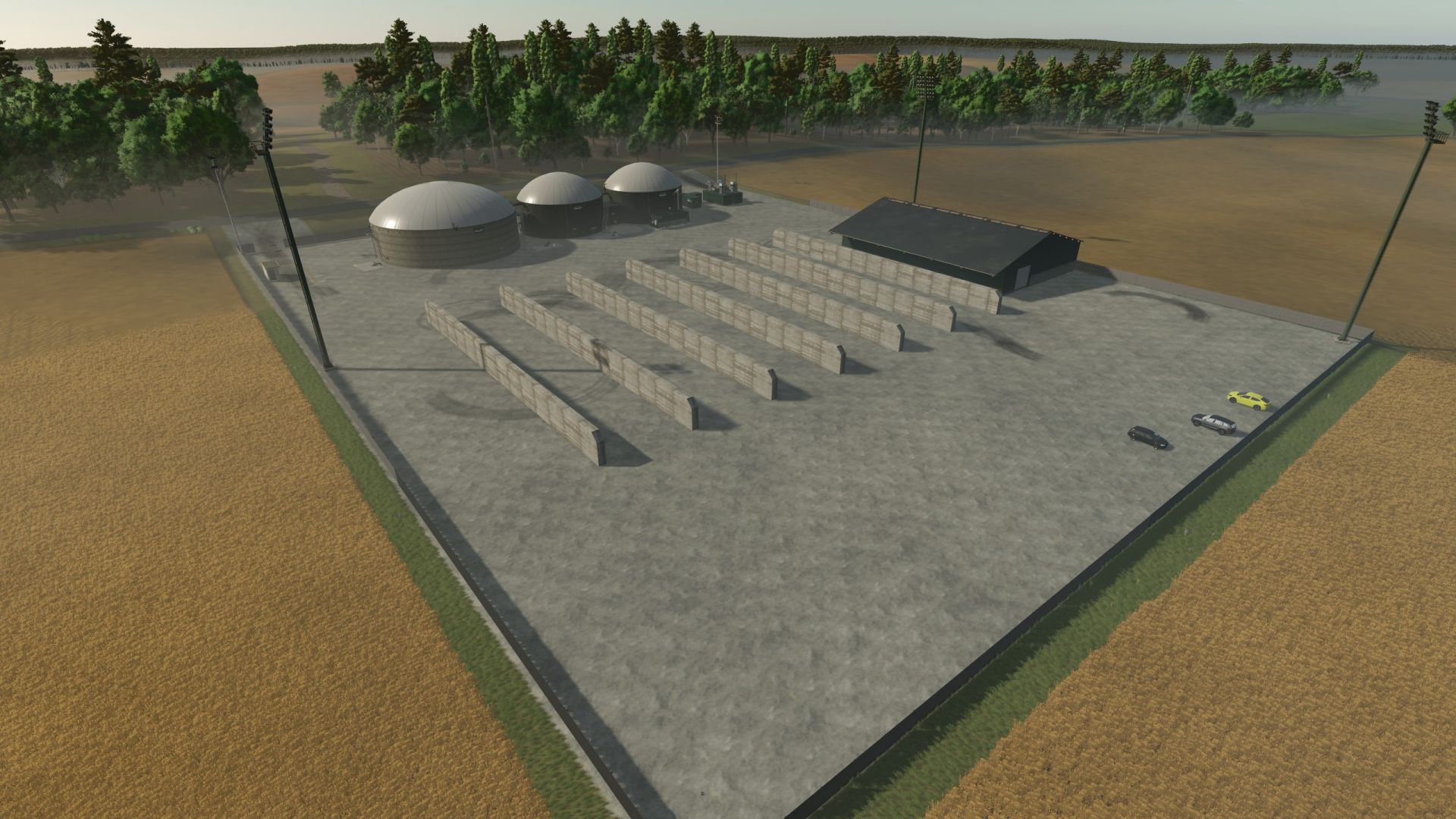
💧 Manure sales added: Manure can now be sold directly at the BGA.
🌍 Ground deformation increased: The ground effect has been slightly increased for a more realistic gaming experience.
ℹ️ Compatibility Notes:
⚠️ New save required to ensure all changes are applied correctly.
🔧 Changes & improvements:
✅ Approaching cars expanded: can now load rye, triticale, spelled and lime.
🌱 Soybean look improved: Missing stubble after the harvest have been added.
🏭 Sales offices supplemented: additional sales stations for rye, triticale and spelled installed.
📦 File name changed: The MAP file is now called FS25_Negast.zip.
ℹ️ Notes on compatibility:
💾 No new score is necessary - existing scores work without any problems.
⚠️ Important for existing players:
If you used a different ZIP version beforehand (e.g. FS25_Negast_1_00_1.zip),
Name the new file as well as the previous one,
to avoid loading problems or double entries in the game.
🆕 New players can simply use FS25_Negast.zip like this - no renaming necessary.
🔧 revised version based on a file error
In the previous version, a file error and other problems occurred.
Therefore, a revised version is now available.
⚠️ Important: A new score is required.
So that you do not lose your previous game content, here is a short guide:
📂 So you take over your fields, vehicles, buildings and farms:
You can take the following content from your old score:
Your bought fields
Your vehicles
All placed buildings
and your created farms
To do this, please copy these four files in the old savegame:
farmland.xml
farms.xml
placeables.xml
vehicles.xml
You then replace this in the new score.
📌 Note: Start a new game first, save once - then insert and overwrite the files.