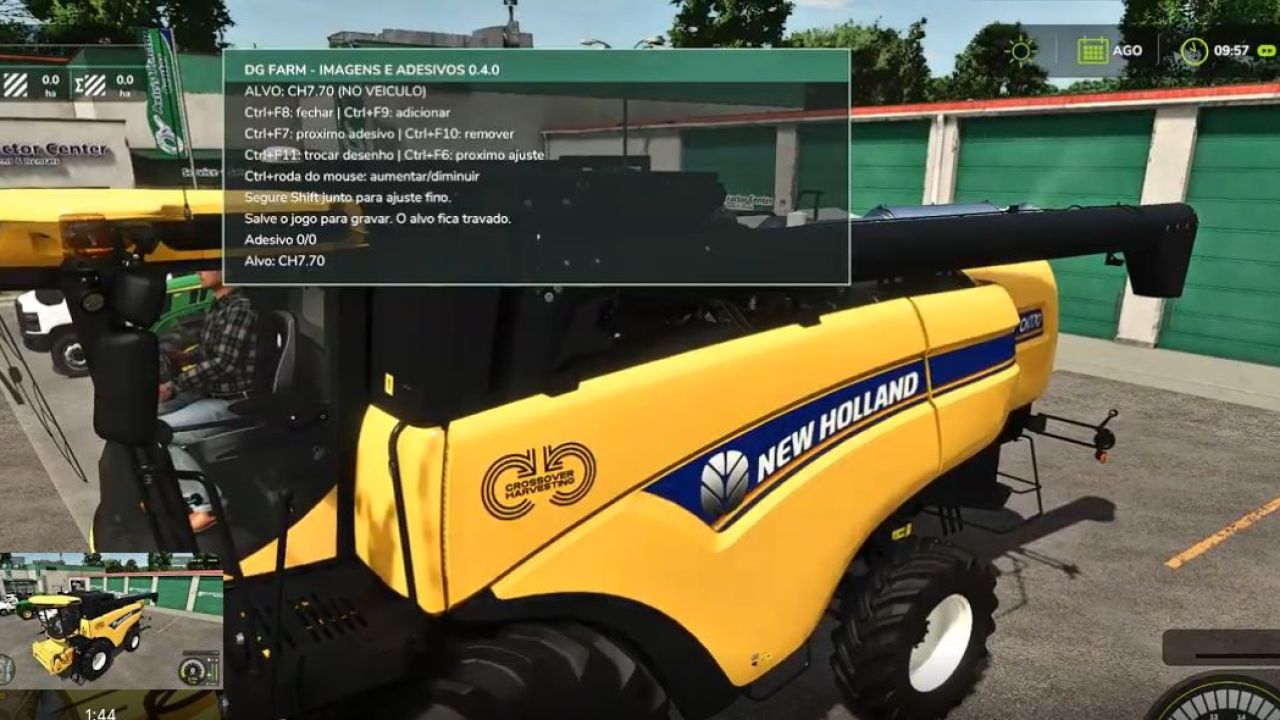
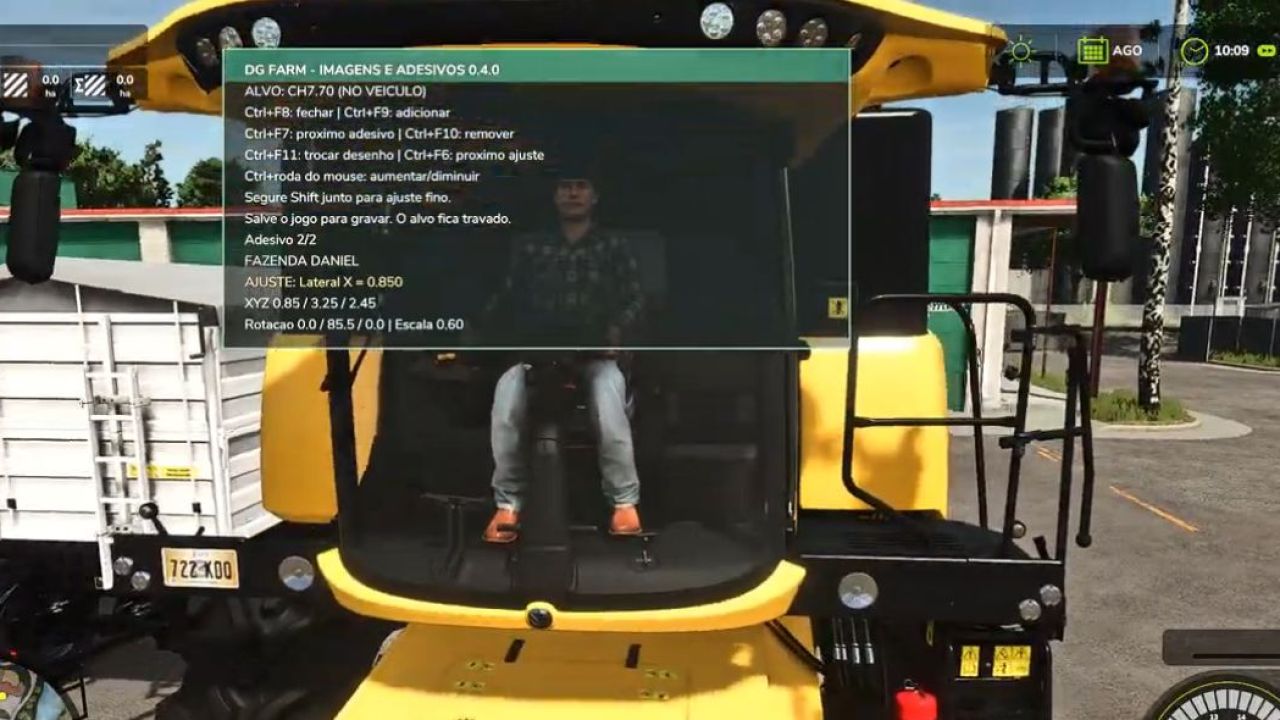
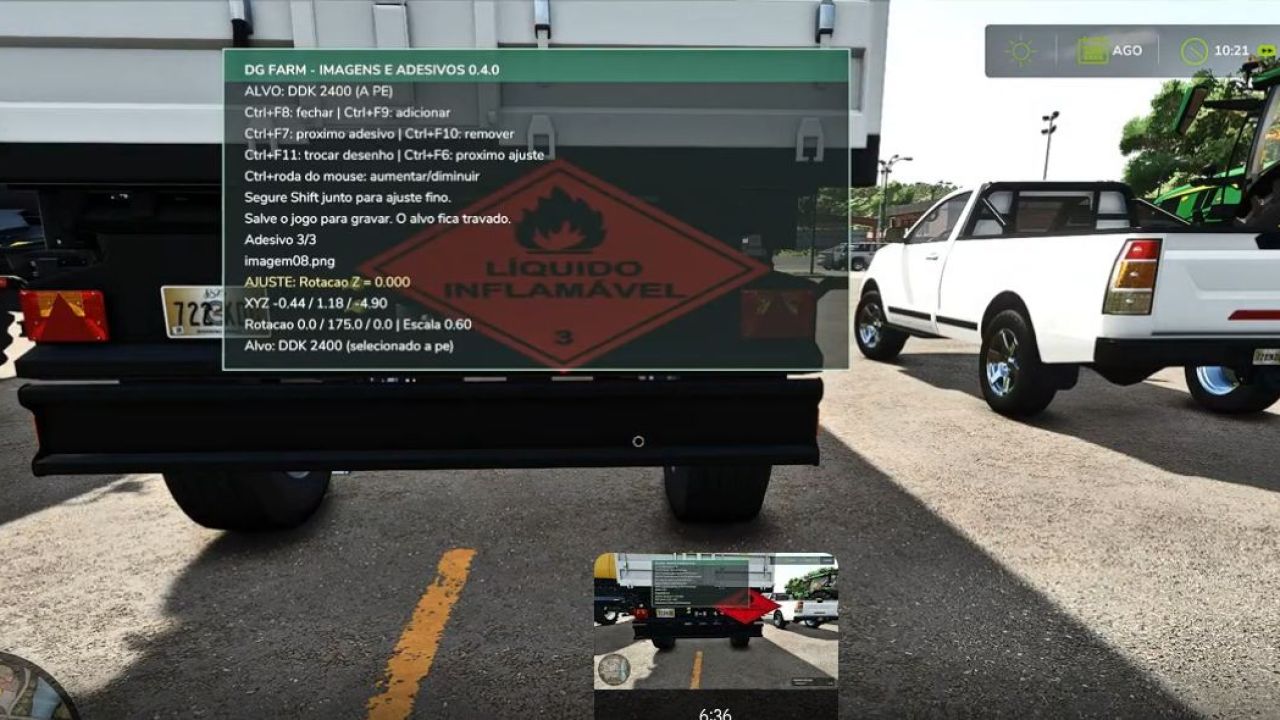

🚜 Discover DGFarm Decal Studio v0.4.0 for Farming Simulator 22!
In this video, I present the mod's complete functionality, which allows you to add custom images and decals to FS22 vehicles. You will see how to install, configure and use the main tools available.
✅ Add custom images
✅ Adjust position, size and rotation
✅ Customize different vehicles
✅ Save your creations in the game
✅ Developed for Farming Simulator 22
📥 OFFICIAL DISCORD:
https://discord.com/invite/DJtBfD9vbF
Have you encountered a problem or do you have a suggestion? Send your report to our Discord server.
Version presented: 0.4.0
Compatibility: Farming Simulator 22 — PC/Mac
⚠️ Download only through DGFarm's official channels.
#FarmingSimulator22 #FS22 #DGFarm #ModsFS22 #FarmingSimulator #ModFS22

In this video, I present the main new features of version 0.5.0 of the mod that allows you to add custom images and stickers to vehicles, machines, trailers and implements in Farming Simulator 22.
✨ NEW FEATURES IN VERSION 0.5.0:
✅ New layout inspired by DGFarm’s visual identity
✅ Reorganized and easier-to-understand interface
✅ Multilingual support in Brazilian Portuguese and English
✅ Language selected automatically according to the game settings
✅ Simplified controls during editing
✅ Updated catalog with 17 images
✅ Support for adding your own images
✅ Position, size, aspect ratio and rotation adjustments
🎮 NEW CONTROLS:
• Ctrl+F8: open or close the panel
• F6: select the adjustment
• F7: select the next applied sticker
• F9: add a sticker
• F10: remove the selected sticker
• F11: change the image
• On foot: use the mouse wheel to make adjustments
• Inside the vehicle: use Ctrl + mouse wheel
• Shift + mouse wheel: fine adjustment