Search results for place

492 results
  • Place Decotrees Indefinitely
    3 368
    KingMods Logo
    Published by KingMods
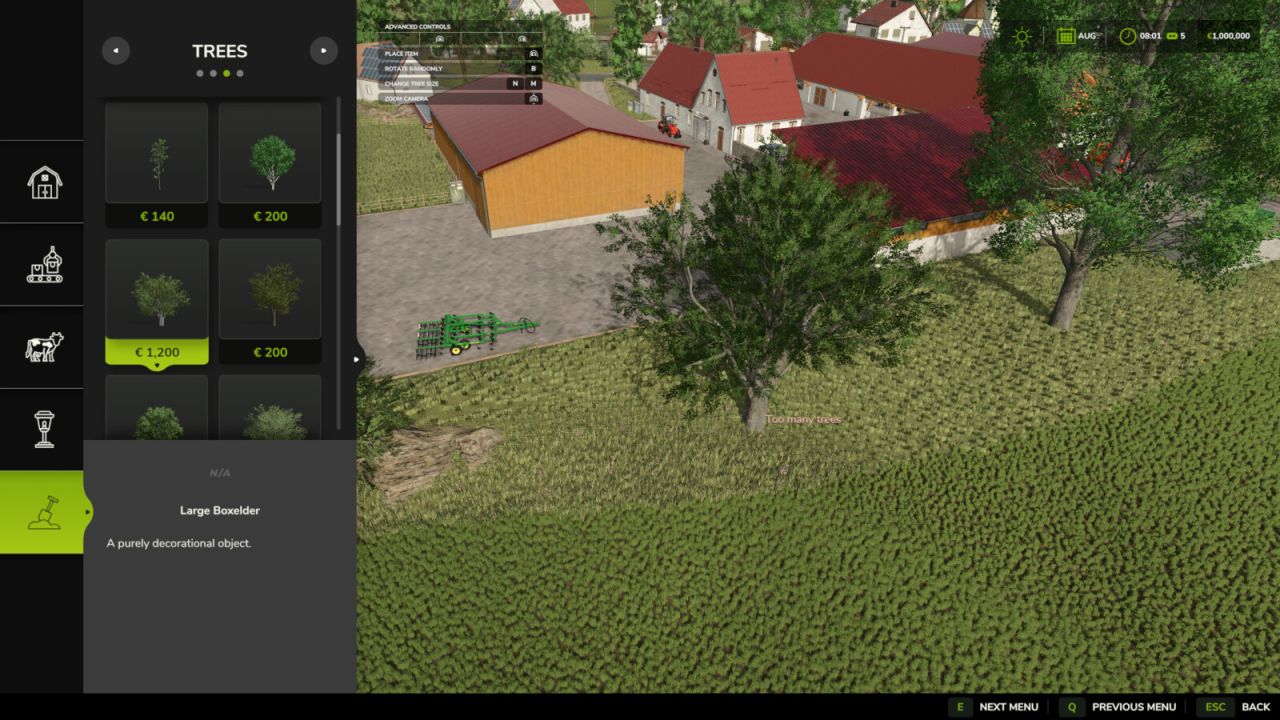
    With this mod, you can place trees on any map, regardless of whether it has too many trees. You can find the trees under Decorations. IMPORTANT: The trees function as decorations, meaning you can't cut them down. However, you can sell them.
  • Market Place
    3 210
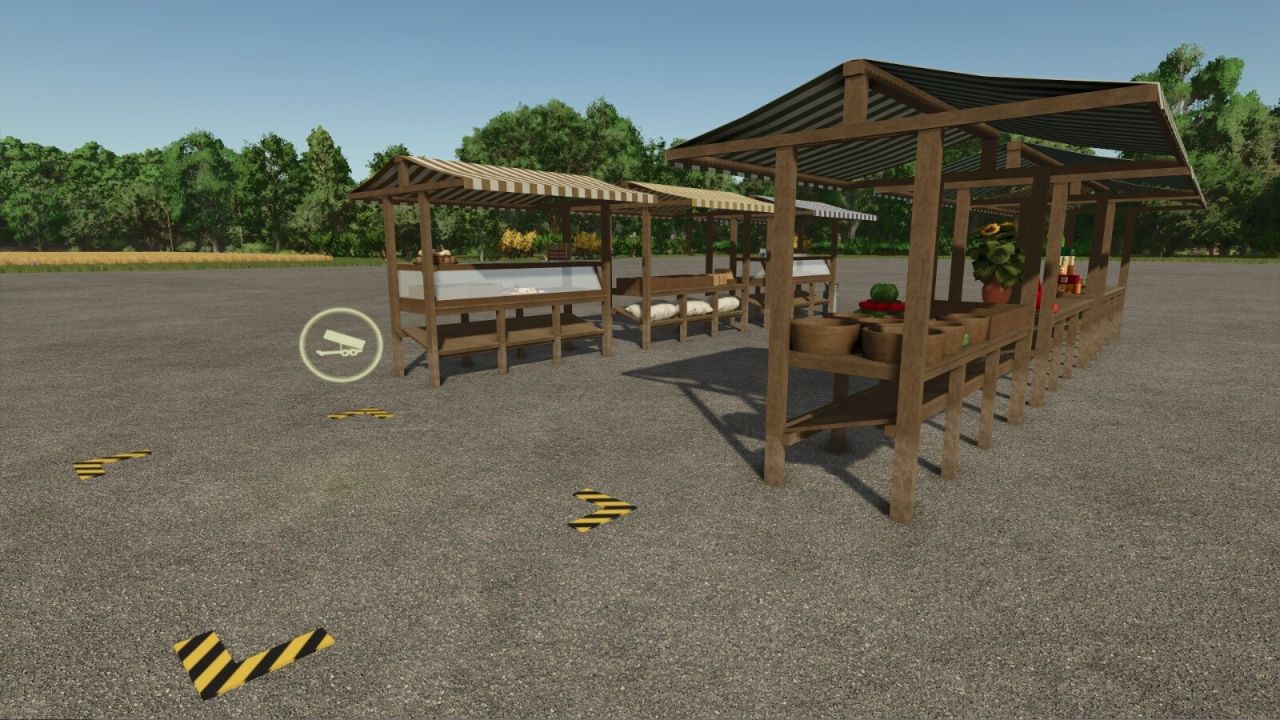
    With this mod, you can build a typical European market. You can choose between a marketplace with multiple stalls, a single market stall with a complete range of products, and individual market stalls as decorative objects that you can combine as desired. There is also a simple selling unloading point that allows you to transform the decorative market stalls into a functioning market. At all selling stations in this mod, you can sell grain, as well as products from your production and the products of your animals, such as milk. Because direct marketing allows you to reach customers without detours, you can earn even more money with these market stalls than with sales stations in town. There is a version of the market stalls where most products are only visible once they have been delivered. For players who always want to see their market stall fully stocked, there is also a version where all products are visible at all times. The sales options are the same for both versions. There are color choices for the individual market stalls. Market Place Category: Selling Points Price: $15,000 Daily upkeep: $5 Market Place, decorated Category: Selling Points Price: $15,000 Daily upkeep: $5 Market Stall Category: Selling Points Price: $5,000 Daily upkeep: $5 Market Stall, decorated Category: Selling Points Price: $5,000 Daily upkeep: $5 Selling Station Category: Selling Points Price: $50 Daily upkeep: $1 Marketstall Decoration Category: Decoration Price: $100 Daily upkeep: $1 Topics: Bakery, grain, dairy, vegetables, canned food, miscellaneous Configuration: Color choice

  • Placeable Garden Place
    37 154
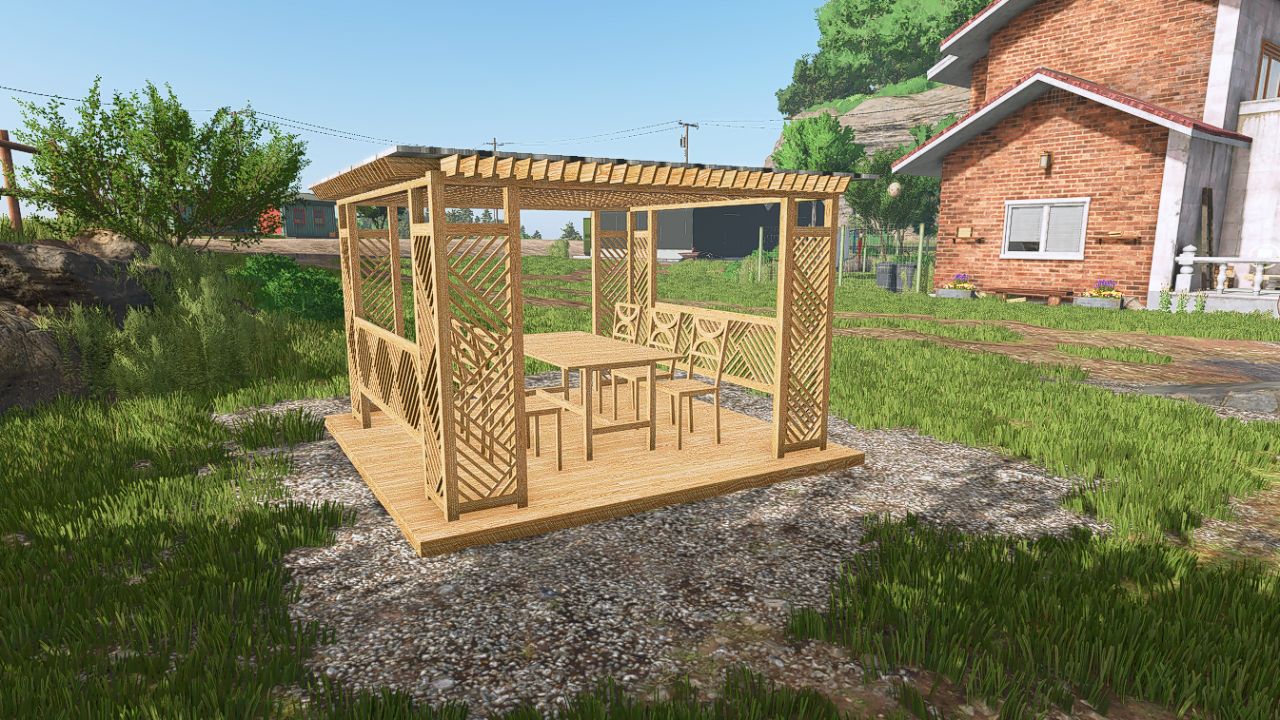
    A nice decoration for your garden, in 1.0.0.1 a passenger seat will be added where you can sit in the future.
  • Repair Place
    2 144
    KingMods Logo
    Published by KingMods
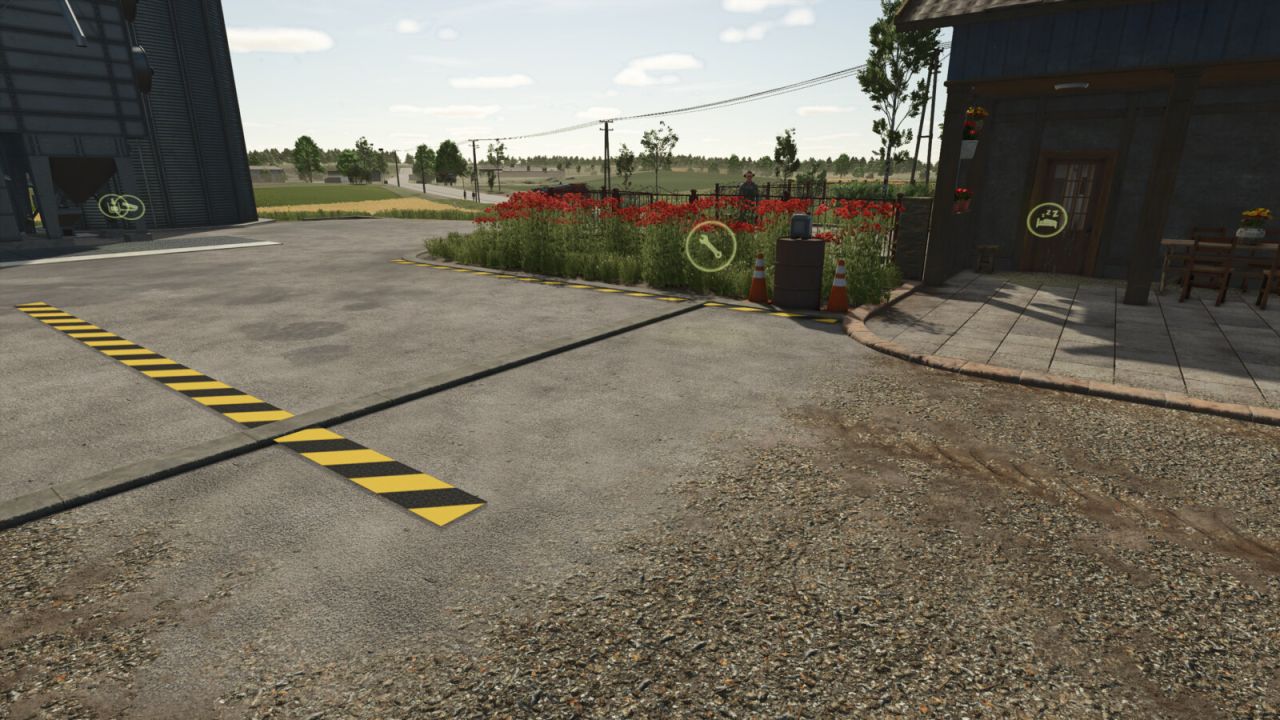
    An ideal repair shop for a farm that does not take up much space. Category : Factories Price: $1,000 Daily maintenance: $2
  • Place Fences Anywhere
    10 223
    KingMods Logo
    Published by KingMods
    Have you ever wanted to place fences... ... close to map objects, ... close to placeables or other objects, ... close to other fences, ... somewhere the game just does not allow you to? This mod disables many restrictions on fence-placing and gives you more freedom designing your dream farm. Error messages such as "Area is restricted" and "Collides with another item" will be disabled by this mod. All the fence constructions in the screenshots would not be possible in any way without this mod. You are still required to have access to the farmland you want to place the fence on. This way, you can safely use this mod in a multiplayer game! GitHub: https://github.com/luca1197/FS_PlaceFencesAnywhere
  • More Honey Pallet Place Options
    14 394
    KingMods Logo
    Published by KingMods
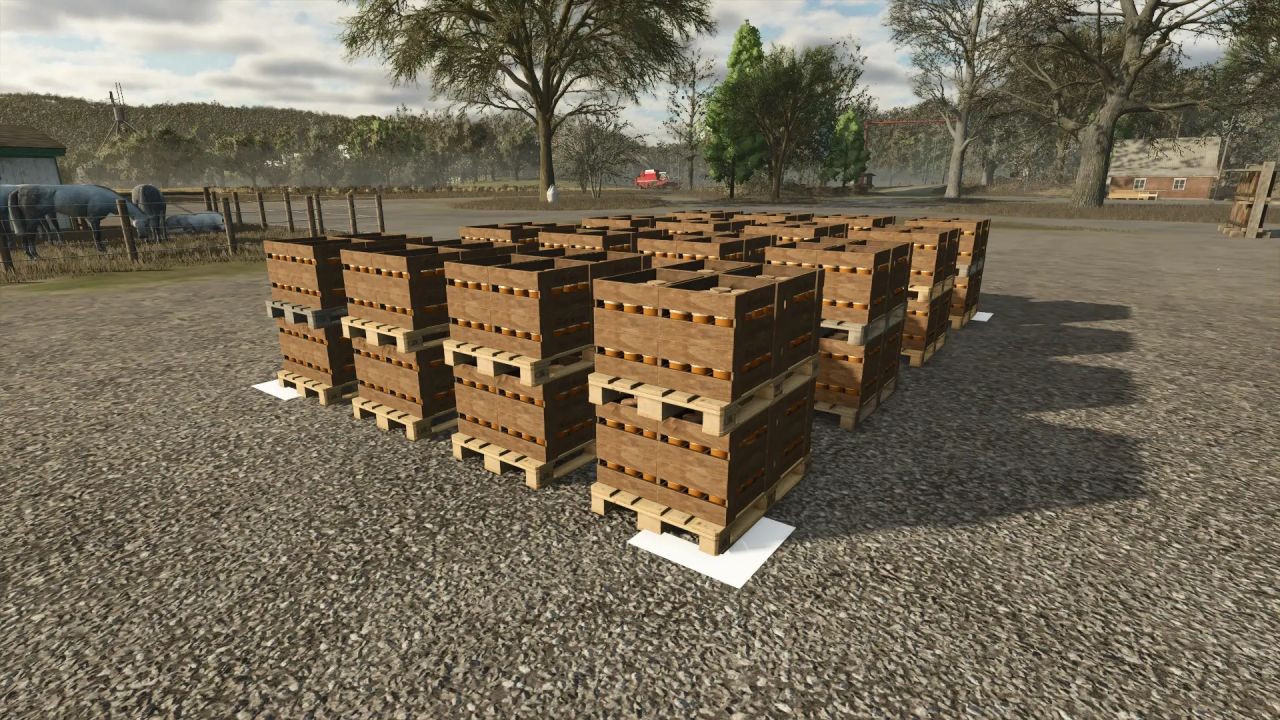
    This mod adds a few more options for your honey pallet spawn location. The main purpose is to have more than 1 pallet out at the same time. There are basically 4 different dimensional options and each has the option to spawn pallets in either 1 layer or 2 layers (2 pallets can spawn on top of each other, allowing you to carry and load 2 pallets at the same time without having to stack them yourself, which involves loading makes something quicker and more convenient. And also more pallets can be spawned in a smaller space.)So you have 8 options to choose from, choose what suits you and your farm best. List of available honey pallet spaces:- 3.4m x 2.4m – up to 4 pallets, 1 layer - 3.4m x 2.4m – up to 8 pallets, 2 layers - 5.4m x 2.4m – up to 6 pallets, 1 layer - 5.4m x 2.4m – up to 12 pallets, 2 layers - 5.4m x 4.8m – up to 12 pallets, 1 layer - 5.4m x 4.8m – up to 24 pallets, 2 layers - 7.4m x 4.8m – up to 16 pallets, 1 layer - 7.4m x 4.8m – up to 32 pallets, 2 layers
  • Place, Terraform & Paint Anywhere
    195 488
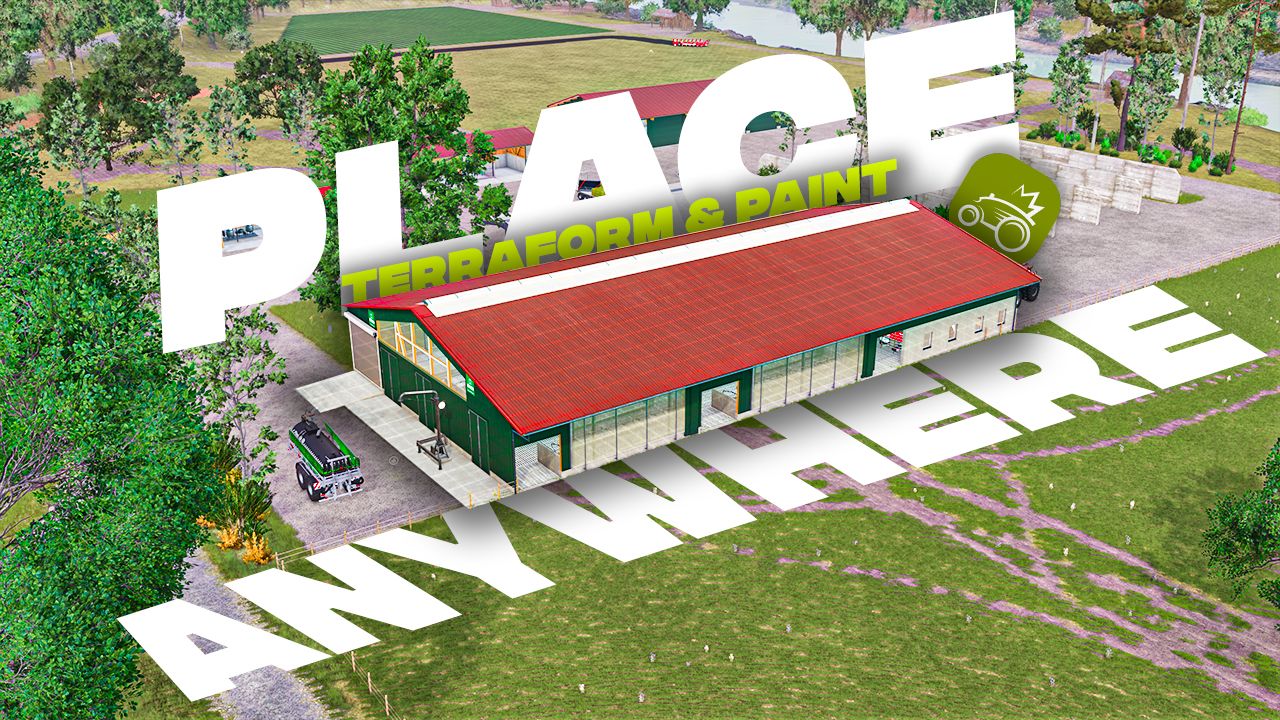
    Allows you to free yourself from all construction limits.
  • Placeable Text
    1 354
    KingMods Logo
    Published by KingMods
    Placeable Text allows you to place and customize your own texts and headings directly in the game. This makes it possible to add labels, notices or decorative texts flexibly to houses, walls and other suitable surfaces. The text can be changed at any time after placement. In addition, different font sizes, colors and alignments are available in the context menu. Alongside the normal text display, there is also a variant for large headings. Placeable Text is ideal for adding your own texts to farms, halls, workshops or production areas. - IMPORTANT: In build mode, enable Free Mode and disable Snapping, otherwise the text may not be placed correctly or may not be visible - Placeable Text can be found under Build Menu > Decoration tab > Others - To remove placed texts again, a delete function has been added to the context menu so that entire houses are not accidentally removed - Sometimes the preview on walls may not be fully visible due to overlapping textures. The text will still be highlighted after placement A small note with a wink: Placeable Text can do a lot – except read minds. The more carefully the text is placed and aligned, the better the final result will look.
  • Placeables HandTools Anywhere
    1 331
    KingMods Logo
    Published by KingMods
    Placeables, a dedicated spot for your hand tools anywhere on the map or in your building. If you receive a message and are unable to build, switch to free build mode. Price: 15$ Placeables for: Chainsaw, SprayCan, HorseBrush.
  • Move Placeables Advanced
    3 739
    KingMods Logo
    Published by KingMods
    This mod allows you to reposition placed objects. It supports movement along all three axes (X, Y, Z) as well as rotation around all three axes. Usage: - Open the construction menu (default: Shift+P) - Select the placed object - Select the Move option - Left-click on one of the 3 axes and move the mouse => Move the object along the axis - Right-click on one of the 3 axes and move the mouse => Change the object's rotation around the axis - Confirm the change by clicking on the placed object again or by pressing the Escape key; a final confirmation prompt will appear - While editing, you can press Escape to discard or undo the change Settings for the mod can be found under General Settings in the menu: - Free Movement: When enabled, moving objects incurs no cost. - Show Coordinate Overlay: Displays the starting and current coordinates (position and rotation) as an overlay when moving objects ATTENTION! This mod is a complete remake of the mod "Rearrange Placeables" by Helfer B (myself). The new mod is not compatible with the old mod but replaces it. All functions have been revised and optimized to provide a better user experience. If you are using the mod "FS25_RearrangePlaceables.zip", you must delete it first in order to use the new perfect version "Move Placeables Advanced". Changelog 2.0.0.0: - Completely new code - Various minor bug fixes - Various logic optimizations - Pre-placed map objects can now be repositioned without errors - Added setting for repositioning costs - Added overlay showing before/after/diff for the object's alignment and rotation (can be disabled in settings)
  • AutoDrive placeable field point
    3 318
    KingMods Logo
    Published by KingMods
    Placeable field points (separate mod) Clockwise. With this mod, you can build a ready-made AD field point on the map. You'll find two versions of the field points in the build menu under Decorations – Miscellaneous. These field points have a positioning aid to help you align them. One point (onField) should be on the field, and the other (nearField) should be next to the field. onField is for the Giants Helper, but can also be helpful with Courseplay. Wrapping bales Collecting bales: For this to work, the vehicle must be in the field at the start. The AD (Automatic Vehicle) also calculates the route to the harvester faster and more accurately when using the point on the field. After placing the bales, if you exit the build menu, the AD field points will be created with two destination points. You can then connect these to your road network. The yellow positioning aid can be resold via the build menu. You need a mod that allows placement on land you don't own. Placeable field points (separate mod) Counterclockwise. With this mod, you can build a ready-made AD field point on the map. You'll find two versions of the field points in the build menu under Decorations – Miscellaneous. These field points have a positioning aid to help you align them. One point (onField) should be on the field, and the other (nearField) should be next to the field. onField is for the Giants Helper, but can also be helpful with Courseplay. Wrapping bales Collecting bales: For this to work, the vehicle must be in the field at the start. The AD (Automatic Vehicle) also calculates the route to the harvester faster and more accurately when using the point on the field. After placing the bales, if you exit the build menu, the AD field points will be created with two destination points. You can then connect these to your road network. The yellow positioning aid can be resold via the build menu. You need a mod that allows placement on land you don't own.
  • Move owned placeables
    9 116
    Move owned placeables directly in construction mode instead of selling and replacing them. Features: - Move button in the placeable info dialog - Left-drag movement with height and rotation controls - Controls shown in the built-in top-left controls menu - Ground refresh at the new location after confirming - Best-effort restore of the old ground to reduce leftover muddy patches Controls: - Left mouse drag: move - Page Up / Page Down: height - R / F: rotate - Delete: reset - M: confirm - Esc / Back: cancel Limitations: - Animal pens are blocked for now because their fence networks do not move safely with the pen Please keep a backup of your savegame before moving complex productions, fences, or other advanced placeables. If you find an issue or have a suggestion, please post it in the comments.