Search results for banebush radio

54 results
  • Radio Volume Hotkeys
    699
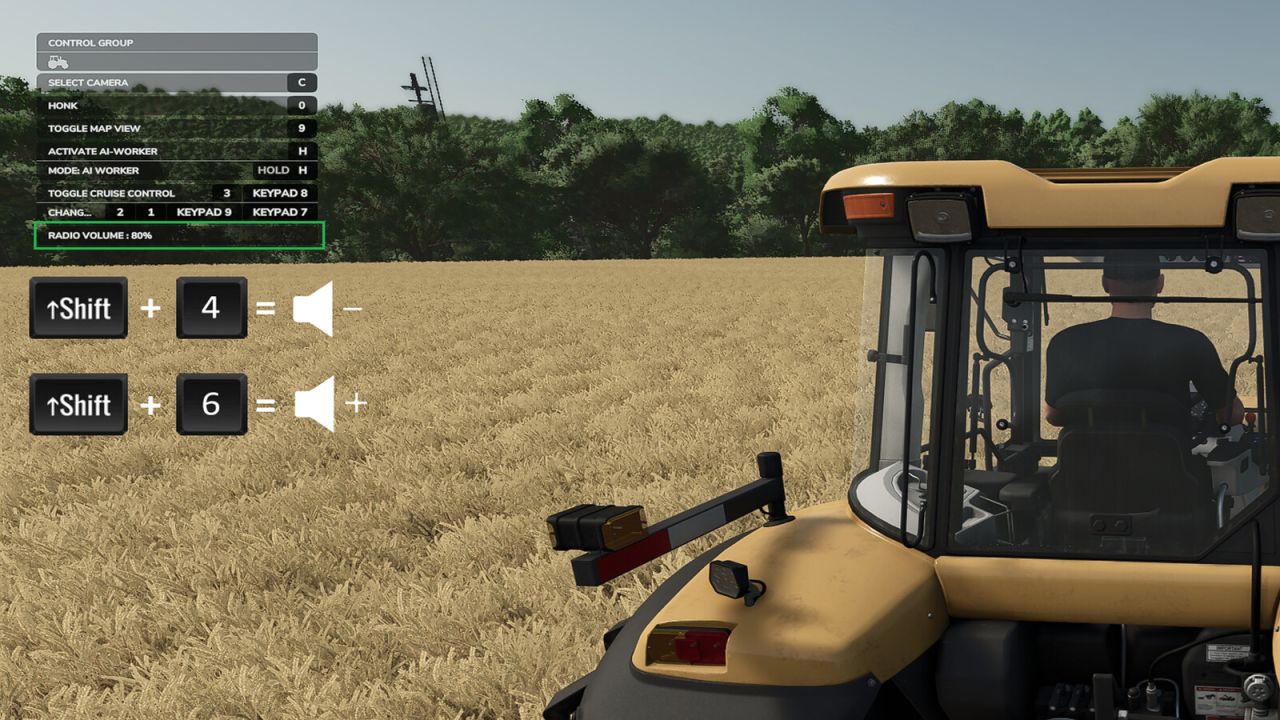
    This script adds 3 new keybinds to allow the following functions in-game: - Increase radio volume - Decrease radio volume - Mute the radio No need to keep opening the sound settings to adjust the volume. In the F1 menu you will see the current volume displayed as the keys are pressed, then it will fade away after a few seconds. You can find the keybinds under: Settings → Controls → Radio Volume Keybinds
    New
  • Czech Radio Stations
    887
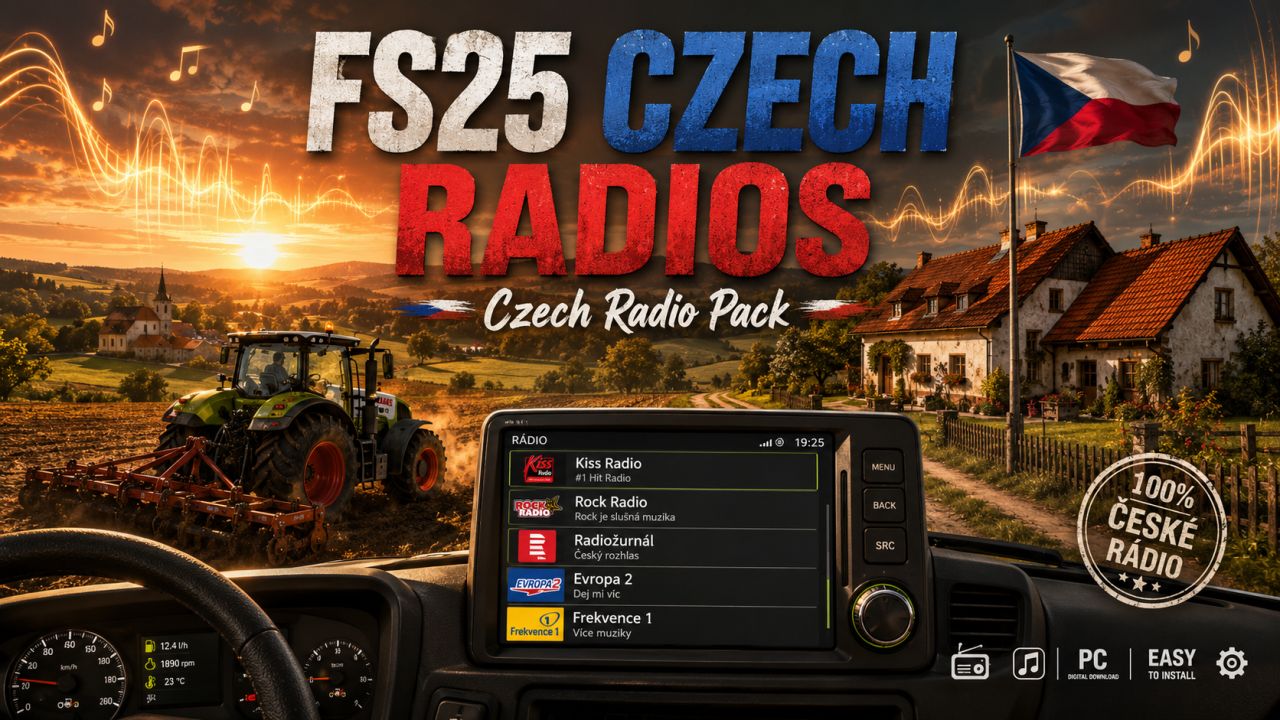
    FS25 Czech Radios Pack ====================== Bring the sound of Czechia into your Farming Simulator 25 experience with this custom Czech radio pack. This package adds a practical selection of Czech internet radio stations that you can use in FS25, including public broadcasters and popular commercial stations. Included stations ----------------- - ČRo Radiožurnál - Český rozhlas Dvojka - ČRo Plus - ČRo Vltava - ČRo Radio Wave - Radio Impuls - Český Impuls - Frekvence 1 - Evropa 2 - Kiss Radio - Rock Radio - Radio Beat - Rádio Blaník - Fajn Rádio - Radio 1 - Country Radio - Radio Bonton - Rádio Krokodýl What is included ---------------- 1. streamingInternetRadios.xml The FS25 radio station file. 2. czech_radios_illustration.png A custom illustration themed around Czech radios in Farming Simulator 25. 3. README_CZ_Radios_EN.txt This English description and installation guide. Installation ------------ 1. Close Farming Simulator 25. 2. Copy the file "streamingInternetRadios.xml" into: Documents\My Games\FarmingSimulator2025\music 3. If a file with the same name already exists, back it up first. 4. Start the game and switch through the in-game radio stations. Notes ----- - Internet radio stations can occasionally change or go offline. - If one station stops working later, it may need an updated stream URL. - This pack was prepared as a ready-to-use custom selection for FS25 players who want Czech radio stations, especially including Kiss Radio and Rock Radio. Enjoy farming with the sound of Czechia!
  • Swedish Radio Stations
    1 293
    Bring the sound of Sweden into your Farming Simulator 25 experience with this custom Swedish radio pack. Drive through your fields while listening to a wide selection of Swedish radio stations, including national and regional channels from Sveriges Radio. This pack is designed for players who want a more authentic Scandinavian atmosphere while farming. Whether you are working the fields, transporting goods, forestry logging, or simply enjoying the countryside, these Swedish radio stations add a realistic and immersive background to your gameplay. Features: Swedish internet radio stations for FS25 Includes national and regional Sveriges Radio channels Great for Swedish, Scandinavian, and Nordic-style maps Simple installation Adds a more authentic Swedish farming atmosphere Installation: Place the streamingInternetRadios.xml file into: Documents\My Games\FarmingSimulator2025\music Restart the game and switch through the in-game radio stations. Enjoy farming with the sound of Sweden!
  • Belgian, Spain, Moldovan, Polish Radio Stations
    1 641
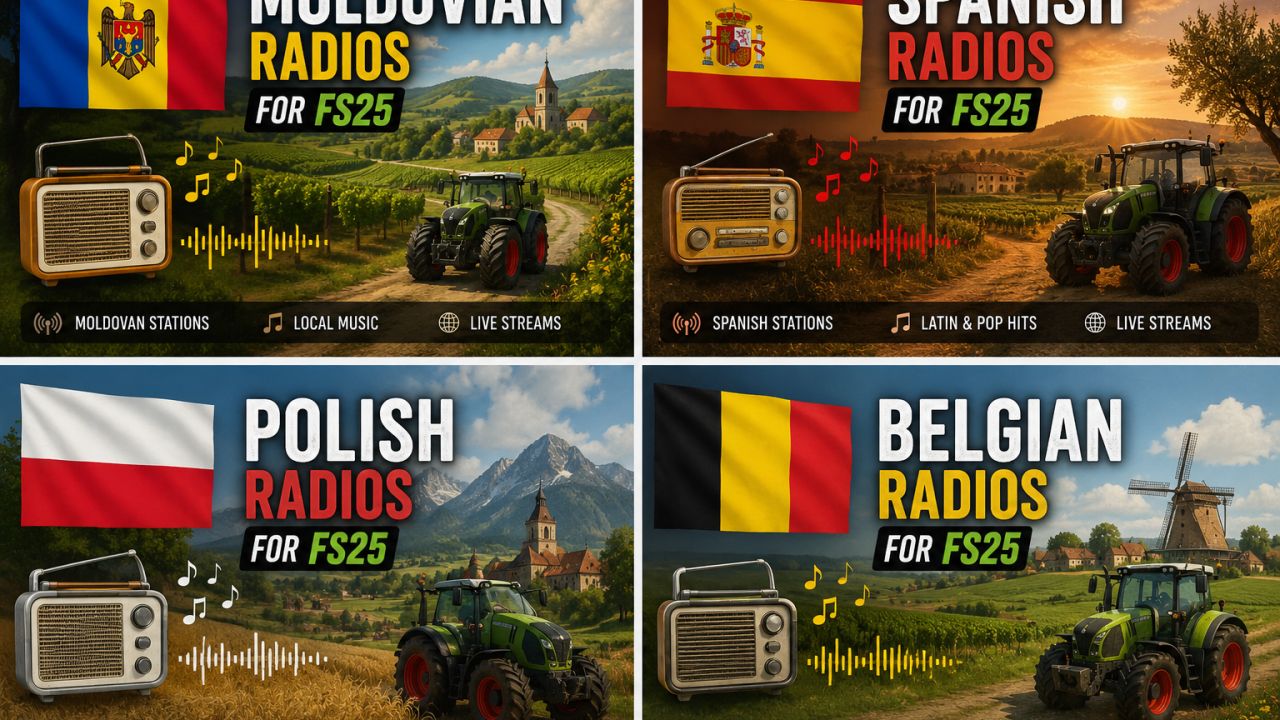
    This FS25 radio pack includes separate internet radio presets for Moldova, Spain, Poland, and Belgium. Each country has its own dedicated folder with a ready-to-use streamingInternetRadios.xml file, making it easy to choose and install the radio set you want in Farming Simulator 25. The pack is designed to add more local atmosphere to your gameplay by bringing country-specific radio stations into your tractor cab. Whether you want Moldovan stations, Spanish music and talk radio, Polish broadcasts, or Belgian live streams, each version is organized separately for quick installation. Included countries: Moldova, Spain, Poland, Belgium Game: Farming Simulator 25 File type: Internet radio XML preset Installation path: Documents\My Games\FarmingSimulator2025\music To install, open the folder of the country you want, copy the included streamingInternetRadios.xml file, and paste it into your FS25 music folder. Restart the game if needed, then use the in-game radio menu to access the stations.
  • Croatian Radio Stations
    595
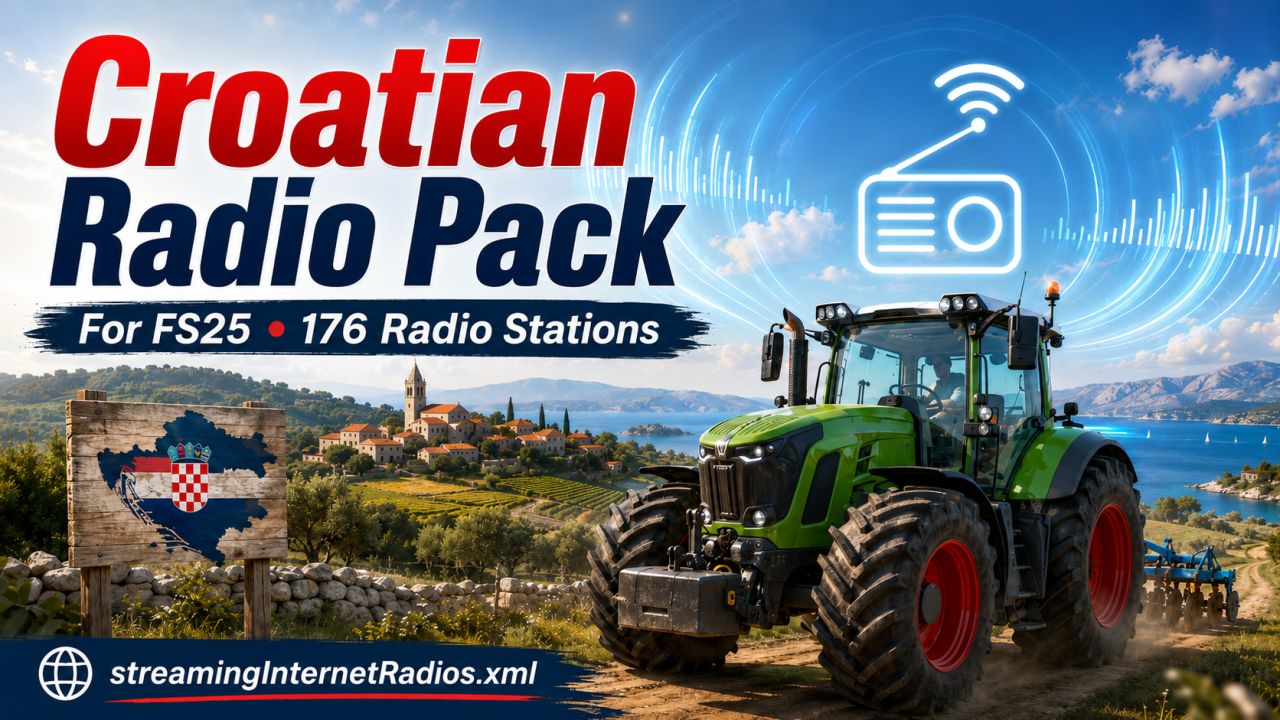
    Croatian Radio Pack for FS25 Bring the sound of Croatia into your Farming Simulator 25 experience with this Croatian Radio Pack. This pack adds 176 Croatian radio stations to the in-game internet radio list, giving you a wide selection of music, news, local stations, and regional broadcasts while you farm. Whether you are driving across the fields, transporting goods, or working late into the night, this pack adds a more authentic and immersive atmosphere to your gameplay. Features 176 Croatian radio stations Ready-to-use streamingInternetRadios.xml file Easy installation Works with Farming Simulator 25 internet radio Includes national, regional, and local Croatian stations Installation Close Farming Simulator 25. Copy the file streamingInternetRadios.xml. Paste it into: Documents\My Games\FarmingSimulator2025\music If a file with the same name already exists, make a backup first. Start the game and switch through the internet radio stations. Notes Some radio streams may stop working over time if the station changes or removes its online stream URL. This pack uses publicly available internet radio stream links.
  • French Radio Stations
    1 901
    French Radio Pack for FS25 Bring the sound of France to your Farming Simulator 25 experience with this French Radio Pack. This add-on includes a selection of popular French online radio stations, giving your farming sessions a more authentic and immersive atmosphere. Whether you are harvesting fields, driving long routes, working with animals, or relaxing around the farm, this radio pack adds real French music, news, culture, and entertainment directly into the game. Features: 18 French radio stations included Easy installation Works with Farming Simulator 25 internet radio system Includes music, news, talk, culture, jazz, classical, and pop stations Perfect for French maps and realistic European gameplay Lightweight XML file, no extra mods required Included stations: France Inter, franceinfo:, France Culture, France Musique, FIP, Mouv’, NRJ, Nostalgie, Chérie FM, RTL, RTL2, Fun Radio, Europe 1, RFM, RMC, Skyrock, Radio Classique, and TSF Jazz. Installation: Copy the streamingInternetRadios.xml file into: Documents/My Games/FarmingSimulator2025/music Make a backup of your original file before replacing it. Note: All radio streams are provided through public online radio links. Some stations may stop working if the broadcaster changes or disables their stream URL.

  • Italian Radio Stations
    819
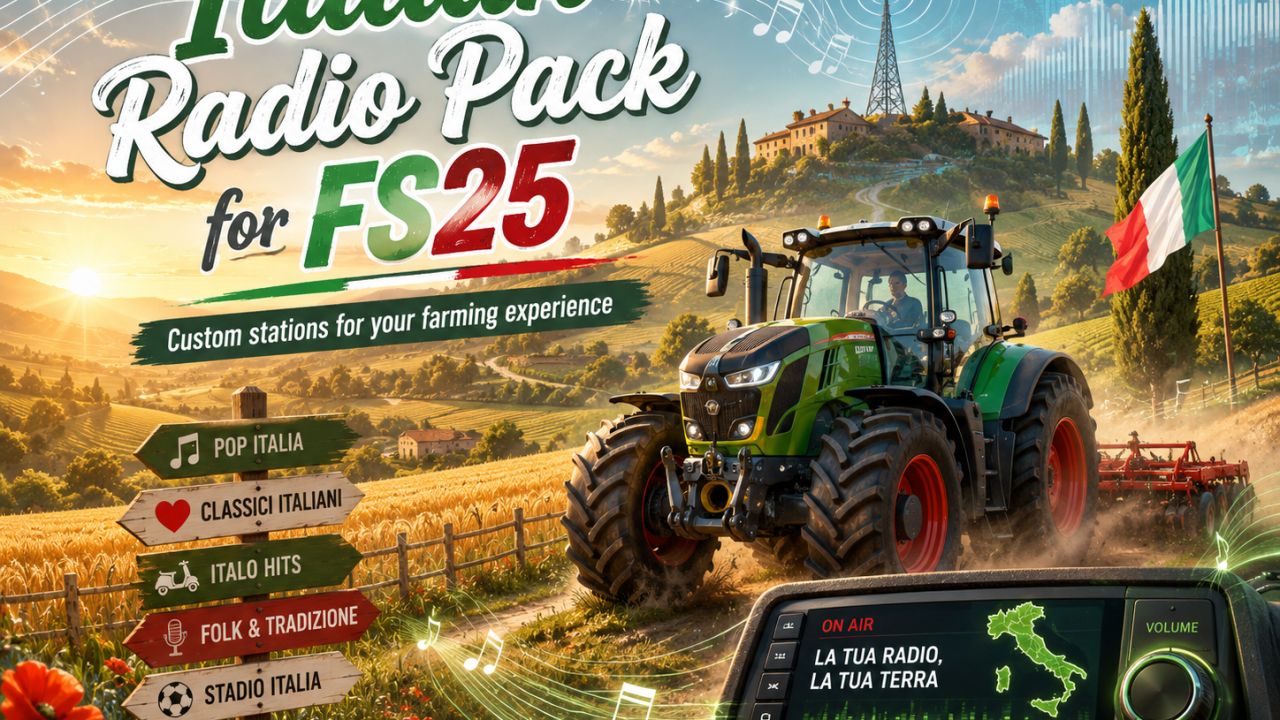
    Italian Radio Pack for FS25 adds a curated selection of Italian radio stations to your Farming Simulator 25 experience. Drive through your fields while listening to Italian pop, classic hits, folk music, news, talk shows, sports radio, and regional stations from across Italy. This custom radio pack is designed for players who want a more immersive European farming atmosphere, especially on Italian or Mediterranean-style maps. Whether you are harvesting, plowing, hauling, or relaxing between jobs, the station list gives your farm a lively Italian soundtrack. Features: Custom Italian radio stations for Farming Simulator 25 Includes music, news, talk, sport, and regional radio Works through the in-game internet radio system Easy installation using the streamingInternetRadios.xml file Ideal for Italian, European, and Mediterranean farm maps Installation: Copy the included streamingInternetRadios.xml file to: Documents\My Games\FarmingSimulator2025\music Replace the existing file after making a backup. Note: This is a fan-made radio pack and is not affiliated with Giants Software, Farming Simulator, or any radio broadcaster. Station availability may change if broadcasters update or remove their public stream links.
  • Serbian Radio Stations
    829
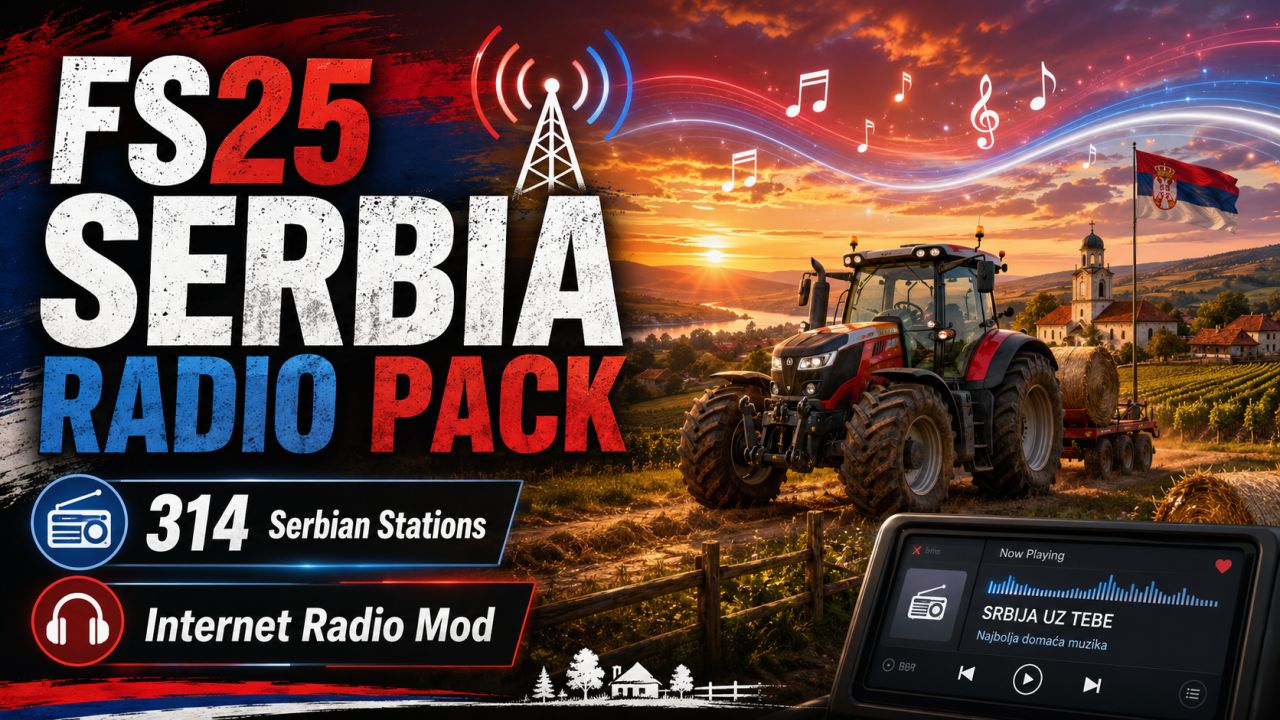
    FS25 Serbia Radio Pack Bring Serbian music and radio atmosphere into Farming Simulator 25 with this custom internet radio pack. This mod adds a large collection of Serbian online radio stations to the in-game radio system, giving you more variety while farming, driving, harvesting, or working around your farm. The pack includes 314 Serbian radio stations, covering music, talk, local stations, and general entertainment streams. Features: - 314 Serbian radio stations - Works with the Farming Simulator 25 in-game radio - Easy installation - Includes public online radio streams - Great for players who want a more realistic Balkan / Serbian farming atmosphere Installation: 1. Close Farming Simulator 25. 2. Go to: Documents/My Games/FarmingSimulator2025/music 3. Back up your existing streamingInternetRadios.xml file if you already have one. 4. Copy the included streamingInternetRadios.xml file into the music folder. 5. Start the game and enjoy Serbian radio stations in FS25. Important: Some internet radio streams may occasionally stop working because they are hosted by third-party radio providers. If a station does not play, the stream may be temporarily offline or changed by the radio owner. This is not an official Farming Simulator product. It is a custom radio pack made for players who want Serbian online radio stations in FS25. Enjoy farming with Serbian radio!
  • English Radio Stations
    2 121
    English Radio Pack for FS25 Bring more atmosphere to your Farming Simulator 25 experience with the English Radio Pack. This simple radio add-on gives you a large collection of English-speaking internet radio stations directly inside the game, perfect for long fieldwork, road trips, harvesting, logging, or relaxing on your farm. The pack includes a wide selection of stations covering different styles such as country, rock, pop, classic hits, talk radio, dance, and more. Just install the file, start the game, and enjoy listening while you work. Features 80+ English-speaking internet radio stations Easy installation Works with the in-game radio system No extra scripts required Great for realism and immersion Suitable for casual farming, roleplay, multiplayer, and long gameplay sessions Installation Download and extract the file. Copy streamingInternetRadios.xml to: Documents/My Games/FarmingSimulator2025/music If the folder already contains a radio file, make a backup first. Start Farming Simulator 25. Use the in-game radio controls to switch between stations. Notes Some radio streams may occasionally stop working if the station changes its stream URL or goes offline. This is normal for internet radio streams and is not caused by the mod itself. Credits Created for the Farming Simulator 25 community. Enjoy your time on the farm with more music, more variety, and more atmosphere.
  • Hungarian Radio Stations
    1 138
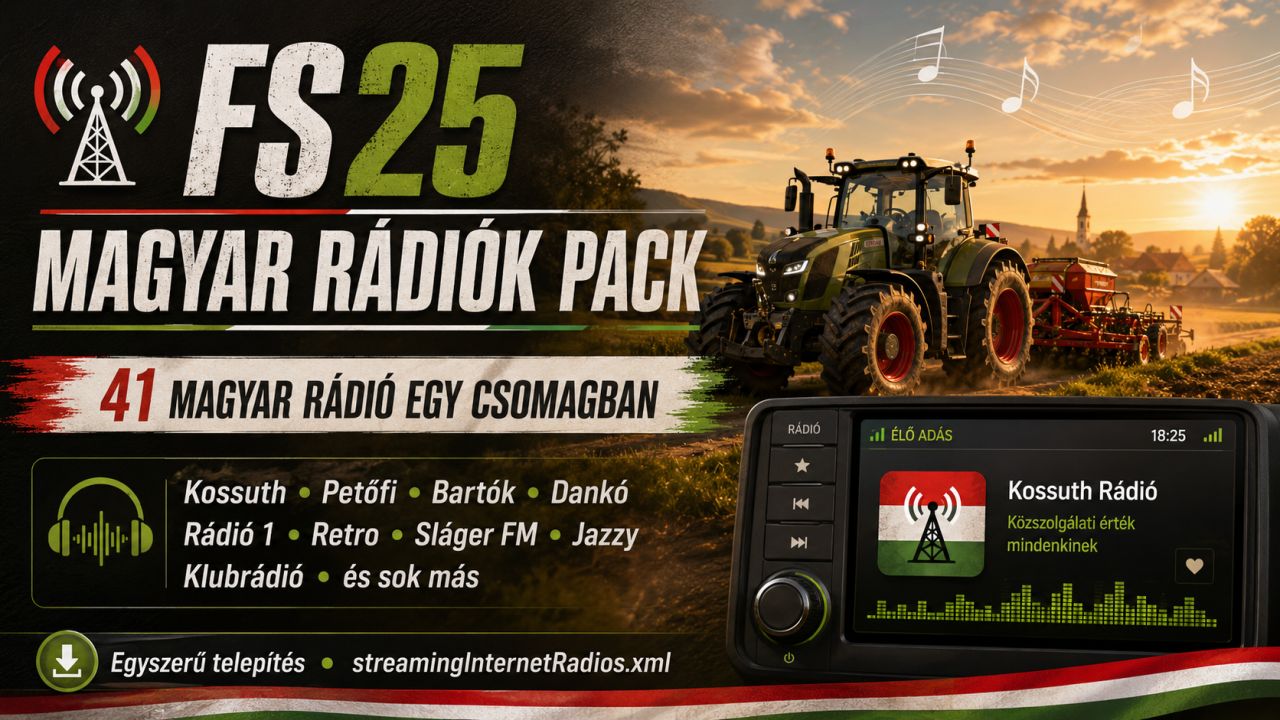
    FS25 Hungarian Radio Pack This mod adds a Hungarian radio pack to Farming Simulator 25. The pack includes 41 Hungarian radio stations, featuring national, local, music, news, sports, talk and themed radio stations. The goal of this radio pack is to make your farming experience more immersive by allowing you to listen to real Hungarian radio stations while playing. Features: 41 Hungarian radio stations National and local stations Music, news, sports and themed radio channels Simple installation Single streamingInternetRadios.xml file Some included stations: Kossuth Rádió, Petőfi Rádió, Bartók Rádió, Dankó Rádió, Nemzeti Sport Rádió, Rádió 1, Retro Rádió, Sláger FM, Best FM, InfoRádió, Klubrádió, Jazzy, Tilos Rádió, Rádió 88, Forrás Rádió, Sunshine FM, Campus Rádió, Poptarisznya, Dance Wave, Luxfunk and many more. Installation: Open this folder: Documents/My Games/FarmingSimulator2025/music Make a backup of your existing streamingInternetRadios.xml file. Copy the new streamingInternetRadios.xml file into the folder. Restart the game. Note: Radio stream links may change over time, so some stations may stop working in the future. The pack can be updated easily by replacing or editing the stream links.
  • Radio Enhancements
    3 523
    KingMods Logo
    Published by KingMods
    This script adds some useful enhancements to the in-game radio. 1. You can now change the radio volume in vehicles at any time without opening the menu. Default keys: - Left Shift + 4 quieter - Left Shift + 6 louder The keys can be changed in the menu settings. 2. The current radio volume is shown for a short time in the F1 menu and then disappears again. 3. If you leave a vehicle while a radio station is switched on, you can continue to hear the radio up to a certain distance. - after leaving the vehicle, the volume is reduced to 20% of the current value (can be changed) - if you move away from the vehicle, the music becomes quieter and quieter (maximum distance can be changed) - if you move closer again, the volume slowly increases again - the radio must be switched off manually in the vehicle to disable this function - the radio state (on/off) is saved individually for each vehicle - helpers switch the radio on by default - you can hear it when driving past :) (helper radio can be disabled / changed) - a RadioEnhancements.xml file is created in the modSettings folder where you can change values 4. Multiplayer - the script synchronizes the radio state (on/off) and the volume of your multiplayer vehicles - if another player drives past you with the radio switched on, you will hear it too - internet radio streams are synchronized with your multiplayer partners if you have also set them globally on your side 5. Partybox (Changelog 1.2.0.0) - you can buy a portable speaker in the shop under Miscellaneous > Miscellaneous - this Partybox can be carried anywhere and, if desired, continuously plays your radio stations / music everywhere - to use it, simply "enter" the speaker and check the F1 menu - the Partybox has its own volume control, independent of everything else - animated party lights of the speaker can be enabled in the F1 menu and are multiplayer compatible
  • New Radio Stations
    11 696
    KingMods Logo
    Published by KingMods
    I have added several new radio stations. Please unzip the ZIP file first. Installation for FS25: Path: Documents\My Games\FarmingSimulator2025\music Copy the attached XML file into this folder and replace the existing file. Please make a backup copy BEFORE replacing the file!!! New radio stations: Hardbase, Techno, Schlager, Rock and more.