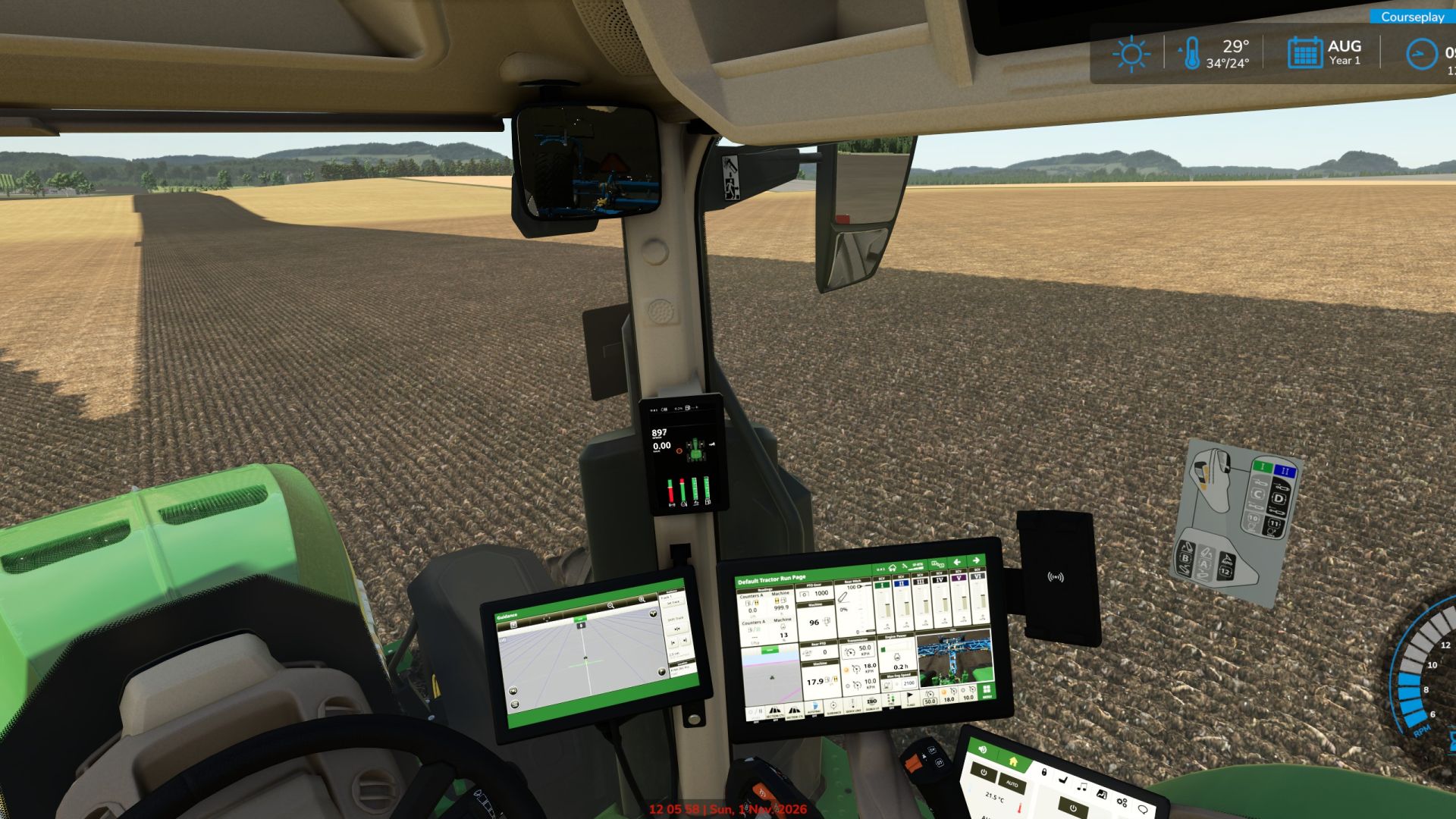
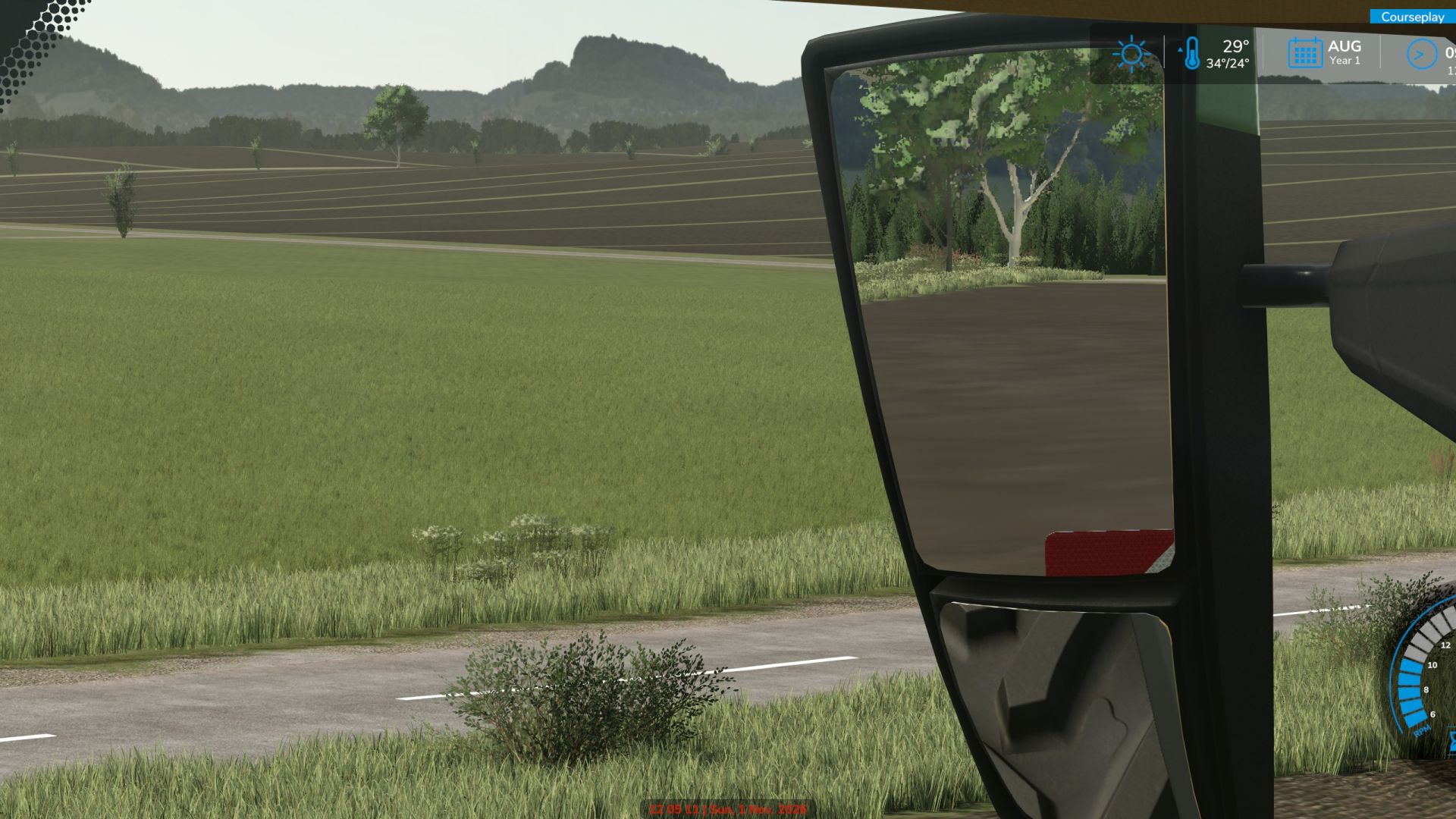
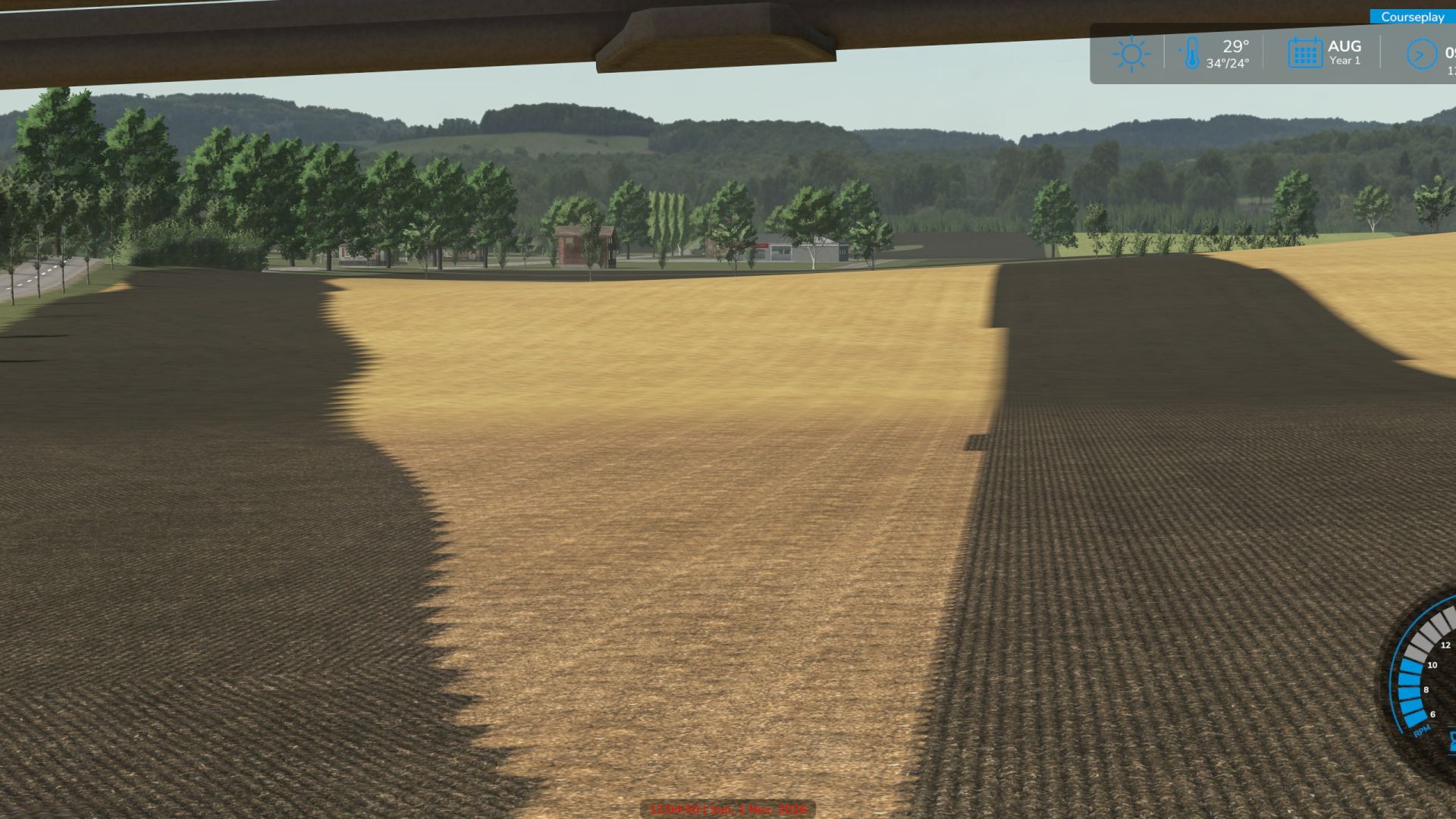
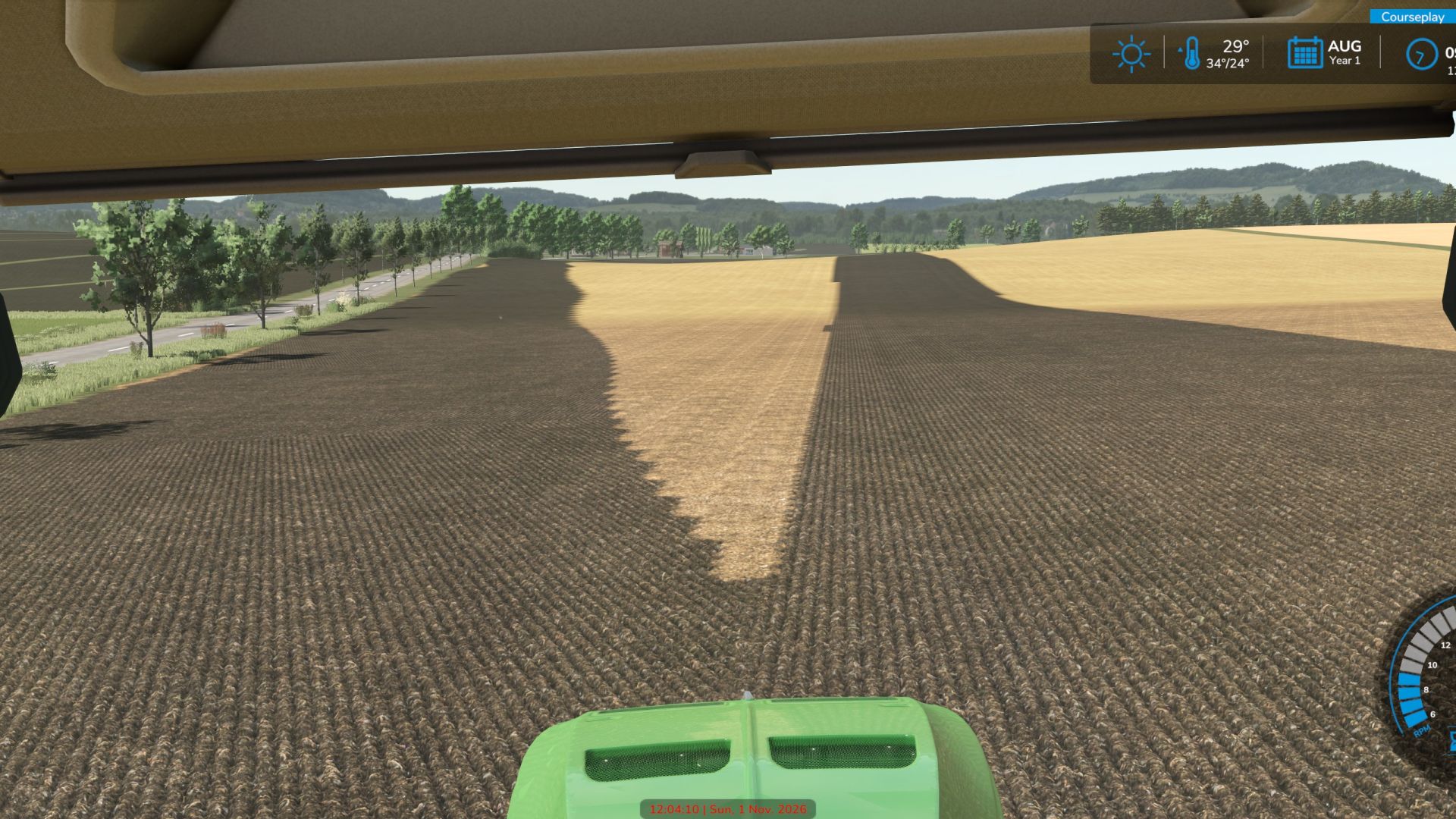
FarmLook enhances the first-person driving experience in Farming Simulator 25 by introducing realistic interior camera movements, automatic steering-based head movement, and advanced camera customization.
The mod is designed for players who prefer driving tractors, combines, trucks, and other agricultural machinery from inside the cab.
The interior camera dynamically reacts to bumps, uneven roads, rough terrain, and changes in ground elevation, simulating the natural movement of the driver's head and body.
FarmLook also provides improved steering wheel integration, making vehicle operation more immersive and realistic.
Features
Realistic Interior Camera Movement – The camera reacts naturally to bumps, potholes, uneven roads, rough terrain, and ground elevation changes, simulating realistic driver head and body movement.
Dynamic Camera Suspension – Camera movement responds to vehicle vibrations and terrain irregularities, creating a more authentic driving experience.
Automatic Steering Look – The camera automatically turns according to steering wheel movement, simulating the driver's natural head movement while steering.
Automatic Reverse Look – The camera can automatically change its viewing direction when reversing.
Left and Right Looking – Adjustable viewing angles allow players to look naturally in either direction.
Rear View System – Look behind the vehicle when maneuvering or reversing.
Interior Camera Zoom – Adjustable zoom from 1× to 5× for improved visibility inside and outside the cab.
Adjustable Camera Position – Move the interior camera forward, backward, upward, or downward to customize the driving position.
Adjustable Camera Sensitivity – Control how quickly the camera responds to steering movements.
Persistent Camera Settings – Custom camera preferences are automatically saved and restored.
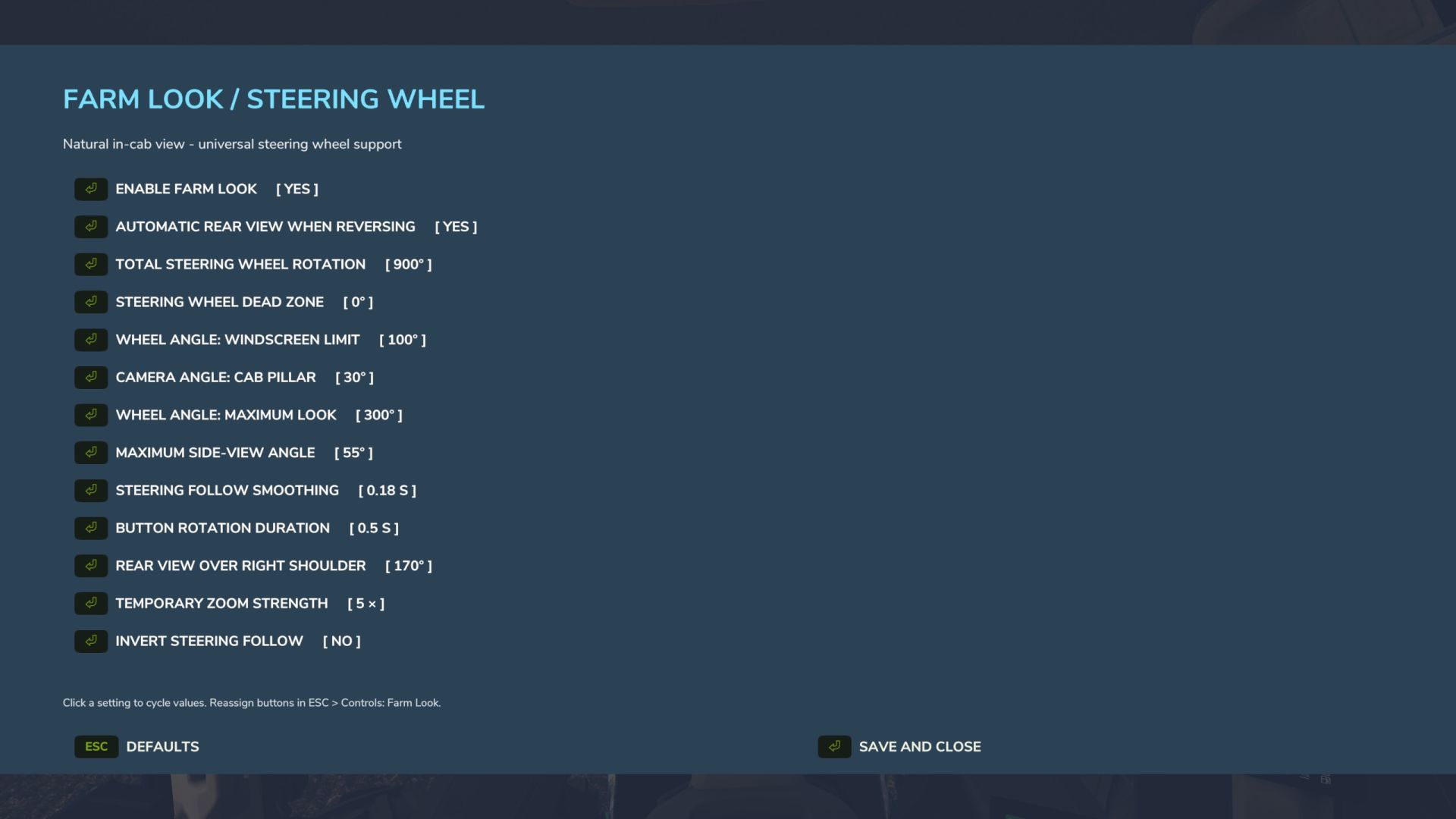
Dedicated Settings Menu – Press F6 to open the FarmLook configuration menu.
Multi-Language Support – Supports multiple languages, including English and Romanian.
Multiplayer Support – Camera settings are managed individually for each player.
Steering Wheel Compatibility
FarmLook is designed to work with steering wheels recognized and correctly configured in Farming Simulator 25.
Supported steering wheel families include:
Logitech G25, G27, G29, G920, G923 and G Pro
Thrustmaster T128, T150, T248, T300 RS and T500 RS
HORI Farming Vehicle Control System
Fanatec CSL DD, GT DD Pro and ClubSport DD
MOZA Racing R3, R5, R9 and R12
Compatibility depends on correct steering axis detection and configuration in Farming Simulator 25. Not all steering wheel models have been individually tested.
Available Settings
Settings Menu: F6
Steering Rotation: 180°, 360°, 720° or 900°
Steering Deadzone: 0°–30°
Maximum Look Angle: 15°–90°
Rear View Angle: 150°, 170° or 179°
Camera Zoom: 1×–5×
Automatic Reverse Look: On / Off
Invert Steering Direction: On / Off
Look Duration: 0.3–1.0 seconds
Interior Camera Position: Adjustable
Steering Look Sensitivity: Adjustable
How It Changes Gameplay
FarmLook transforms the way players experience driving from inside agricultural machinery.
When traveling over uneven roads, rough fields, or bumpy terrain, the interior camera moves dynamically to simulate the natural vibrations and body movements experienced by a real vehicle operator.
When turning the steering wheel, the camera can automatically follow the steering direction, allowing players to look naturally into corners and improve visibility during maneuvers.
The adjustable camera position, zoom, and viewing angles allow players to customize their driving experience according to their preferences and equipment.
Whether driving a tractor on a country road, operating a combine in the field, or maneuvering a truck around the farm, FarmLook provides a more immersive first-person experience.
FarmLook focuses on realistic camera behavior and does not modify vehicle physics, engine performance, or steering mechanics.