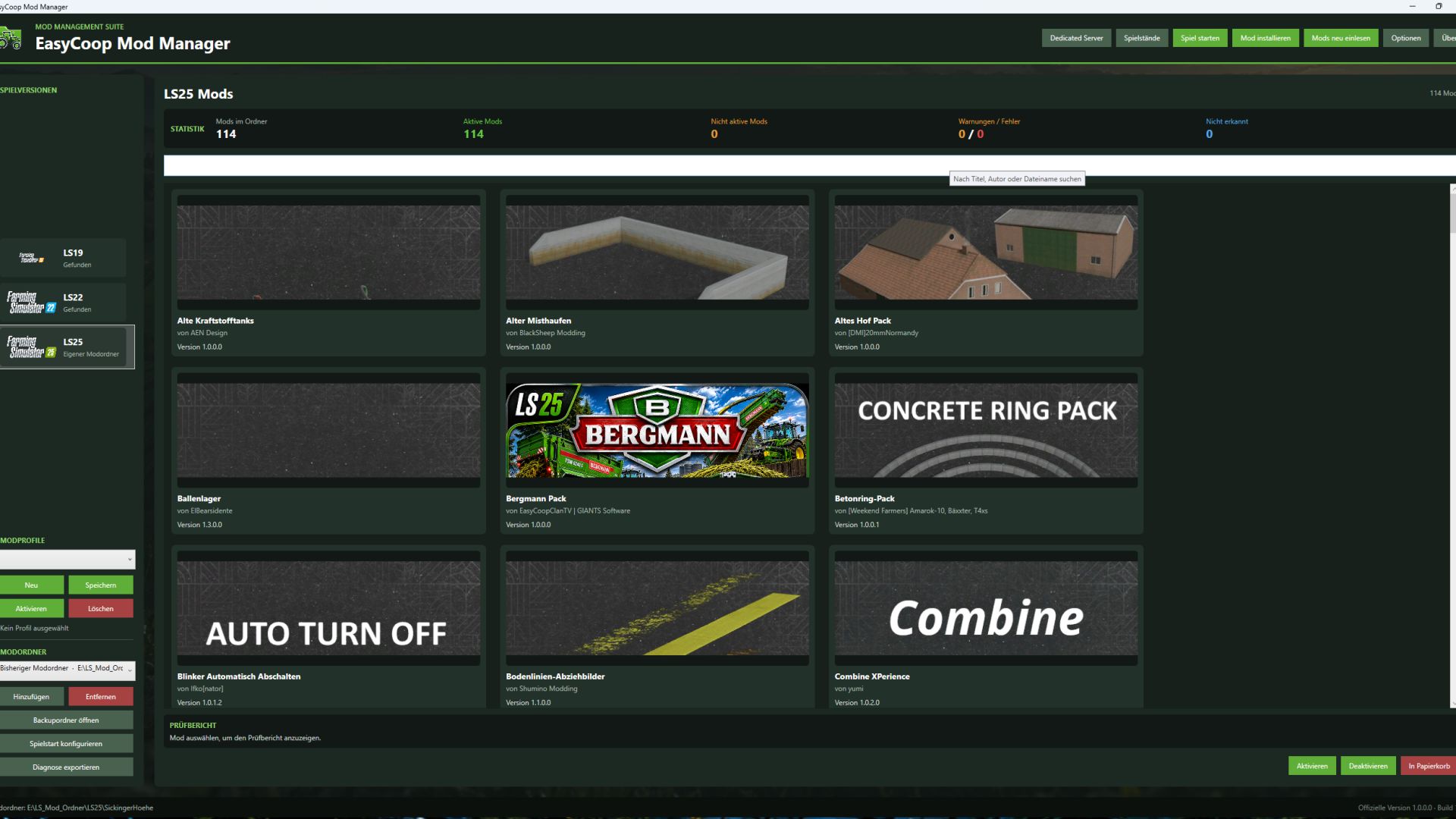

EasyCoop Mod Manager
The EasyCoop Mod Manager is the ultimate tool for all Farming Simulator players who want to play multiplayer together without any mod chaos or version conflicts. Compatible with FS19, FS22, and FS25! Every FS player knows the struggle: you want to join a server or a co-op game with friends, but someone has an outdated mod version, a missing mod, or an extra file in their folder – and the connection fails. With the EasyCoop Mod Manager, this problem belongs to the past. Perfectly synchronize your mods with your fellow players and launch into a seamless game!
🚀 Key Features
Perfect Co-op Synchronization: Create custom mod profiles for different servers or teammates, and load the exact matching mods with a single click.
One-Click Activation: Instantly toggle entire mod packs on or off without having to move files around manually.
Version Check: The manager automatically verifies that all players are running the exact same mod versions.
Clean Log Files: Built-in scanner that detects broken mods before they can crash your game.
Cross-Generation Support: Full compatibility with FS19, FS22, and FS25.
🛠️ Installation & Getting Started
Download: Get the latest version of EasyCoopModManager.exe here.
Setup: On the first launch, select your FS mod directory (e.g., Documents/My Games/FarmingSimulator25/mods).
Create a Profile: Set up a profile for your current multiplayer project, add your mods, and share the profile file with your friends.
Launch Game: Click "Start" and enjoy a completely error-free multiplayer experience!
🔒 Security & Transparency
100% Safe: No adware, no hidden installers.
Open Source: The source code is fully visible and accessible – providing maximum transparency for the community.
💬 Support & Feedback
Found a bug or have a feature request?
Report issues directly via GitHub Issues.
Join our Discord server to chat and connect with other players.