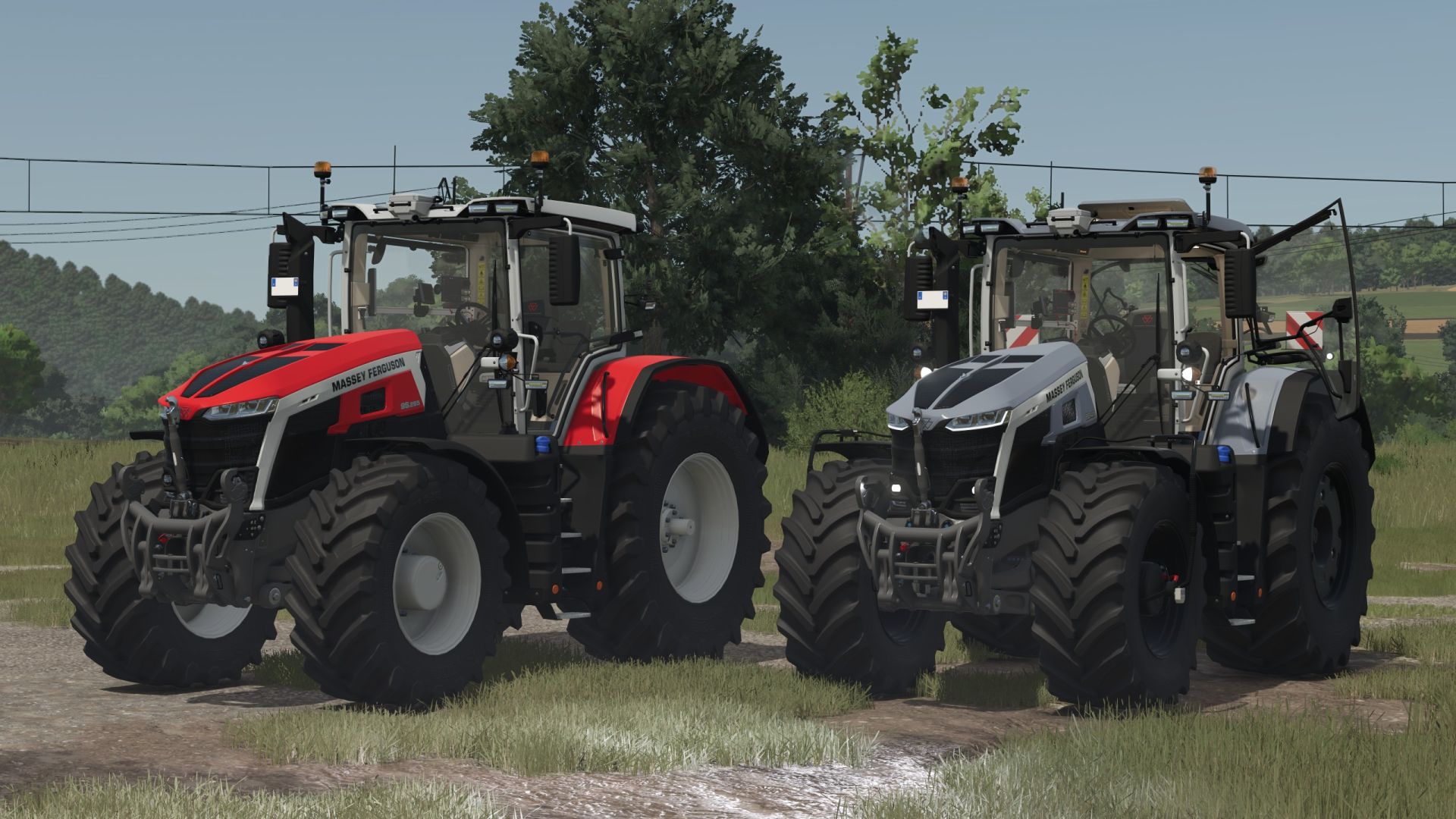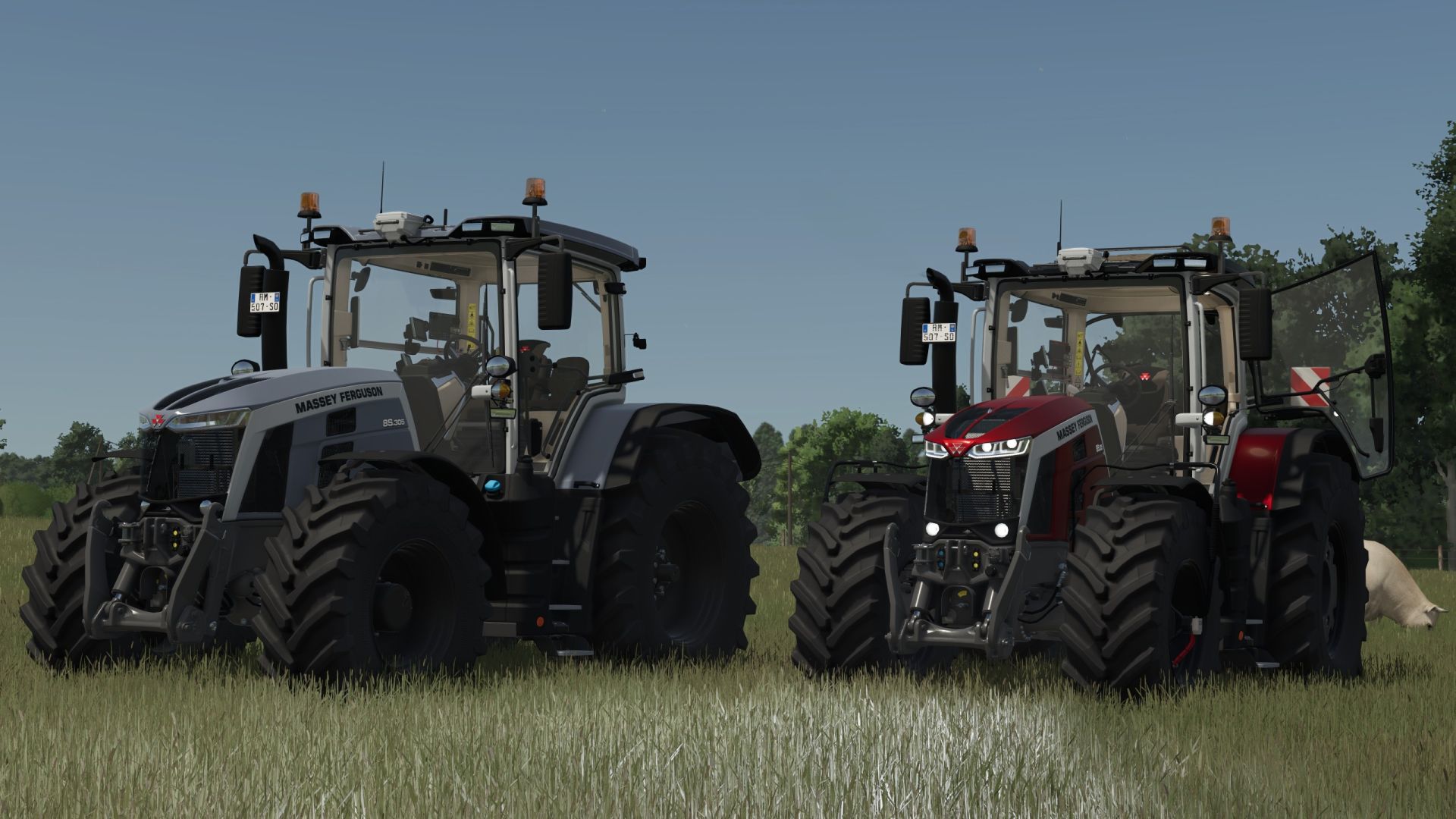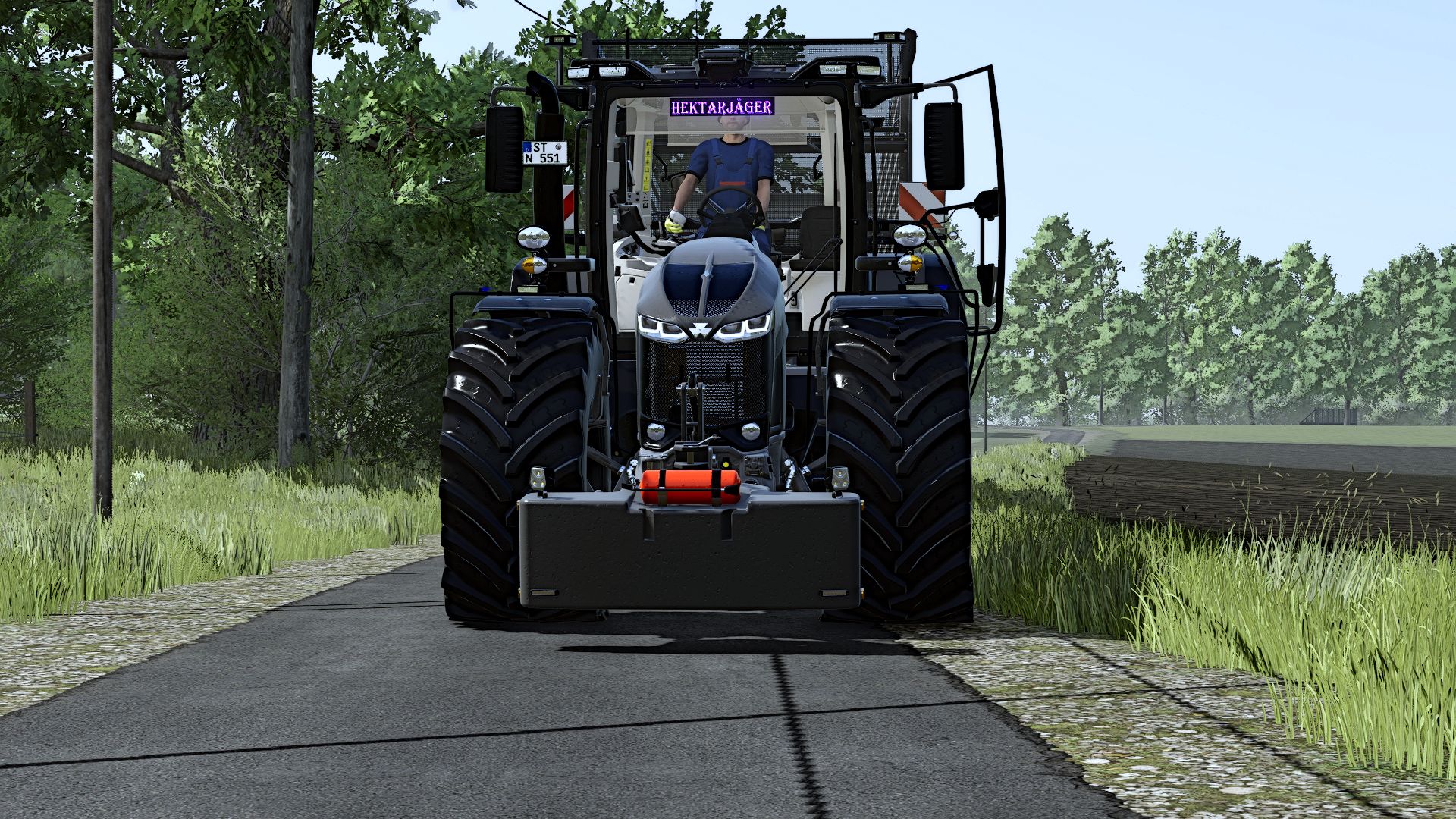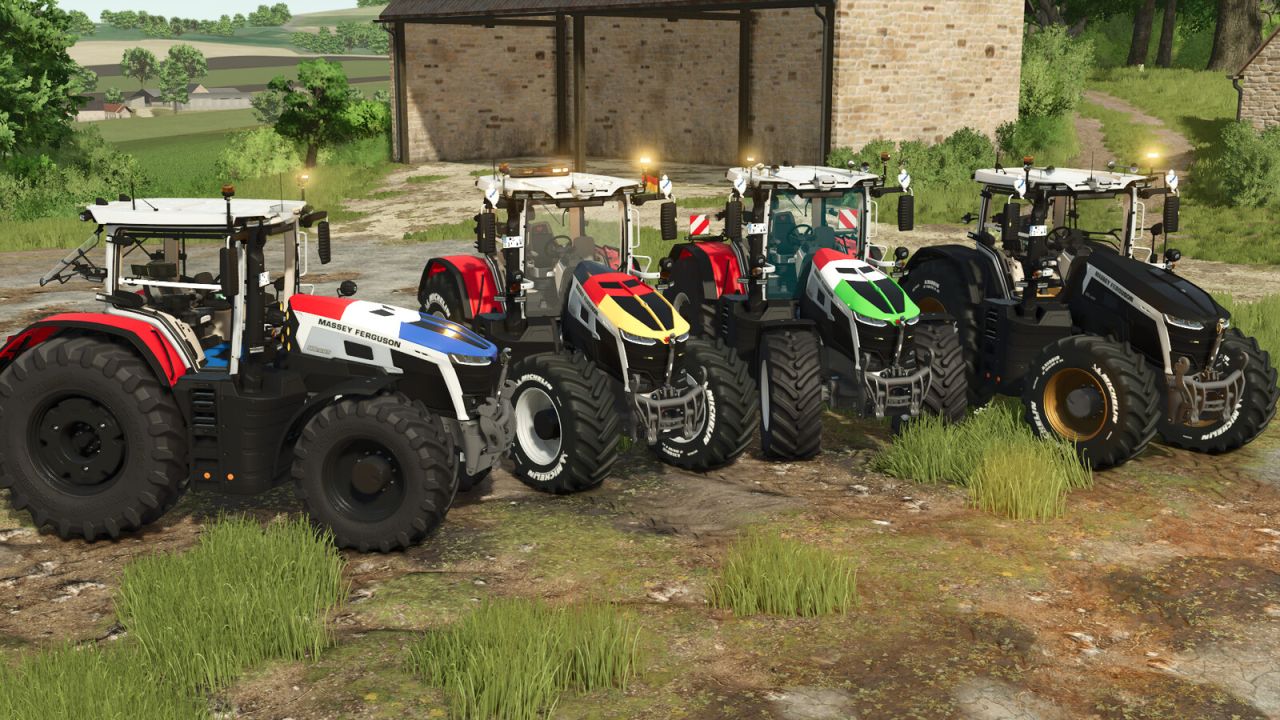
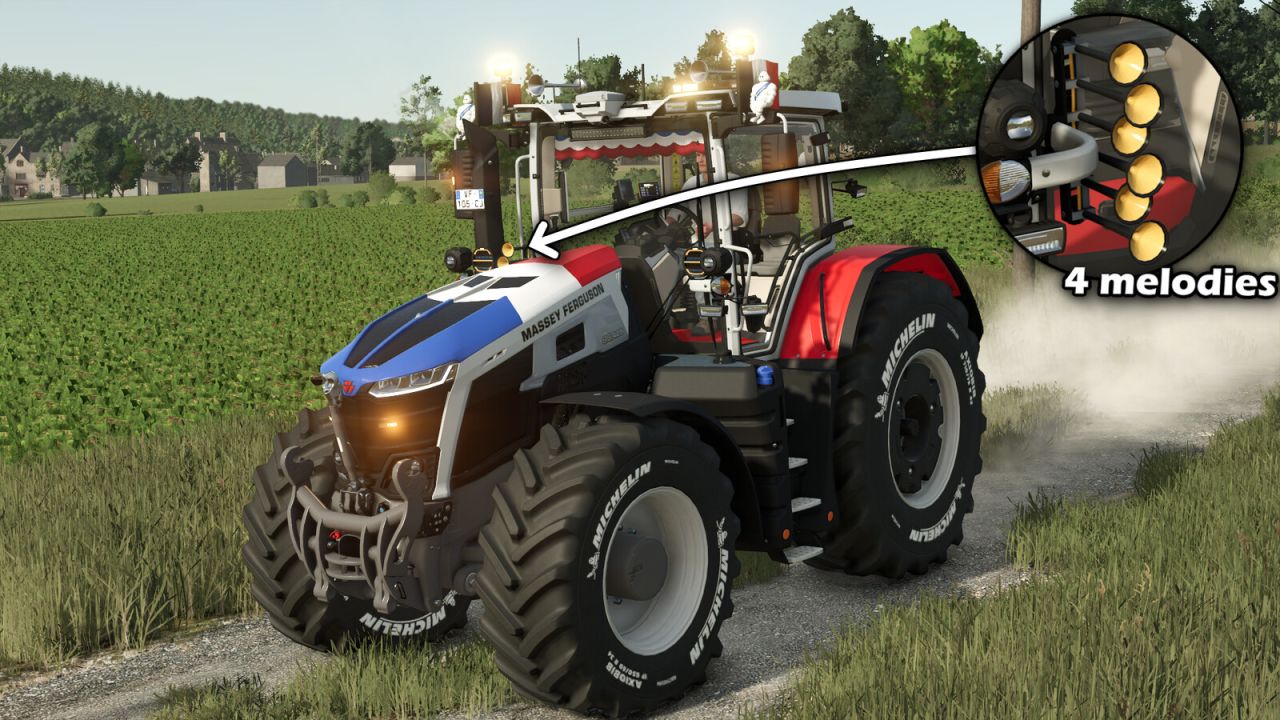


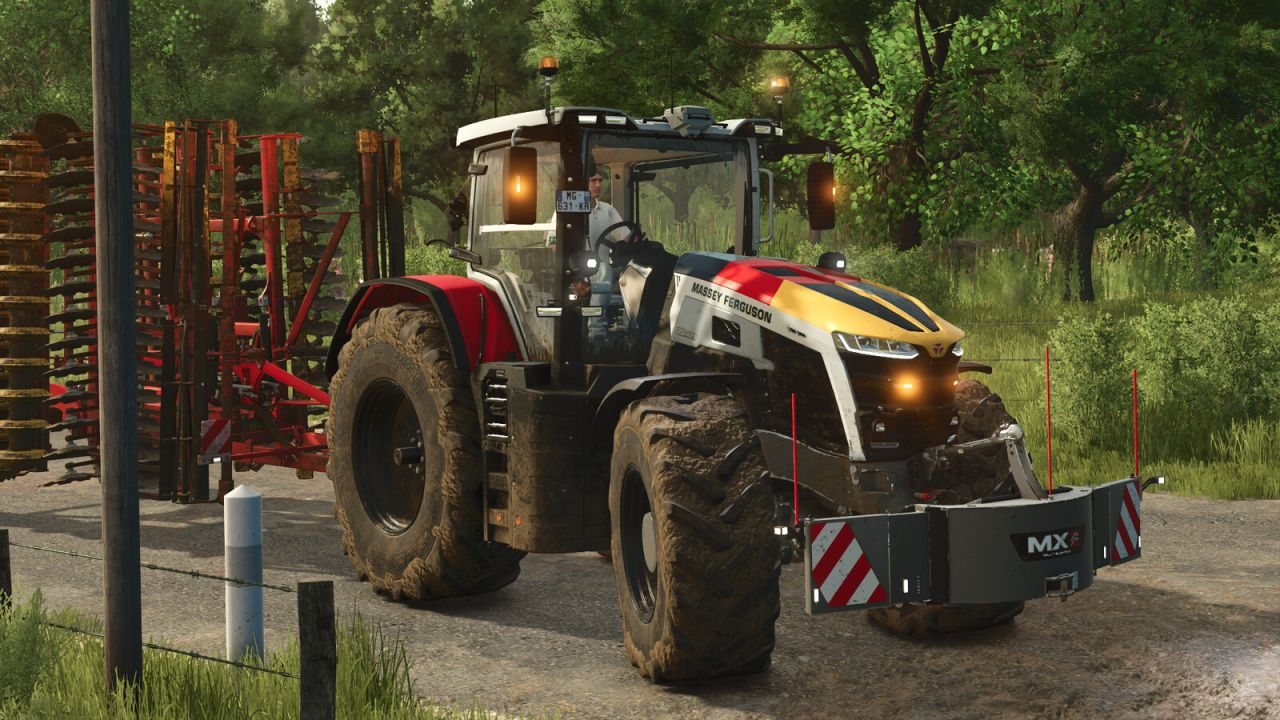

Discover the Massey Ferguson 9S Patriotic, a customized version of the famous tractor combining performance, international style and many configuration options. Customize your machine according to your preferences with various visual variants and available equipment.
Available configurations:
- US or EU version
- Wheel selection
- Hood flag (France, Germany, Italia, Belgium or none)
- LED flash (mirror, grille, both or none)
- Phone inside the cabin (yes/no)
- 50 km/h stickers (yes/no)
- Rim color
- Tractor color (use only without a flag to keep accurate colors)
- Mirror flags with configuration (none / left / right / both). Available countries: France, Belgium, Germany, Canada, Italy, United States and Brazil.
- Roof-mounted horns with configuration (with or without horn).
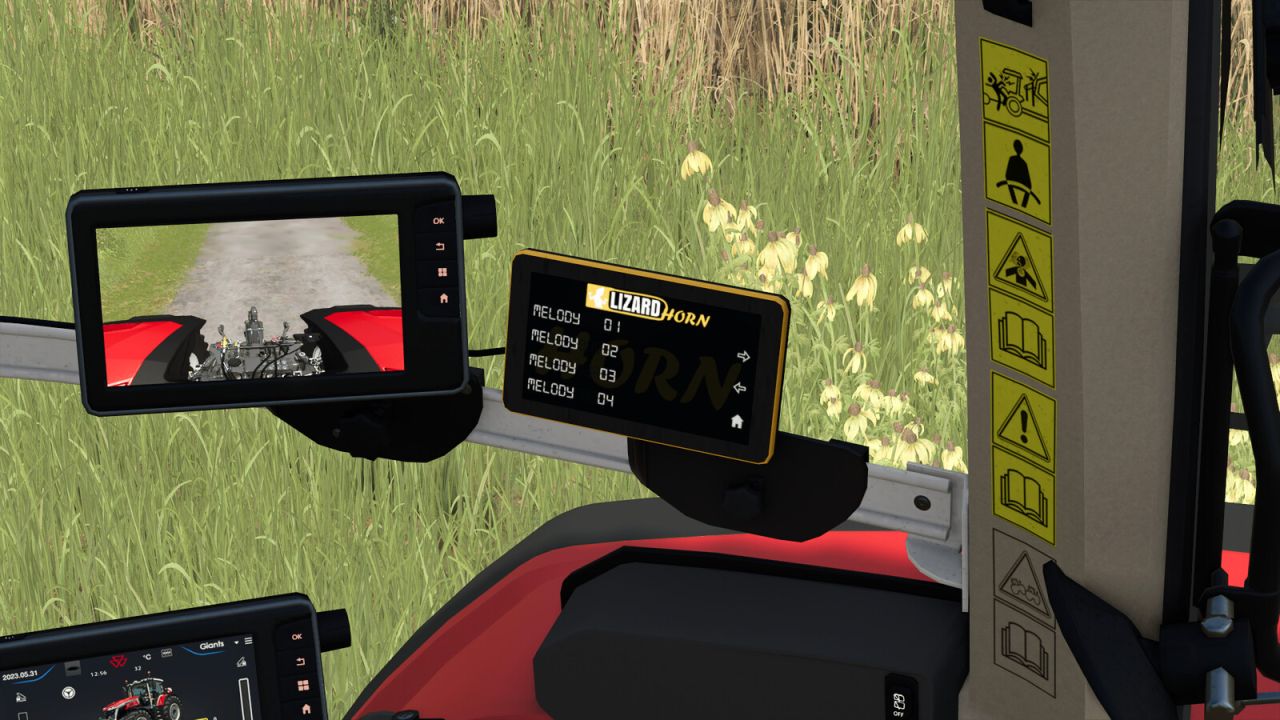
- Integrated LizardHorn system with an in-cab display allowing the selection of up to 5 different melodies.
- LED light bar with configuration (yes / no).
- Floor mat with color configuration.
- Beacon configuration (rotating or flashing).
- Michelin figure with configuration (yes / no).
- Hub color configuration.
- Tractor window tint configuration (gray / black / blue).
- Interactive Control buttons at the front and rear to raise/lower and fold/unfold implements.
- Cab-mounted light bar with configuration (yes / no).
- Michelin tires with white lettering.
- Configurable fenders (yes / no).
- The LizardHorn system includes a display inside the cab. Once enabled, the horn melody can be played using the same key as the vehicle cover function.
- The desired melody (0 to 4) can be selected using the mouse or joystick. A marker is displayed on the LizardHorn screen inside the cab to indicate the currently selected melody.
Controls to change melodies:
PS5: R1 + L1 + R3 > move the right joystick from left to right.
Xbox: RB + LB + R3 > move the right joystick from left to right.
PC: Left mouse button + right mouse button > move the mouse from left to right.
Additional modifications:
- Interactive Control / mouse control installed
- Improved LED beacons
- Revised tractor physics
- Camera on the control terminal (Mercedes-Benz DLC is required)
Enjoy a unique and fully customizable Massey Ferguson 9S, ready to represent the colors of nations on your farms!
Massey Ferguson 9S Patriotic:
- Category: Large tractors
- Price: 259,000$
- Power: 285–425 hp
- Top speed: 53 km/h
- Added a tricolor banner configuration with 3 color variants
- Added 2 additional light configurations
- The rear camera can now be used by console players (Mercedes-Benz DLC required)
- Added a tire configuration with Michelin lettering and wheel weights
- Fixed English and German translations in the configurations
- Added the option to install roof horns without the standard horn.
- The arrows on the LizardHorn panel are now always visible.
- Correction of configuration errors and translation
- Added flags on mirrors with configuration (none / left / right / both). Available countries: France, Belgium, Germany, Canada, Italy, United States and Brazil
- Added horns on the tractor roof, including their horn sound, with configuration (yes / no)
- Added an LED light bar with configuration (yes / no)
- Added a floor mat with color configuration
- Added a configuration for beacons (rotating or flashing)
- Added a Michelin figurine with configuration (yes / no)
- Added hub color configuration
- Added tractor window tint configuration (gray / black / blue)
- Added Interactive Control buttons at the front and rear to raise/lower and fold/unfold the implement
- Added a light bar attached to the cabin with configuration (yes / no)
- Added Michelin tires with white lettering
- Fenders are now configurable (yes / no)
- Adjusted the intensity of some beacons
- Updated the phone screen inside the cabin
- Added LizardHorn musical horn:
The configuration includes a screen inside the cabin. Once the option is set to "yes", you can activate the horn melody using the same key used to attach or remove a vehicle cover.
You can select the desired melody (from 0 to 4) using mouse clicks.
Move your joystick or mouse, then check the LizardHorn screen to see the currently selected melody.