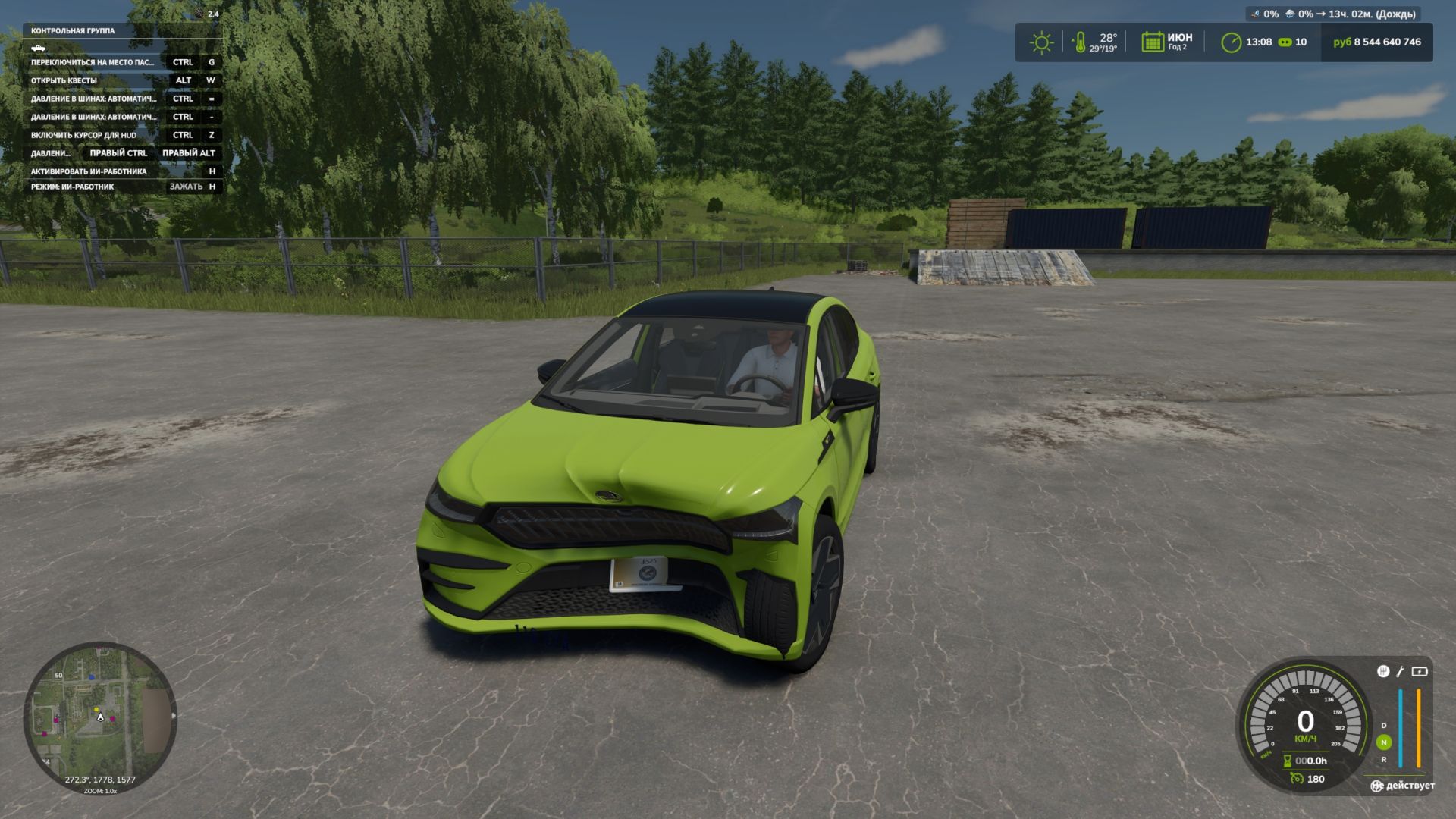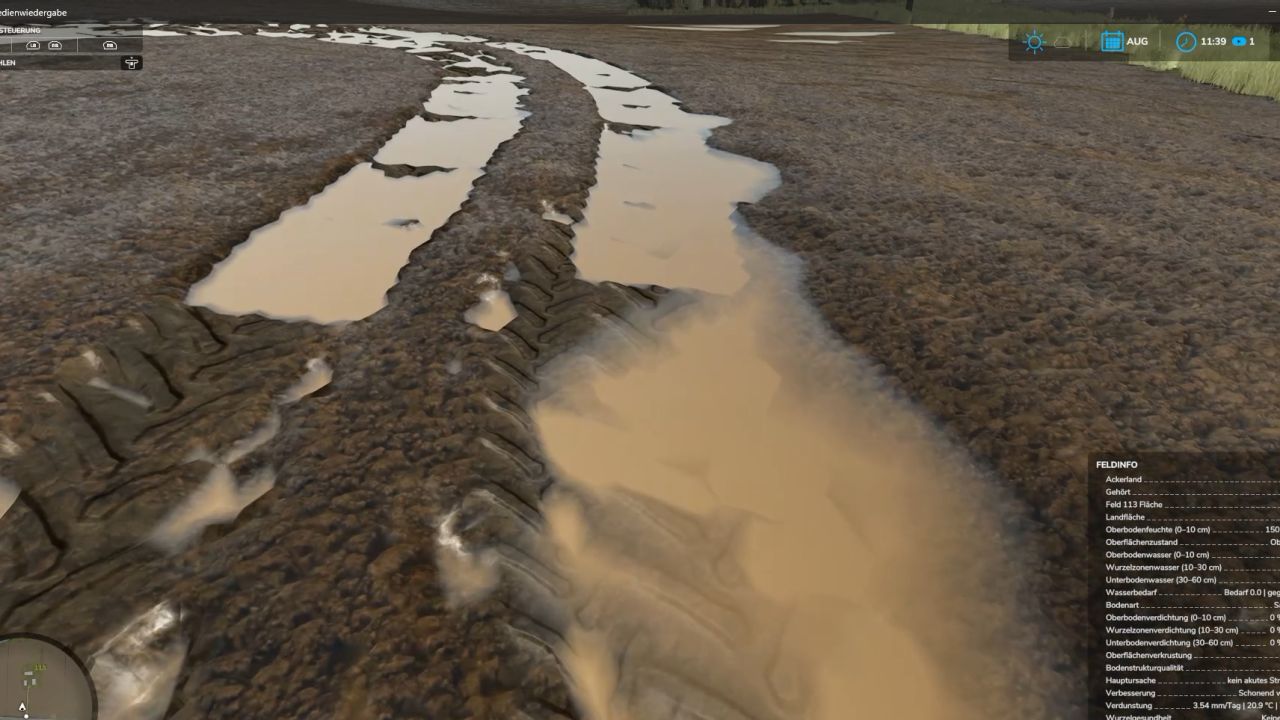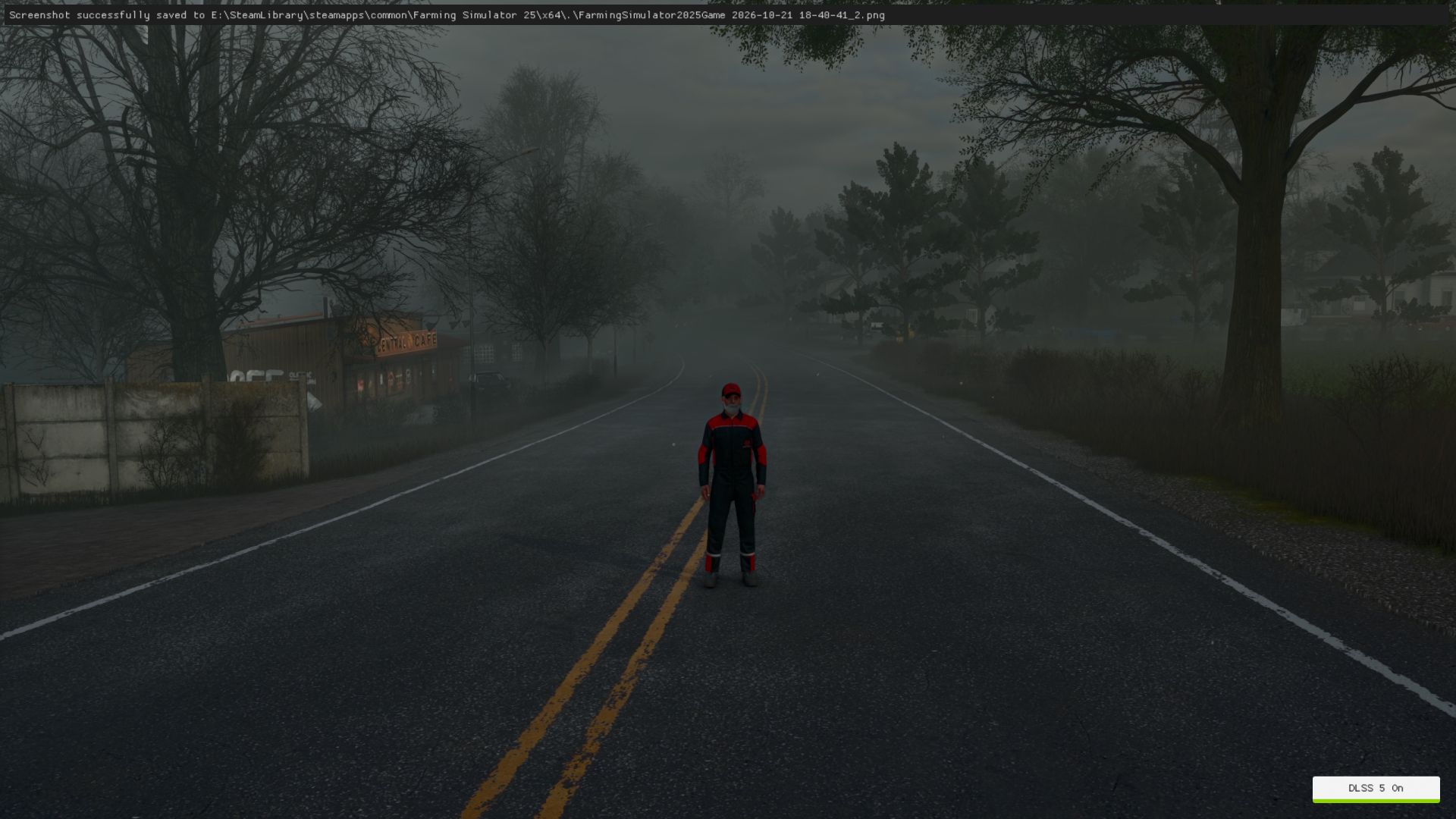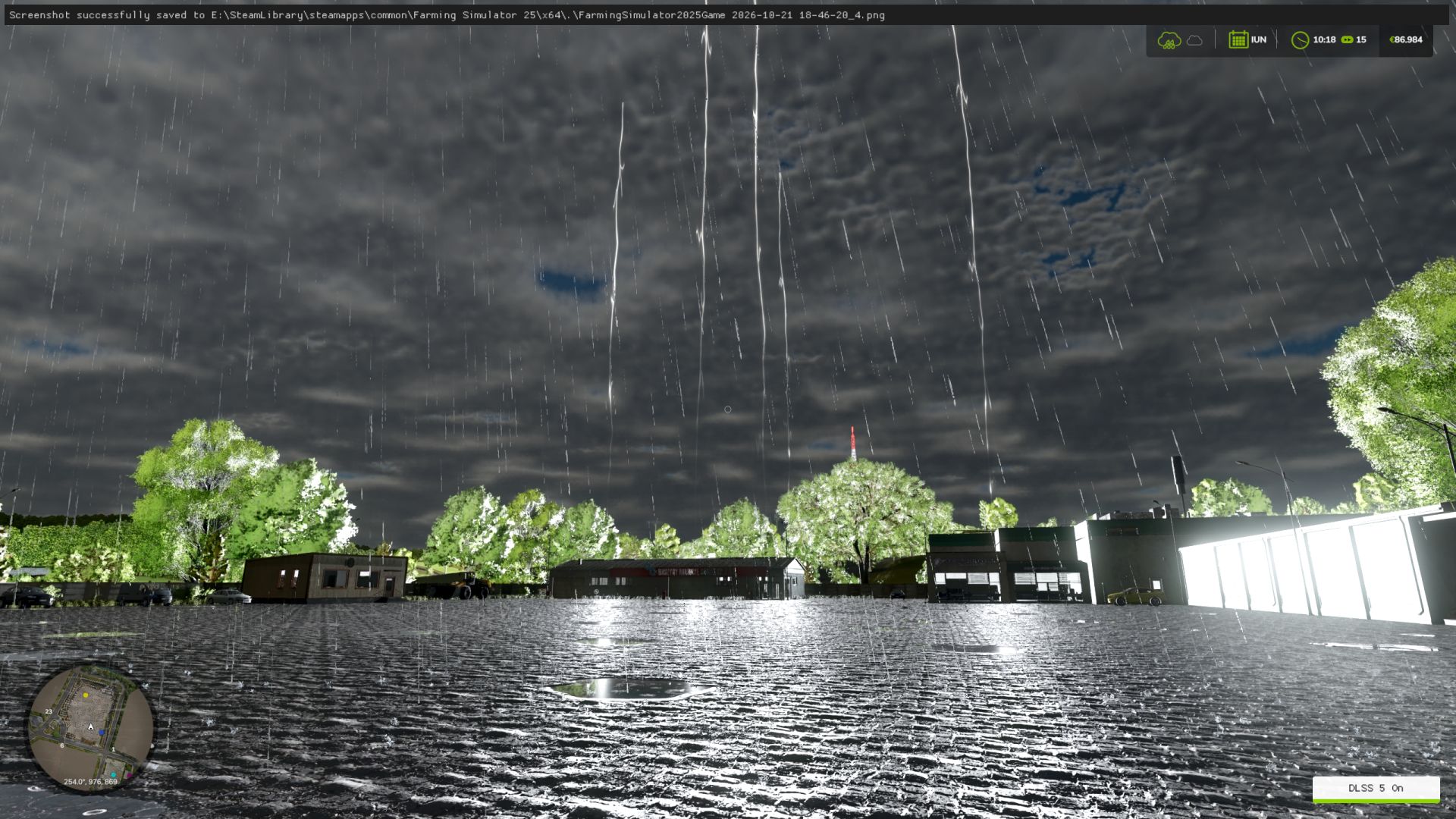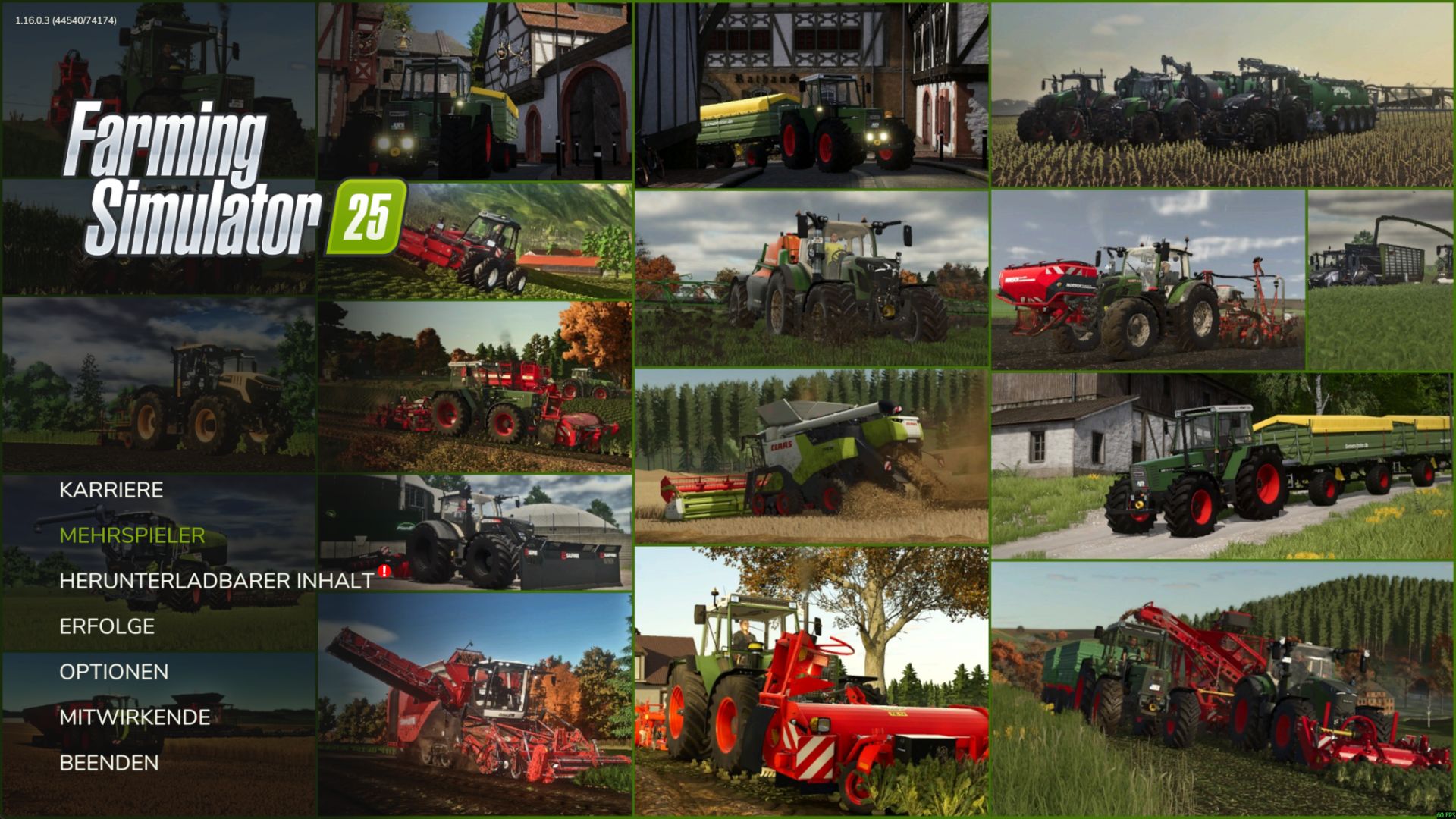
This is a custom background collage that must be extracted first. After that, copy the included files into the correct game folder and replace the existing files.
Non-Steam version:
C:\Program Files (x86)\Farming Simulator 2025\shared
Steam version:
C:\Program Files (x86)\Steam\steamapps\common\Farming Simulator 25\shared
Steps:
1. Extract the file.
2. Copy the contents into the correct shared folder.
3. Confirm “Replace/Overwrite” when prompted.
4. If needed, run as Administrator and close the game first.