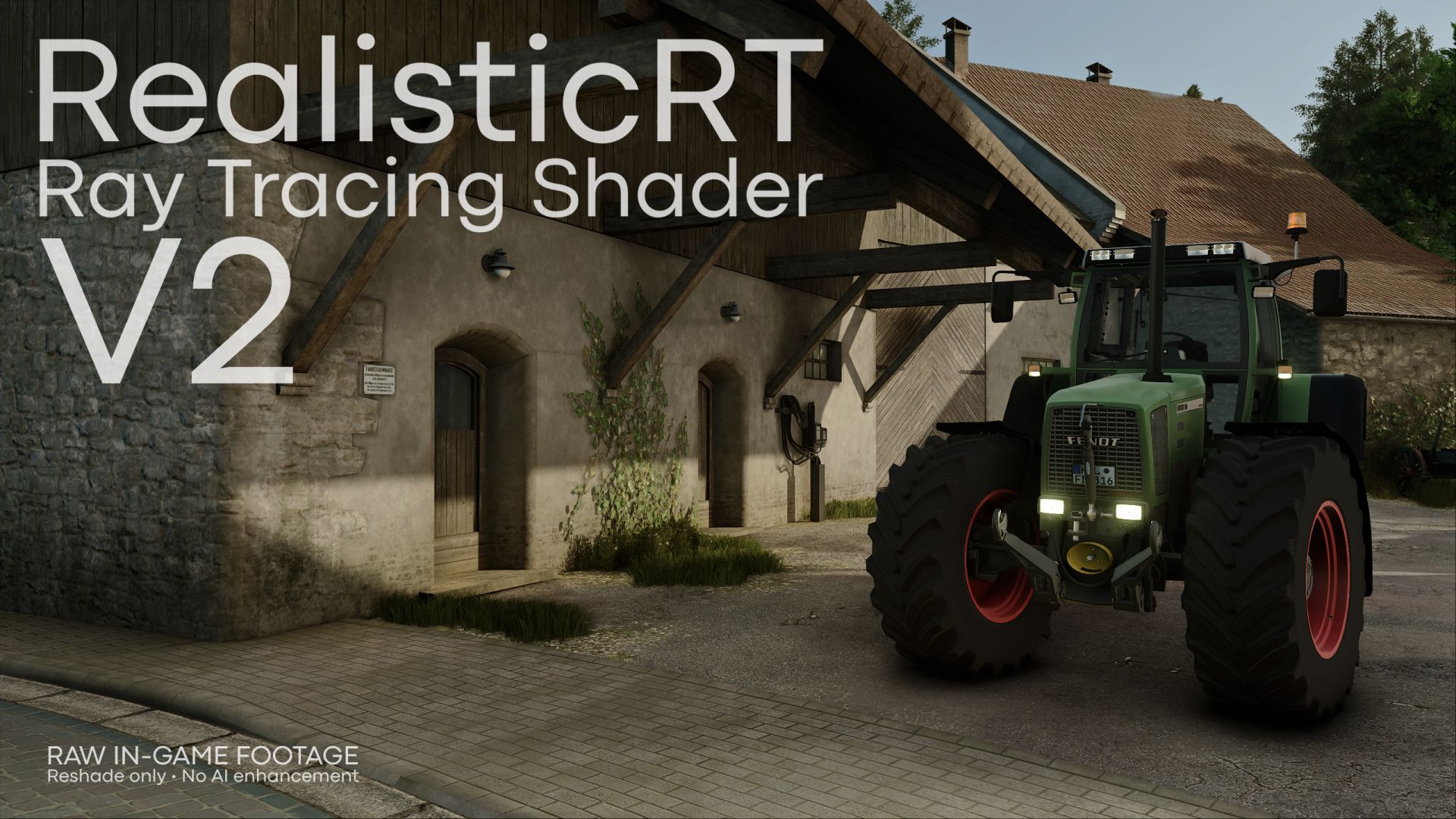
Bei mir wenn ich shader anhabe, dann sind die Texturen von den Reifen komplett unscharf und wenn man weiter weggeht werden sie schärfer, das gleiche auch in der Kabine, z.B. beim Lenkrad wenn auf dem Lenkrad die Marke ist dann ist die auch unscharf.
@marcomay3r Dann ist deine Grafikkarte zu schwach (zu wenig VRAM). Du kannst probieren die Grafikeinstellungen runter zu stellen oder im ReShade Menü bei CompleteRT die Qualität von High zu Low zu stellen.
@felixthegerman2 Richtige Resolution auswählen (Minute 3:51 im Tutorial) und kein DLSS /FSR oder Frame Generation nutzen