EMERGENCY MODDING

EMERGENCY MODDING

152 aboneleri

Hallo, ich bin EMERGENCY MODDING

Etkinlik

EMERGENCY MODDING EMERGENCY MODDING bir mod hakkındaki yoruma yanıt verdi
marcomay3r

Bei mir wenn ich shader anhabe, dann sind die Texturen von den Reifen komplett unscharf und wenn man weiter weggeht werden sie schärfer, das gleiche auch in der Kabine, z.B. beim Lenkrad wenn auf dem Lenkrad die Marke ist dann ist die auch unscharf.

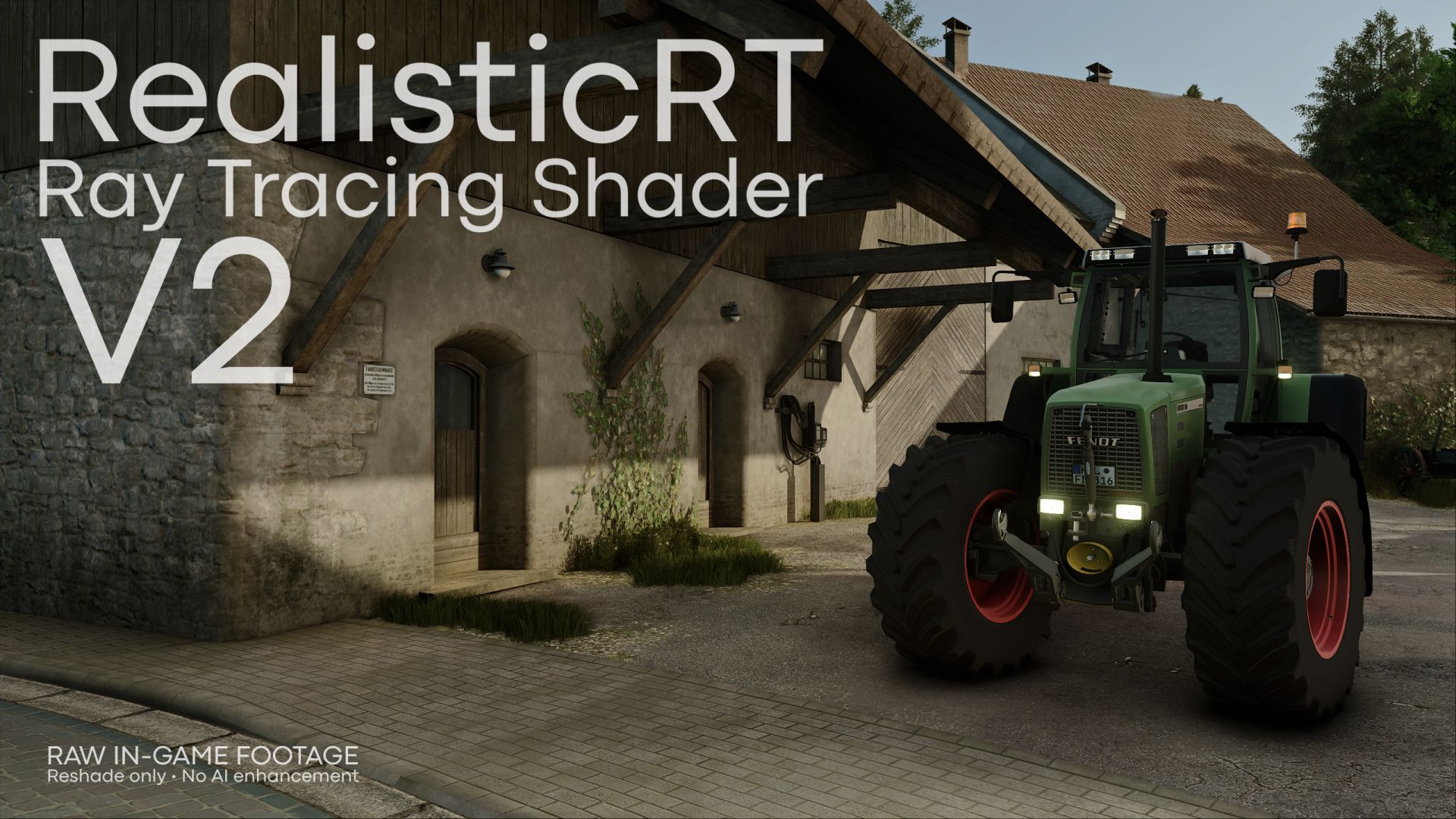
@marcomay3r  Dann ist deine Grafikkarte zu schwach (zu wenig VRAM). Du kannst probieren die Grafikeinstellungen runter zu stellen oder im ReShade Menü bei CompleteRT die Qualität von High zu Low zu stellen.

EMERGENCY MODDING EMERGENCY MODDING bir mod hakkındaki yoruma yanıt verdi
felixthegerman2

bei mri flackert alles nach der installatioin..

@felixthegerman2 Richtige Resolution auswählen  (Minute 3:51 im Tutorial) und kein DLSS /FSR oder Frame Generation nutzen
EMERGENCY MODDING EMERGENCY MODDING bir modu derecelendirdim
EMERGENCY MODDING EMERGENCY MODDING bir mod hakkındaki yoruma yanıt verdi
Retter3

Moin, 

Junge auf den Screenshots sieht das echt geil aus, allerdings bekomme ich das leider nicht ansatzweise bei mir hin, bei mir ist dann gefühlt alles grau und sehr dunkel. Dein Standard Spiel sieht aber auch deutlich anders aus als meins. Hast du evtl mal HDR Settings/ Sachen, die man ändern muss/sollte, damit man das besser hinbekommt ? Auch sind die Frames dann komplett im Keller ( von 80 begrenzt auf 30 )

@Retter3 Hast du dir das Tutorial angeschaut? Durch CompleteRT wird alles wieder heller, gesättigter und kontrastreicher (wie HDR) und wenn du die richtige Resolution auswählst sollten die Frames auch wieder hochgehen. Also einfach dem Tutorial folgen dann sollte es besser aussehen.

EMERGENCY MODDING EMERGENCY MODDING bir mod hakkındaki yoruma yanıt verdi
MrWFranklin

Is there supposed to be a glare around the tires with this enabled? When the vehicle is staying still there's no glare but when driving around its very noticeable, is there a fix to this?

@MrWFranklin you can try to set a lower value for ambient occlusion in the Reshade menu under the effects COMPLETE_RT.fx and Zenteon_TurbiGI.fx, but then it won't look as good anymore. And select the correct resolution.