Moin,
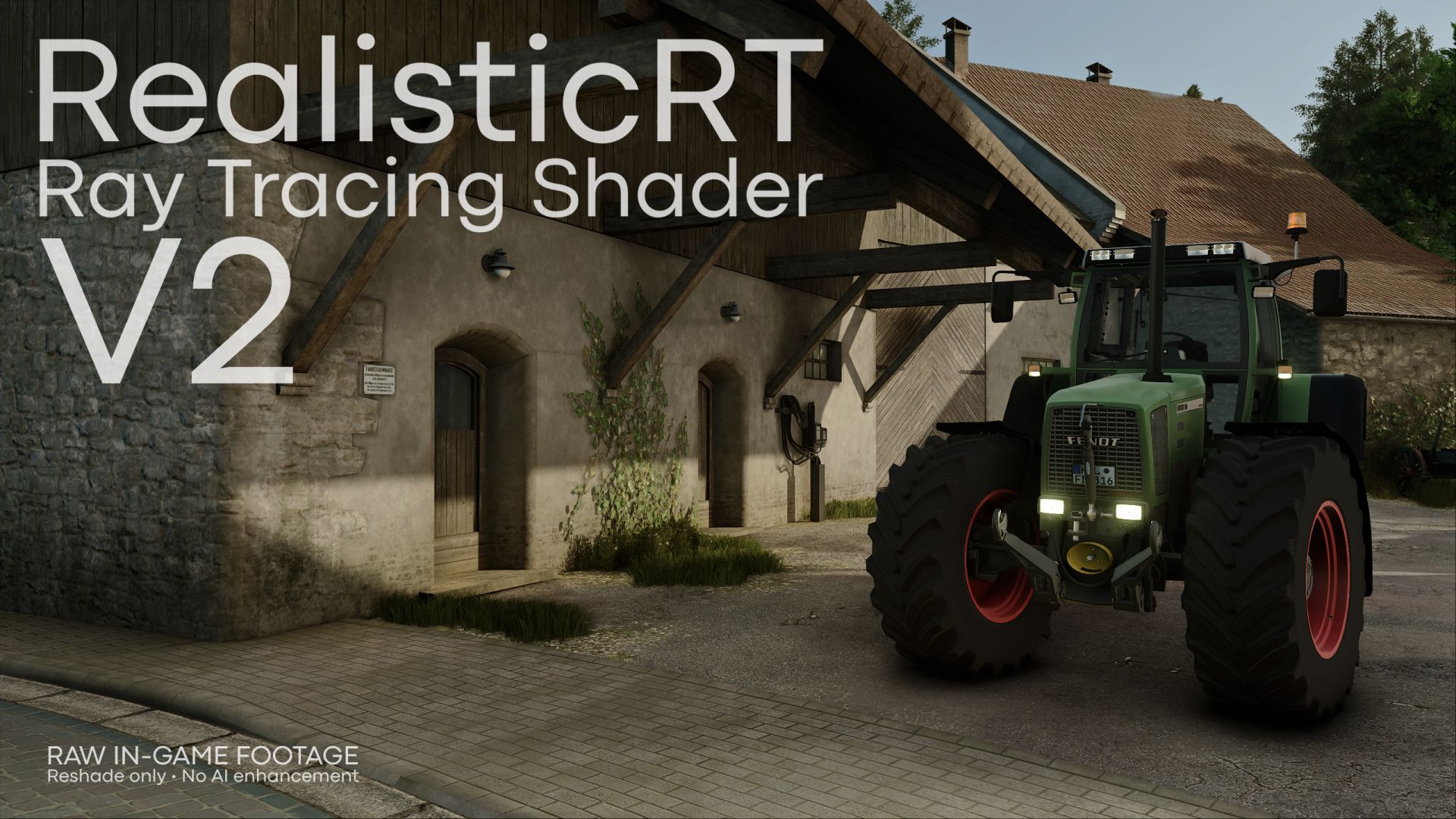
Junge auf den Screenshots sieht das echt geil aus, allerdings bekomme ich das leider nicht ansatzweise bei mir hin, bei mir ist dann gefühlt alles grau und sehr dunkel. Dein Standard Spiel sieht aber auch deutlich anders aus als meins. Hast du evtl mal HDR Settings/ Sachen, die man ändern muss/sollte, damit man das besser hinbekommt ? Auch sind die Frames dann komplett im Keller ( von 80 begrenzt auf 30 )
@Retter3 Hast du dir das Tutorial angeschaut? Durch CompleteRT wird alles wieder heller, gesättigter und kontrastreicher (wie HDR) und wenn du die richtige Resolution auswählst sollten die Frames auch wieder hochgehen. Also einfach dem Tutorial folgen dann sollte es besser aussehen.
Is there supposed to be a glare around the tires with this enabled? When the vehicle is staying still there's no glare but when driving around its very noticeable, is there a fix to this?
@MrWFranklin you can try to set a lower value for ambient occlusion in the Reshade menu under the effects COMPLETE_RT.fx and Zenteon_TurbiGI.fx, but then it won't look as good anymore. And select the correct resolution.
@EMERGENCY MODDING It may also be that the resolution check mark disappears while gaming. You will notice this through FPS drops or when ray tracing disappears. Then you simply have to select it again.
@DieselSmoak I've had the same problem for a few days now. For me, it works if I first select the wrong resolution (one of the white ones at the top or bottom) and then select one of the two blue ones in the middle (without removing the check mark from the wrong resolution).
@Akatsoulou123 Which link do you mean? If you mean the shader itself, it's an .ini file, not a folder. But just follow the tutorial, where I show you everything.