Search results for outerworld 2 hud

57 results
  • Field Detail Hud Infos
    744
    KingMods Logo
    Published by KingMods
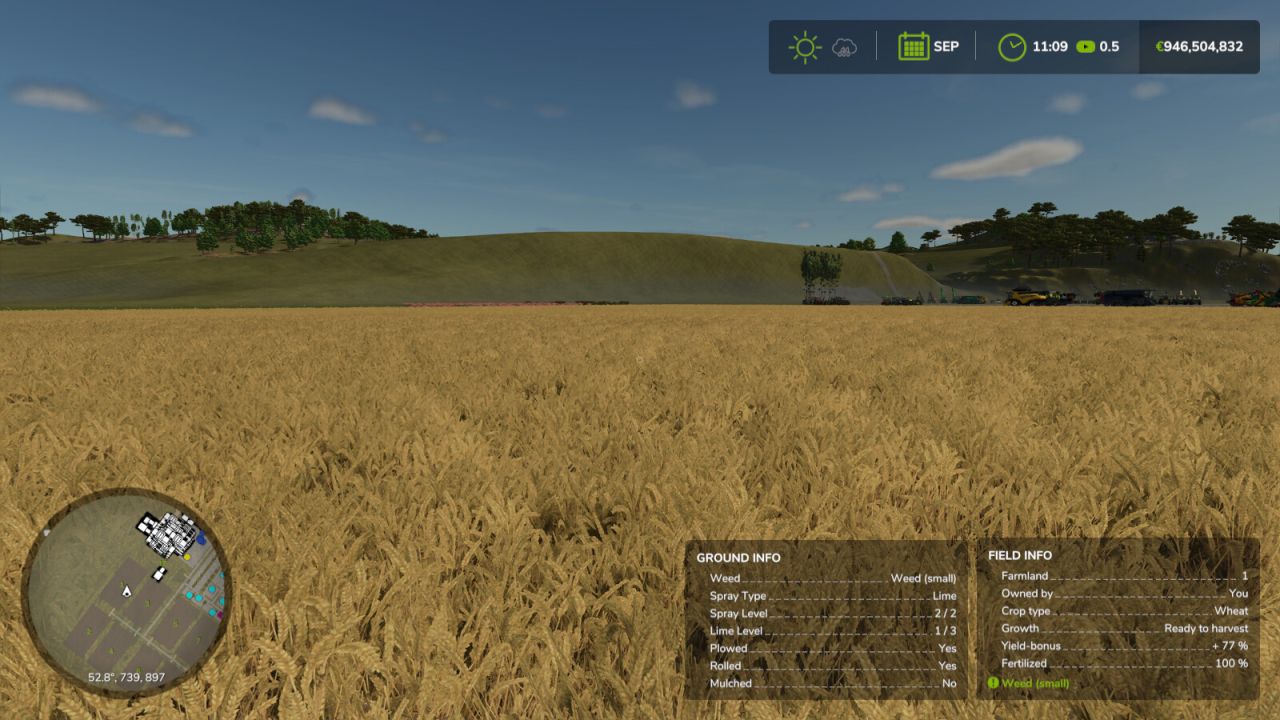
    NEVER GUESS AGAIN — KNOW YOUR FIELD INSIDE OUT! Are you still driving over your fields wondering what's going on under your tractor? Those days are OVER! Introducing Field Detail Infos — the mod that puts your soil's deepest secrets right on your HUD, in real time, no questions asked! With ONE glance you'll know: - Ground Type — exactly what state your soil is in - Weed Status — before it becomes your problem - Fertilizer Type & Level — know what's been applied - Lime Level — never miss another lime cycle - Plowed? Rolled? Mulched? — YES or NO, instantly But wait — there's MORE! Choose how your information is displayed: - OFF — for the minimalists - Stacked — your Ground Info box appears neatly below the Field Info box - Side by Side — both boxes displayed together, shoulder to shoulder Set it once in your game settings — and it stays saved. No fuss, no guesswork, no wasted passes across the field! Your soil knows everything. Now YOU do too. Field Detail Infos — because great farmers make informed decisions.
    New
  • Weather Forecast HUD
    2 162
    KingMods Logo
    Published by KingMods
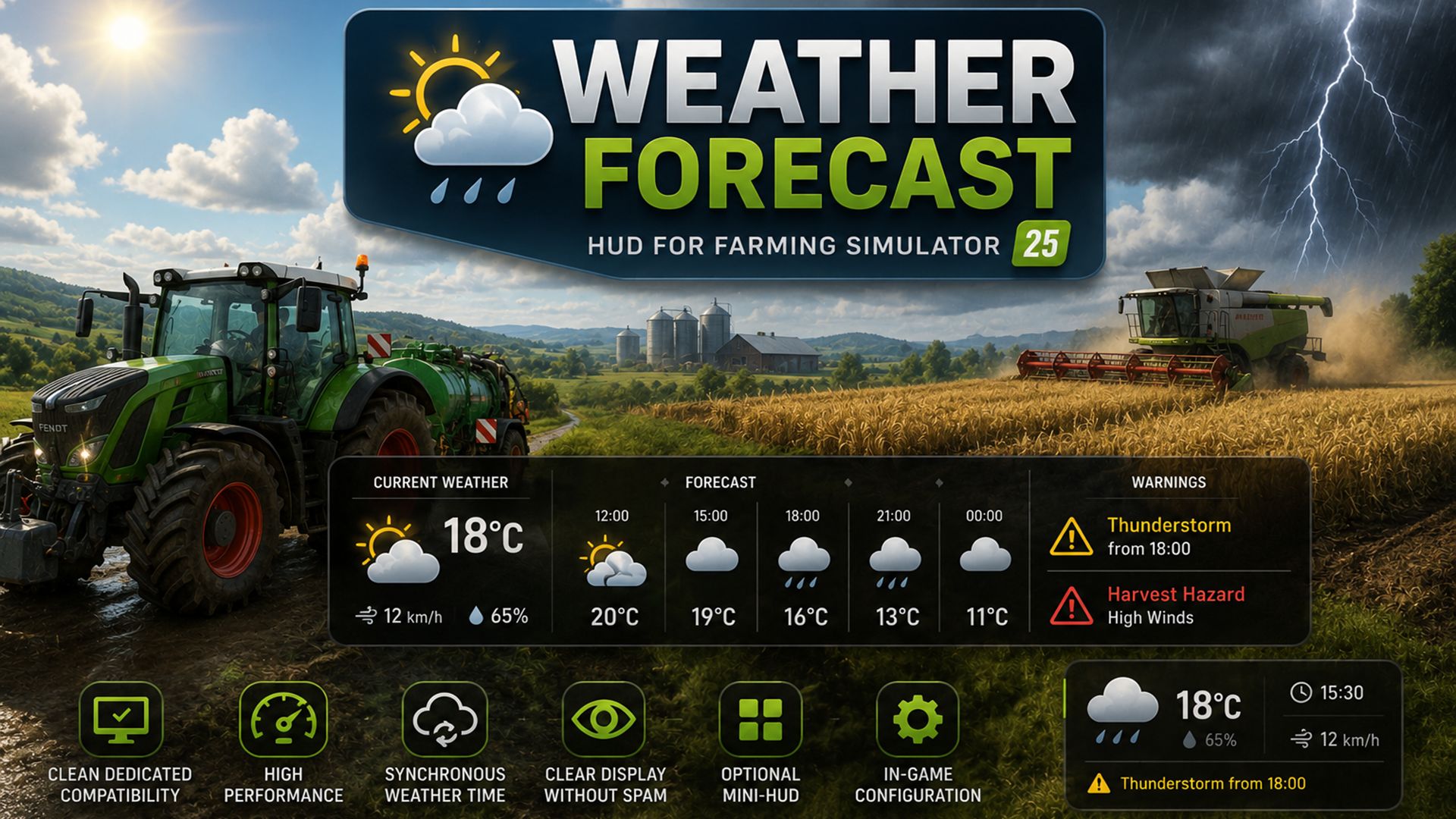
    The FS25 Weather Forecast HUD extends Farming Simulator 25 with a modern, dynamic weather and warning system focusing on overview, immersion and production planning. The mod displays weather changes, severe weather warnings, harvest hazards, and weather-dependent production bonuses directly in the HUD – both in single-player mode and on dedicated servers. Particular focus was placed on: clean dedicated compatibility high-performance HUD display synchronous weather time calculation Clear display without spam optional mini-HUD In-game configuration The mod works independently and is also compatible with our production/weekly schedule system.
    New
  • Tip Side HUD
    1 843
    KingMods Logo
    Published by KingMods
    This mod adds a new HUD that displays the currently selected tip or discharge side of the currently relevant vehicle or implement. This makes it possible to keep track of the active unloading side at all times without having to leave the help menu open. The current vehicle, attached implements and body configurations are supported. The selected implement is also taken into account so that the display matches the vehicle or tool currently in use as closely as possible. Depending on the vehicle or body type, the HUD shows the detected tip side as text together with a matching icon, for example: - Front / Rear - Left / Right - Left front / Right rear - Grain slider - Push floor - Ramp In addition, the HUD position can be adjusted easily through the settings menu: - X offset of display - Y offset of display Additional features: - Support for German and English - HUD scaling is taken into account - matching accent color is automatically taken from the game HUD - works with vehicles, trailers and attached implements
  • Implement Wear HUD
    4 441
    Adds a simple and practical Heads-Up Display (HUD) that shows the wear condition of attached implements directly on your screen. Stay informed and avoid unexpected equipment damage. Key Features: Implement Wear Percentage (%): View the exact wear level of the currently attached implement in real time. Color Warning System: The indicator changes color to quickly show the implement condition: Green: Good condition Yellow: Medium wear Red: Critical wear Low Wear Alert: When wear reaches 10% or lower, the indicator starts blinking to warn you that maintenance is required. Full Compatibility: 100% compatible with the Vehicle Status HUD mod, working together seamlessly without conflicts. Keep your implements in top condition and work more efficiently!
  • Vehicle Status HUD
    8 588
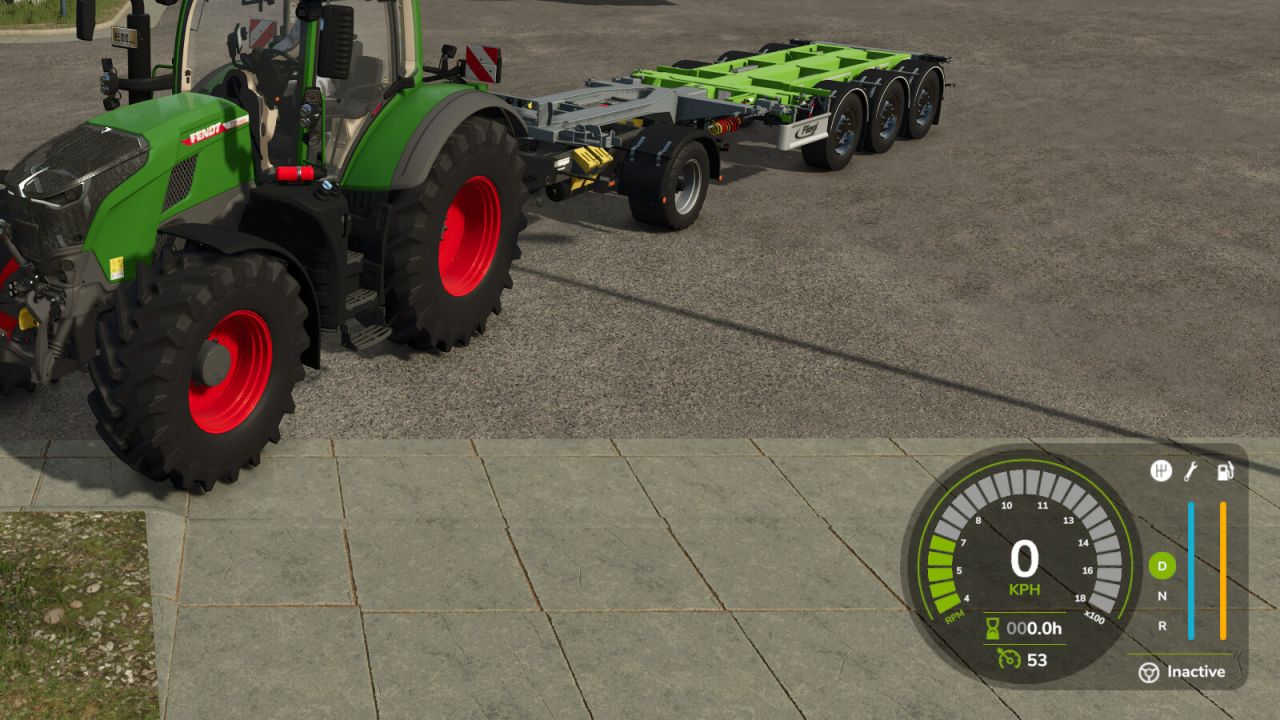
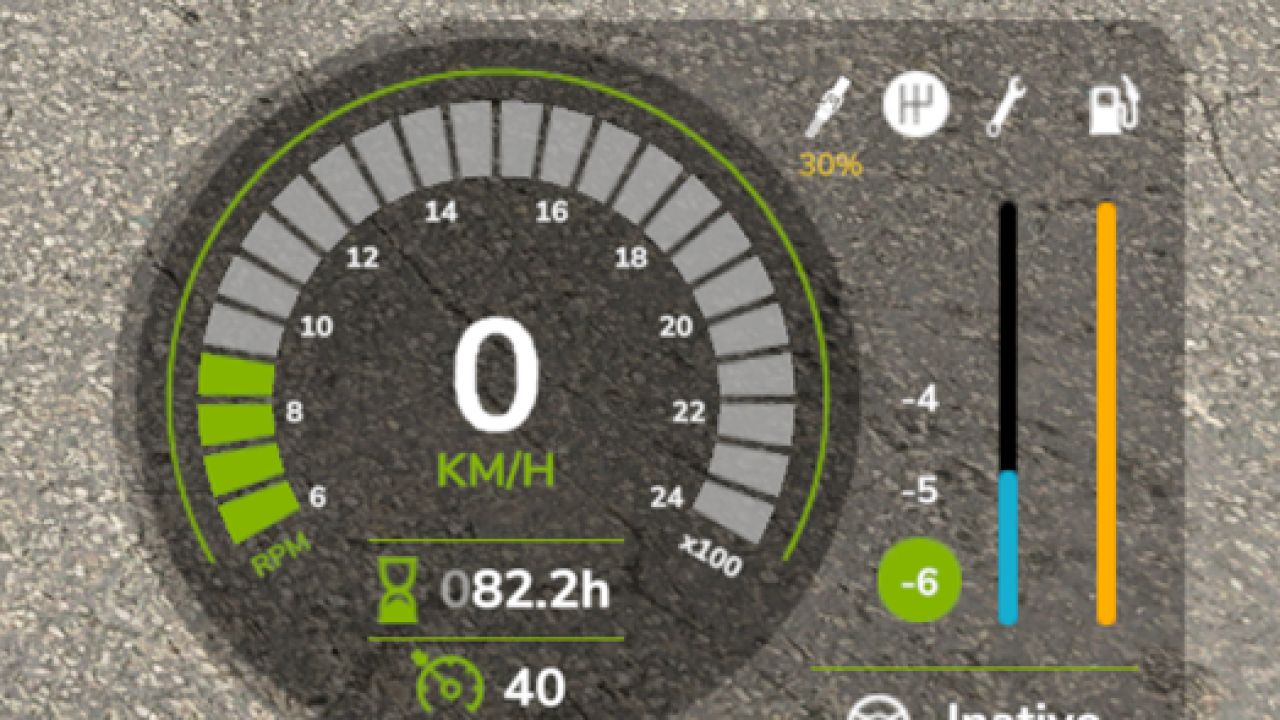
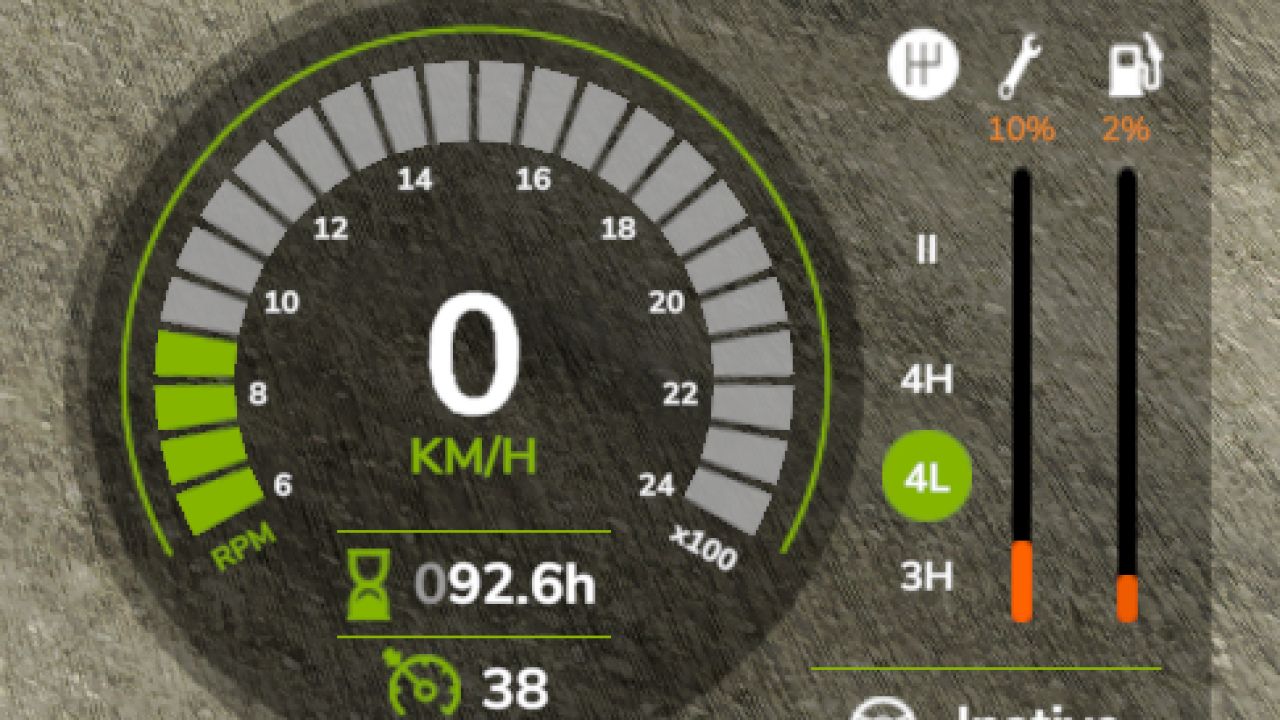
    Monitor your farming equipment with precision and in real-time! This simple script adds a practical Heads-Up Display (HUD) that shows vital information about your vehicles right on your screen. Say goodbye to surprises and unexpected costs! Key Features: Fuel in Percentage (%): See the exact fuel level remaining, making refueling planning easier. The indicator color changes to warn you about the reserve level (Yellow) and critical level (Orange). Maintenance Status: Track your vehicle's wear and tear condition. Stay informed about the need for repairs and avoid loss of equipment performance and value. Keep your farm running efficiently and economically! Now with electric vehicles (EVs) support. Created by: FxStudios
  • Hide Help Texts - Declutter your HUD
    4 064
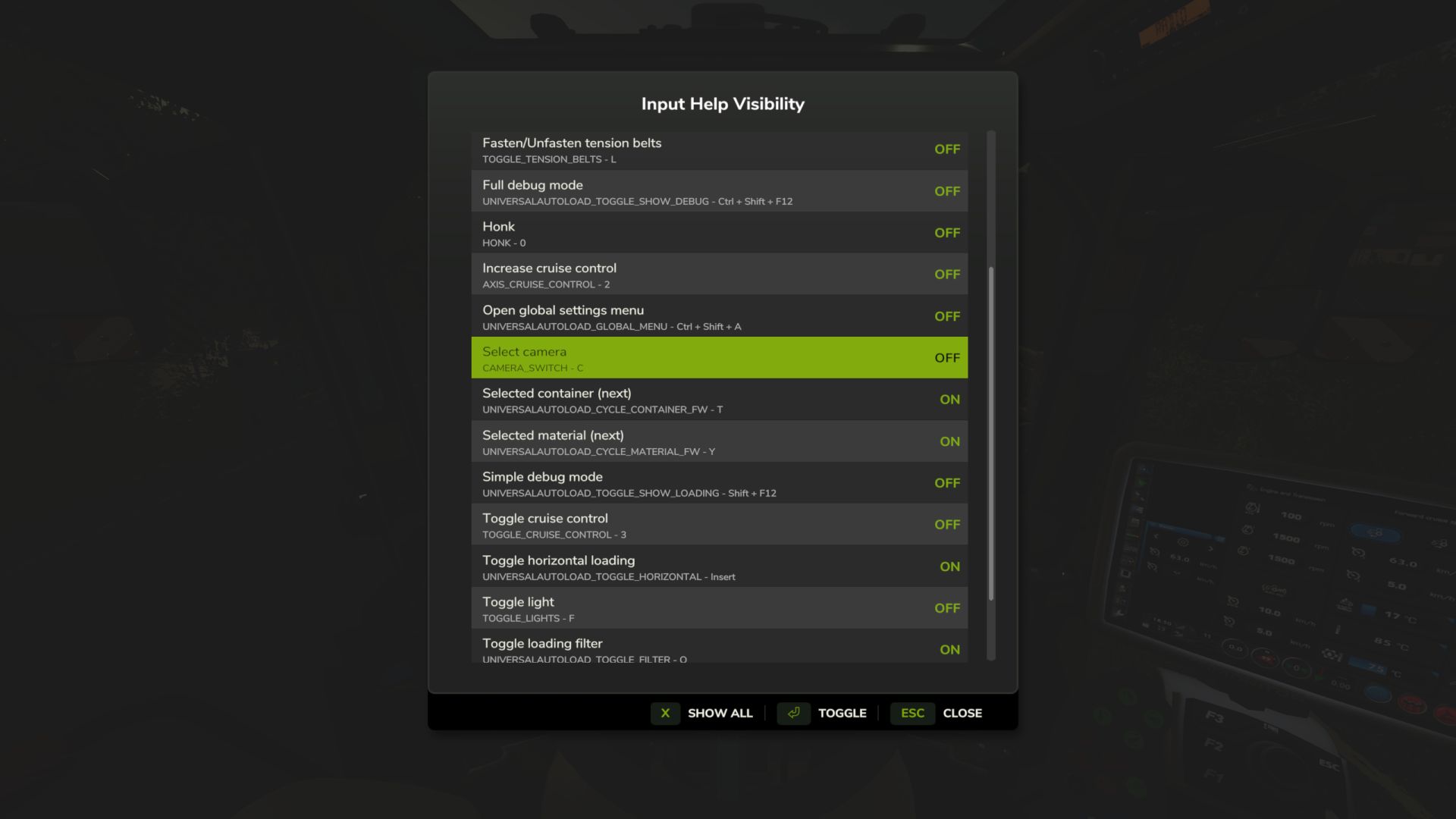
    When the game and mods all add their own help texts to the HUD it quickly gets crowded. Do you really need to be reminded that F turns on the flashlight or that there is a keybinding to show Courseplay's debug channels? This mod lets you hide the help texts you don't need so the ones you actually want are more visible. Supports multiplayer. Features ======== - In-game settings dialog (RightShift+H, keybinding configurable) - Toggle help texts ON/OFF individually - Switch between current context and all discovered help texts - Console commands: hhtList to view all, hhtToggle to toggle - Help texts discovered automatically as you play - Settings persist across sessions in XML file Usage ===== 1. Install the mod and play normally 2. Press RightShift+H to open settings 3. Toggle unwanted help texts to OFF 4. Settings save when you close the dialog Available on ModHub: https://www.farming-simulator.com/mod.php?mod_id=344217&title=fs2025 Documentation and source code at https://github.com/rittermod/FS25_HideHelpTexts
  • Fuel Consumption HUD
    5 514
    KingMods Logo
    Published by KingMods
    Displays fuel usage in l/h for combustion engine vehicles and instantaneous power in kW for electric vehicles. Anchored to the bottom-right HUD corner and scales with the UI. Hidden for other vehicle types.
  • CSC Compatibility HUD
    3 084
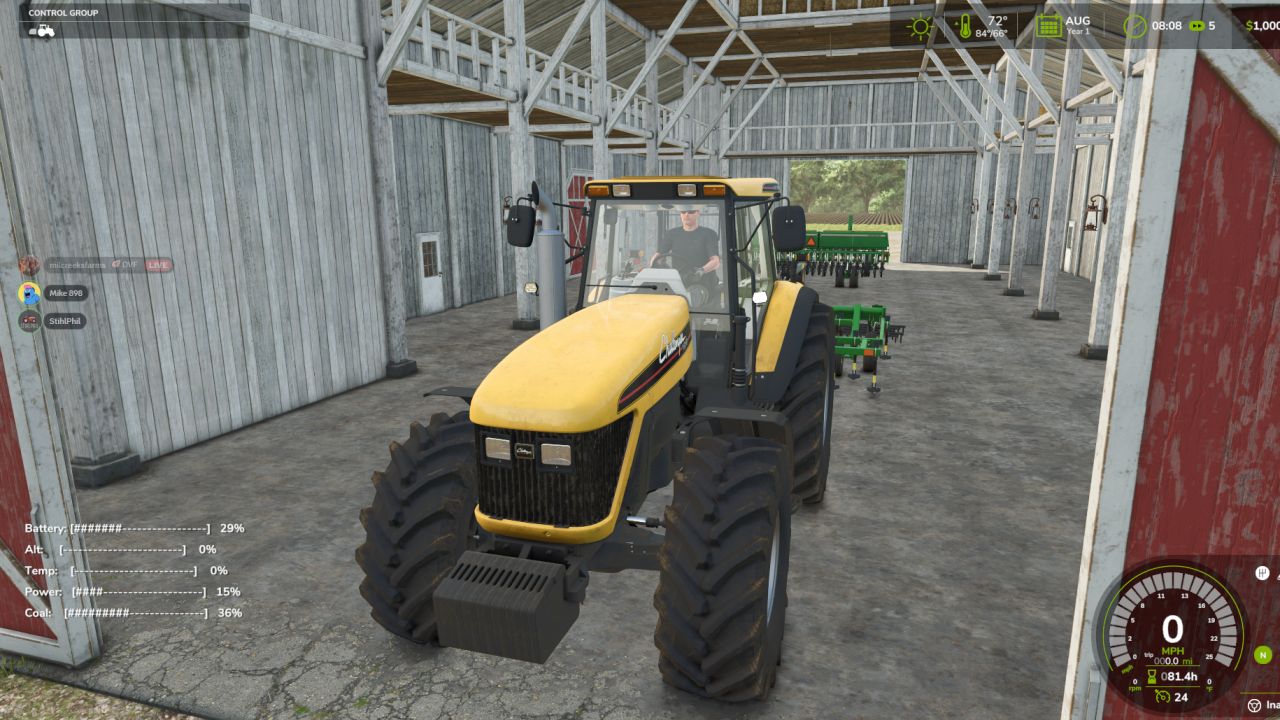
    CSC Compatibility HUD — Slim Bars brings a bit of old-school personality to your machines with a clean, conflict-safe overlay and subtle simulation: Battery & Alternator: Starting attempts and sitting with the engine off slowly drain the battery. Once the engine is running, the alternator engages and recovers charge over time (faster after a couple of minutes of runtime). Thermal Model: Engine Temp uses a smooth simulation that rises with sustained RPM and load and cools toward ambient at idle. Push too hard and a flashing OVERHEAT warning tells you to ease up. Power: Tracks live engine load, so you’ll see it climb under work and settle at idle. Coal: Increases with wear, operating hours (age), and current load—older, tired tractors “roll more coal,” especially under heavy draft. Clean HUD: Compact bracket bars with percentages; no basegame files are replaced. Conflict-safe: Read-only; it doesn’t patch vehicles or scripts, so it plays well with other gameplay mods and custom tractors. Savegame-friendly: Can be added or removed at any time. Controls F9 — Toggle display: Off → Vehicle-Only → Always Left Ctrl + . — Move to the next corner Left Ctrl + R — Reset position (bottom-left) and mode (Vehicle-Only) Tips Let engines warm up before heavy fieldwork; hard pulls will raise Temp over a minute or two. If bars disappear, press Left Ctrl + R. Each vehicle tracks its own battery/temp, so machines may show different values by design. Requirements / Compatibility Works with base game and modded vehicles. Pure script HUD; no map or vehicle XML edits required.

  • Production Info Hud
    4 384
    KingMods Logo
    Published by KingMods
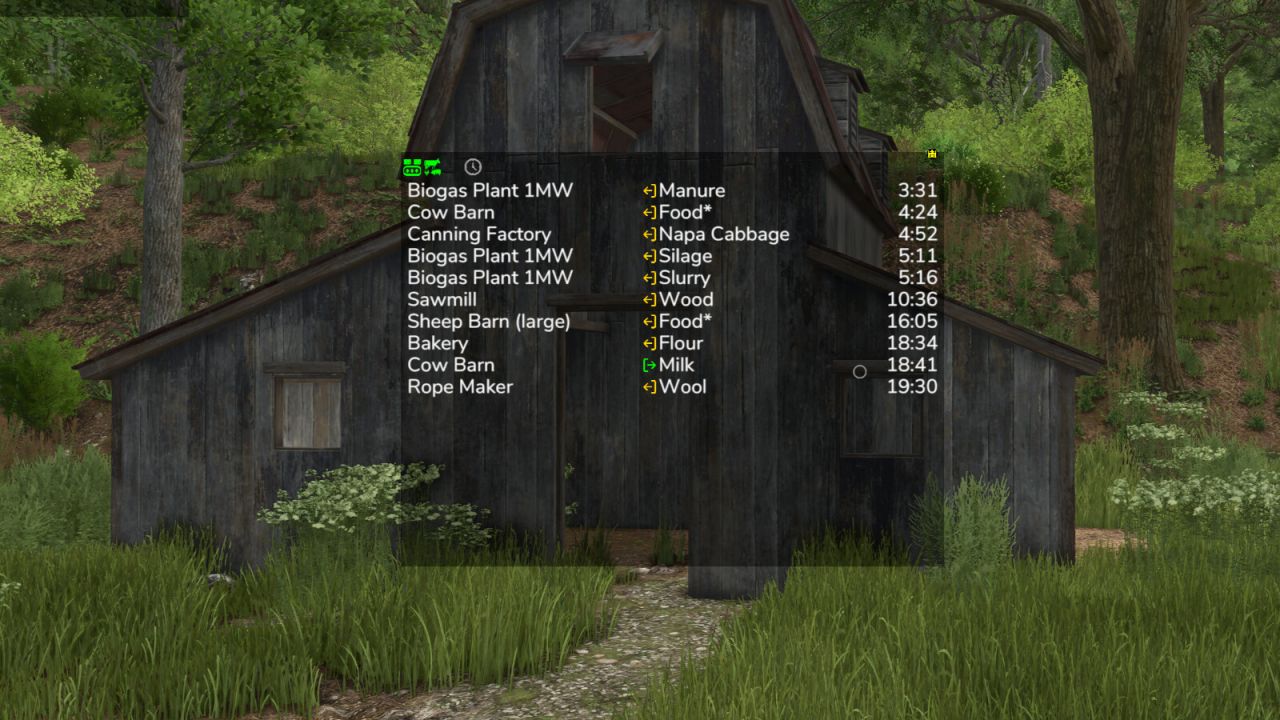
    HUD display for productions and husbandries that require attention. The productions and husbandries are displayed in a list. The list is sorted by remaining time. It shows both the time until a raw material is empty and until an output storage is full. Feeding robots are not supported, only the husbandries themselves. General operating instructions with the mouse - Move window by clicking on the arrow icon in the top left corner - Open the filter line by clicking on the down arrow in the top left-hand corner. - Switch filter line to settings via the gear wheel in the bottom left-hand corner - The font size and line spacing can be set individually in the settings - Automatically display only when mouse is activated via the lock in the bottom left corner - Adjust the window size using the arrow icon in the bottom right-hand corner - Save changes via the disc in the top right-hand corner - Left-click on a production location or a fill type to filter the list according to this. The filters in the filter line are then ignored. What is filtered is then highlighted in green. Clicking on the filtered item again removes the filter. - Right-click on the production location to open it in the menu - Left-click on the 3rd column to switch the display between remaining time, capacity (available capacity for raw materials and used capacity for manufactured goods) and current hourly production quantity. - If the hourly production quantity is displayed in the third column, the total production quantities are displayed in the last row. Note: Some of the icons are only displayed when you move the mouse over the corresponding position. In the upper display next to the current assets, you can right-click on the spanner icon to call up the display system settings These are the same for all mods that use this display system. Here you can save the settings automatically and much more. Just have a look. Uploading to sites other than ModHub is prohibited and therefore illegal, linking only with original download link. NO substitute link! Modifying and re-uploading in whole or in part is not allowed! Bugs and suggestions welcome on GitHub.
  • VehicleFruit Hud
    3 196
    KingMods Logo
    Published by KingMods
    Description: Shows you the highest selling price of your loaded goods and the sales station in real time. You can customize the display. - optional show total capacity - optional show best price - optional open/close prices (better for performance) - optional show price trend (price fluctuations) - optional display the best 4 sales stations - and much more
  • Modular HUD
    13 328
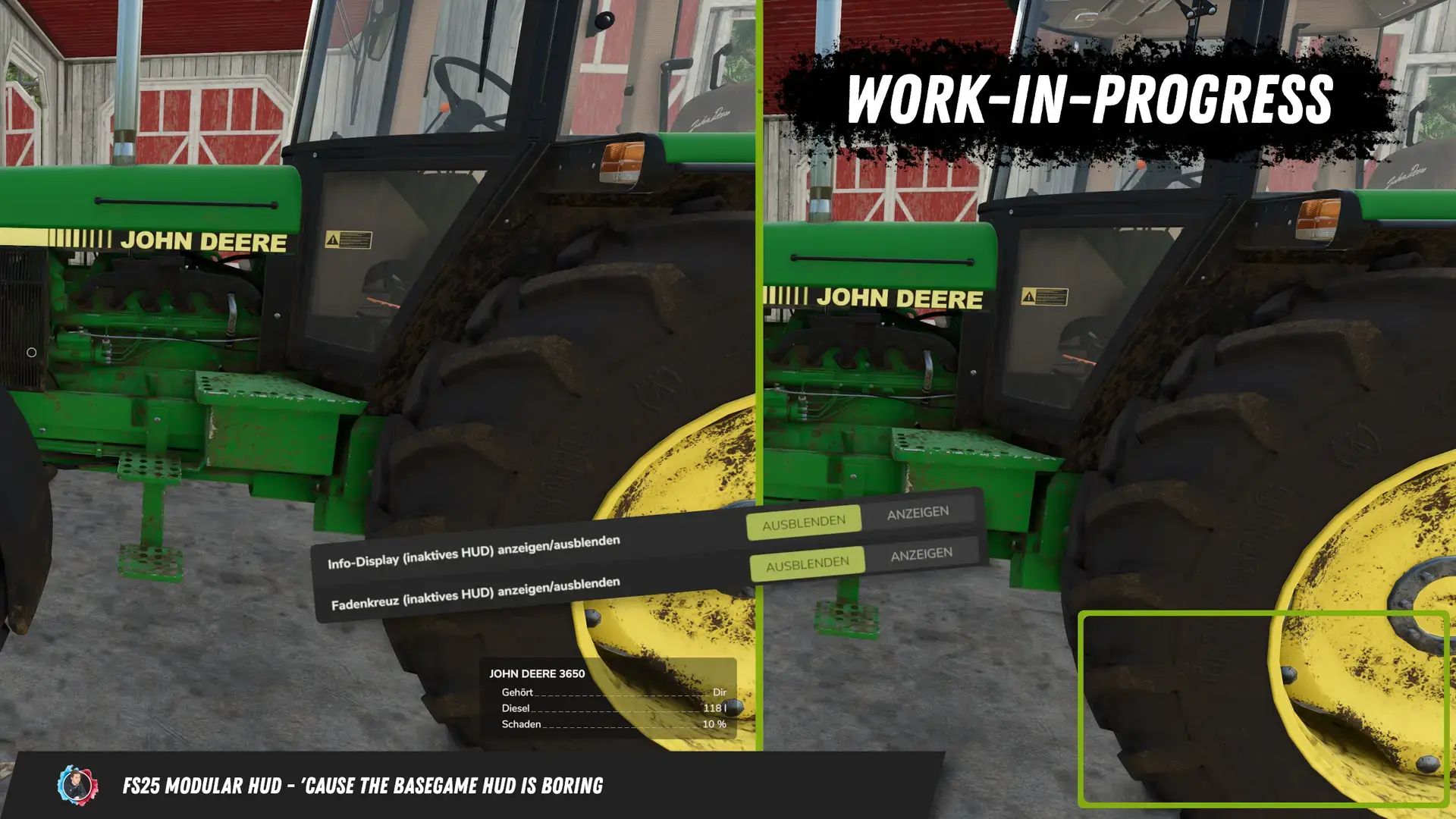
    This script allows you to change the HUD in the game. Individual elements of the HUD can be shown and hidden. Which elements to hide can be configured in-game in the general settings under “Modular HUD”. It is also possible to show and hide the HUD using the “Alt + 1” key combination. The AutoDrive and Courseplay HUDs are not hidden as the mods themselves provide the ability to show and hide their own HUD. The ModularHUD interface has been added for modders who want to add their own elements to the HUD. This allows you to add and manage your own elements to the HUD. You can learn more about the ModularHUD interface at: https://wiki.bayerngamers.de/de/modular-hud/modular-hud For mods that have not been made compatible, you can find them in the reported bug trackers. I will try to integrate them as quickly as possible. Bug tracker: https://feedback.bayerngamers.de.
  • Bunker Silo HUD
    5 144
    KingMods Logo
    Published by KingMods
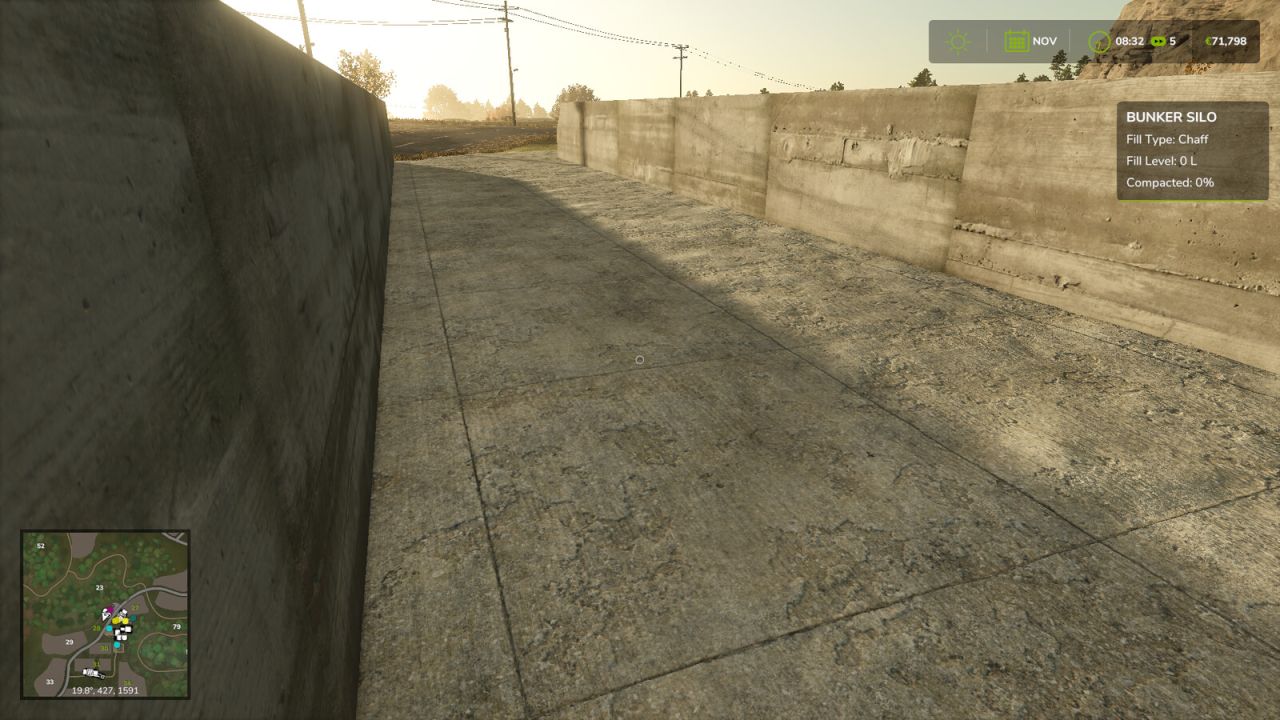
    The Bunker Silo HUD Mod adds a small HUD, that will show when you enter a bunker silo. This HUD shows current information about the bunker silo (Filltype, Fill Level, Compacted/Fermenting). The mod is primarily ment for those who play with the ingame help (F1) disabled and don't want to re-enable it whenever they use a bunker silo.