Search results for calculator

8 results
  • Factory Profit Calculator
    1 149
    KingMods Logo
    Published by KingMods
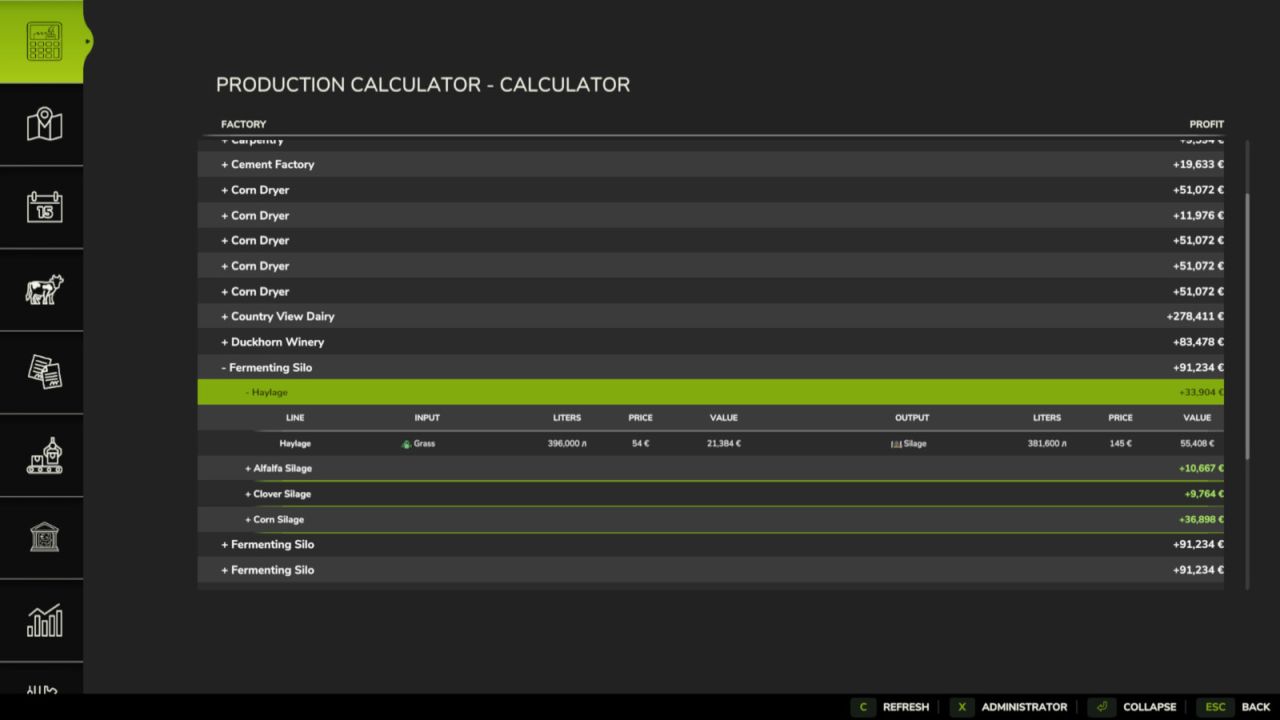
    Factory Profit Calculator adds a production calculator and an administrator editor to the in-game menu. The calculator shows every factory and production line, including inputs, outputs, monthly volumes, best sale prices, total costs and expected profit. Production lines can be expanded separately and use the game fill type icons. The administrator editor allows an authorized player to change: - Production cycles per month. - Input amounts for each recipe. - Output amounts for each recipe. - Exact input and output storage capacities. Click a value field, enter the required number and press Enter to confirm it. Use Apply to save the edited recipe, Reset to restore the original recipe and Esc to close the window. Changes are stored separately for each savegame and are restored automatically when the map is loaded. The original factory and map files are not modified. Modded production points and multiplayer synchronization are supported. Changelog 1.0.0.1: - Input costs now use the lowest available purchase price from buying stations on the current map. - If an input product cannot be purchased on the map, the previous market-based estimate is used. - Changed the visual design of the administrator editor.
  • Field Calculator
    2 839
    KingMods Logo
    Published by KingMods
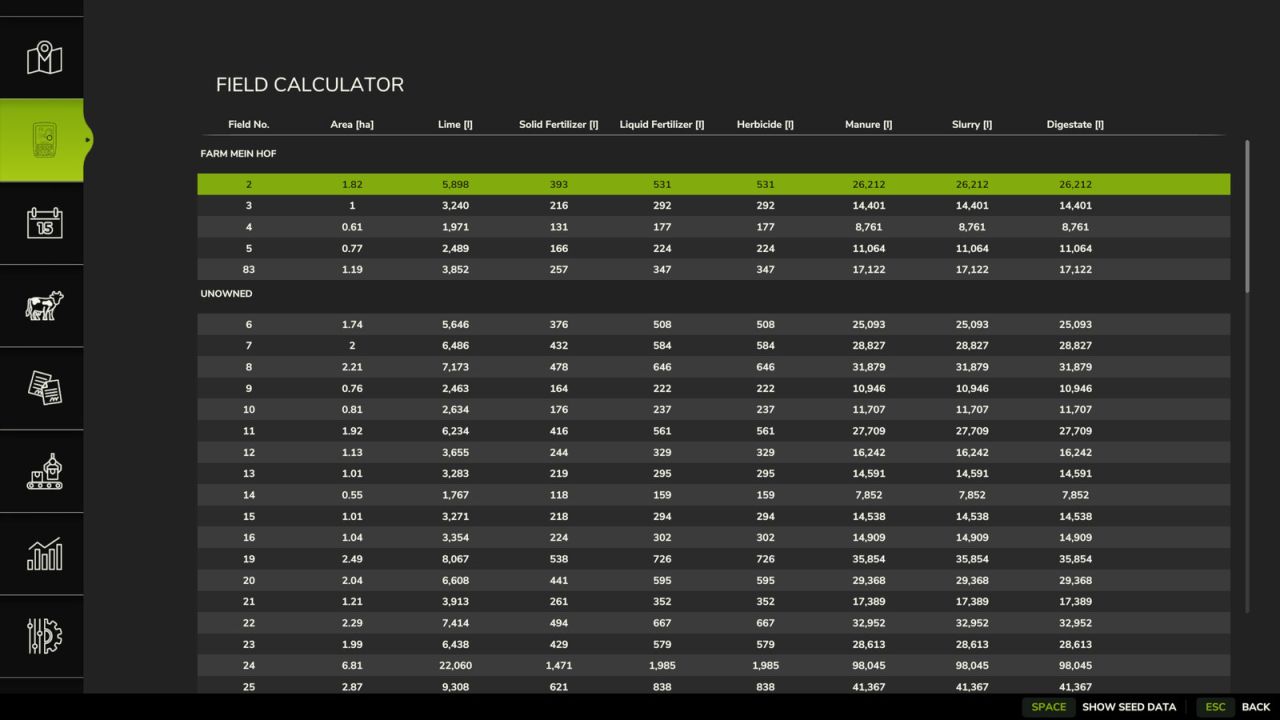
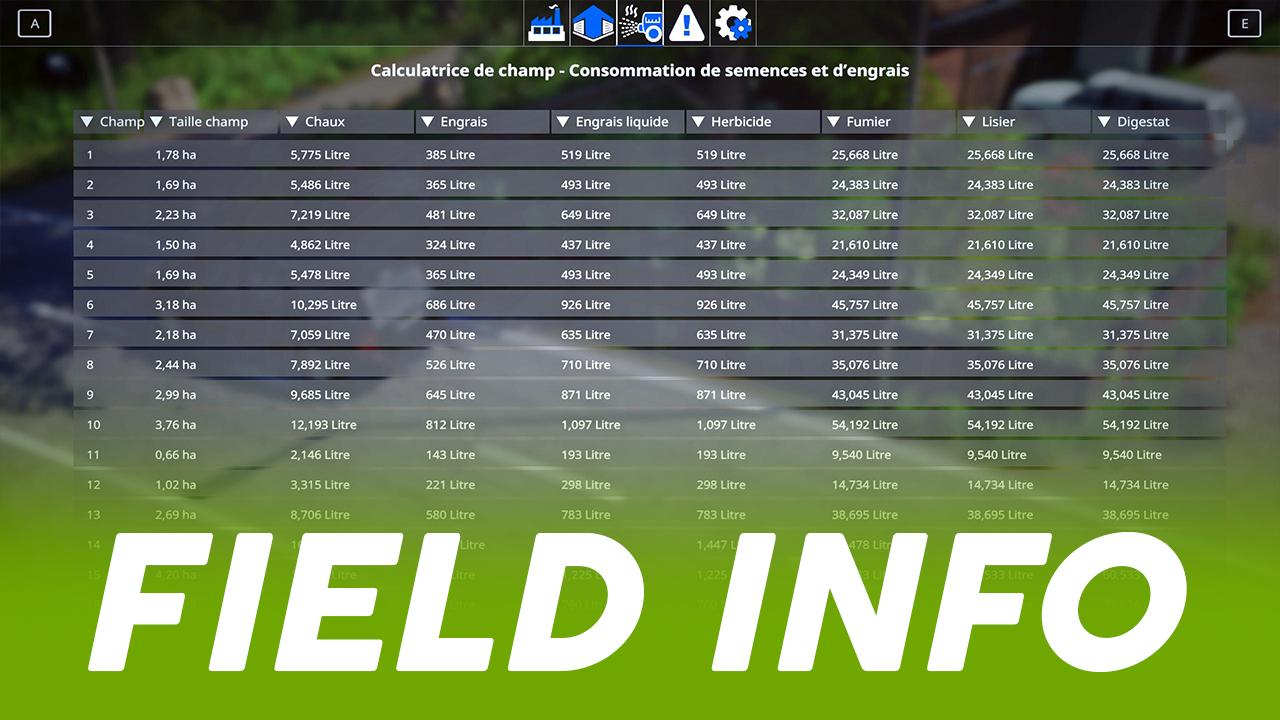
    The Field Calculator adds a handy overview of your fields to the game and helps you plan your seed, lime, fertilizer, and crop protection. For each of your fields, it clearly displays the estimated requirements in the menu, so you can better prepare for purchases and work assignments. It supports seeds, mineral fertilizers, liquid fertilizers, manure, slurry, fermentation residues, lime, and herbicides. The Field Calculator not only recognizes the game’s fertilizers, but also modmap-specific fertilizers, provided they are correctly implemented by the map. The mod works with or without Precision Farming. If Precision Farming is active, existing soil and sampling data are included in the calculation. This gives you a much more accurate estimate for your fields. For organic fertilizers, there is also a toggle switch that lets you switch the display between soil target and plant target. This allows you to better tailor the calculation to your playstyle and your desired fertilization approach. The herbicide display serves as a rough purchasing guide under Precision Farming and not as an exact needs calculation. This provides you with quick, clear, and practical assistance for your field planning on standard maps and mod maps.

  • Menu Calculator
    2 227
    KingMods Logo
    Published by KingMods
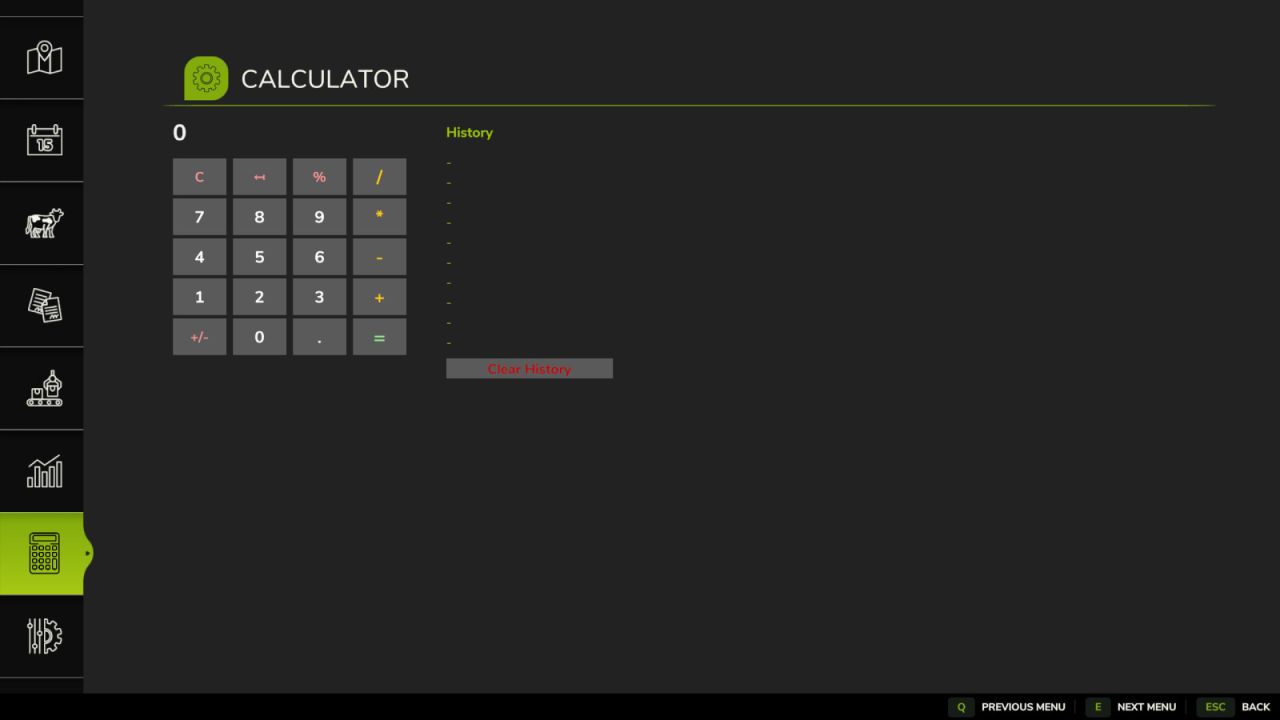
    Menu Calculator A simple calculator added in a new tab in the main game menu. Features: - Basic operations: addition, subtraction, multiplication, division - Decimal number support - History of last 10 results - Keyboard shortcuts can be customized in the game controls menu
  • Animal Food Calculator
    12 865
    KingMods Logo
    Published by KingMods
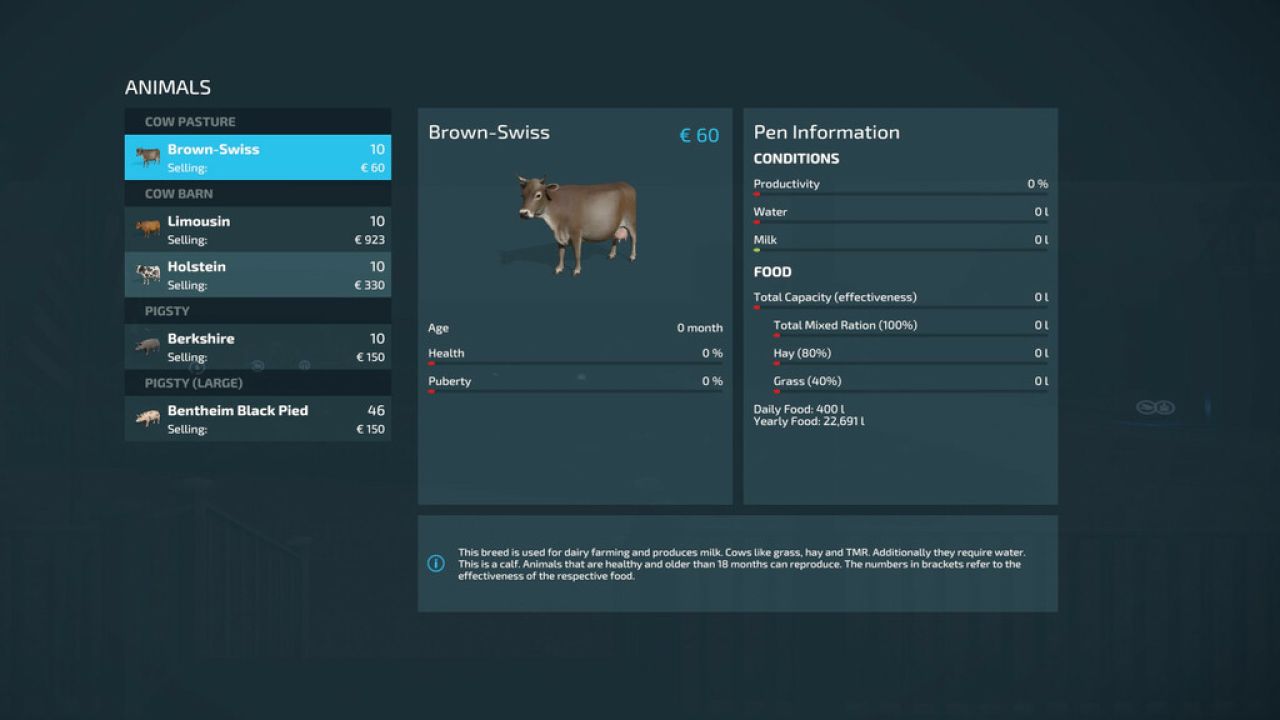
    The Animal Food Calculator (AFC) enhances animal husbandry in FS25 by providing significantly greater clarity and control. In the animal menu, the mod not only displays estimated daily and annual consumption but can also depending on the settings adjust the actual in-game values to the selected reference and scaling. It supports food, water, and straw, as well as output values such as milk, manure, slurry, and pallet output. In the EnhancedAnimalSystem, AFC takes lactation factors into account for supported animals so that the display and calculations better align with the enhanced animal systems. AFC can read its values from various sources: - from the base game, - from the map, if a custom animals.xml is built in, - from the FS25_AnimalPackage_vanillaEdition by BavarianRedneck - from a custom animals.xml within the mod. Easily switch modes ingame in the game settings under Animal Food Calculator The modes explained: 1. Reference Source The reference source determines which animal data AFC uses as a basis. So the question is: Which values should apply? - Basegame: AFC uses the animal values from the base game. Good for players who want to stay as close as possible to the standard LS. - Map: AFC uses the animal values from the currently selected map, provided the map includes its own animals.xml file. Good for mod maps with their own animal balancing. - AnimalPackage: AFC uses the values from the installed FS25_AnimalPackage_vanillaEdition. If the mod is active, it takes precedence and may override other sources. - Custom: AFC uses the mod’s own animals.xml as a reference. This is the right choice for custom balancing or adjusted values. 2. Scaling Mode The scaling mode determines how much the input and output are additionally adjusted. So the question is: Should the values simply be adopted, or should they be scaled as well? - Basegame: Scaling is off. AFC displays values and operates without additional scaling. The multiplier is effectively set to 1.0, and the number of days is not factored in separately. - Auto: AFC scales automatically based on the set number of days per month, but without an additional multiplier. This is useful if you want the values to grow automatically with your time system. - Manual: AFC scales only using your set multiplier. The number of days per month is not automatically factored in here. Good if you want full manual control. - Hybrid: AFC combines both, scaling based on days per month plus an additional custom multiplier. This is the most flexible mode for balancing and gameplay. 3. Multiplier The multiplier is an additional factor for AFC scaling. The menu offers fixed levels ranging from 0.25x to 10.00x. It is only active in Manual and Hybrid modes.
  • Field Calculator (PL)
    11 340
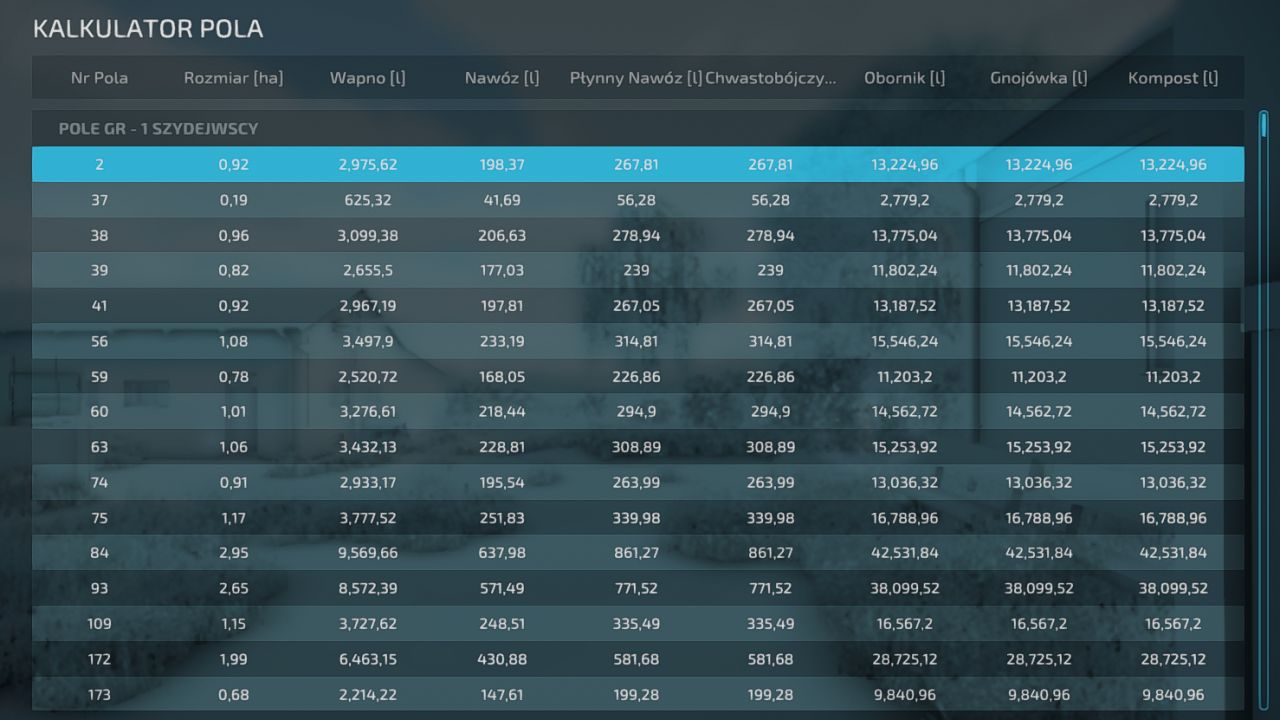
    Added Translation to Mod. I haven't received a translation from the author, so I'm adding my own :D Just replace the mod in the Mods Folder
  • Animal Food Calculator
    17 594
    KingMods Logo
    Published by KingMods
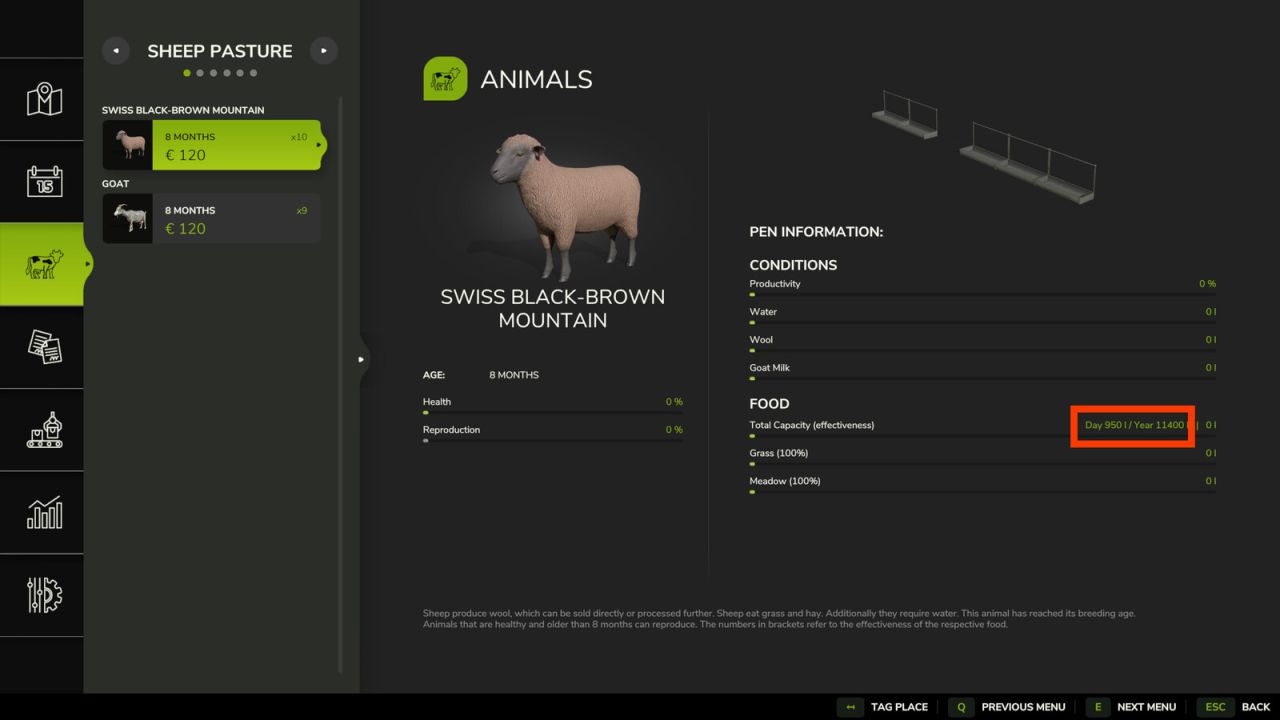
    Shows the estimated food usage per pen for one day and one year. The daily estimate respects the days per month you currently use. The yearly estimate includes the fact, that animals will eat more when grown up. Supports MaizePlus and Enhanced Animal System. Have fun feeding! Change log: *v1.0.0.1 - Improved compatibility with Enhanced Animal System v2.2.0.0. - Lactation Cycles are now included when calculating food amounts. - 1 Year amount is still just a (good) approximation, since veterinary reproduction could fail.
  • Translation of "Field Calculator"
    7 927
    Translation of Field calculator See my explanation video on YouTube (see my profile) Warning ! - You must have installed Field Calculator in advance. - Do not update otherwise English will come back For any question come in the comments!
  • GlobalCompanyAddOn - Field Calculator
    15 460
    KingMods Logo
    Published by KingMods
    A new GlobalCompanyAddOn - Field Calculator which makes the mod even more complete with the possibility to see how much seed or fertilizer you need for a field.