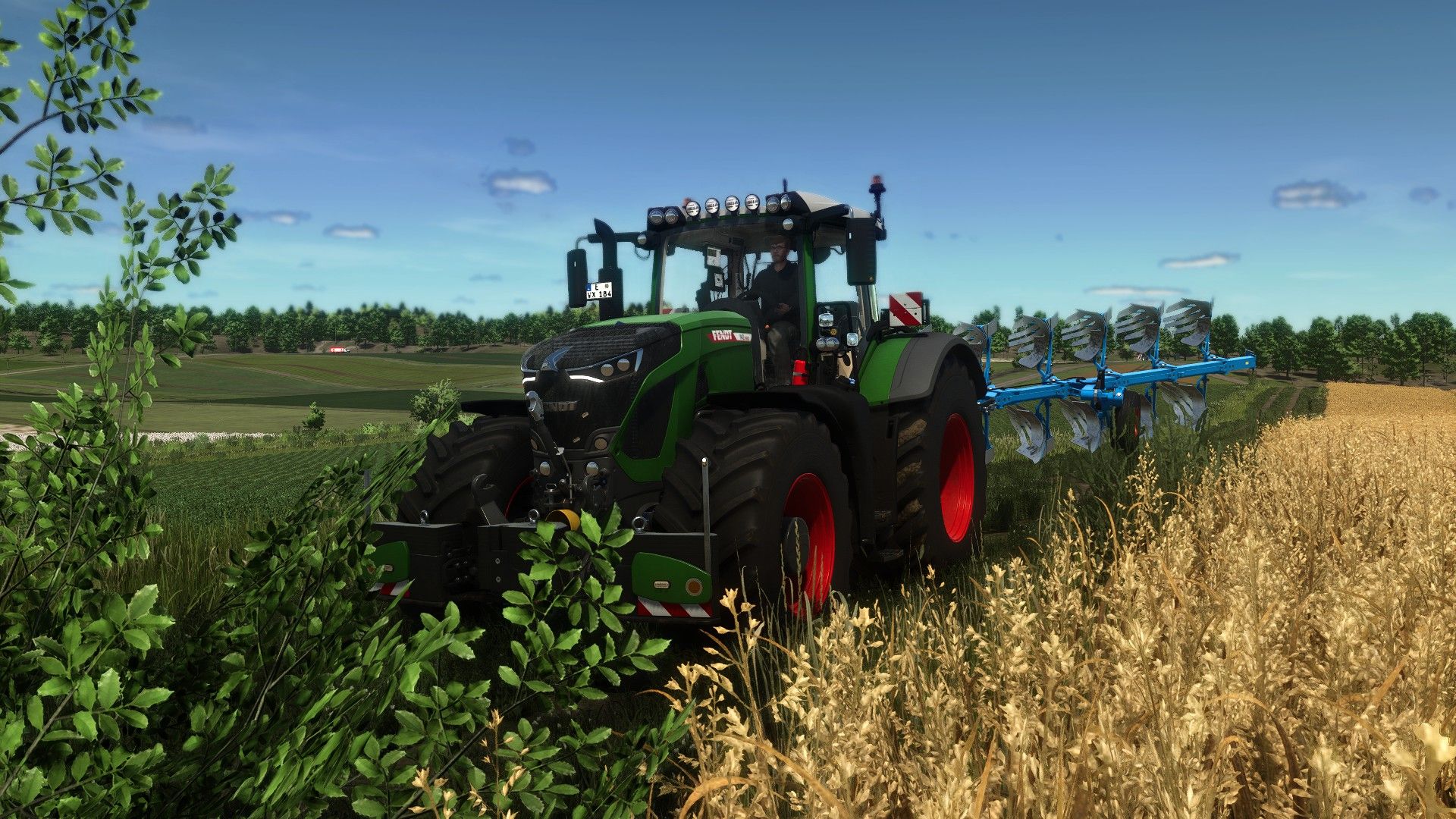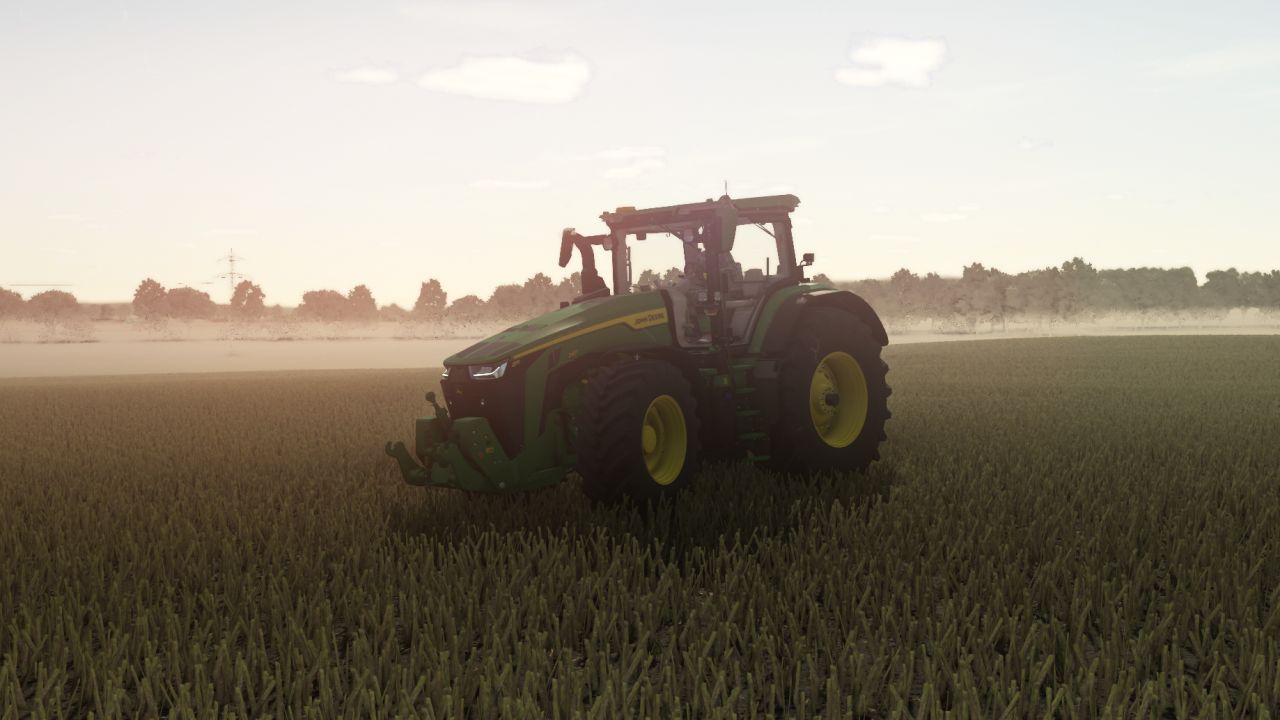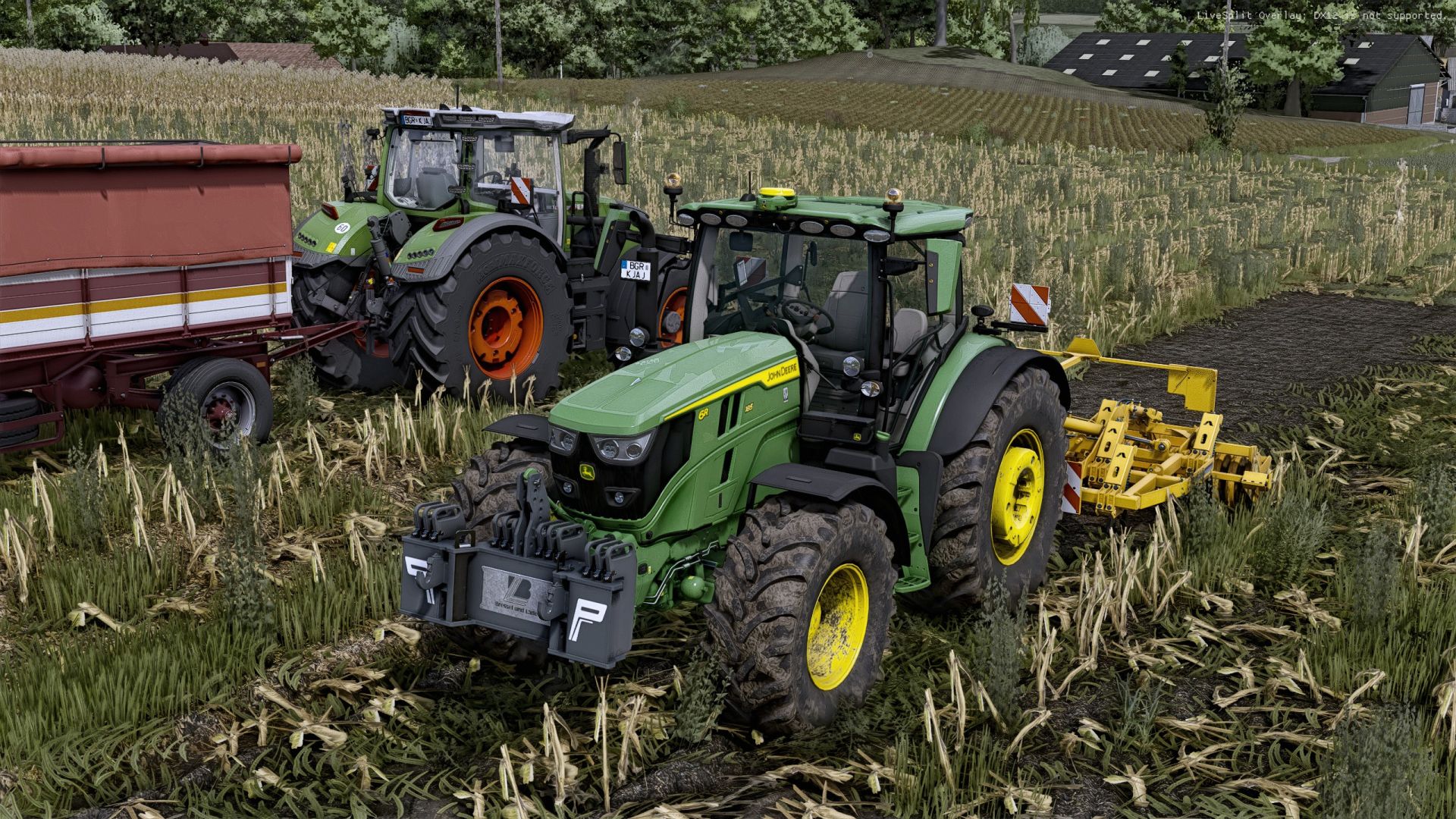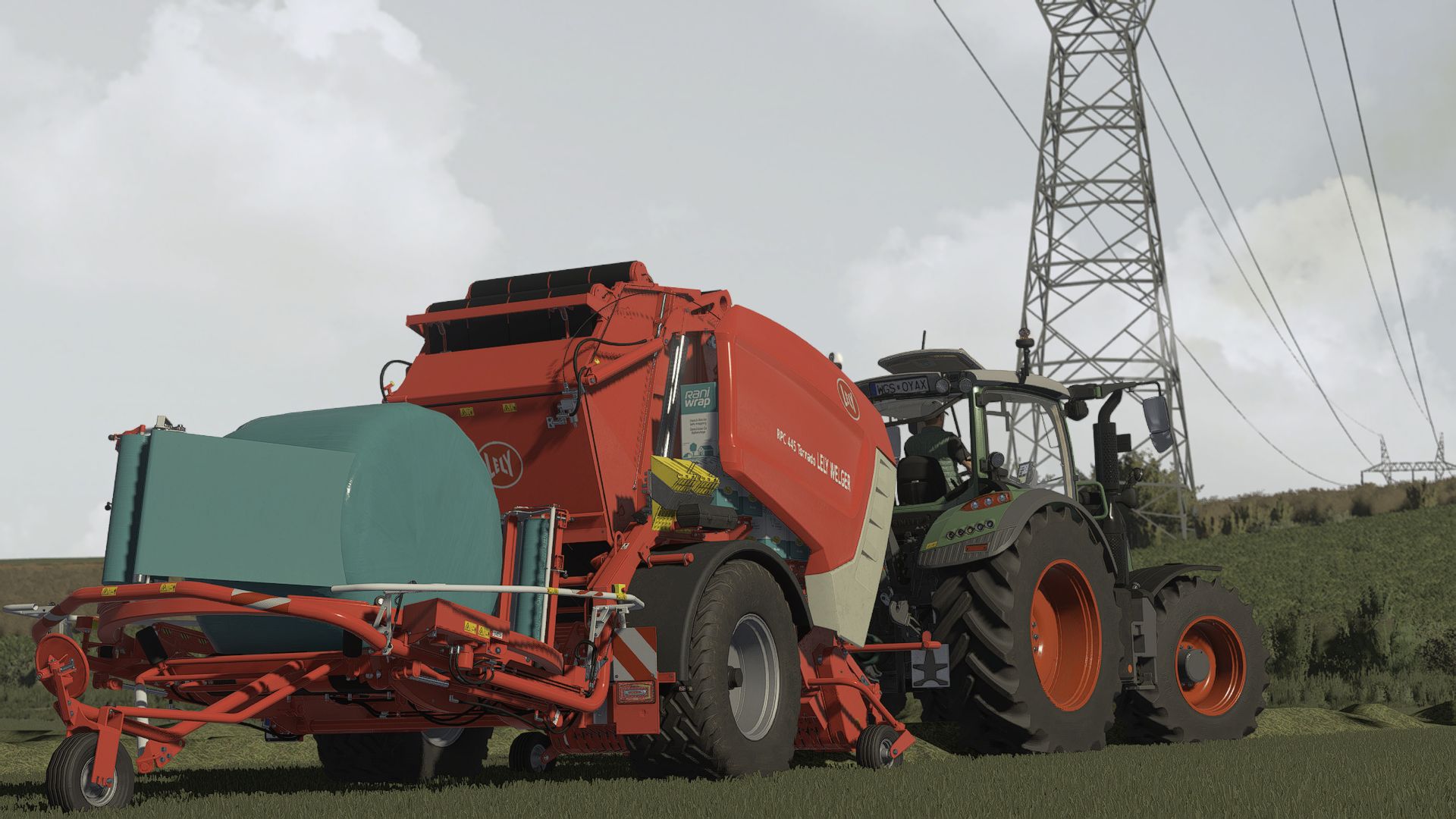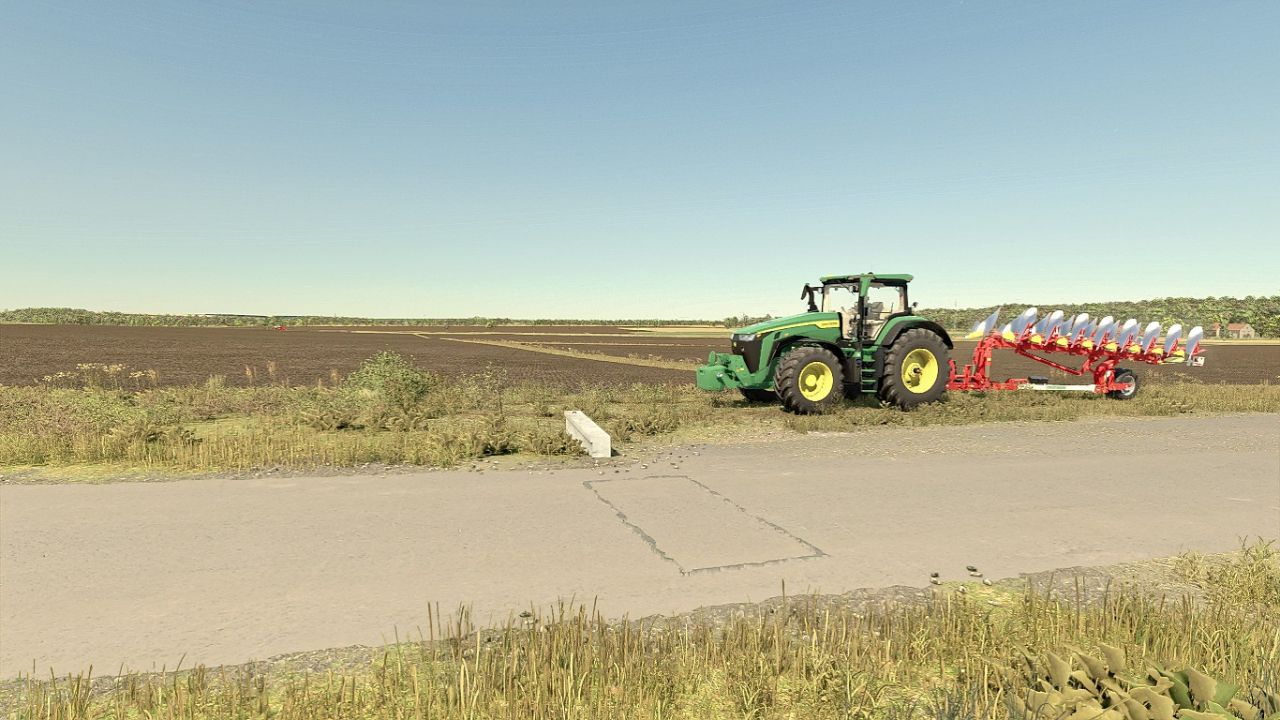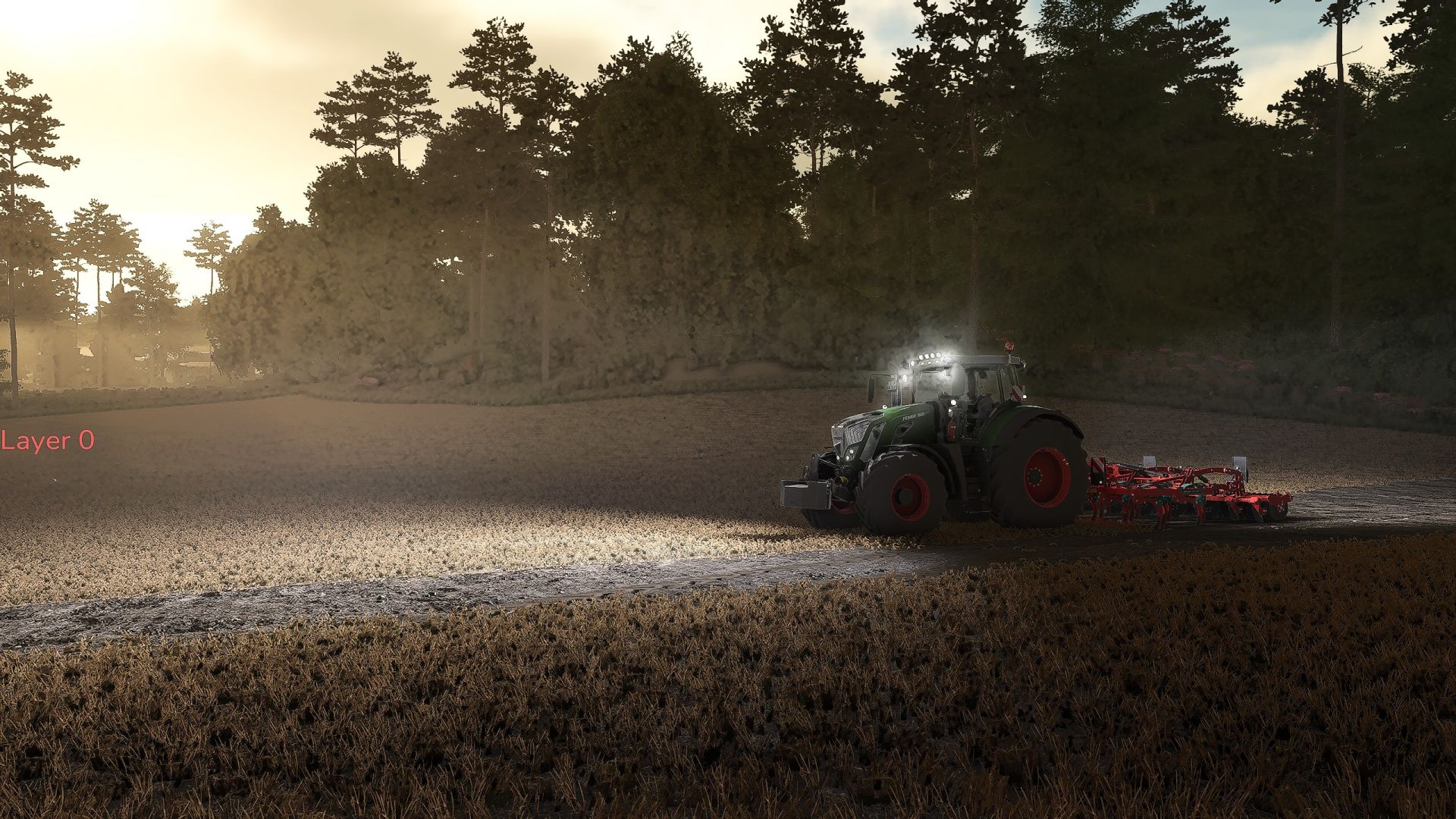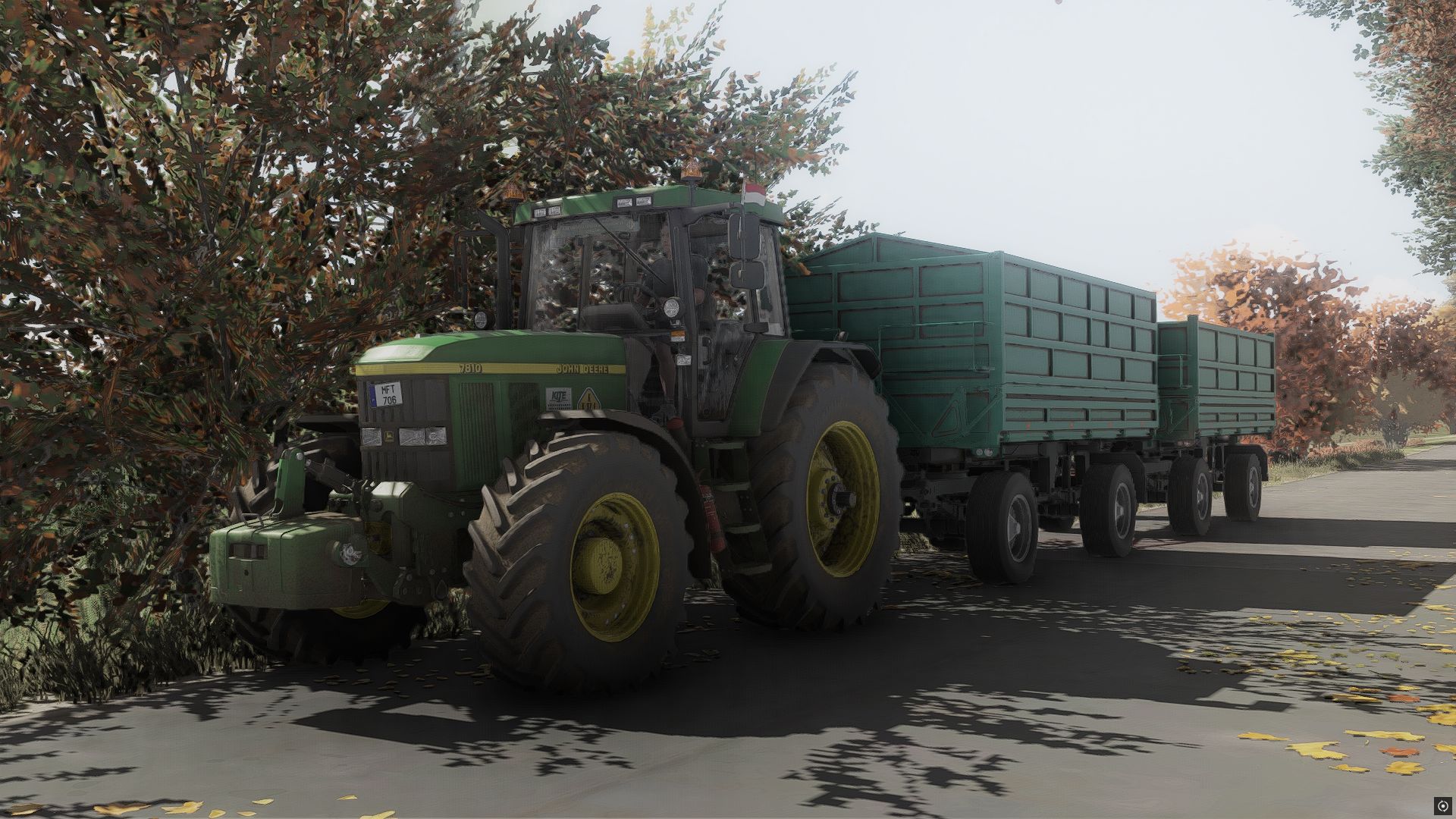
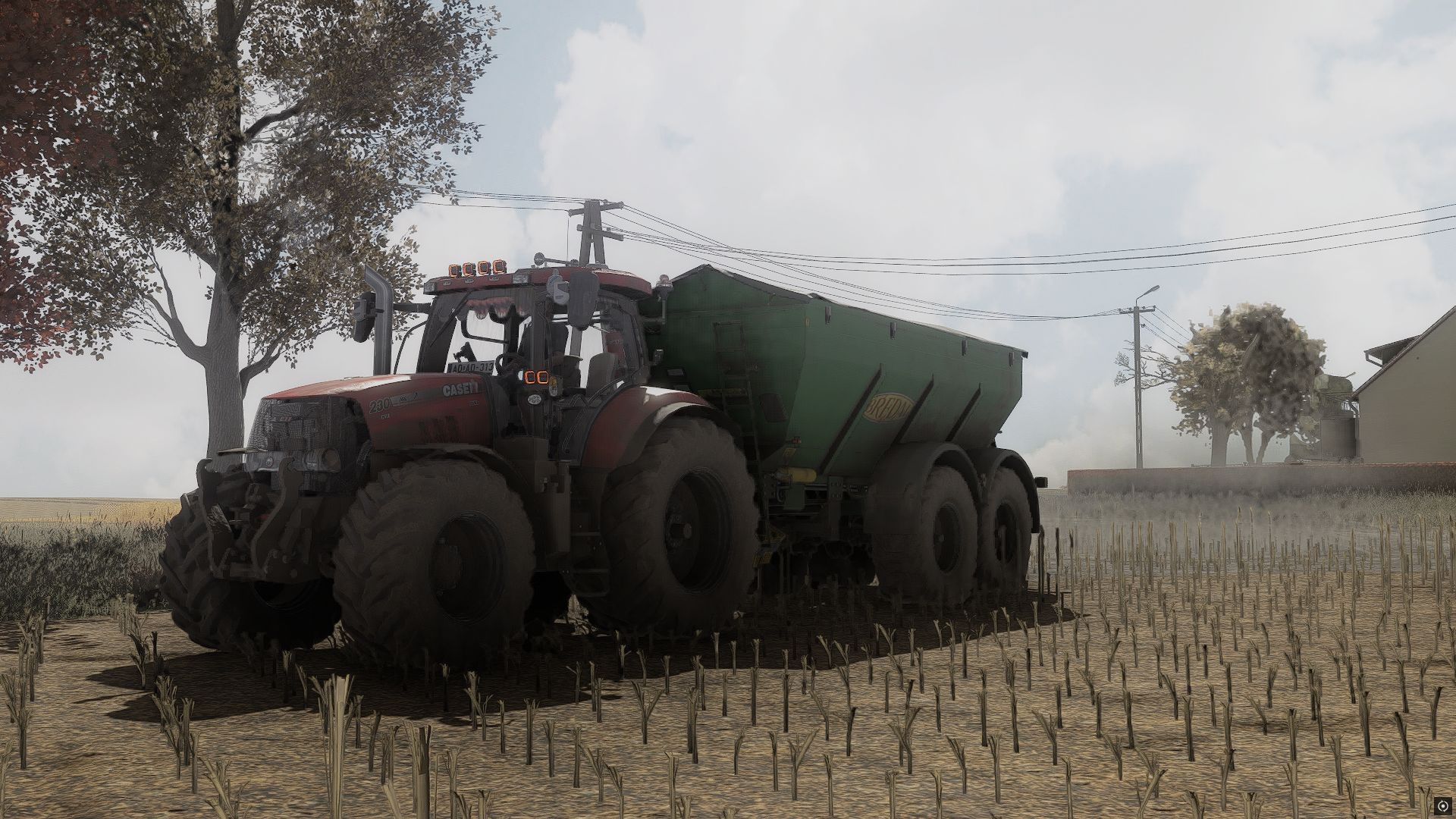
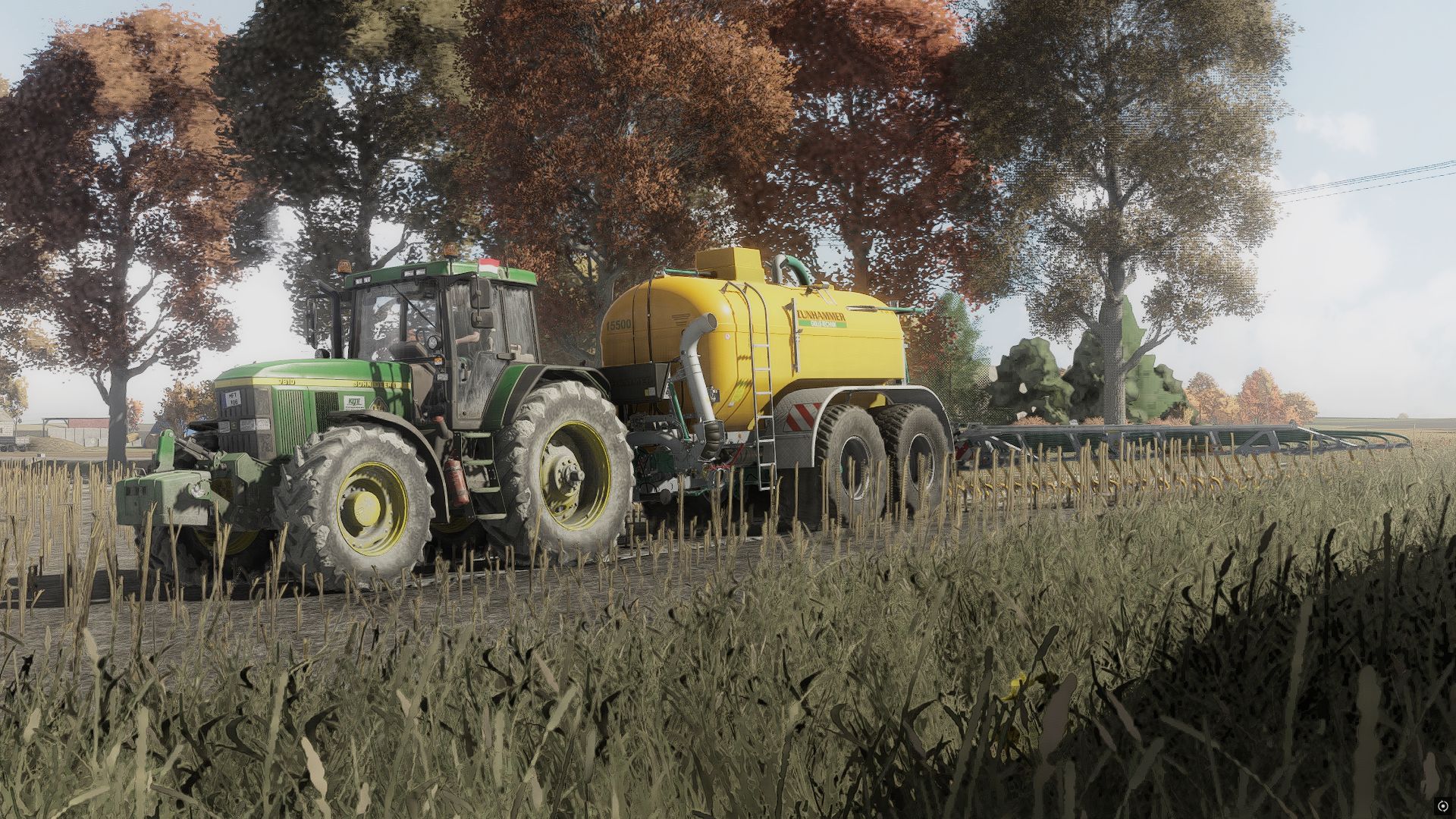
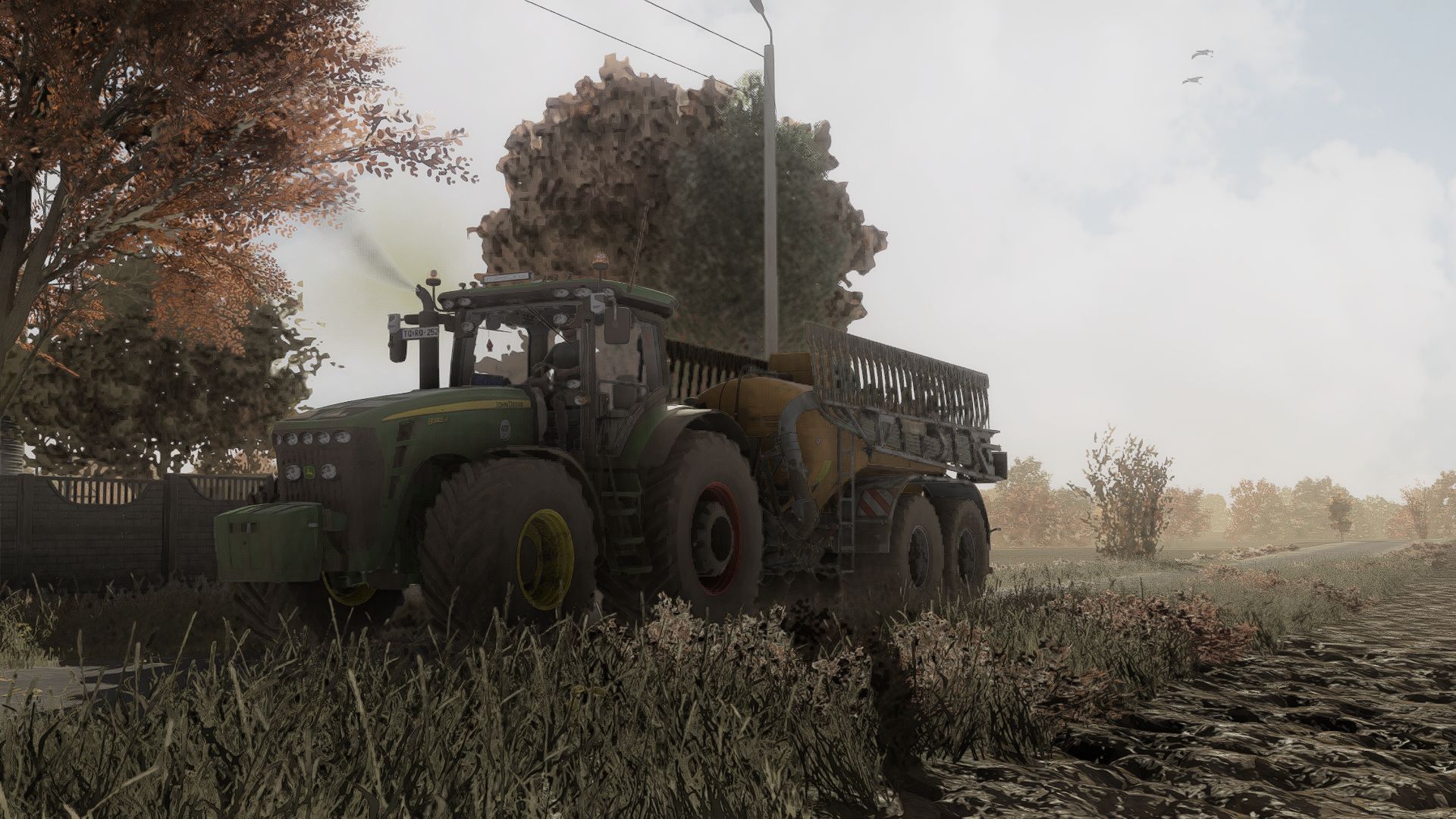

Shader_KrisiV1 is a custom shader for Farming Simulator 25, created to give the game a more realistic and immersive visual style. It enhances colors, lighting, contrast and overall atmosphere while keeping the visuals natural. Perfect for everyday gameplay, screenshots and cinematic videos.
### Installation
1. Download and install **ReShade** from [reshade.me](https://reshade.me/?utm_source=chatgpt.com) for `FarmingSimulator2025.exe`. During the setup, select **DirectX 10/11/12** as the rendering API.
2. Extract the downloaded **Shader_KrisiV1** archive.
3. Move the included `.ini` file to the **`x64`** folder located in the same directory as `FarmingSimulator2025.exe`.
4. Copy the **`nextrealsim`** folder to:
`modSettings → additionalSetting → lighting`
5. Start Farming Simulator 25 and press **HOME** (or **POS1**) to open the ReShade interface.
6. Open the shader preset selection at the top, choose the **Shader_KrisiV1 `.ini`** file and select it.
7. Enjoy Shader_KrisiV1! 🌾