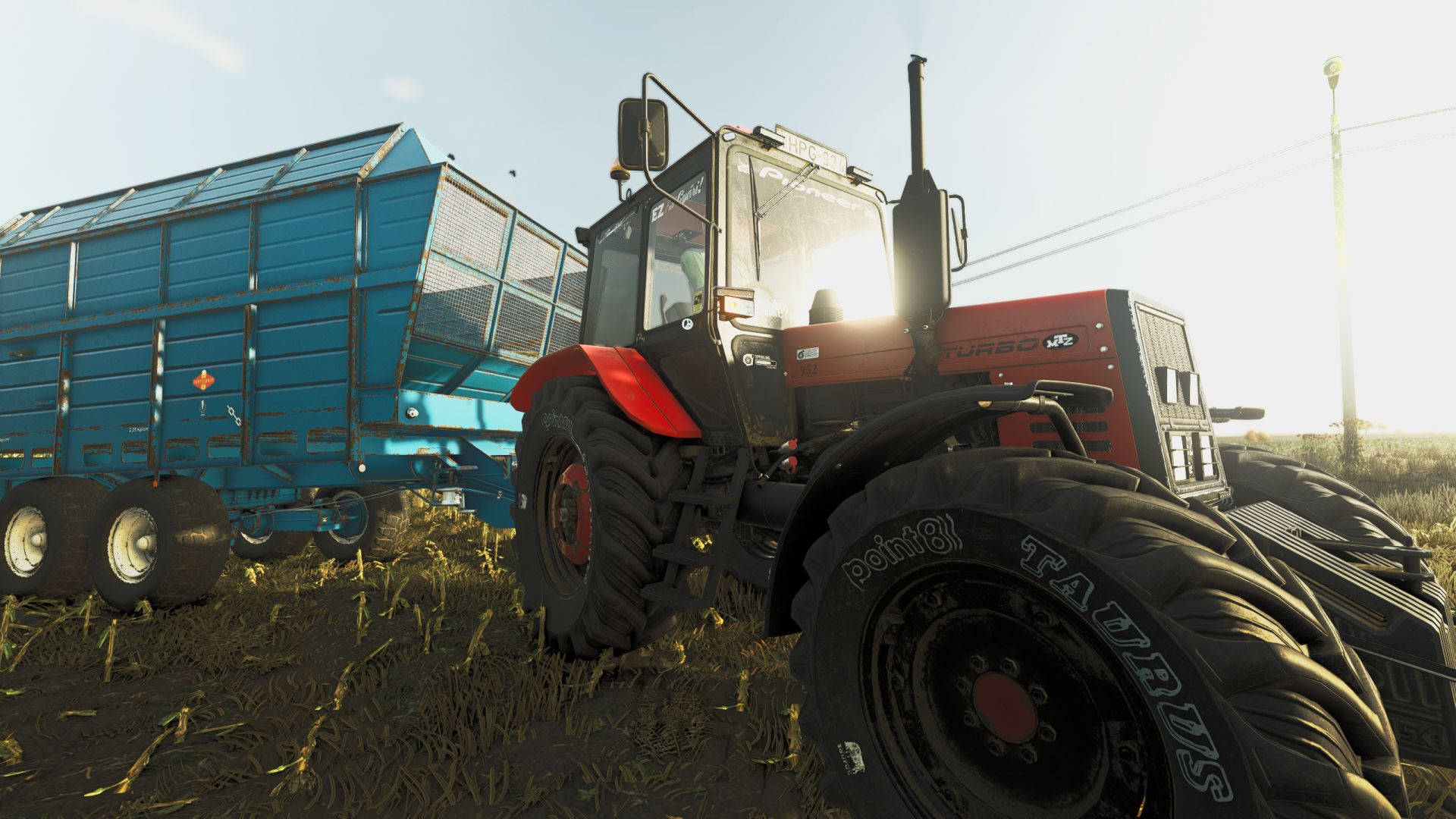
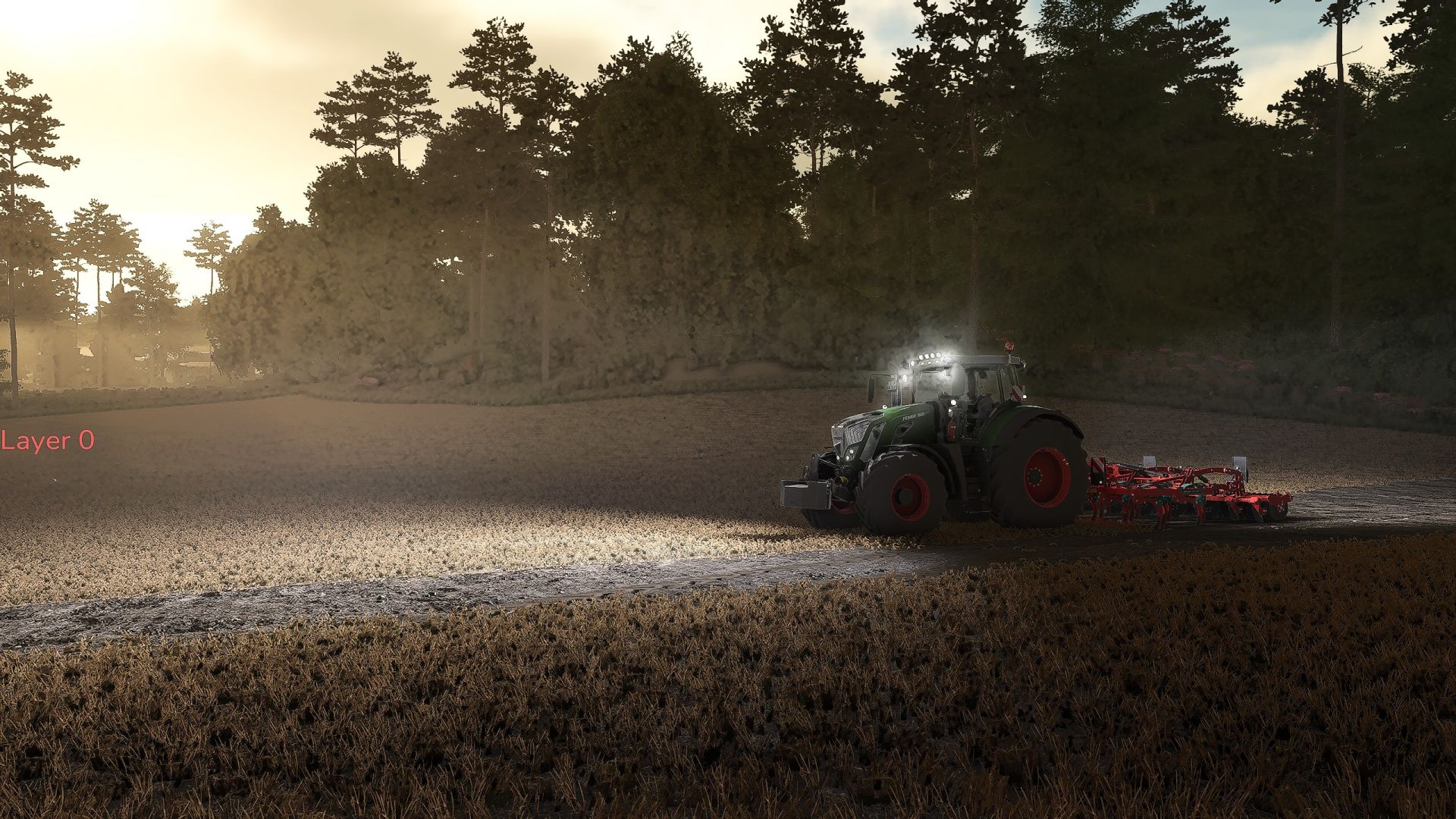
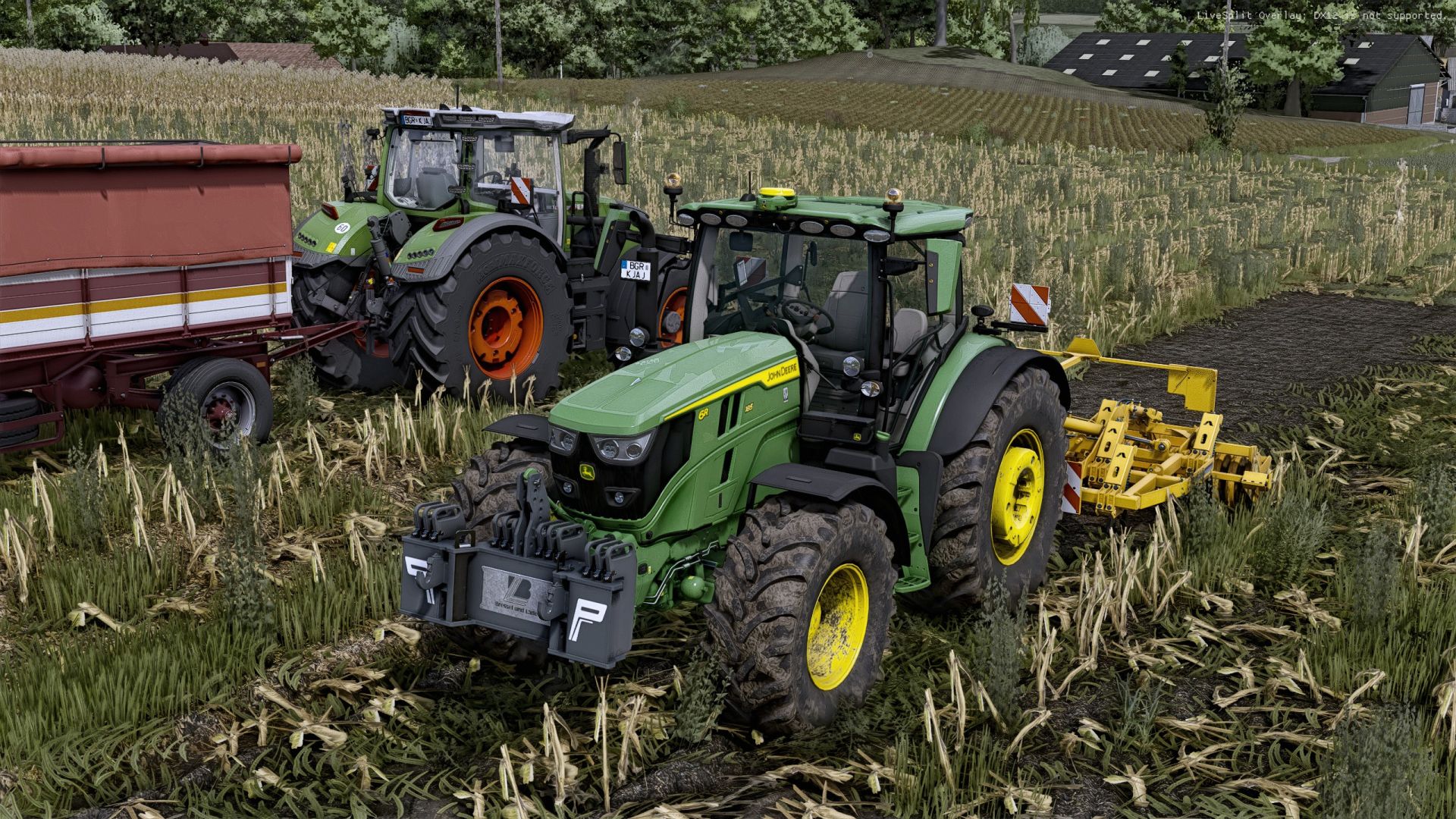
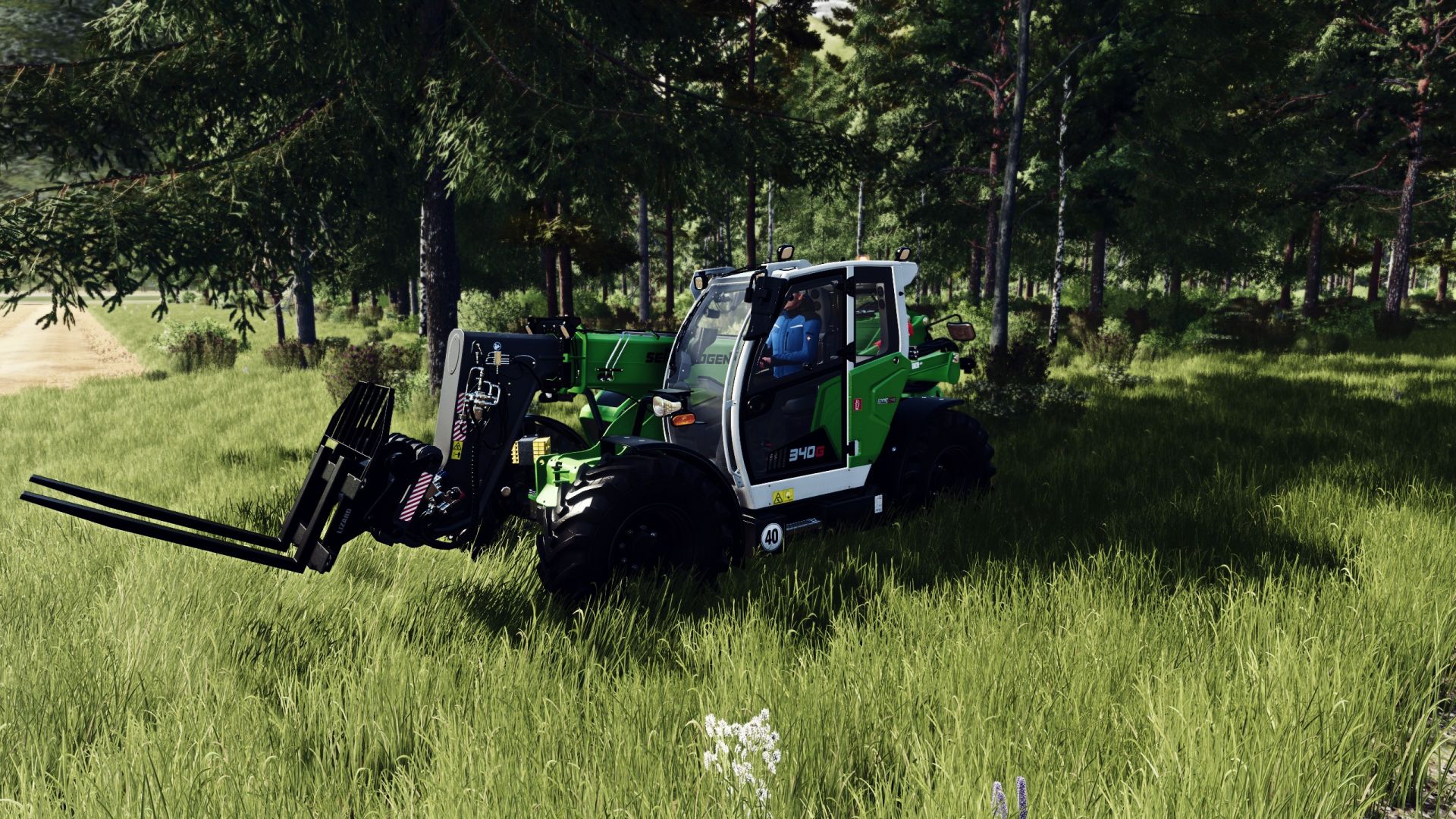
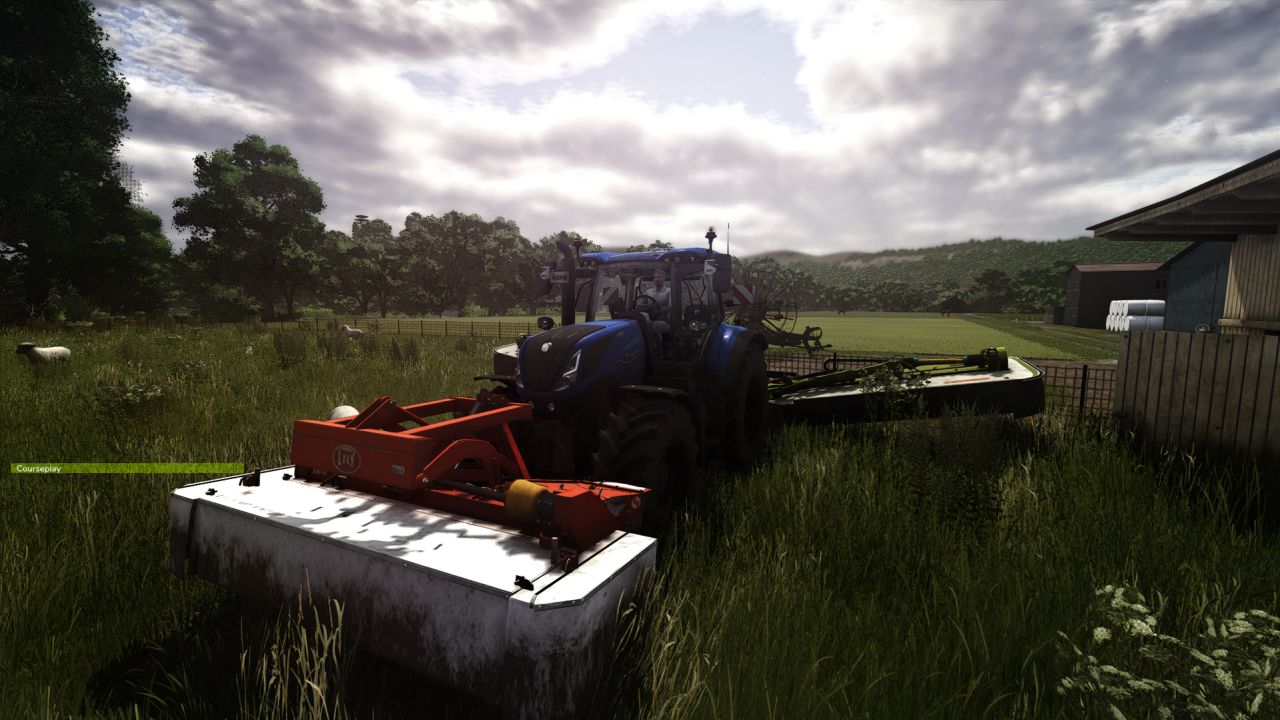
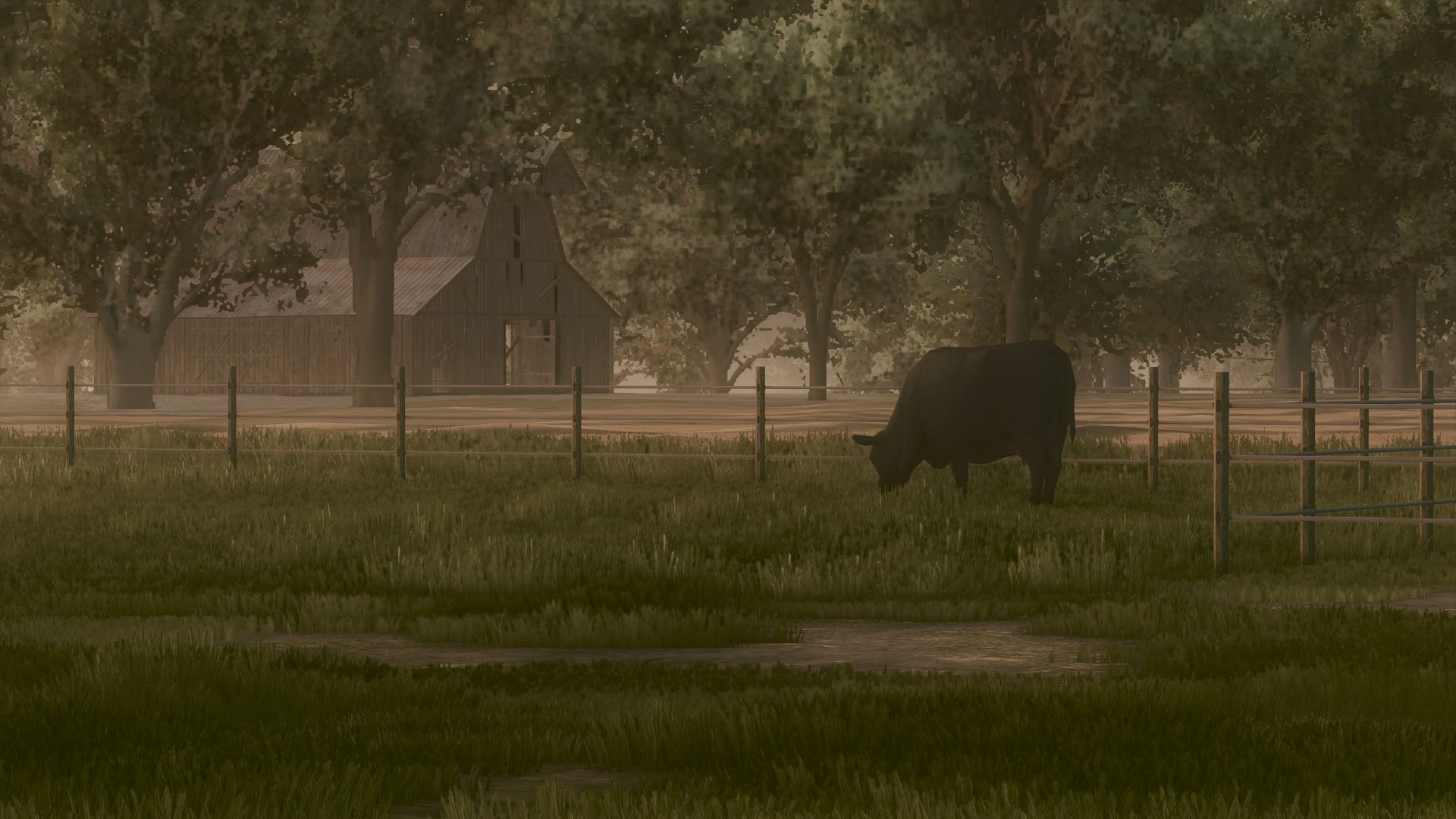
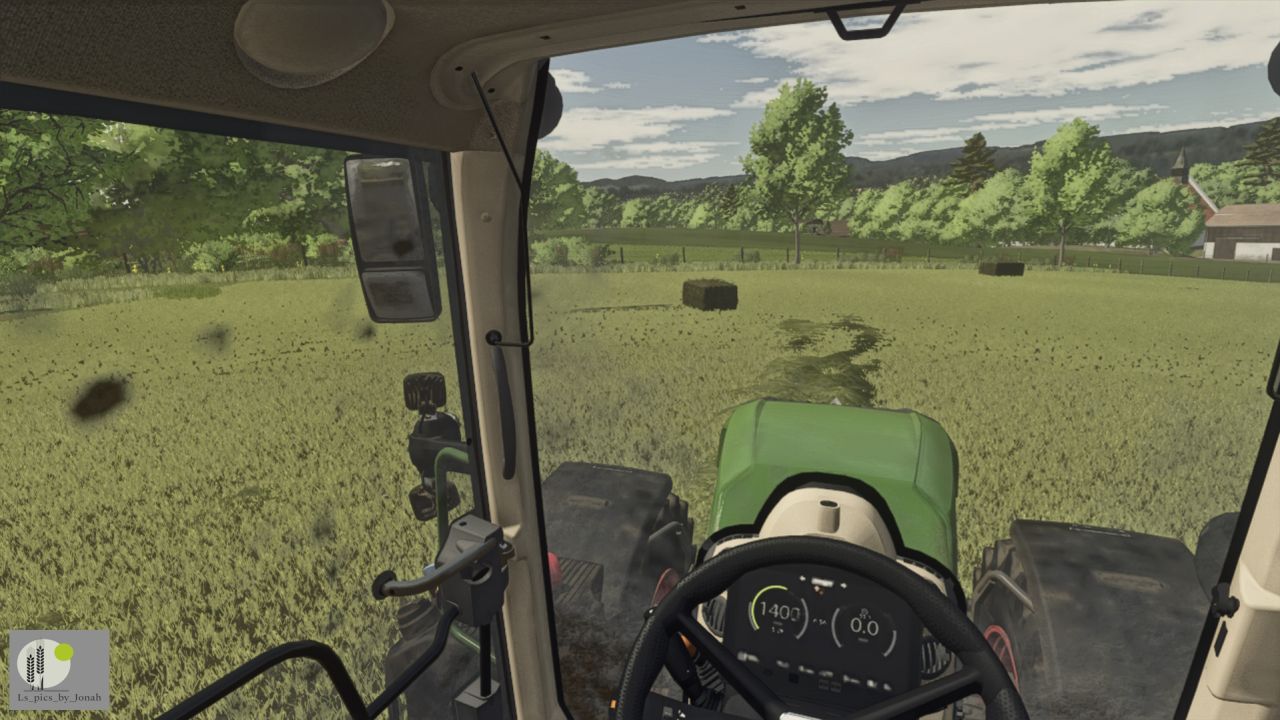
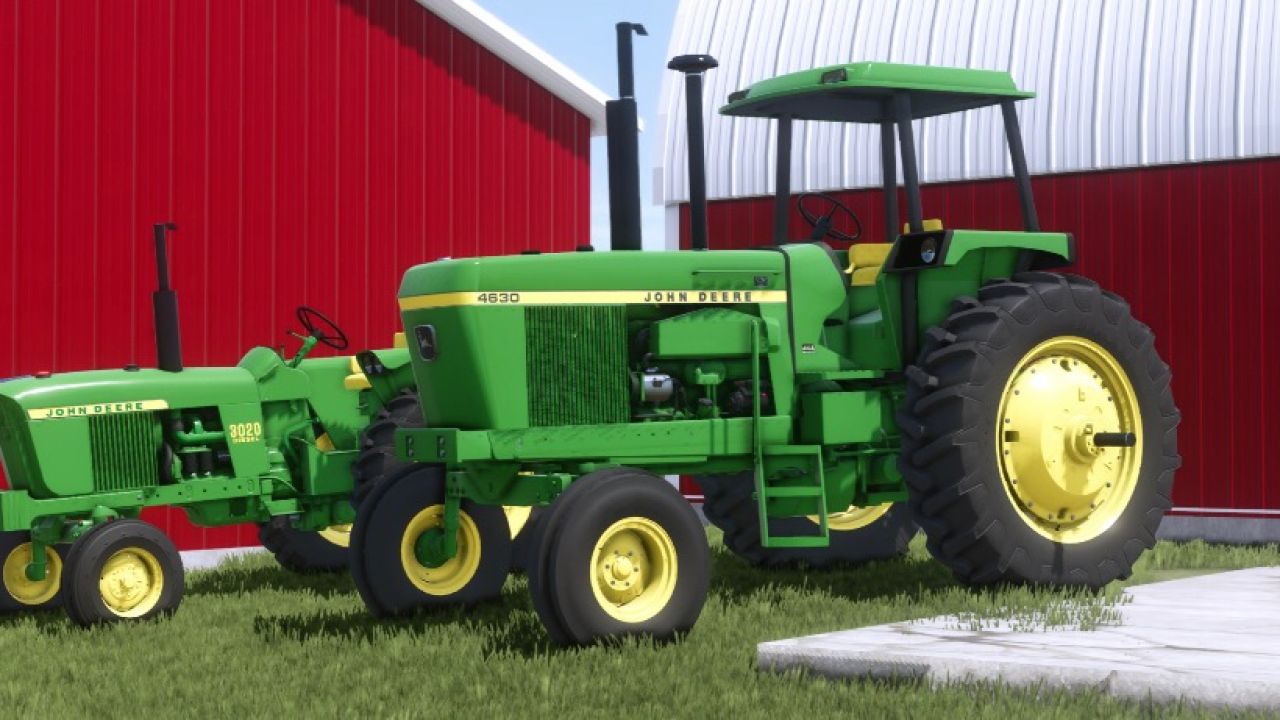
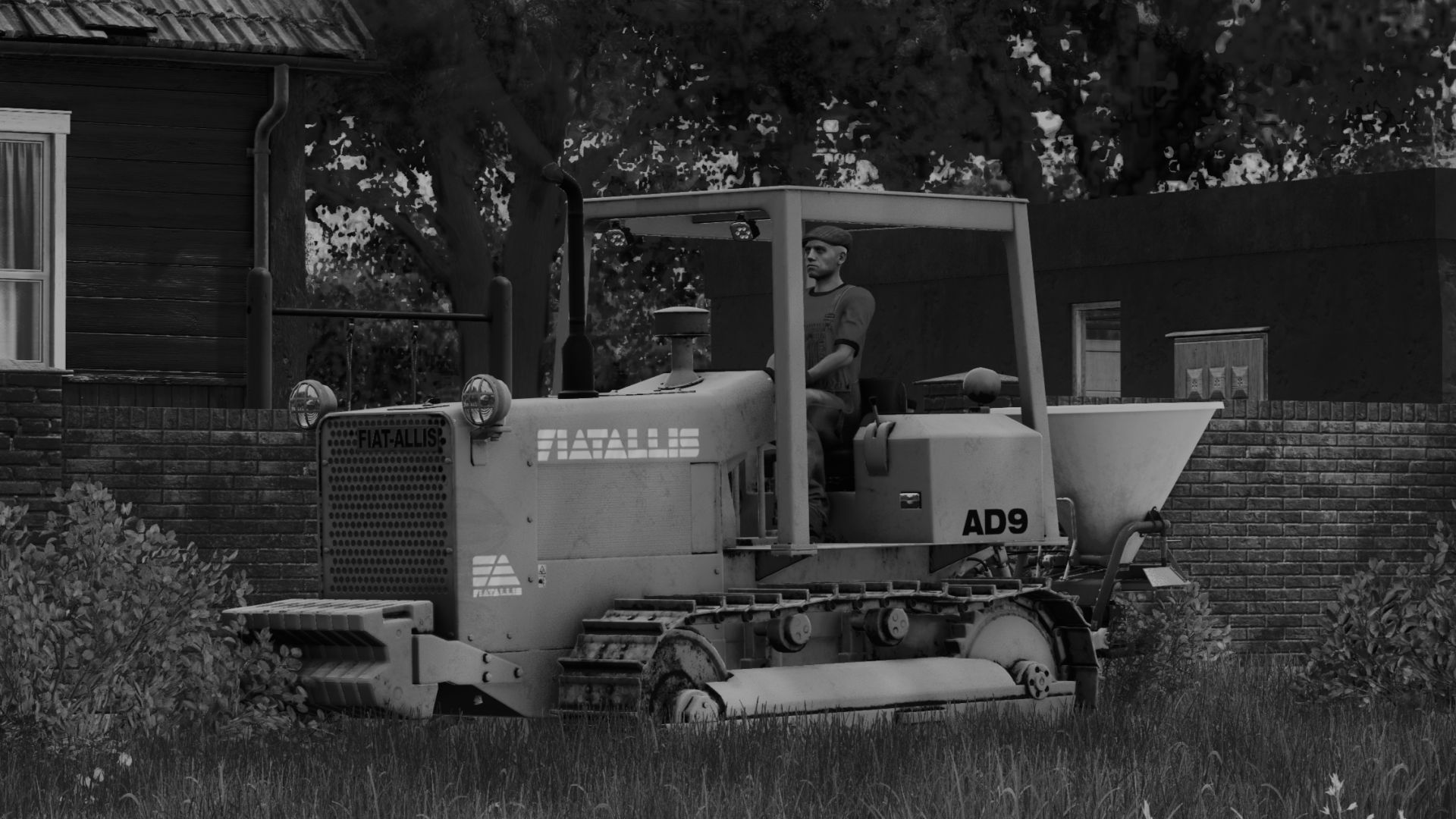
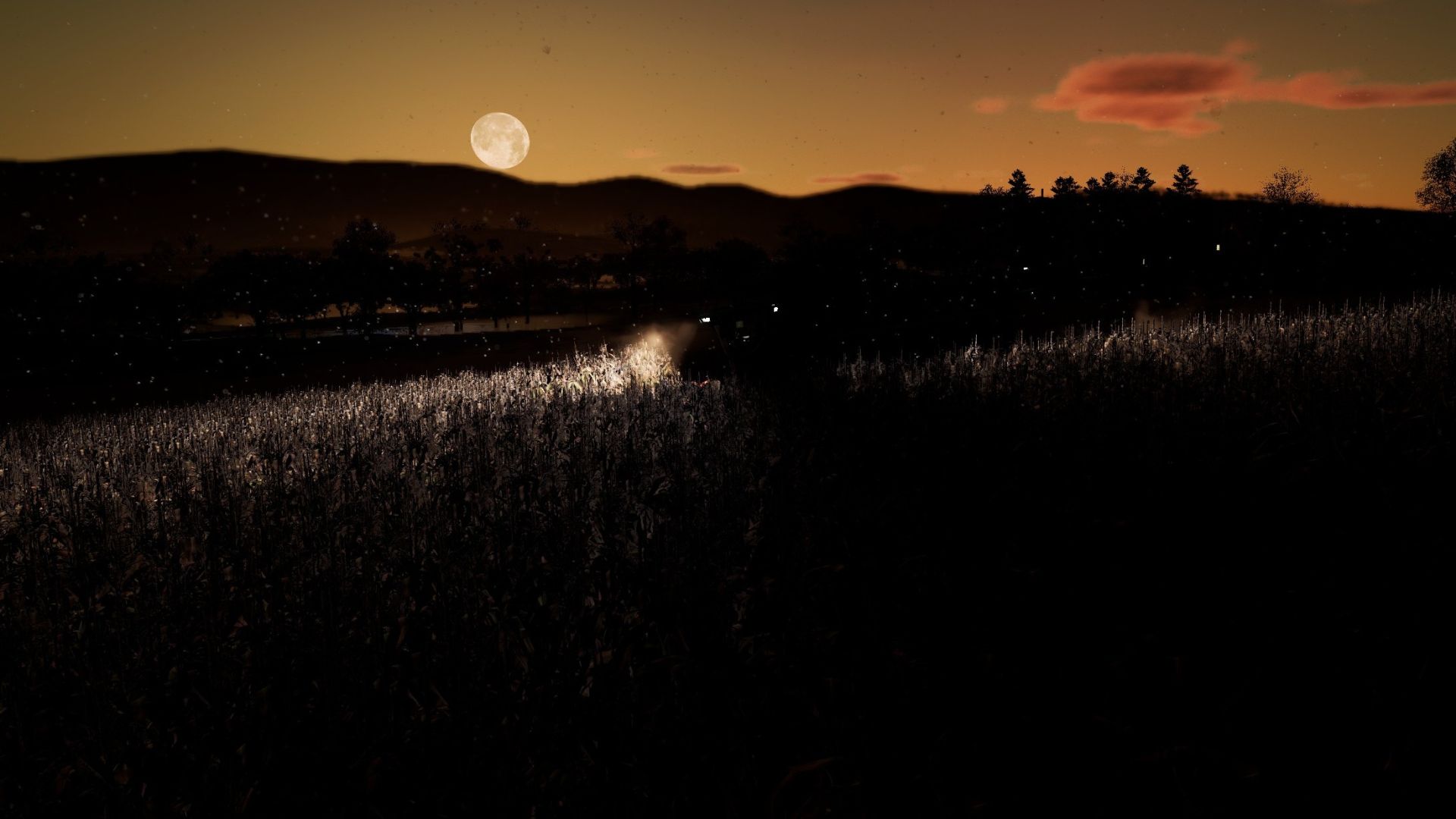
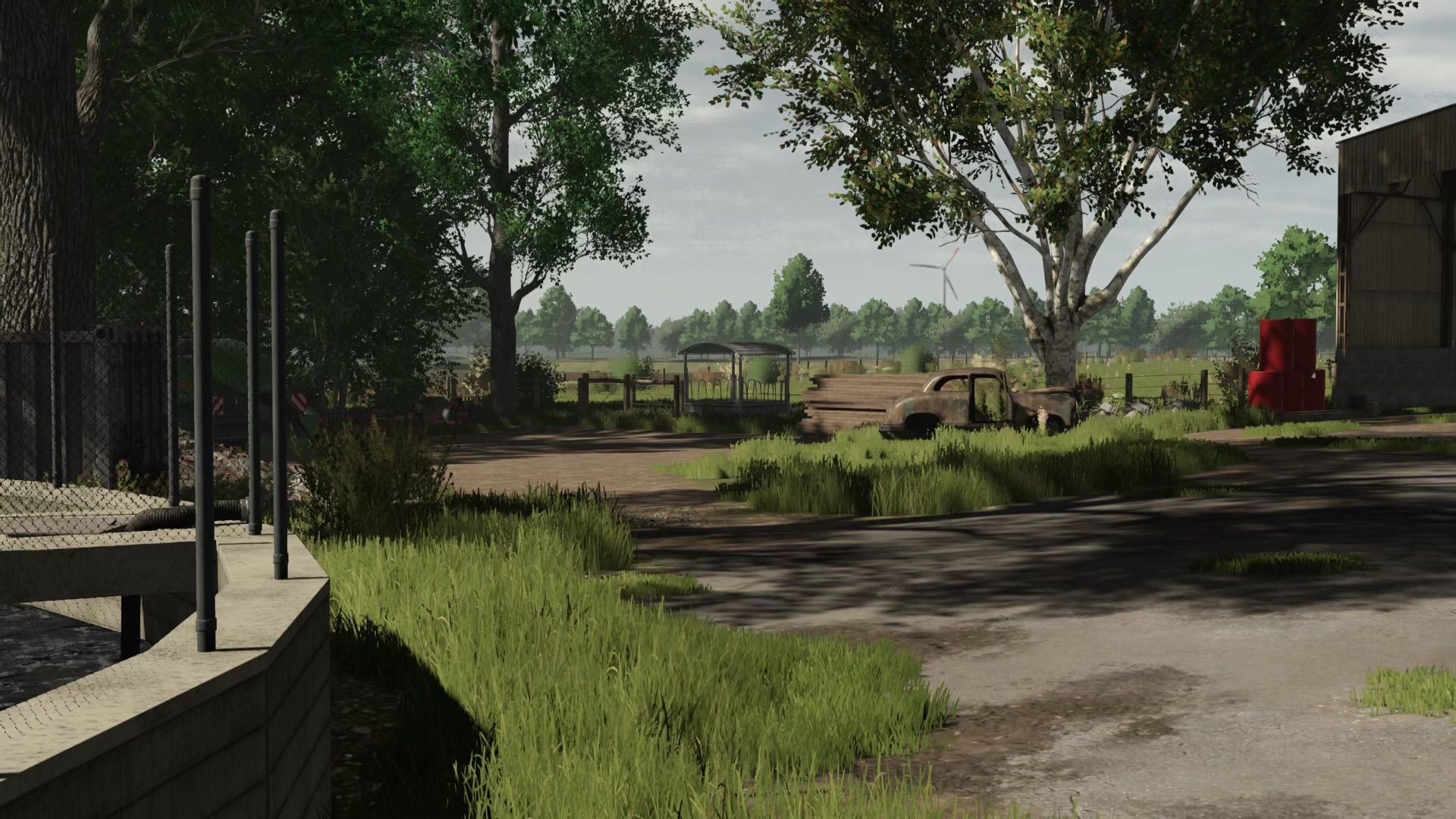
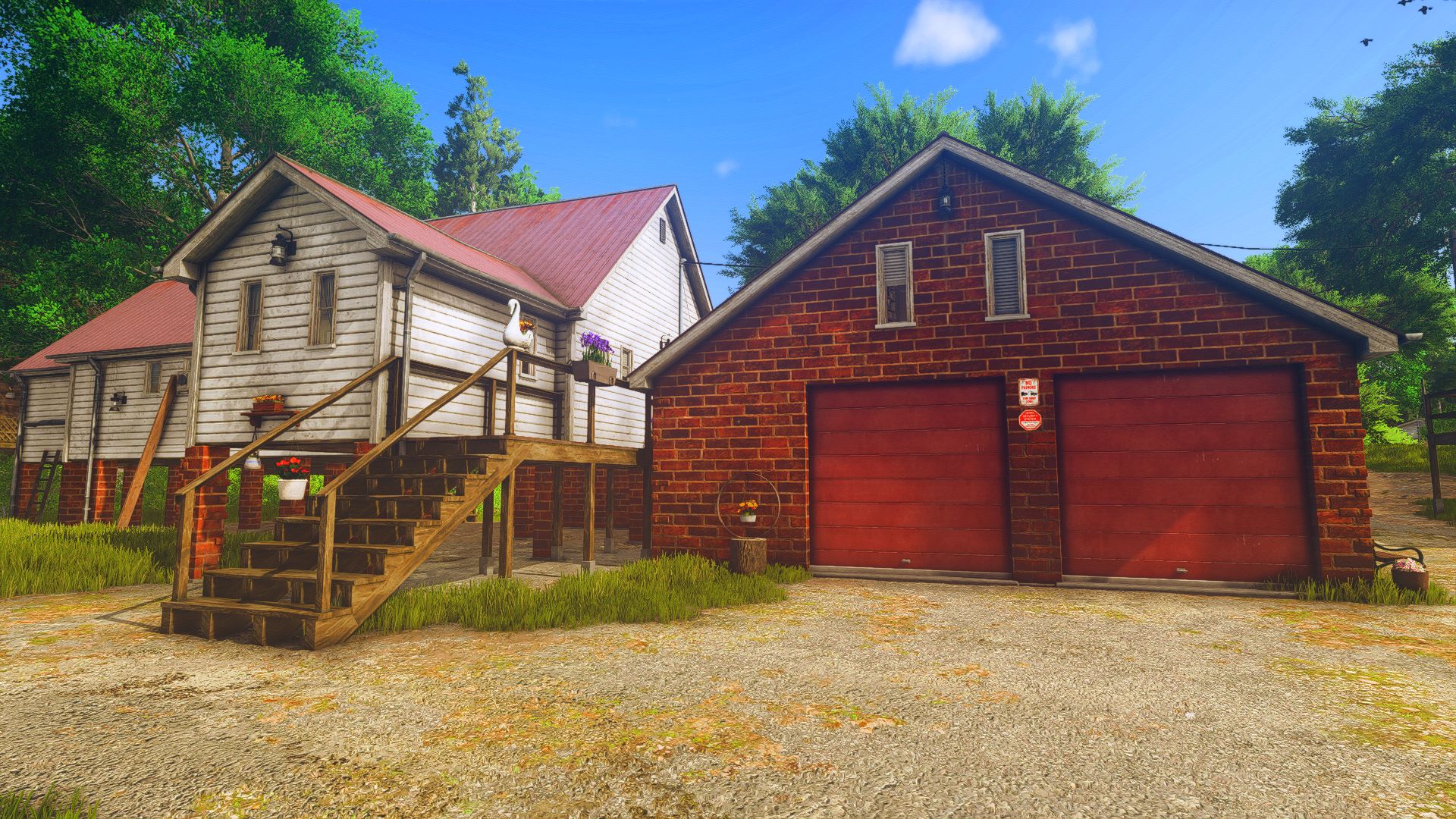
This ReShade preset is designed to bring realistic performance-friendly visuals to Farming Simulator 25.
It enhances clarity, color balance, lighting behavior and scene depth without breaking the original look of the game.
Main Features
• Image sharper and cleaner, revealing natural detail.
• Automatically balances brightness so nothing looks too dark or too bright.
• More natural, photo-like colors and contrast.
• Subtle ambient shadows, making objects look deeper and more realistic.
• A cinematic focus blur effect ideal for screenshots.
• Corrects black and white levels for a cleaner, less washed-out image.
• Color Grading with LUT
Required In-Game Settings:
• Disable the game’s built-in HDR (the preset handles all HDR-like behavior).
• Disable the map’s Custom Lighting in the “Additional Game Settings” menu
(Prevents conflicts with exposure and color correction.)
Installation:
Download and install ReShade 6.0+.
Select the game executable:
…\Farming Simulator 25\x64\FarmingSimulator2025.exe
Choose DirectX 12.
When ReShade asks which shader packs to install, select:
✔ Standard Effects
✔ qUINT (MXAO, ADOF)
✔ PD80 / prod80
✔ HDR & Tonemap
✔ Clarity
Place the preset file RealisticSimple.ini inside:
*…\Farming Simulator 25\x64*
Launch the game, press Home, and select the preset and aply.
Remember to enable "performance mode"