Search results for philly streetz 2 script

35 results
  • GE10 Script - Placeable XML Editor (Prefab)
    1 543
    KingMods Logo
    Published by KingMods
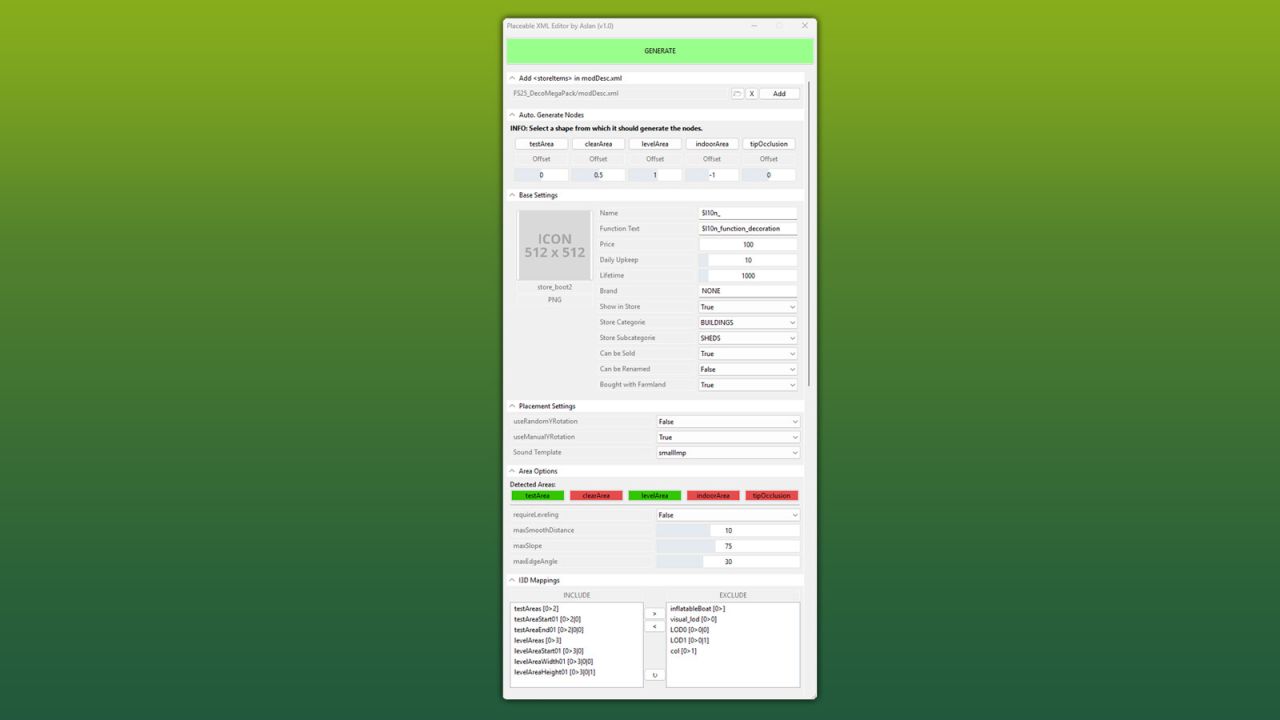
    This GIANTS Editor script allows you to easily create and edit a placeable XML file. The script automatically detects the corresponding placeable.xml, provided it is located in the same directory and has the same name as the .i3d file. If existing entries are found, all supported parameters are read and made available for editing within the tool. Installation: 1.) Locate the installation directory of the GIANTS Editor. By default: "C:\Program Files\GIANTS Software\GIANTS_Editor_10.X.X\" 2.) Copy the script "PlaceableXMLEditor.lua" and "iconBigDefault.png" from the prefab folder into the script directory of the GIANTS Editor. 3.) The script will then be available in the GIANTS Editor via the menu bar under “Scripts”. Usage: 1.) Start the script on an object that you want to create as a placeable. 2.) The script automatically detects whether the object is located inside a mod and, if so, enables the tab “Add in modDesc.xml”. There, the path to the modDesc.xml can be specified in order to automatically add the placeable XML to the modDesc. 3.) Areas can be generated automatically. Set the offset value (in meters), select the object from which the areas should be generated, and click the corresponding button to create the area. 4.) Adjust all parameters according to your requirements. 5.) In the “I3D Mappings” section, select the nodes that should be stored in the I3D mappings of the XML. If necessary, the scene graph can be reloaded using the “Refresh” button. 6.) Finally, click “GENERATE” or “UPDATE” at the top to create or update the placeable.xml. INFO: At the moment, it is not yet possible to create all placeable specializations such as sellingStation, buyingStation, husbandries, etc. directly within the tool. However, the script can be used as a base to generate an XML file, which can then be manually extended with additional specializations. The PlaceableIcon is currently only displayed if it is a .PNG file. .DDS files are not (yet) supported by the Giants Editor in scripts! The script only modifies parameters that are configurable within the tool. Any existing XML entries that are not supported by the script will remain unchanged and will not be removed or overwritten.
    Updated
  • GE10 Script - Placeable Importer (Prefab)
    922
    KingMods Logo
    Published by KingMods
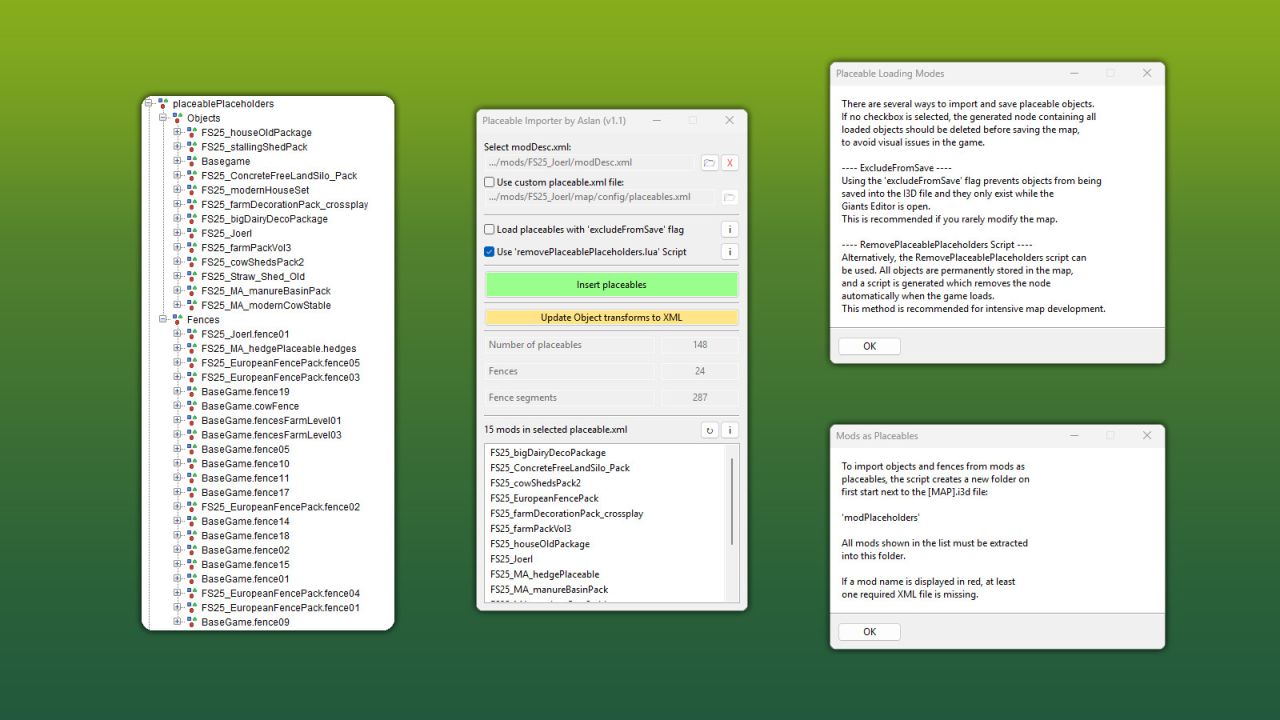
    This GIANTS Editor script allows you to import all placeables, including fences, into your map that are defined in a selected “placeable.xml”. Unlike the official PlaceableToolkit by GIANTS, this script works purely with a visual representation during the map building phase. This means you can first place objects and fences in-game and then import them into the GIANTS Editor using this script to maintain a complete visual overview of all placed elements while continuing map development. Additionally, the script generates an in-game script that automatically removes the imported visualization placeables from the I3D when the map is loaded in-game, allowing the real placeables to load normally. For this feature to work, a “modDesc.xml” must be selected in the GE script. Installation: 1.) Locate your GIANTS Editor installation directory. By default: "C:\Program Files\GIANTS Software\GIANTS_Editor_10.X.X\" 2.) Copy the script “PlaceableImporter.lua” from the prefab into the GIANTS Editor script folder. 3.) The script will then be available in the GIANTS Editor via the menu bar under “Scripts”. INFO: - To load placeables from mods, the script creates a folder named “modPlaceholders” on first launch. All required mods must be extracted into this folder. - Object placeables can be moved/rotated in the editor and updated back to the .XML via the update button. Make sure the placeables in the .XML contain a "uniqueId". - Fences can also be permanently integrated into the map by moving the desired fence objects outside of the “placeablePlaceholders” node. When using mod fences, texture paths may need to be adjusted.
    Updated
  • RoadCreator Script Pack
    12 113
    KingMods Logo
    Published by KingMods
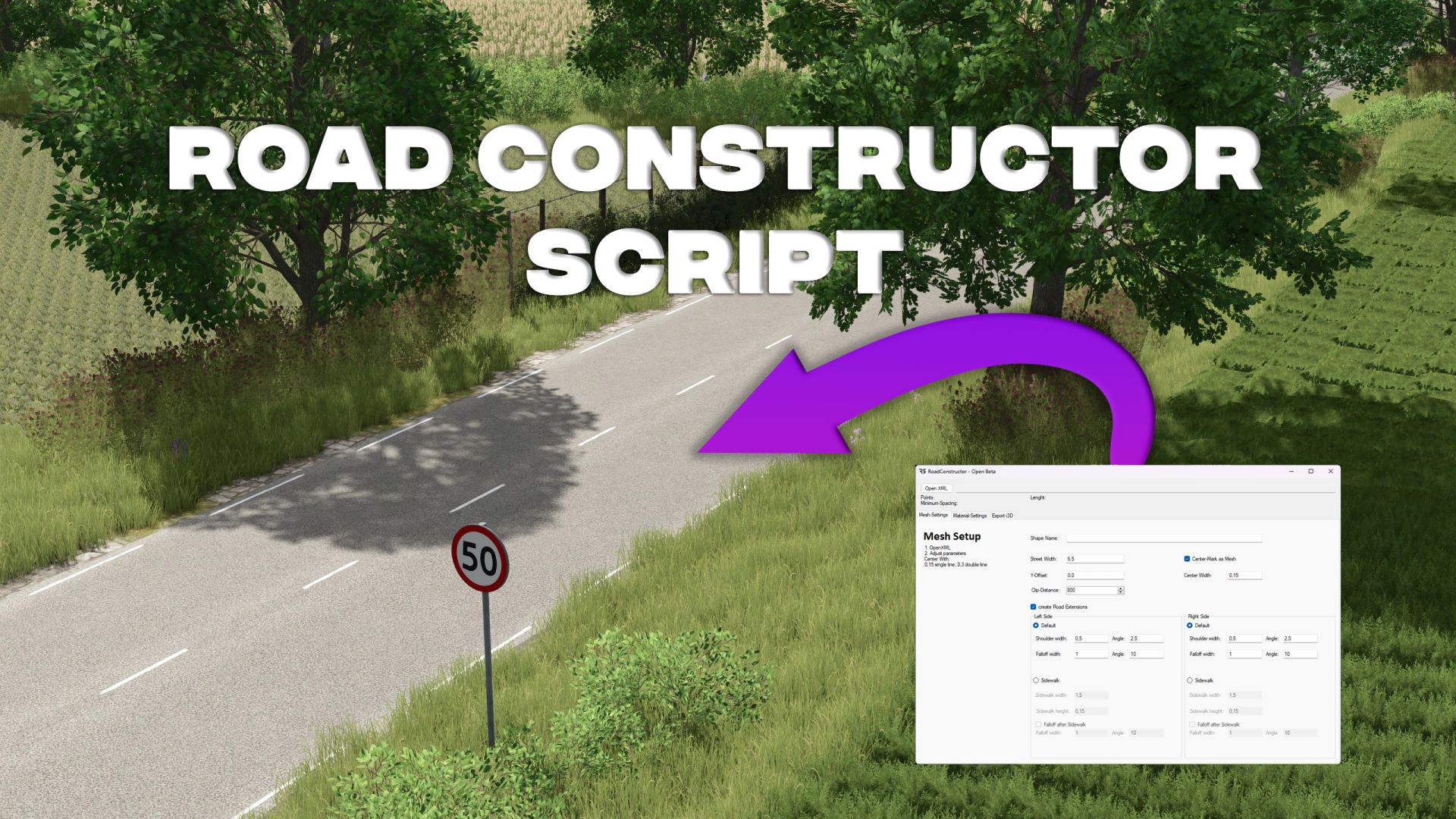
    Hello everyone, This script package contains updated versions of GE scripts for the use of Roadcreator in Ge 10. As usual, the script creates an XML file that can be used with Roadcreator (R5 Modding-Uils Open-Beta) to create roads. Script files must be copied manually into the appropriate script directory of your Giant editor. Thanks to Jogi, there is now a video tutorial corresponding to this. Please note: This is a bypass solution! There is currently no new version of Roadcreator for FS25. The roads generated are not compatible with the Roadshader FS25.
  • Script for hiding fill types in silos without a fill quantity
    6 316
    KingMods Logo
    Published by KingMods
    A script that hides fill types with a fill quantity of 0 when loading a trailer or device. This script hides all fill types that have no quantity in the silo when unloading from the silo into a trailer or device. All registered fill types can still be stored in the silo. Only those with a quantity of 0 are hidden when unloading. This also depends on the trailer/device. However, at least 1 Filltype must be included in the silo to use it.
  • Editable Text Signs Script (Prefab)
    5 692
    This prefab allows you to add text you models that can be edited by players, all instructions are included in lua file that you will need to edit. Prefab is based on my existing mod 'Customizable Digital Signs' a lot of people ask for permission to use script form that mod so i decided to make a prefab version of the mod so evryone can use without asking for permisinon.
  • AI-Traffic Light System Script
    11 139
    KingMods Logo
    Published by KingMods
    Script for a traffic light system that regulates the AI traffic and in the future also the AD traffic. Only with green the AI vehicles drive. The green phases can be set directly in the map. Each crossing can have as many phases as you need. Each phase has as many traffic lights and lights as you need. The structure can be seen in the example i3d crossing. The example is only for reference and not for direct usage in Maps. More detailed description in the script file. Trafficlights are synced in Multiplayer.
  • Compressed air sound script
    25 809
    KingMods Logo
    Published by KingMods
    A script that changes the sound of some tractors. “Do you still remember the compressor sound from the LS17's compressed air system? That sound is back now, as this global script adds a compressor sound to all tractors and trucks, as long as they have a system. compressed air according to vehicle XML and XML sound. When braking or connecting a trailer with a compressed air system, the compressed air tank is emptied; below 50%, the air compressor starts and refills the tank to 100%. If a trailer's compressed air hoses are connected to a tractor, a hissing sound is heard and you can hear compressed air flowing into the trailer. When you remove the compressed air hoses, you may also hear a hissing sound. If a trailer mod has not (yet) installed dynamic hoses, there will be no whistling. This also applies to trailers equipped only with hydraulic hoses, as they are braked using hydraulic pressure instead of air pressure. "
  • Solar Battery Script
    9 915
    !!!Script needs to be installed manually to vehicles!!! Adds ability for a vehicle to only work if solar power is active, else switching to battery. Battery has a defined lifetime. If lifetime is reached, motor turns off and recharges when sun is back. Instructions to modify settings, are within lua-file.
  • TerraTrac script
    10 393
    This is the conversion of the FS17 script for the 3D tracks of your excavators. It is not a mod. You must put TerraTrac.lua in your mod and configure it in your modDesc.xml and vehicle.xml. Everything is identical to that of FS17. See readme.txt in the zip for detailed instructions. If you find any errors or problems, please let me know at [email protected]