Dieser Mod öffnet das Rohr eines Mähdreschers, wenn dieser sich im KI-Modus befindet, und Sie können einen Prozentsatz festlegen, wann das Rohr geöffnet werden soll
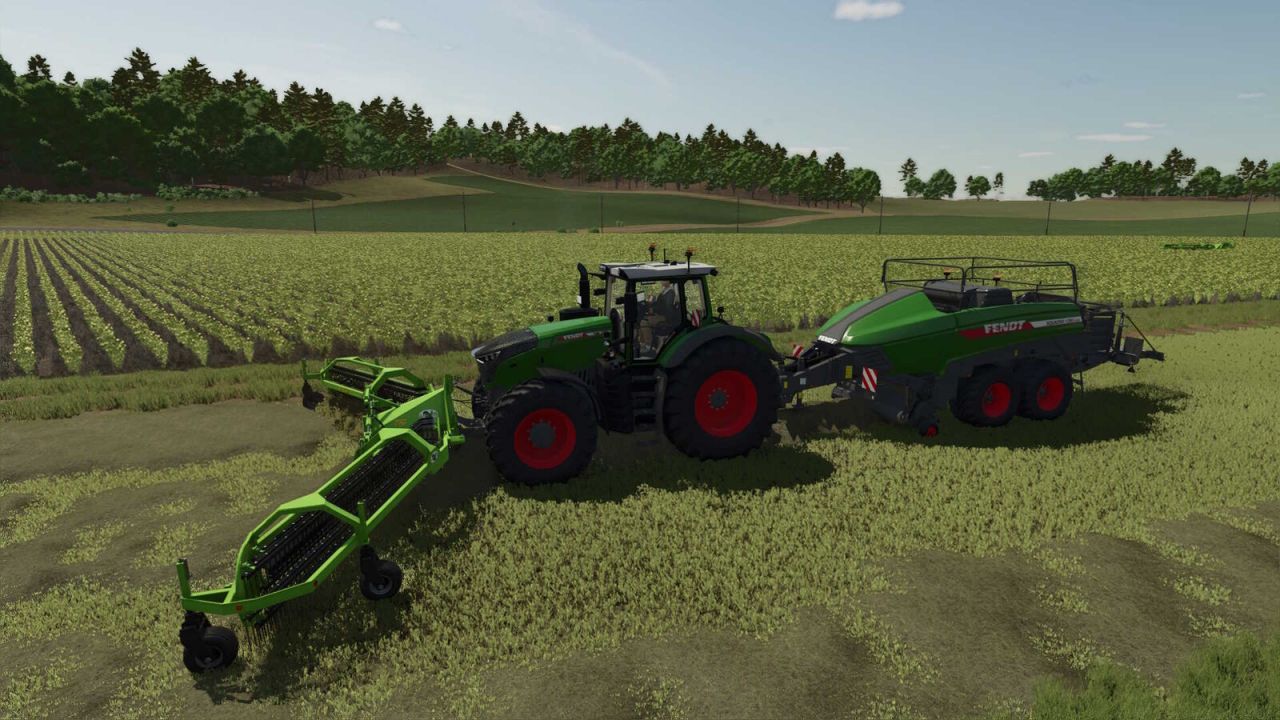
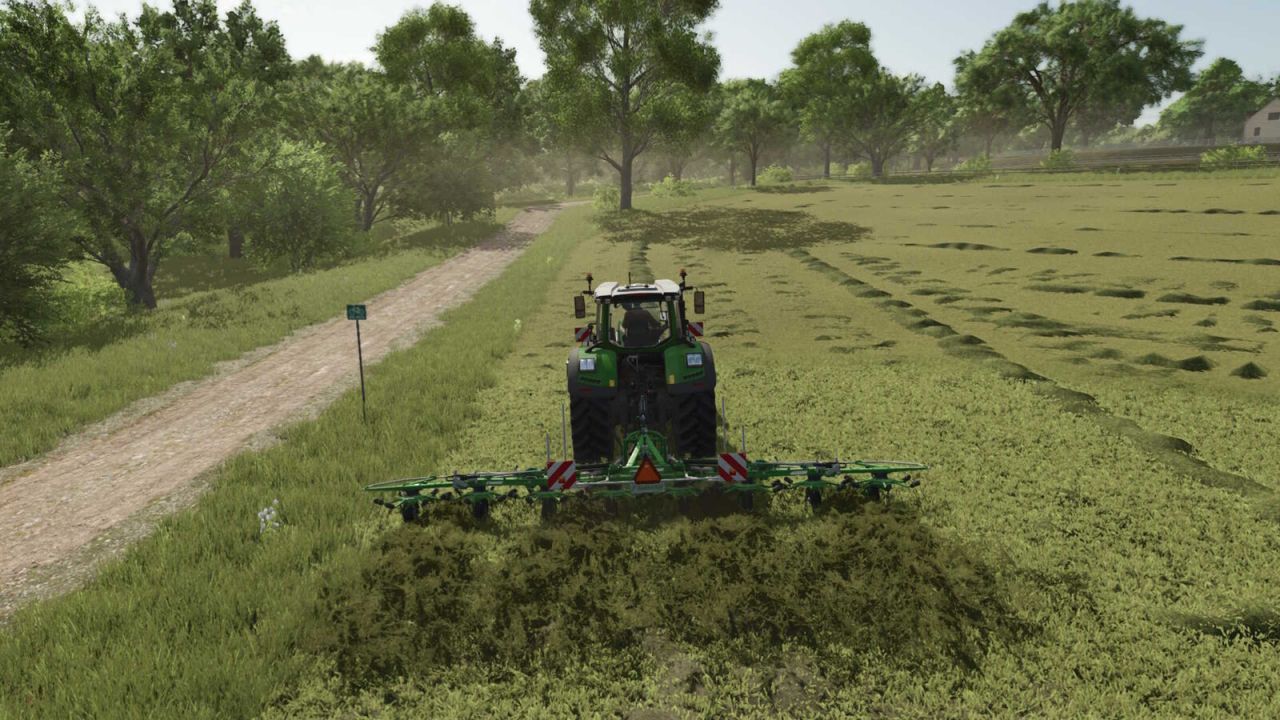
Bei Verwendung von KI-Helfern aktiviert der Landwirtschafts-Simulator 25 normalerweise keine Ballenpresse.
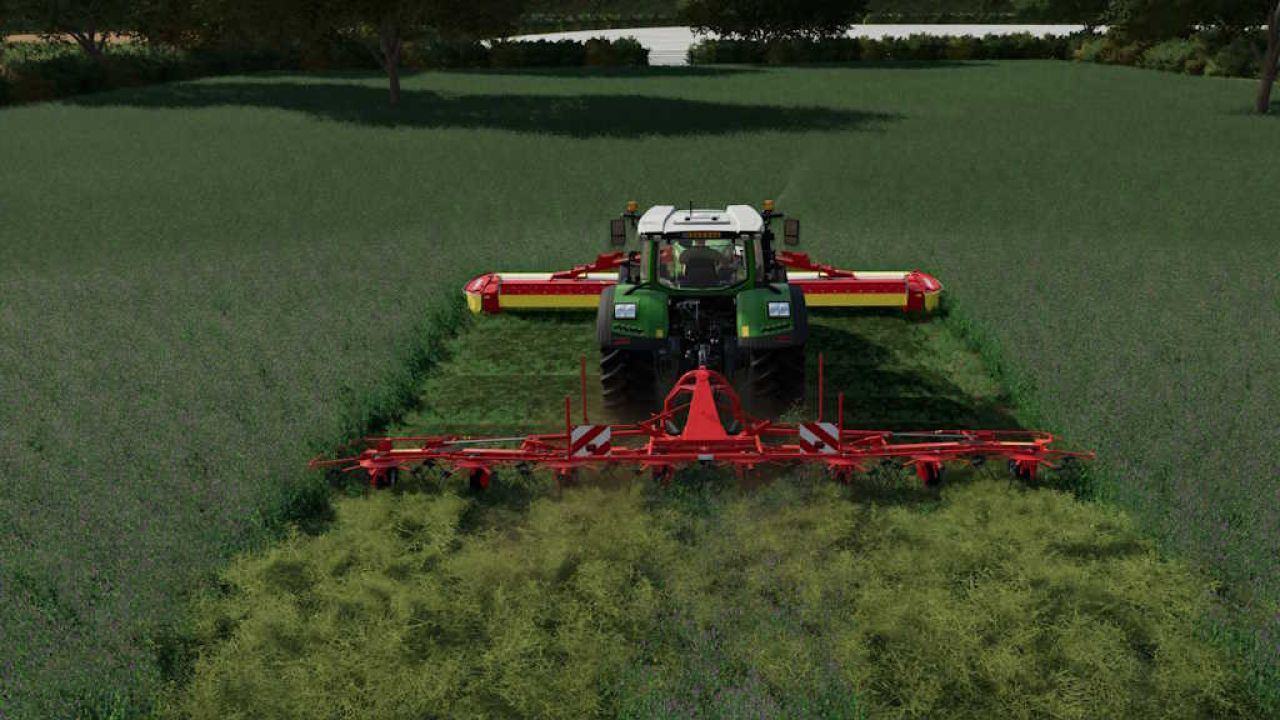
Ein vorne montierter Mäh-/Rechenapparat ist unerlässlich.
Diese Mod behebt das.
Features
KI schaltet die Ballenpresse automatisch EIN
Pickup wird gesenkt und aktiviert
Rundballenpressen werden bei ~95% Füllung langsamer (um den Kammerdruck zu kontrollieren)
KI stoppt vollständig beim Entladen eines Rundballens (verhindert das Losfahren während des Entladens)
Fährt automatisch weiter, wenn die Kammer geschlossen ist
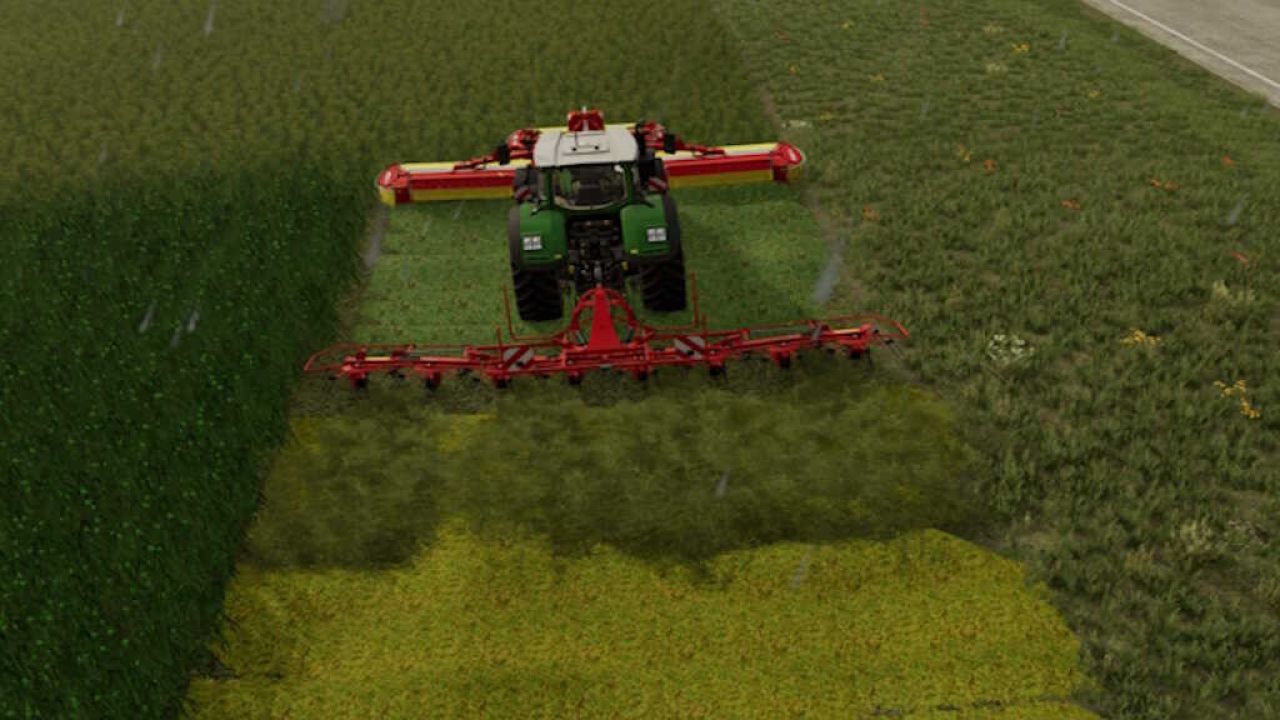
Intelligente Aktivierung: Der Helfer schaltet den Futterwagen automatisch EIN, sobald ein Frontmähwerk oder ein Schwader im Gespann aktiv ist.
Pickup-Steuerung: Die Pickup wird automatisch gesenkt und aktiviert.
Automatische Abschaltung: Sobald der Futterwagen seine maximale Kapazität (100%) erreicht hat, beendet der KI-Helfer die Arbeit automatisch und bleibt stehen.
Das Ballenpressenpaket funktioniert mit KI und Silagezusatz
Ballenpressen:
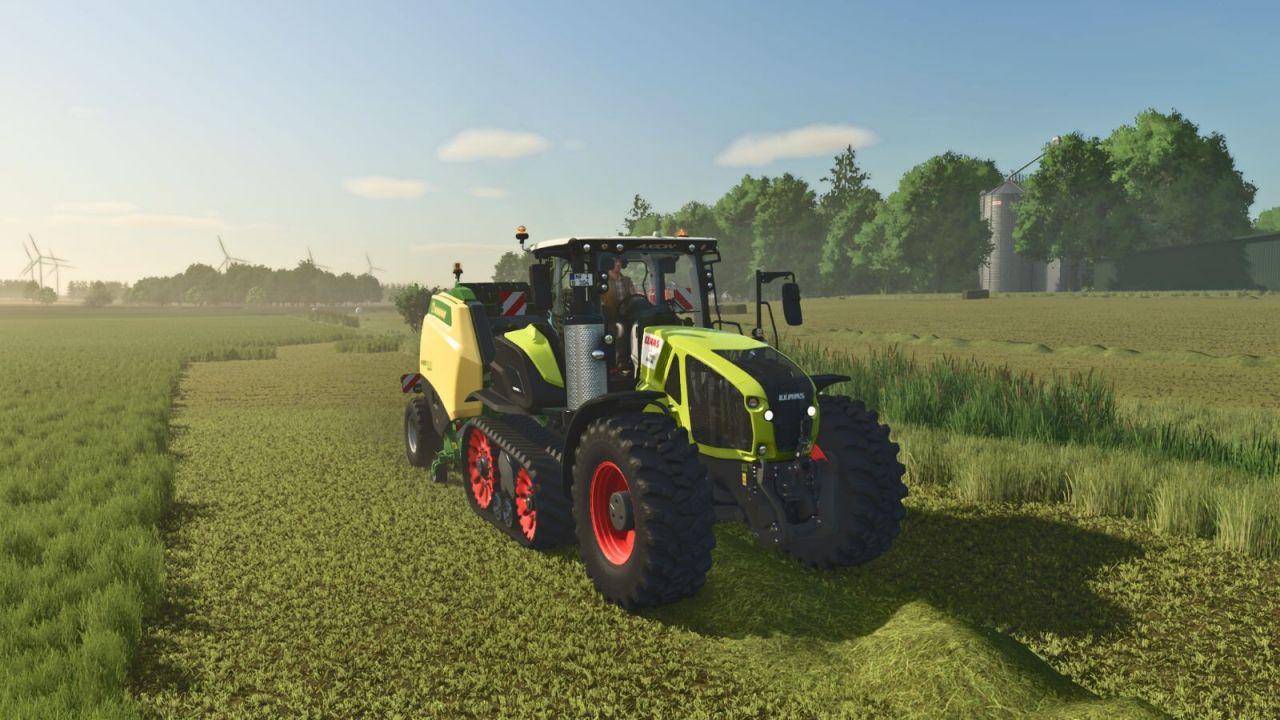
- Krone VariPack V 190 XC Plus AI Preis : €69500
- John Deere C441R AI Preis : €112500
- Claas QUADRANT 5300 FC AI Preis : €171000
Merkmale:
- Funktioniert mit KI
- Vorkammer
- Größerer Kommissionierbereich
- Chassisfarbkonfigurationen
- Felgenfarbe konfigurierbar
- Gewichtskonfigurationen
EXTRAS
- KUHN SW 4014 Schnelles Wickeln aller Ballengrößen
- GPS Weight
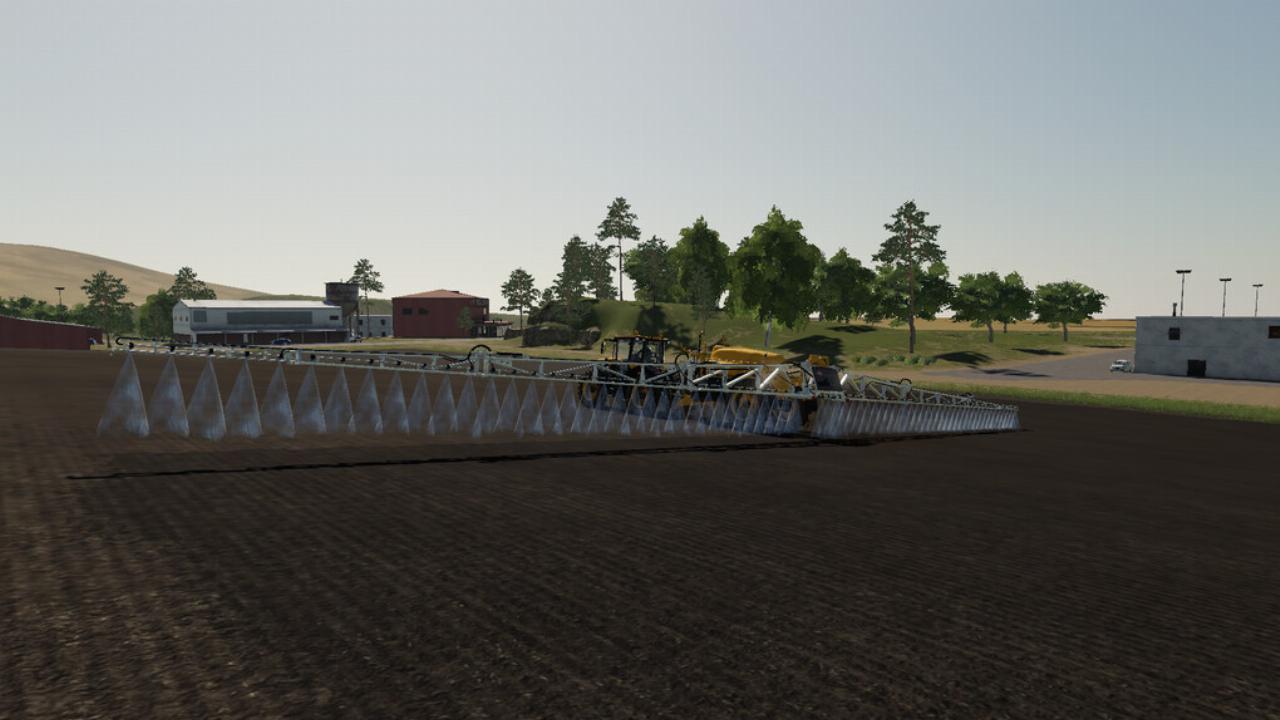
Dieser Mod hat die Funktion, dass der Helfer für Feldsprüher und Miststreuer zusätzlich zu den Standardfüllarten neue erkennen und verbreiten kann.
Zusätzlich zu den bisherigen Düngemitteln und Herbiziden werden derzeit folgende Arten unterstützt:
+ Kompost (KOMPOST)
+ Composttea (COMPOSTTEA)
Wichtig:
Je nach Ihren persönlichen Vorlieben können Sie einzelne Düngemitteltypen weglassen. Wenn im Savegame viele neue Fülltypen registriert sind, kann es zu Konflikten mit anderen Mods kommen, z. B. mit MaizePlus, verschiedenen Produktionen, dem Season Mod oder dem Straw Addon.
Die Füllarten selbst sind nur in die "Software" der Feldsprüher und Miststreuer eingebaut, um sie dem Helfer bekannt zu machen. Mit dieser Änderung werden sie nicht auf der Karte oder in den Fahrzeugen registriert. Dazu werden die einzelnen Mods Kompost oder Composttea benötigt, die Sie hier im offiziellen Modhub finden.
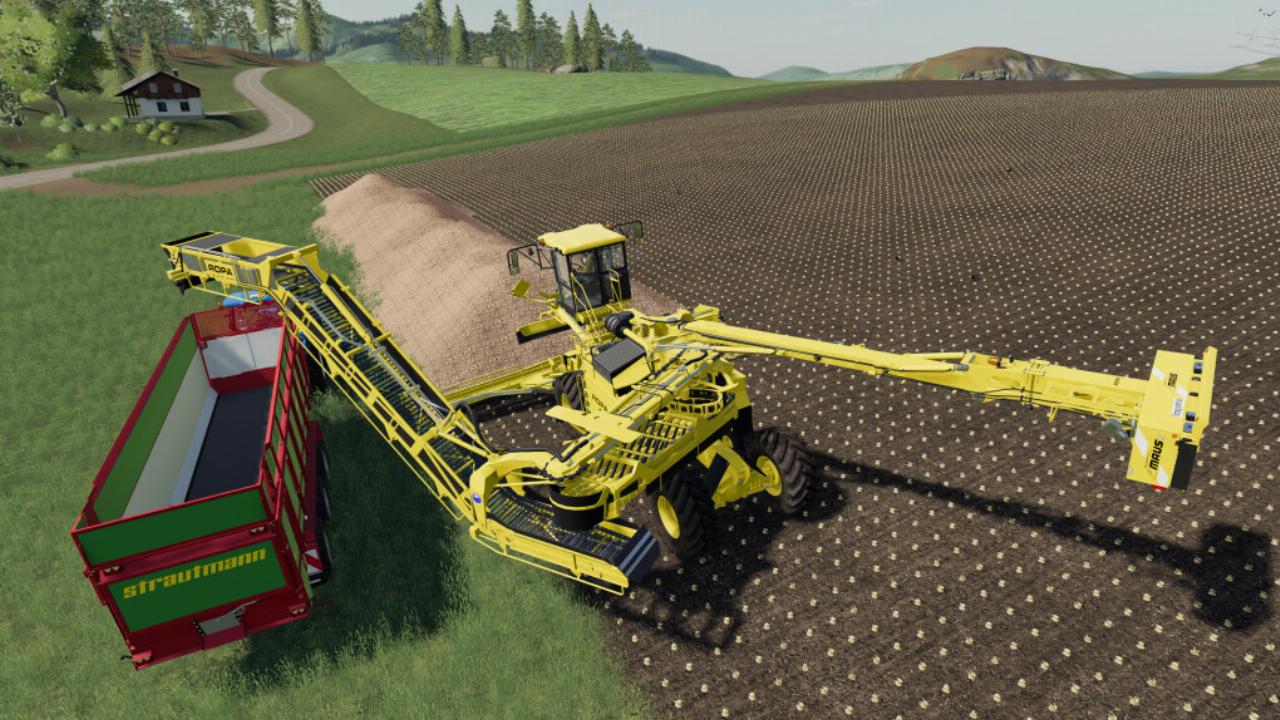
Mit diesem Mod können Helfer Ihre Laderfahrzeuge fahren. Stellen Sie das Fahrzeug einfach direkt vor den Haufen und drücken Sie "H".
Wenn Sie das Material am Boden entladen möchten, drücken Sie "STRG + I", bevor Sie den Helfer einstellen.
Der Helfer fährt weiter und lädt, bis er nichts mehr zum Laden findet.
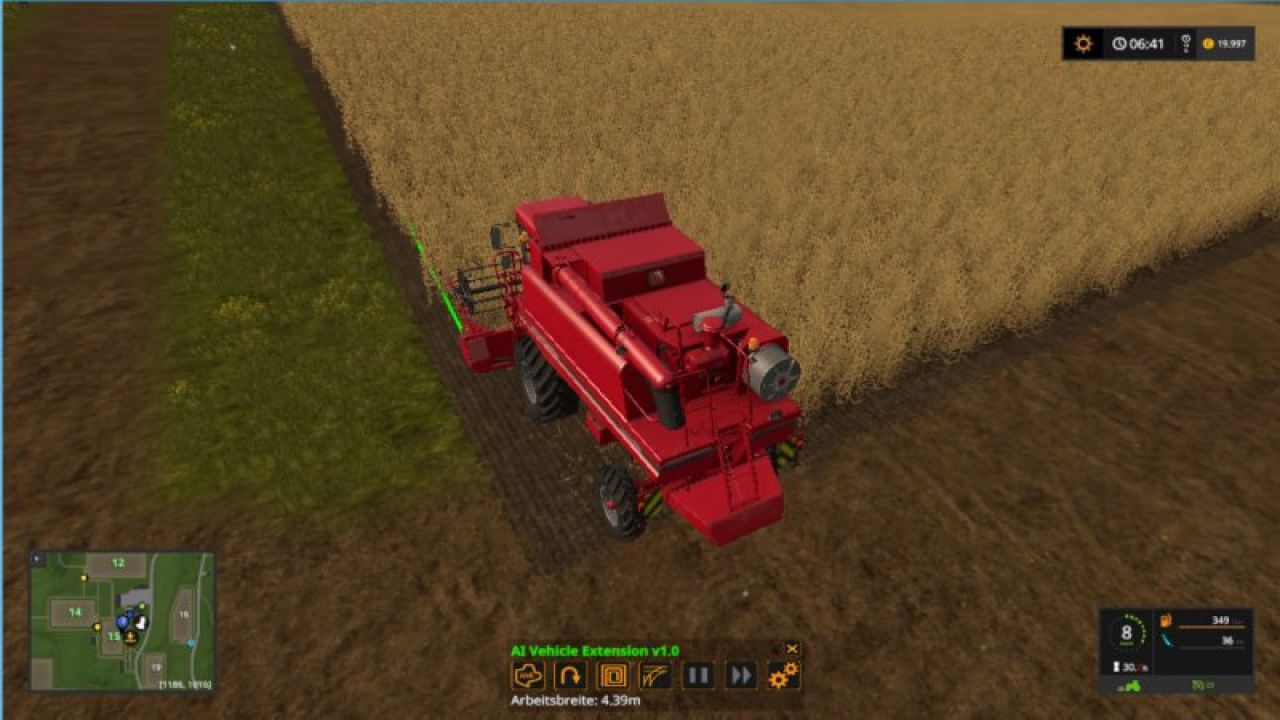
AIVehicleExtension contains an alternative hired worker that can work on fields with irregular edges. It has some additional features like a circular mode and headland support.
This mod automatically inserts itself into all vehicles if they already support the normal hired worker. Only exception are vehicles with articulated axis.
When starting this alternative helper it briefly scans the field at the current vehicle position. But apart from this, the alternative hired worker has only a little idea of where it is on the field. Instead, this mod looks, starting from the current position, for the border between untouched and already worked area is.
On beautiful rectangular fields with lots of free space around you can better use the normal hired worker. If you want to follow a certain path on the field then I recommend using CoursePlay. The mod FollowMe is great for simple following tasks. I have the two mods together with AIVehicleExtension in my mods folder.
Here are the most important input bindings:
* H: Start or stop the hired worker
* Left shift + H: Open the settings dialog
* Left control + H: Open the head up display
* Left alt. + H: Toggle automatic steering
* Left alt. + V: Raise or lower all tools
* Left alt. + 5: Toggle circular mode
* Left alt. + 6: Swap side
* Left control + Tab: Jump to next hired worker
Changelog 1.1:
* Improved edge detection
* Auto steer
* Change of headland mode in HUD
* Support of vehicles with articulated axis in combination with trailer or trailer low attacher
Changelog v1.2:
* Better edge detection for tools at 3-point hitch in the back
* fixed problem with corn headers
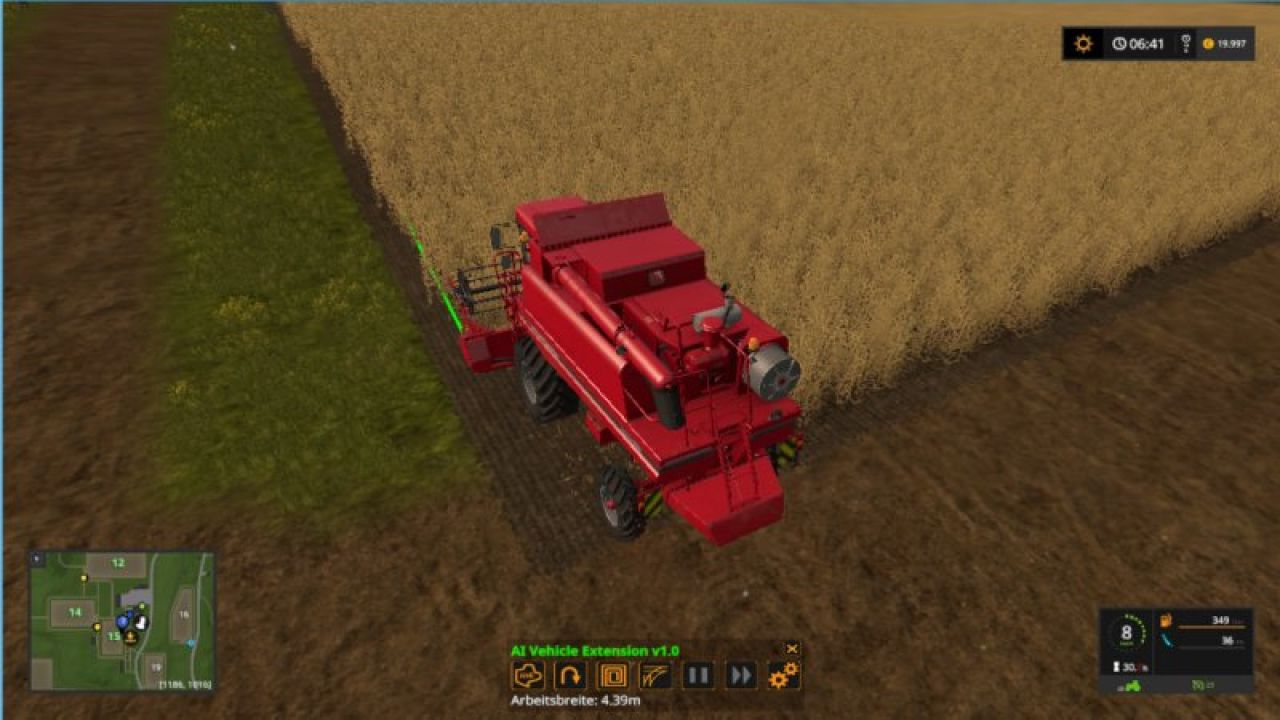
AIVehicleExtension contains an alternative hired worker that can work on fields with irregular edges. It has some additional features like a circular mode and headland support.
This mod automatically inserts itself into all vehicles if they already support the normal hired worker. Only exception are vehicles with articulated axis.
When starting this alternative helper it briefly scans the field at the current vehicle position. But apart from this, the alternative hired worker has only a little idea of where it is on the field. Instead, this mod looks, starting from the current position, for the border between untouched and already worked area is.
On beautiful rectangular fields with lots of free space around you can better use the normal hired worker. If you want to follow a certain path on the field then I recommend using CoursePlay. The mod FollowMe is great for simple following tasks. I have the two mods together with AIVehicleExtension in my mods folder.
Here are the most important input bindings:
* H: Start or stop the hired worker
* Left shift + H: Open the settings dialog
* Left control + H: Open the head up display
* Left alt. + H: Toggle automatic steering
* Left alt. + V: Raise or lower all tools
* Left alt. + 5: Toggle circular mode
* Left alt. + 6: Swap side
* Left control + Tab: Jump to next hired worker
Changelog 1.1:
* Improved edge detection
* Auto steer
* Change of headland mode in HUD
* Support of vehicles with articulated axis in combination with trailer or trailer low attacher
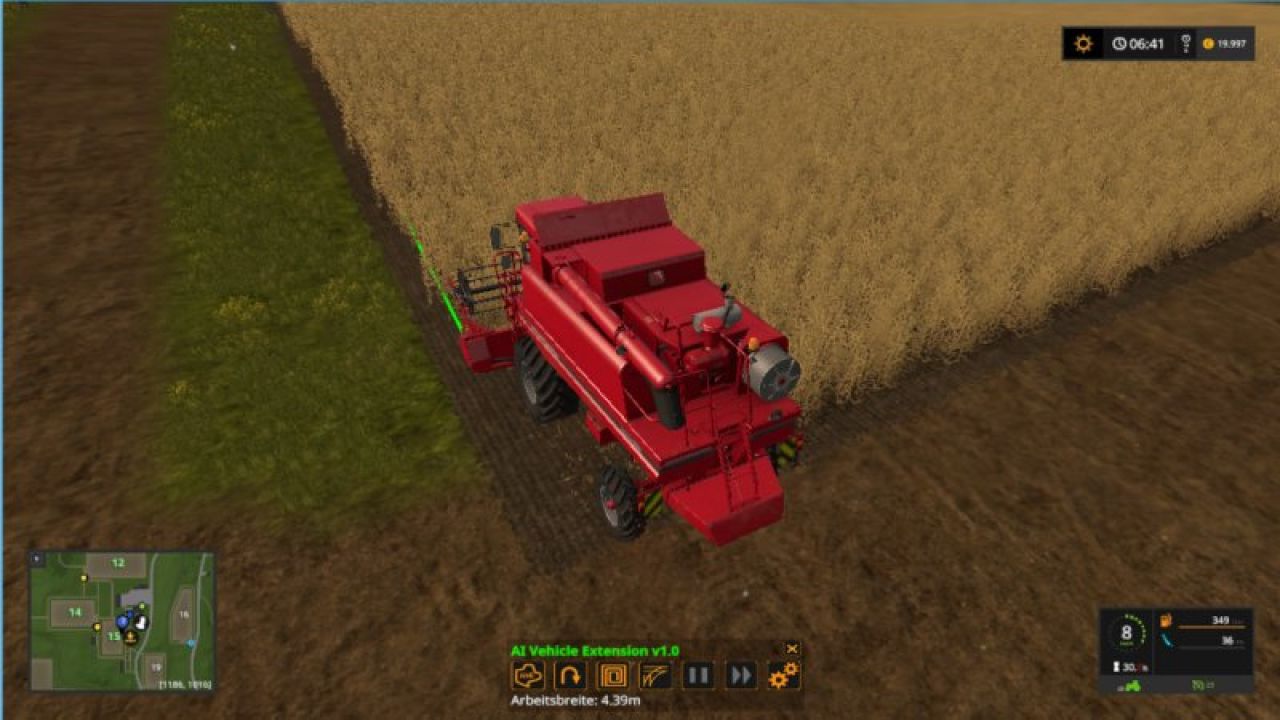
AIVehicleExtension contains an alternative hired worker that can work on fields with irregular edges. It has some additional features like a circular mode and headland support.
This mod automatically inserts itself into all vehicles if they already support the normal hired worker. Only exception are vehicles with articulated axis.
When starting this alternative helper it briefly scans the field at the current vehicle position. But apart from this, the alternative hired worker has only a little idea of where it is on the field. Instead, this mod looks, starting from the current position, for the border between untouched and already worked area is.
On beautiful rectangular fields with lots of free space around you can better use the normal hired worker. If you want to follow a certain path on the field then I recommend using CoursePlay. The mod FollowMe is great for simple following tasks. I have the two mods together with AIVehicleExtension in my mods folder.
Here are the most important input bindings:
* H: Start or stop the hired worker
* Left shift + H: Open the settings dialog
* Left control + H: Open the head up display
* Left alt. + H: Toggle automatic steering
* Left alt. + V: Raise or lower all tools
* Left alt. + 5: Toggle circular mode
* Left alt. + 6: Swap side